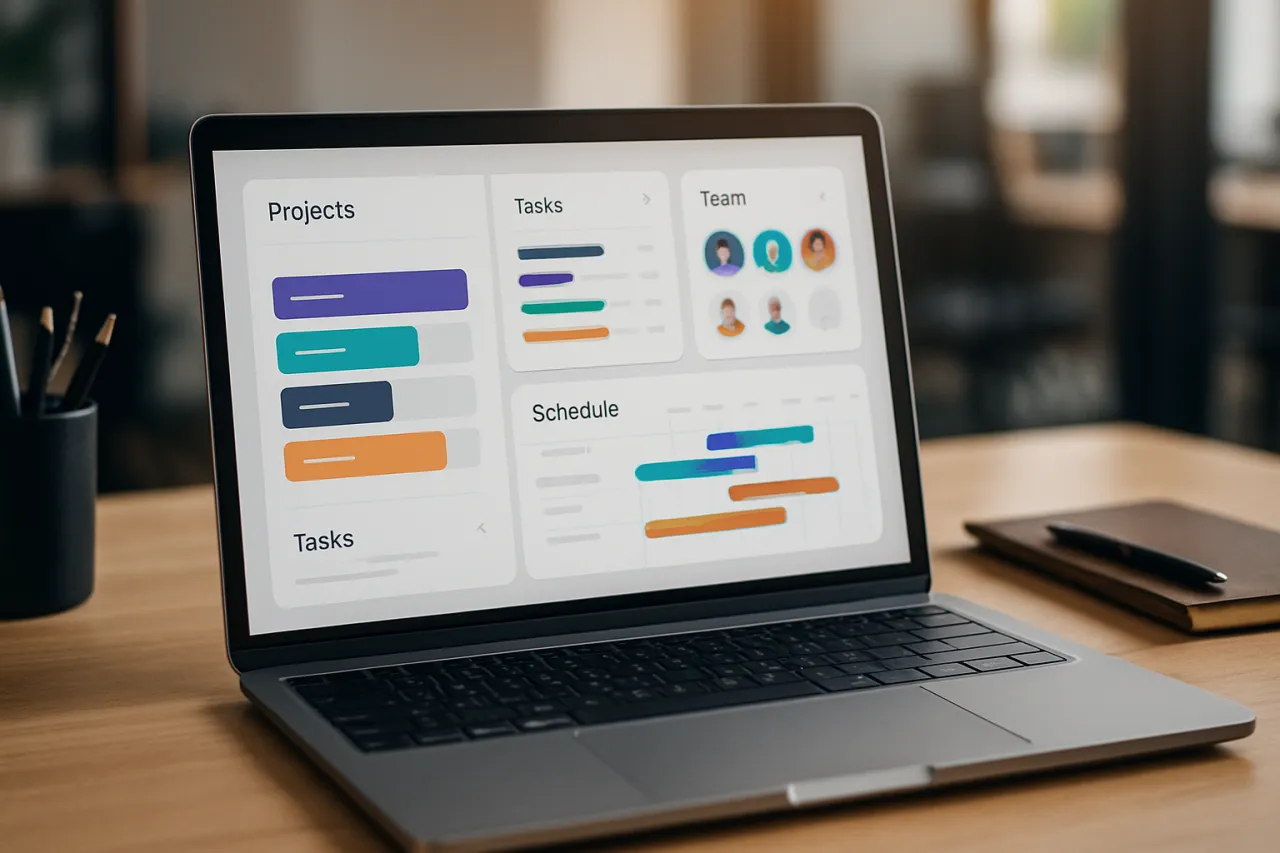
Choosing the Right Project Management Software for Your Team
Introduction
In today's fast-paced work environment, effective project management is crucial for the success of any team. Whether you are part of a small startup or a large corporation, the right project management software can streamline your processes, enhance collaboration, and keep your projects on track. However, with the plethora of options available, determining which software is the best fit for your team can be overwhelming. This guide will help you navigate the essential factors to consider when selecting project management tools that align with your team's unique workflows and dynamics.
Selecting the right project management software involves a careful assessment of your team's needs, preferences, and budget. This article will demystify the selection process by detailing important features, common mistakes to avoid, and providing evaluation criteria. You'll also find practical advice on making the most out of software trials to ensure you make an informed decision.
What Is Project Management Software
Project management software encompasses a variety of tools designed to assist teams in planning, organizing, tracking, and completing projects efficiently. These tools offer functionalities that facilitate collaboration, task allocation, timeline management, and resource allocation, ultimately aiming to enhance productivity and accountability among team members.
Why It Matters
Choosing the right project management software is critical because it directly affects your team's ability to communicate, meet deadlines, and achieve project goals. An inadequate tool can lead to confusion, missed deadlines, and diminished team morale. Conversely, the right software can foster a collaborative environment, keep everyone on the same page, and help your team reach its full potential. Understanding what features are most beneficial for your specific context will empower you to make a choice that enhances your team’s performance.
Best Software / Methods / Strategies
1. Asana
- Overview: Asana is a popular project management platform that helps teams organize their work through tasks, projects, and timelines.
- Strengths: User-friendly interface, customizable workflows, and robust integration with other tools.
- Limitations: Can become complex for larger projects; pricing may increase with additional features.
- Best for: Teams looking for flexibility and ease of use.
- Pricing overview: Free tier available; premium plans start at $10.99/user/month.
2. Trello
- Overview: Trello utilizes a card-based system on boards to represent tasks, making it visually appealing and intuitive.
- Strengths: Simple setup, great for visual learners, and highly customizable with Power-Ups.
- Limitations: Limited advanced features compared to other platforms; may not suit larger teams.
- Best for: Smaller teams or projects that benefit from a visual approach.
- Pricing overview: Free tier available; premium plans start at $12.50/user/month.
3. Monday.com
- Overview: This work operating system offers a range of templates and customizable boards to adapt to various workflows.
- Strengths: Highly customizable, good for tracking progress, and offers automation features.
- Limitations: Can be overwhelming due to numerous options; may have a steeper learning curve.
- Best for: Teams needing customization across diverse projects.
- Pricing overview: Plans start at $8/user/month with a minimum of three users.
4. ClickUp
- Overview: ClickUp is an all-in-one project management tool that combines tasks, docs, goals, and chat functionality.
- Strengths: Feature-rich, affordable pricing, and suitable for various team sizes.
- Limitations: Complexity may intimidate new users; can be resource-heavy.
- Best for: Teams looking for comprehensive features in one platform.
- Pricing overview: Free tier available; unlimited plan starts at $5/user/month.
5. MLCode
- Overview: MLCode is a specialized tool designed to enhance project management for software development teams.
- Strengths: Focus on coding tasks, excellent for tech teams, and supports agile methodologies.
- Limitations: May be less suitable for non-technical teams; pricing can vary.
- Best for: Development teams looking for tailored project management tools.
- Pricing overview: Available upon request at MLCode.
How to Choose the Right Solution
When evaluating project management software, consider the following criteria:
- Functionality: Identify the core features your team requires, such as task management, time tracking, or budgeting.
- User Experience: The software should be intuitive and easy to use for all team members.
- Integration: Check compatibility with existing tools your team uses to avoid disruption.
- Scalability: Ensure the software can grow with your team and accommodate increased workloads.
- Support and Training: Evaluate the level of customer support and available training resources.
Common Mistakes
- Underestimating Team Needs: Failing to involve your team in the selection process can lead to choosing a tool that doesn't meet everyone’s needs.
- Ignoring Trial Periods: Neglecting to utilize free trials can result in unforeseen issues after purchase.
- Not Considering Future Growth: Selecting software that only meets current needs without considering future scalability may lead to further transitions down the line.
Frequently Asked Questions
1. What features should I look for in project management software?
Look for task management, collaboration tools, timeline views, and reporting capabilities.
2. How can I effectively trial project management software?
Involve your team, test key features, and evaluate the software's ease of use during the trial.
3. Is it better to choose a free or paid project management tool?
It depends on your team's requirements; free tools may suffice initially, but paid options often offer advanced features.
4. How do integrations affect project management software choice?
Integrations can enhance productivity by allowing seamless data sharing between tools your team already uses.
5. Can project management software help with remote teams?
Yes, many tools offer features that enhance collaboration and communication among remote team members.
Conclusion
Choosing the right project management software requires a thoughtful approach that considers both your current needs and future growth. By evaluating various options against your team's workflow and preferences, you can select a solution that fosters collaboration and enhances productivity. Avoid common pitfalls, such as disregarding team input and skipping trial periods, to make a well-informed decision. With the right tools, your team can navigate projects more efficiently and effectively, ultimately reaching your goals with greater ease.
About the Author
Digital Marketing Expert
Kimberly Baker is a digital marketing expert with 12+ years of experience reviewing and testing Cloud Computing software. She helps businesses find the right digital tools to scale their operations.