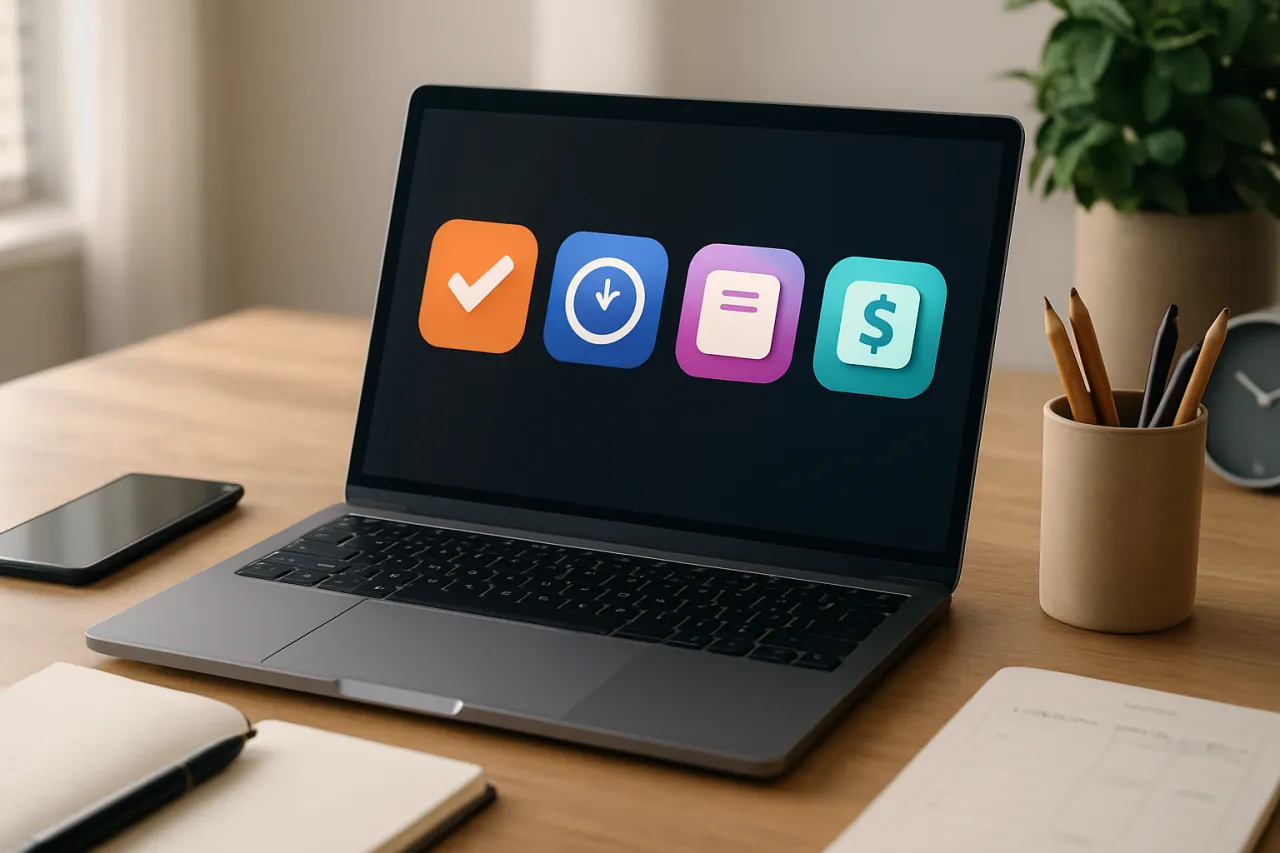
Top Free Tools for Freelancers to Boost Productivity
Introduction
Freelancing offers flexibility and independence, but it also comes with the challenge of managing multiple clients and projects. Without the right tools, staying organized can quickly become overwhelming. In this article, we will explore various free tools specifically designed to help freelancers optimize their workflow, enhance productivity, and manage their workloads more efficiently.
Whether you're a graphic designer, writer, or consultant, the tools mentioned here will cater to various aspects of freelancing, from project management to invoicing. By the end, you’ll have a curated list of user-friendly solutions that can significantly ease your day-to-day tasks.
What Are Free Tools for Freelancers?
Free tools for freelancers encompass a range of software solutions that assist in various aspects of freelance work, such as project management, time tracking, invoicing, and communication. These tools are often accessible online, allowing freelancers to manage their work from anywhere, making them ideal for those who work remotely or travel frequently.
Why It Matters
Utilizing effective tools can dramatically enhance a freelancer's productivity and efficiency. With the right resources, freelancers can streamline their processes, reduce administrative burdens, and focus more on their core work. This not only helps in managing time better but also contributes to improving overall client satisfaction.
Best Software / Methods / Strategies
Trello
- Overview: Trello is a visual project management tool that uses boards, lists, and cards to help freelancers organize their tasks and projects.
- Strengths: User-friendly interface, customizable boards, and integration with other tools.
- Limitations: Limited advanced features in the free version.
- Best for: Freelancers who prefer a visual approach to project management.
- Pricing overview: Free version available with basic features; premium plans start at $12.50 per user/month.
Asana
- Overview: Asana is another project management tool that allows freelancers to track their work and collaborate with clients.
- Strengths: Flexible project views, task dependencies, and team collaboration features.
- Limitations: May have a learning curve for new users.
- Best for: Freelancers managing complex projects with multiple stakeholders.
- Pricing overview: Free tier available; premium plans start at $10.99 per user/month.
Clockify
- Overview: Clockify is a free time tracking tool that helps freelancers track their billable hours.
- Strengths: Unlimited tracking, reporting features, and user-friendly design.
- Limitations: Some advanced features require a paid plan.
- Best for: Freelancers who need accurate tracking for invoicing clients.
- Pricing overview: Free version available; premium plans start at $9.99 per user/month.
Wave
- Overview: Wave is a free invoicing and accounting software designed for small businesses and freelancers.
- Strengths: User-friendly interface, easy invoicing, and expense tracking.
- Limitations: Limited features compared to full accounting software.
- Best for: Freelancers looking to handle invoicing and basic accounting without cost.
- Pricing overview: Completely free to use for invoicing and accounting; payment processing incurs fees.
How to Choose the Right Solution
When evaluating tools, freelancers should consider factors such as:
- Usability: Is the tool easy to navigate?
- Integration: Does it integrate with other tools you currently use?
- Scalability: Will it grow with your business needs?
- Support: Is customer support available if you encounter issues?
Common Mistakes
- Overcomplicating Tool Choices: Many freelancers fall into the trap of using too many tools, leading to confusion and inefficiency.
- Neglecting to Learn Features: Failing to fully explore a tool's features can mean missing out on time-saving capabilities.
- Ignoring Client Needs: Choose tools that not only suit your workflow but also align with your client's preferences for collaboration.
Frequently Asked Questions
- What are the best free project management tools for freelancers?
- How can I track my billable hours effectively?
- Are there free invoicing tools available?
- What should I consider when choosing a tool?
- Do free tools offer adequate support?
Conclusion
In conclusion, the right tools can make a significant difference in a freelancer's productivity and overall work experience. From project management with Trello and Asana to time tracking with Clockify and invoicing with Wave, these free tools provide essential functionalities that cater to various freelance needs. Choosing the right tools involves considering your specific requirements and finding solutions that enhance your workflow without overwhelming you. By implementing these resources, you can focus on delivering high-quality work to your clients and growing your freelance business efficiently.
About the Author
Software Analyst
With a background in Productivity, Hamza Butt brings hands-on expertise to evaluating the latest Productivity tools. He has reviewed hundreds of SaaS products for startups and enterprises alike.