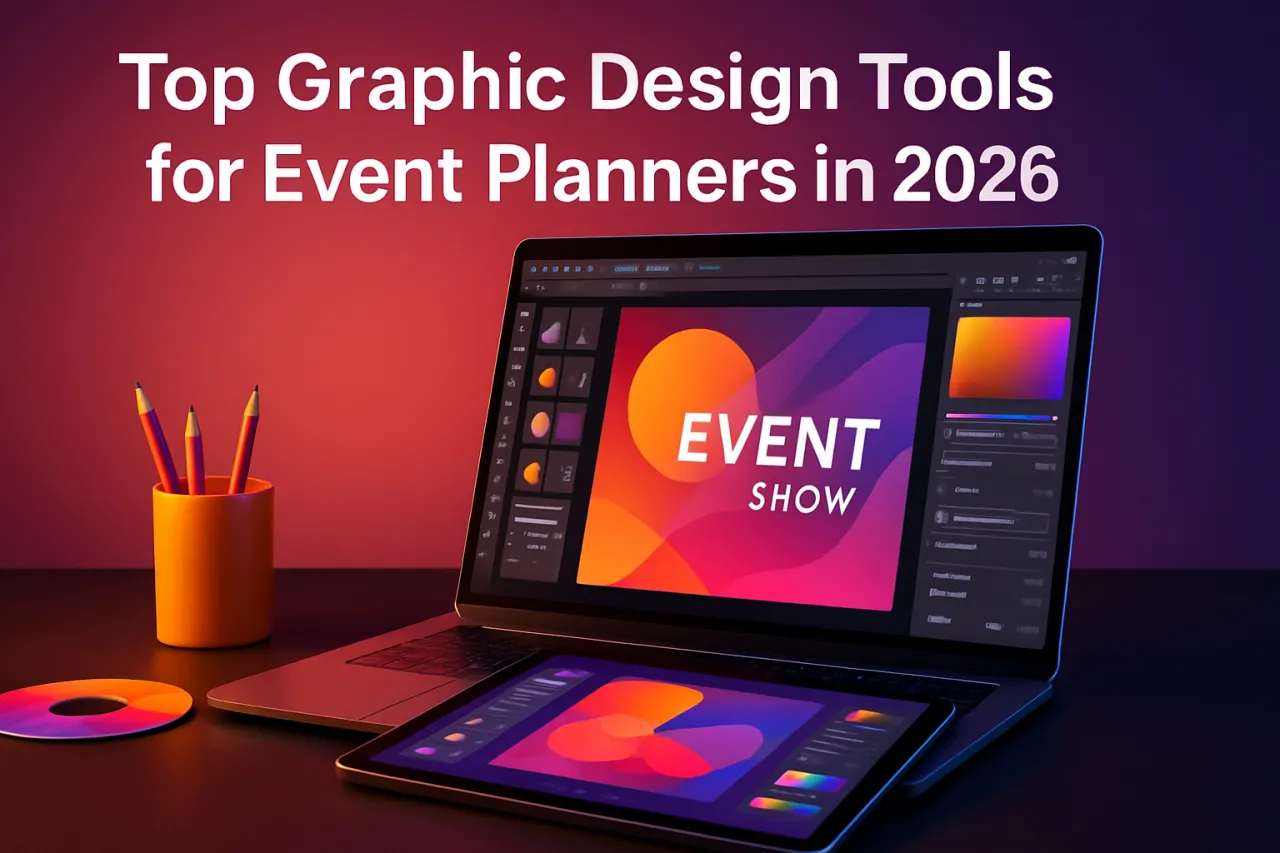
Top Graphic Design Tools for Event Planners in 2026
Introduction
Event planners know the importance of captivating visuals to engage audiences and promote events effectively. Whether it’s designing flyers, social media posts, or event brochures, having the right graphic design tools can make all the difference. However, with a plethora of options available, choosing the right ones can be overwhelming. This article will explore the best graphic design tools tailored for event planners, providing user reviews, comparisons, and tips to enhance your design skills.
What Is Graphic Design?
Graphic design is the art of creating visual content to communicate messages. It involves combining text, images, and other visual elements to convey ideas in an aesthetically pleasing manner. In event planning, graphic design plays a crucial role in marketing materials, helping to capture attention and convey information about events effectively.
Why It Matters
Effective graphic design can significantly impact the success of an event. Good design attracts attention, conveys professionalism, and sets the tone for the event. For event planners, understanding and utilizing graphic design tools can streamline the creation of promotional materials, ensuring they meet the needs of their clients and audiences alike.
Best Graphic Design Tools for Event Planners
Canva
Overview
Canva is a user-friendly graphic design tool that allows anyone to create stunning visuals without prior design experience. Its drag-and-drop interface and extensive library of templates and images make it a favorite among event planners.
Strengths
- Intuitive interface suitable for beginners
- Vast library of templates specific to events
- Collaboration features for team projects
Limitations
- Limited customization options in the free version
- Some advanced features require a subscription
Best for
Event planners looking for quick, professional designs without a steep learning curve.
Pricing overview
Canva offers a free plan, with Pro plans starting at around $12.99 per month.
Adobe Express
Overview
Adobe Express (formerly Adobe Spark) is a versatile tool that combines Adobe’s powerful capabilities with simplicity. It offers a range of templates and design assets tailored for marketing materials.
Strengths
- Professional-quality design tools
- Extensive library of stock photos and icons
- Integration with Adobe Creative Cloud for advanced users
Limitations
- Steeper learning curve for complete beginners
- Some features are only available in the premium version
Best for
Event planners who want high-quality designs and are familiar with Adobe products.
Pricing overview
Free basic version; premium plans start at $9.99 per month.
Visme
Overview
Visme is an all-in-one visual content creation tool that focuses on infographics and presentations. It’s particularly useful for creating engaging event presentations and promotional content.
Strengths
- Interactive content capabilities, including animations
- Wide array of templates and design elements
- Analytics features to track content engagement
Limitations
- Can be complex for simple graphic tasks
- Some features locked behind higher-tier plans
Best for
Event planners who need to create interactive presentations or infographics.
Pricing overview
Free with limited features; premium plans start at $15 per month.
Snappa
Overview
Snappa is a graphic design tool aimed at marketers and non-designers. It offers simple yet effective tools for creating social media graphics, ads, and more.
Strengths
- Fast and easy to create designs
- Pre-sized templates for various platforms
- No design experience necessary
Limitations
- Limited storage space for projects on the free plan
- Fewer template options compared to competitors
Best for
Event planners needing quick graphics for social media and marketing.
Pricing overview
Free plan available, with premium options starting at $10 per month.
How to Choose the Right Solution
When selecting a graphic design tool, consider the following criteria:
- Ease of use: Look for tools that are beginner-friendly with intuitive interfaces.
- Templates and resources: Ensure the platform offers templates relevant to your needs, especially for event marketing.
- Collaboration features: If you work in a team, choose tools that support collaboration.
- Pricing: Evaluate the pricing structure and what features are included in free versus paid plans.
Common Mistakes
Event planners often make several common mistakes when using graphic design tools:
- Underestimating the importance of branding: Consistency in branding is crucial for event recognition.
- Overloading designs: Too much information can overwhelm viewers; aim for clarity and simplicity.
- Ignoring mobile optimization: Ensure designs are mobile-friendly as many users access content on their smartphones.
Frequently Asked Questions
1. What are graphic design tools?
Graphic design tools are software applications that help users create visual content, including images, layouts, and graphics for various purposes.
2. Do I need design experience to use these tools?
Most tools mentioned are user-friendly and designed for non-designers, so prior experience is not necessary.
3. Can I collaborate with my team using these tools?
Many graphic design tools offer collaboration features, allowing multiple users to work on projects simultaneously.
4. Are there free options available?
Yes, most graphic design tools have free plans with basic features.
5. How can I learn to use these tools effectively?
Most platforms provide tutorials and resources to help beginners learn how to use their features effectively.
Conclusion
Choosing the right graphic design tools can enhance the quality of your event marketing materials and simplify your workflow. Tools like Canva and Adobe Express offer user-friendly interfaces and a variety of features that cater to different needs. Remember to consider your specific requirements, team dynamics, and budget when making your choice. By avoiding common mistakes and leveraging the right resources, you can create stunning designs that elevate your events to the next level.
About the Author
Growth Hacker
With a background in Cloud Computing, Khurram Bokhari brings hands-on expertise to evaluating the latest Cloud Computing tools. He has reviewed hundreds of SaaS products for startups and enterprises a...