Top Video Editing Tools for Fitness Instructors in 2026
Introduction
In the fast-paced world of fitness, creating engaging video content is essential for instructors looking to attract and retain clients. With so many options available, choosing the right video editing tools can be overwhelming. This guide aims to simplify that decision by showcasing the top video editing tools that cater specifically to fitness instructors. Whether you're creating workout tutorials, promotional videos, or social media clips, the right software can make a significant difference in the quality of your content.
As the fitness industry thrives on visual storytelling, understanding the features, pricing, and ease of use of these tools is crucial. In this article, you'll discover tools that not only enhance your video editing capabilities but also streamline your content creation process, making it easier to market your fitness expertise.
What Are Video Editing Tools?
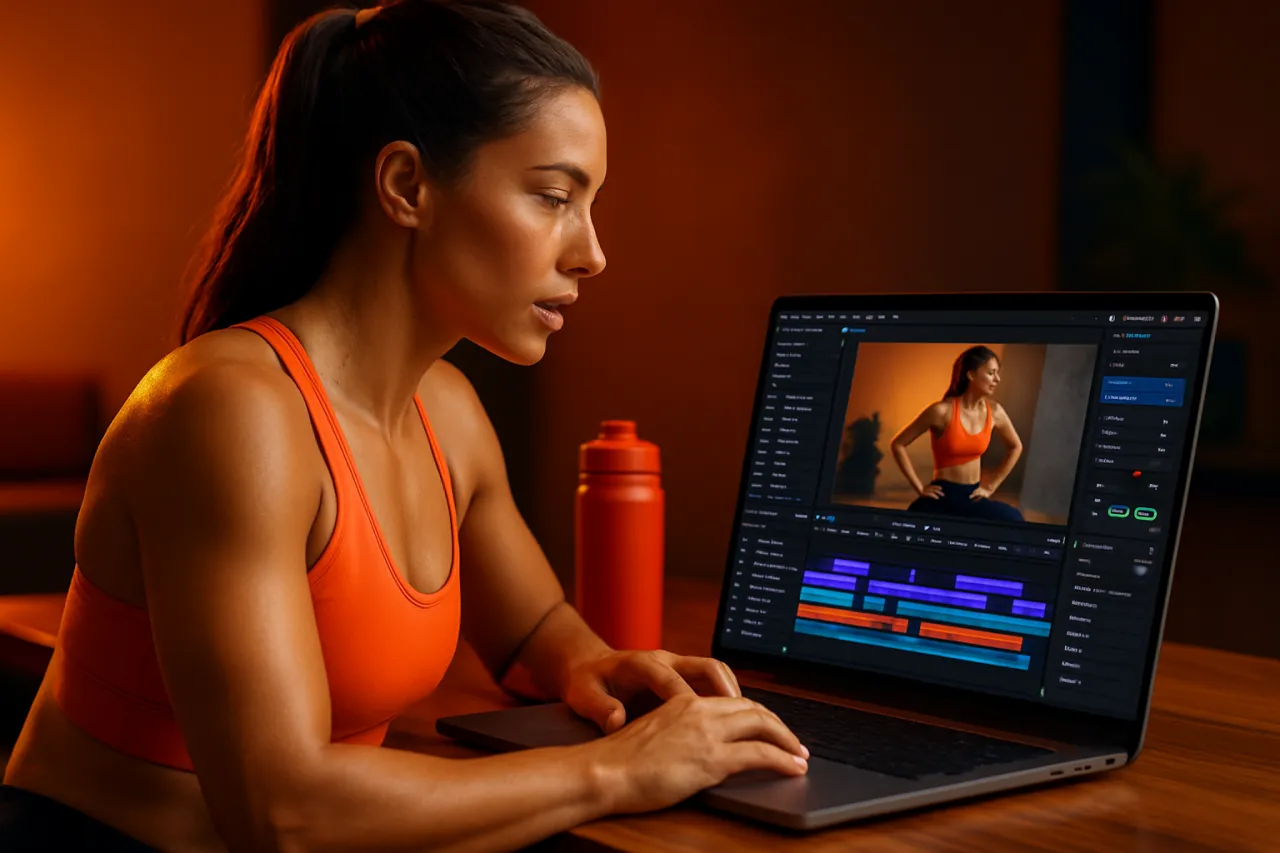
Video editing tools are software applications that allow users to manipulate and enhance video footage. They enable creators to trim, splice, and organize clips, add effects, overlay text, and incorporate music or voiceovers. For fitness instructors, these tools are vital for producing professional-looking videos that showcase workouts, provide instructional content, or promote fitness programs.
Why It Matters
In today's digital age, high-quality video content is a key component of successful marketing strategies. For fitness instructors, engaging videos can help establish authority, connect with audiences, and differentiate services from competitors. Utilizing the right video editing tools can not only enhance the visual appeal of your content but also improve viewer engagement and retention.
Best Software / Methods / Strategies
1. Adobe Premiere Pro
- Overview: Adobe Premiere Pro is a professional-grade video editing software used by many industry leaders.
- Strengths: Advanced features like multi-cam editing, a wide range of effects, and integration with other Adobe products.
- Limitations: Steeper learning curve and subscription-based pricing may not suit everyone.
- Best for: Fitness instructors looking for powerful editing capabilities and professional results.
- Pricing overview: Starts at $20.99/month with a Creative Cloud subscription.
2. Final Cut Pro
- Overview: Apple’s Final Cut Pro is a favorite among Mac users for its intuitive interface and powerful tools.
- Strengths: Magnetic timeline, robust color grading options, and optimized for Mac performance.
- Limitations: Only available on macOS, which limits accessibility for non-Apple users.
- Best for: Fitness instructors who prefer Apple products and require high-quality video editing.
- Pricing overview: One-time purchase for $299.99.
3. Filmora
- Overview: Filmora is a user-friendly video editing tool ideal for beginners and experienced editors alike.
- Strengths: Simple drag-and-drop interface, diverse effects library, and affordable pricing.
- Limitations: Some advanced features may be lacking compared to professional-grade software.
- Best for: Instructors new to video editing who need an easy-to-learn platform.
- Pricing overview: Starts at $19.99/month or a one-time payment of $69.99 for a lifetime license.
4. InVideo
- Overview: InVideo is a cloud-based video editing platform that offers templates tailored for social media and marketing.
- Strengths: Vast library of templates, easy collaboration features, and no software installation required.
- Limitations: Limited advanced editing features compared to desktop software.
- Best for: Fitness instructors focusing on social media content and marketing videos.
- Pricing overview: Free tier available; paid plans start at $15/month.
5. Camtasia
- Overview: Camtasia is designed for screen recording and video editing, making it ideal for instructional videos.
- Strengths: Excellent screen capture capabilities and user-friendly editing tools.
- Limitations: More suited for tutorial-style videos; may not have the same depth for cinematic editing.
- Best for: Instructors creating online courses or tutorial videos.
- Pricing overview: One-time purchase for $249.00.
How to Choose the Right Solution
When selecting a video editing tool, consider factors such as:
- Ease of use: Look for a user-friendly interface if you're new to editing.
- Features: Identify the specific features you need, like text overlays, effects, or audio editing.
- Budget: Determine how much you're willing to invest, keeping in mind both subscription and one-time purchase options.
- Compatibility: Ensure the software is compatible with your operating system or device.
Common Mistakes
Here are some common pitfalls to avoid when choosing a video editing tool:
- Not testing the software: Always try free trials when available to get a feel for the interface.
- Ignoring system requirements: Ensure your hardware can support the software you choose.
- Overlooking tutorials: Many platforms offer tutorials that can help you get the most out of the software.
Frequently Asked Questions
1. What is the best video editing tool for beginners?
Filmora is often recommended for those new to video editing due to its user-friendly interface.
2. Can I use these tools for social media videos?
Yes, many tools like InVideo and Adobe Premiere Pro offer features tailored for social media platforms.
3. Are there free options available?
Yes, tools like InVideo have free versions, but they may come with limitations.
4. How much time does it take to learn video editing?
This depends on the tool and your prior experience, but most users can get comfortable in a few weeks.
5. Is it worth investing in professional software?
If you’re serious about content creation, investing in professional software can significantly improve your video quality.
Conclusion
In conclusion, the right video editing tool can greatly impact the quality and engagement of your fitness videos. Whether you opt for a professional-grade option like Adobe Premiere Pro or a user-friendly solution like Filmora, understanding your needs and capabilities will guide your choice. Avoid common mistakes by testing tools and considering your budget and feature requirements. With the right software in hand, you’ll be well-equipped to create captivating content that resonates with your audience.
About the Author
Digital Marketing Expert
A seasoned digital marketing expert, Junaid Bajwa focuses on making tech accessible to everyday users. He covers E-commerce tools, comparisons, and buying guides on Softedin.