

Adobe Podcast vs Adobe Premiere Pro
Discover the key differences between Adobe Podcast and Adobe Premiere Pro in 2026. Find the perfect design tool for your needs!
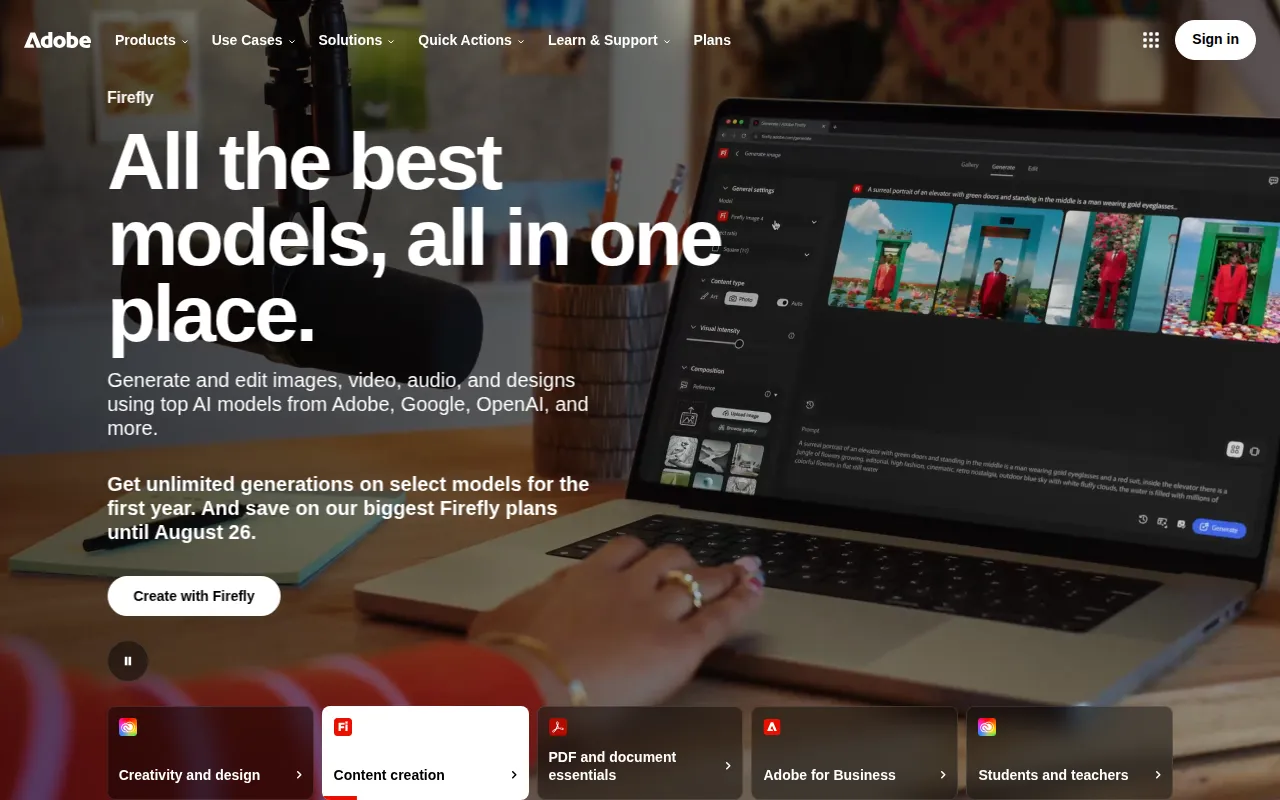
Adobe Podcast
Adobe Podcast is a powerful tool for creating and editing high-quality audio content, tailored for podcasters and content creators.
View Profile →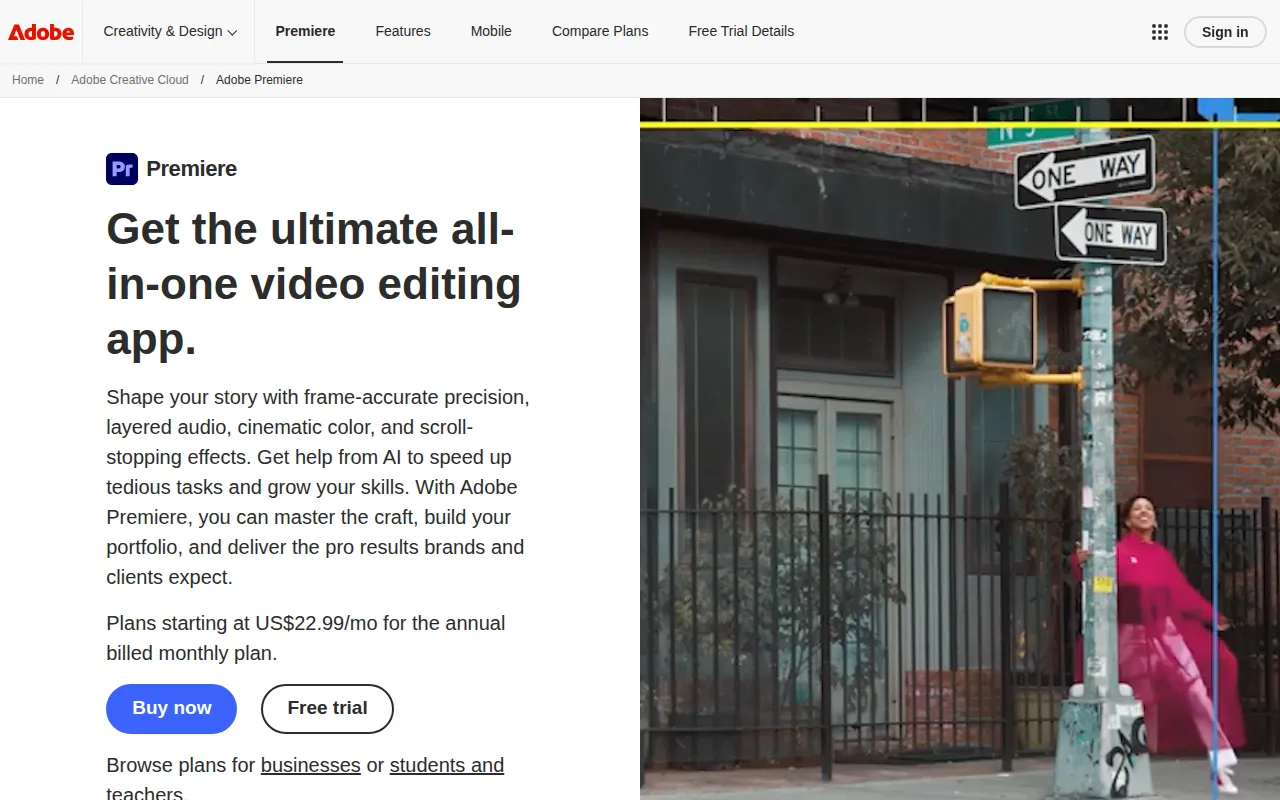
Adobe Premiere Pro
Adobe Premiere Pro is a professional video editing software designed for filmmakers and content creators to craft high-quality videos.
View Profile →Overview
In the world of content creation, both Adobe Podcast and Adobe Premiere Pro offer unique capabilities tailored to specific needs. Adobe Podcast serves podcasters and audio content creators looking for user-friendly solutions to produce high-quality audio, while Adobe Premiere Pro caters to filmmakers and video content creators who require advanced editing tools for crafting professional videos. This comparison aims to help users determine which tool best fits their content creation goals.
Adobe Podcast Overview
Adobe Podcast is a robust tool specifically designed for podcasters and audio content creators looking to produce high-quality audio with ease. This platform provides an intuitive interface that allows users to record, edit, and enhance their audio content without the steep learning curve often associated with audio production software. The tool stands out for its automatic audio enhancement features, which can significantly improve the sound quality of recordings, making it a preferred choice for beginners and seasoned podcasters alike. For example, users can easily remove background noise and adjust volume levels with just a few clicks, ensuring a polished final product that is ready for distribution.
One of the most notable strengths of Adobe Podcast is its collaborative capabilities. The tool allows multiple users to work on a project simultaneously, making it ideal for teams who need to produce content together—such as podcasting groups or audio production companies. Additionally, Adobe Podcast integrates seamlessly with other Adobe products, enabling content creators to expand their audio projects into multimedia formats. With features like transcription and content editing, Adobe Podcast not only caters to audio production needs but also enhances overall workflow efficiency, ensuring users can focus on creativity rather than technical hurdles.
Adobe Premiere Pro Overview
Adobe Premiere Pro is a leading video editing software that enables filmmakers and content creators to craft high-quality videos with precision and creativity. This professional-grade tool is known for its extensive range of features, including advanced color grading, multi-camera editing, and a wealth of effects and transitions. Premiere Pro caters to a wide audience, from independent filmmakers to large production studios, and is designed to handle everything from short social media clips to feature-length films. The software’s timeline-based interface allows for detailed editing, making it easier for users to manage complex projects with multiple video and audio tracks.
One of the core strengths of Adobe Premiere Pro is its integration with other Adobe Creative Cloud applications, such as After Effects and Photoshop. This interoperability allows users to create a seamless workflow, where assets can be easily transferred between applications. For instance, users can create graphics in Photoshop and import them directly into their Premiere Pro projects, enhancing their videos with tailor-made visuals. Additionally, Premiere Pro offers powerful collaboration tools, including shared projects and real-time commenting, making it an excellent choice for teams working on large-scale projects. With its constant updates and feature enhancements, Premiere Pro remains at the forefront of video editing technology.
Feature Comparison
| Feature | Adobe Podcast | Adobe Premiere Pro |
|---|---|---|
| Core Functionality | Audio recording and editing | Video editing and post-production |
| User Interface | Intuitive, beginner-friendly | Complex, suited for advanced users |
| Audio Enhancement | Automatic noise reduction and volume adjustment | Basic audio editing with advanced options via plugins |
| Collaboration Features | Real-time editing with multiple users | Shared projects and real-time commenting |
| Export Options | Multiple audio formats for podcasts | Wide array of video formats, including 4K and HDR |
| Integration with Other Tools | Seamless with Adobe Creative Cloud | Extensive integration with Adobe suite |
| Learning Curve | Low, suitable for beginners | High, requires training for effective use |
| Price Structure | Freemium model with limited features | Subscription-based with various pricing tiers |
| Community Support | Growing community of podcasters | Established community with extensive resources |
| Ideal User Base | Podcasters and audio content creators | Filmmakers and video content creators |
Pricing Comparison
Adobe Podcast operates on a freemium pricing model, which allows users to access basic features at no cost, making it an attractive option for beginners or those just starting in podcasting. While the specifics of the premium features are not explicitly outlined, users can upgrade for advanced capabilities as their needs grow. This model enables users to explore the tool without a financial commitment, which can be particularly beneficial for budding podcasters who may not yet have a budget for software. The value for money here is rooted in the ability to create high-quality audio content without upfront costs.
In contrast, Adobe Premiere Pro operates on a subscription-based pricing model, offering several tiers to accommodate different user needs. As of 2026, users can subscribe to a single app plan, which typically costs around $20.99 per month, or opt for the full Creative Cloud suite that includes Premiere Pro and other applications for a higher fee. While the initial investment may be a barrier for some, the extensive features and capabilities offered by Premiere Pro justify the cost for professional video creators. The robust functionality and continual updates make it a worthwhile investment for those serious about video production.
Pros and Cons
Adobe Podcast Pros and Cons
- Pro: User-friendly interface that simplifies audio production for beginners.
- Pro: Automatic audio enhancement features ensure high-quality sound with minimal effort.
- Pro: Collaborative tools facilitate teamwork for podcasting groups.
- Con: Limited advanced features compared to full-fledged audio editing software.
- Con: Pricing details for premium features are not transparent.
Adobe Premiere Pro Pros and Cons
- Pro: Extensive range of professional video editing features.
- Pro: Strong integration with other Adobe applications enhances workflow efficiency.
- Pro: Regular updates and improvements keep the software at the cutting edge of video editing technology.
- Con: Steep learning curve for new users may require significant time investment.
- Con: Ongoing subscription costs can add up for casual users.
Which Should You Choose?
If you are a solo freelancer focused primarily on audio content creation, Adobe Podcast is the better choice for you. The freemium model allows you to start without any financial investment, and the intuitive interface means you can quickly produce high-quality podcasts without extensive training. The automatic enhancement features will help you achieve a professional sound, which is essential for engaging your audience.
On the other hand, if you are a filmmaker or video content creator aiming to produce high-quality videos, Adobe Premiere Pro is the ideal tool. Although it comes with a subscription cost, the extensive features and capabilities offered by Premiere Pro justify the investment for serious creators. The ability to work with advanced video editing tools and integrate with other Adobe applications will enhance your workflow and output quality.
For teams working on collaborative projects, such as a podcasting group or a video production company, both tools offer valuable collaborative features. Adobe Podcast allows real-time editing for audio projects, while Adobe Premiere Pro provides shared projects and commenting capabilities for video editing. Depending on your primary focus—audio or video—choosing the right tool will facilitate smoother collaboration and more effective project management.
Conclusion
In summary, both Adobe Podcast and Adobe Premiere Pro serve distinct user bases with unique needs in the content creation space. Adobe Podcast is perfect for those seeking an easy-to-use tool for high-quality audio production, while Adobe Premiere Pro is tailored for professionals who need advanced video editing capabilities. Ultimately, the decision should be based on your specific content creation goals and whether you prioritize audio or video as your main medium.
Frequently Asked Questions
It largely depends on your focus; Adobe Podcast excels in audio production for podcasters with its user-friendly interface, while Adobe Premiere Pro is superior for video editing with advanced features.
Adobe Podcast offers a more budget-friendly option tailored for audio creators, often with lower subscription fees compared to Adobe Premiere Pro, which is priced higher due to its extensive video editing capabilities.
Adobe Podcast is ideal for creating and editing podcasts, voiceovers, and audio content, whereas Adobe Premiere Pro is designed for filmmakers and video editors looking to create professional-grade videos.
Migrating from Adobe Podcast to Premiere Pro may require reformatting audio files for video projects, while transitioning from Premiere Pro to Podcast might involve simplifying content for audio-only formats.
Adobe Podcast often includes a robust free plan with essential features for beginners, while Adobe Premiere Pro typically does not offer a free tier, focusing instead on a trial period for full access.
Consider your primary content format; if audio is your main focus, Adobe Podcast is the way to go, but if you need to create video alongside audio, Adobe Premiere Pro provides the necessary tools for both.