Overview
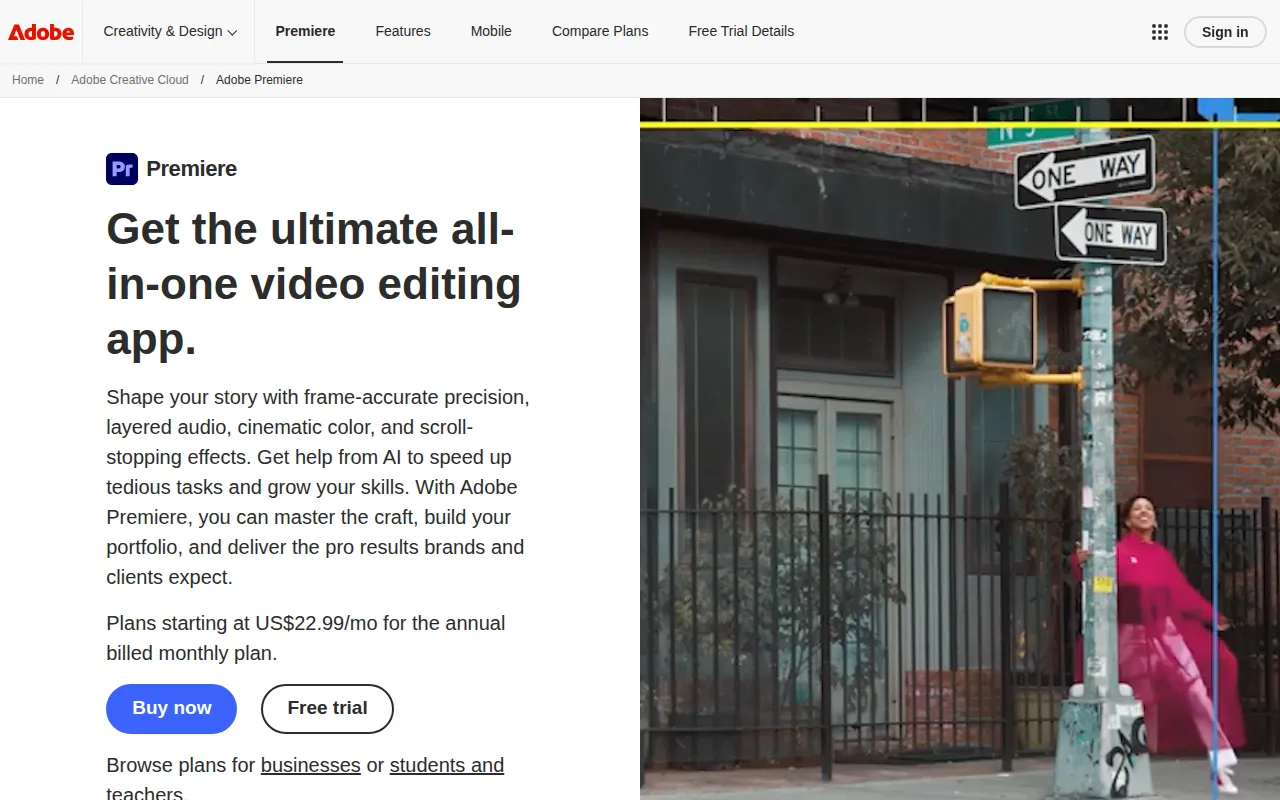
Adobe Premiere Pro is a comprehensive video editing software developed by Adobe Systems. It is primarily designed for professional video editing and post-production tasks, enabling users to edit, trim, and enhance video content efficiently. The software addresses common challenges faced by video editors, such as managing multiple video tracks, synchronizing audio, and applying advanced effects. With its robust feature set, Premiere Pro is tailored for users who require precision and flexibility in their editing workflows.
Key Features
- Non-linear editing: Edit video and audio tracks independently and in any order.
- Multi-camera editing: Seamlessly edit footage from multiple camera angles.
- Advanced color grading: Fine-tune colors with tools like Lumetri Color.
- Audio mixing: Integrate and edit audio tracks with precision controls.
- Motion graphics templates: Utilize customizable templates for dynamic visual effects.
- AI-powered features: Automate repetitive tasks with Adobe Sensei technology.
- Integration with Adobe Creative Cloud: Easily collaborate with other Adobe apps like After Effects and Photoshop.
- Export options: Output videos in various formats suitable for different platforms.
Benefits
Adobe Premiere Pro offers practical advantages that enhance the video production process. Its intuitive interface allows for efficient editing, reducing the time needed to complete projects. The software's extensive features cater to both novice and professional users, ensuring that all skill levels can produce high-quality video content. Integration with Adobe Creative Cloud facilitates collaboration and streamlines workflows, making it easier to share projects with team members. Additionally, the software’s support for various file formats ensures compatibility with different cameras and editing tools.
Common Use Cases
Adobe Premiere Pro is commonly used in various scenarios, including:
- Independent filmmakers creating short films or documentaries.
- Content creators producing video content for social media platforms.
- Marketing teams developing promotional videos for products or services.
- Event videographers editing footage from weddings or corporate events.
- Educational institutions producing instructional videos or online courses.
Who Should Use It
Adobe Premiere Pro is ideal for professional video editors, filmmakers, content creators, and marketing teams who require advanced editing capabilities. It is particularly beneficial for users who are already familiar with Adobe products, as the interface and functionality align with other tools in the Adobe Creative Cloud suite. However, it may not be the best fit for casual users or those looking for a simple, straightforward editing solution, as its extensive features can be overwhelming for beginners.
Pricing Overview
Adobe Premiere Pro operates on a subscription-based pricing model. Users can choose between monthly and annual plans, and discounts may be available for students and teachers.
Conclusion
Adobe Premiere Pro stands out as a leading choice for professional video editing due to its comprehensive features, ease of integration with other Adobe tools, and flexibility in handling various video formats. While it may have a learning curve for new users, its capabilities make it worth considering for anyone serious about video production. Ultimately, it provides the tools necessary to produce high-quality videos that meet the expectations of clients and audiences alike.