

AI Image Enlarger vs Adobe Firefly
Discover the differences between AI Image Enlarger and Adobe Firefly in 2026. Find out which design tool suits your needs best!
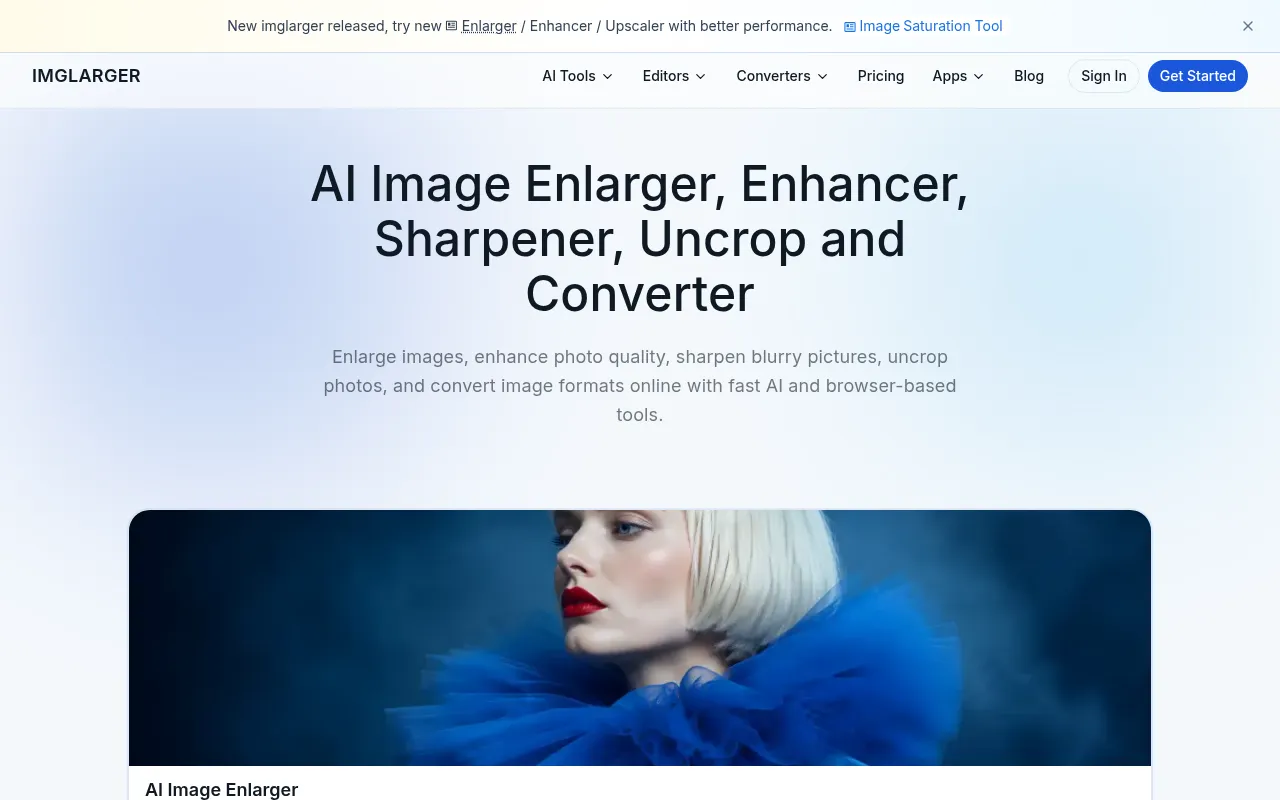

AI Image Enlarger
AI Image Enlarger is an online tool for enhancing and upscaling images using advanced AI technology.
View Profile →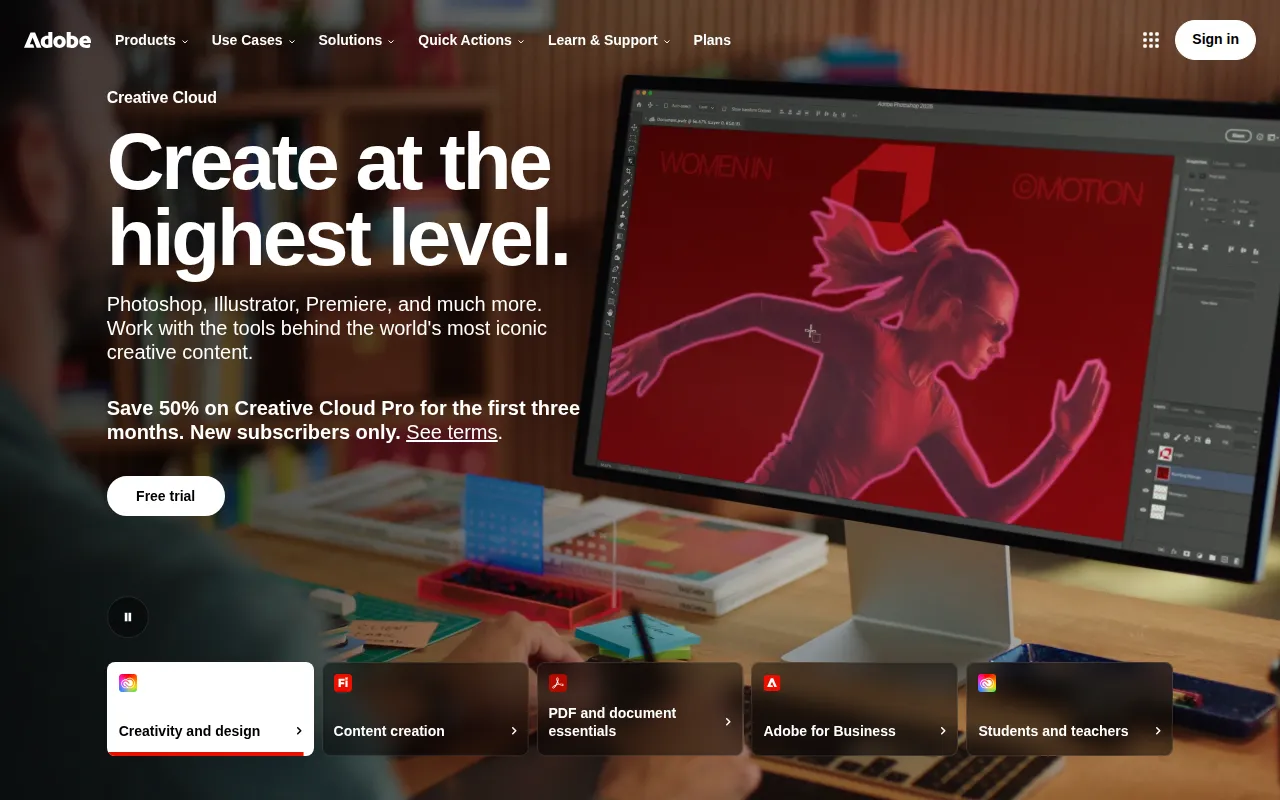
Adobe Firefly
Adobe Firefly is an AI-powered creative tool designed for generating and editing images, videos, and designs.
View Profile →Overview
In the competitive world of digital design, AI Image Enlarger and Adobe Firefly stand out as two powerful tools tailored for different needs. AI Image Enlarger is particularly suited for users who require high-quality image upscaling without compromising detail, while Adobe Firefly is a comprehensive suite designed for creative professionals looking to generate and edit a wide range of multimedia content. This comparison will help users determine which tool aligns better with their specific requirements.
AI Image Enlarger Overview
AI Image Enlarger is an online tool that utilizes advanced artificial intelligence algorithms to enhance and upscale images effectively. Its primary use case revolves around increasing the resolution of images without sacrificing quality, making it an invaluable resource for photographers, graphic designers, and anyone in need of high-resolution visuals. The tool is designed to cater to users who may not have extensive technical knowledge, providing a straightforward interface that allows for easy and efficient image enhancement.
One of the most notable strengths of AI Image Enlarger is its ability to maintain sharpness and detail when enlarging images, a common challenge in traditional image editing. Users can simply upload their images, select the desired scale, and let the AI work its magic. Additionally, the freemium pricing model offers a basic free tier that allows users to upscale a limited number of images, making it accessible for casual users and professionals alike who want to test its capabilities before committing to a paid plan.
Adobe Firefly Overview
Adobe Firefly is a robust AI-powered creative tool designed specifically for generating and editing images, videos, and graphic designs. With features that cater to a wide audience, including marketers, content creators, and graphic designers, Firefly offers a comprehensive platform for crafting visually appealing content. Its core functionality revolves around not just editing existing media but also generating new images from text prompts, allowing for a high degree of creativity and flexibility.
One of Firefly's most impressive strengths is its integration within the Adobe ecosystem, which enables seamless collaboration with other Adobe tools like Photoshop and Illustrator. This makes it an ideal choice for professionals already immersed in the Adobe suite. Moreover, Firefly's user-friendly interface and the capability to create unique assets from scratch set it apart in the market. While its exact pricing details are not clearly outlined, its freemium model suggests that users can explore basic features before deciding to invest in premium functionalities.
Feature Comparison
| Feature | AI Image Enlarger | Adobe Firefly |
|---|---|---|
| Image Upscaling | Up to 8x resolution increase without quality loss | Not primarily focused on upscaling |
| AI Image Generation | No | Yes, generates images from text prompts |
| User Interface | Simple and intuitive | Modern and integrated within Adobe suite |
| Supported File Formats | JPEG, PNG | Multiple formats including SVG, PNG, JPEG |
| Batch Processing | Yes, limited in free tier | No |
| Mobile Compatibility | Web-based, mobile-friendly | Web-based, but mobile app available |
| Creative Tools | Basic editing features | Extensive creative tools for design and video |
| Integration with Other Tools | Standalone tool | Seamless integration with Adobe products |
| Learning Curve | Minimal | Moderate, especially for advanced features |
| Customer Support | Email support, limited resources | Extensive resources and community support |
Pricing Comparison
AI Image Enlarger follows a freemium pricing model that allows users to upscale a limited number of images for free. For those needing more advanced features and additional credits, affordable paid plans are available. Users can select from various options depending on their needs, which typically range from a few dollars per month for basic features to more comprehensive plans that cater to professional users.
Adobe Firefly also adopts a freemium approach, although its pricing details are less transparent. While users can access basic features for free, the more advanced functionalities are likely to come at a cost. Given its integration within the Adobe ecosystem, it usually aligns with Adobe's standard pricing structure, which may require a subscription to the Adobe Creative Cloud. For users heavily invested in Adobe products, the value of Firefly can be significant, especially when considering the potential for enhanced productivity and creativity.
Pros and Cons
AI Image Enlarger Pros and Cons
- Pro: Exceptional image upscaling capabilities that preserve detail and sharpness.
- Pro: Simple user interface that is easy to navigate for beginners.
- Pro: Freemium model allows users to test the tool before committing to a paid plan.
- Con: Limited creative features compared to more comprehensive design tools.
- Con: Basic customer support and limited resources for troubleshooting.
Adobe Firefly Pros and Cons
- Pro: Robust suite of creative tools for generating and editing multimedia content.
- Pro: Seamless integration with other Adobe products, enhancing workflow for existing users.
- Pro: Ability to create images from text prompts provides unmatched creative flexibility.
- Con: Pricing details are not explicitly available, potentially leading to unexpected costs.
- Con: Moderate learning curve, especially for users new to Adobe software.
Which Should You Choose?
If you are a photographer or a designer who primarily needs image upscaling without the need for extensive editing capabilities, AI Image Enlarger is your best bet. Its straightforward approach and ability to enhance images while maintaining quality make it perfect for users who focus on creating high-resolution visuals quickly and efficiently.
For creative professionals seeking a comprehensive solution for generating and editing multimedia content, Adobe Firefly is the ideal choice. Its extensive toolset allows for greater creativity and versatility, making it suitable for marketers, content creators, and graphic designers who require a robust platform for various projects.
If you are a casual user who occasionally needs to upscale images, the free tier of AI Image Enlarger provides an excellent entry point. However, if you are planning to step into the world of digital design and require more than just image enhancement, exploring Adobe Firefly could be beneficial in the long run.
Conclusion
Both AI Image Enlarger and Adobe Firefly offer distinct advantages tailored to different user needs. For those focused on high-quality image upscaling, AI Image Enlarger stands out with its simplicity and effectiveness. However, if you require a more multifaceted tool for creating and editing diverse multimedia content, Adobe Firefly is an excellent choice that can significantly enhance your creative workflow.
Frequently Asked Questions
The choice between AI Image Enlarger and Adobe Firefly largely depends on user requirements. AI Image Enlarger excels in high-quality image upscaling, while Adobe Firefly offers a broader suite of multimedia editing tools for more comprehensive creative projects.
AI Image Enlarger typically offers a more budget-friendly pricing model, often featuring pay-per-use options. In contrast, Adobe Firefly is part of Adobe's subscription services, which may be more suitable for professionals needing access to a full suite of design tools.
AI Image Enlarger is ideal for users focused on image enhancement, such as photographers or graphic designers needing to upscale images without losing quality. Adobe Firefly, however, is perfect for creative professionals who need to generate and manipulate various types of multimedia content.
Migrating from AI Image Enlarger to Adobe Firefly may require reformatting images for compatibility with Firefly's editing tools. Users should also consider their workflow and whether the additional features in Firefly justify the switch.
AI Image Enlarger offers a limited free plan that allows for basic image upscaling, while Adobe Firefly may provide a limited trial of its features. Users should assess their needs to determine which free options meet their requirements.
If you're undecided, consider starting with AI Image Enlarger for specific image scaling tasks and evaluate Adobe Firefly's trial to explore its broader creative capabilities. This way, you can make an informed decision based on hands-on experience.