Overview
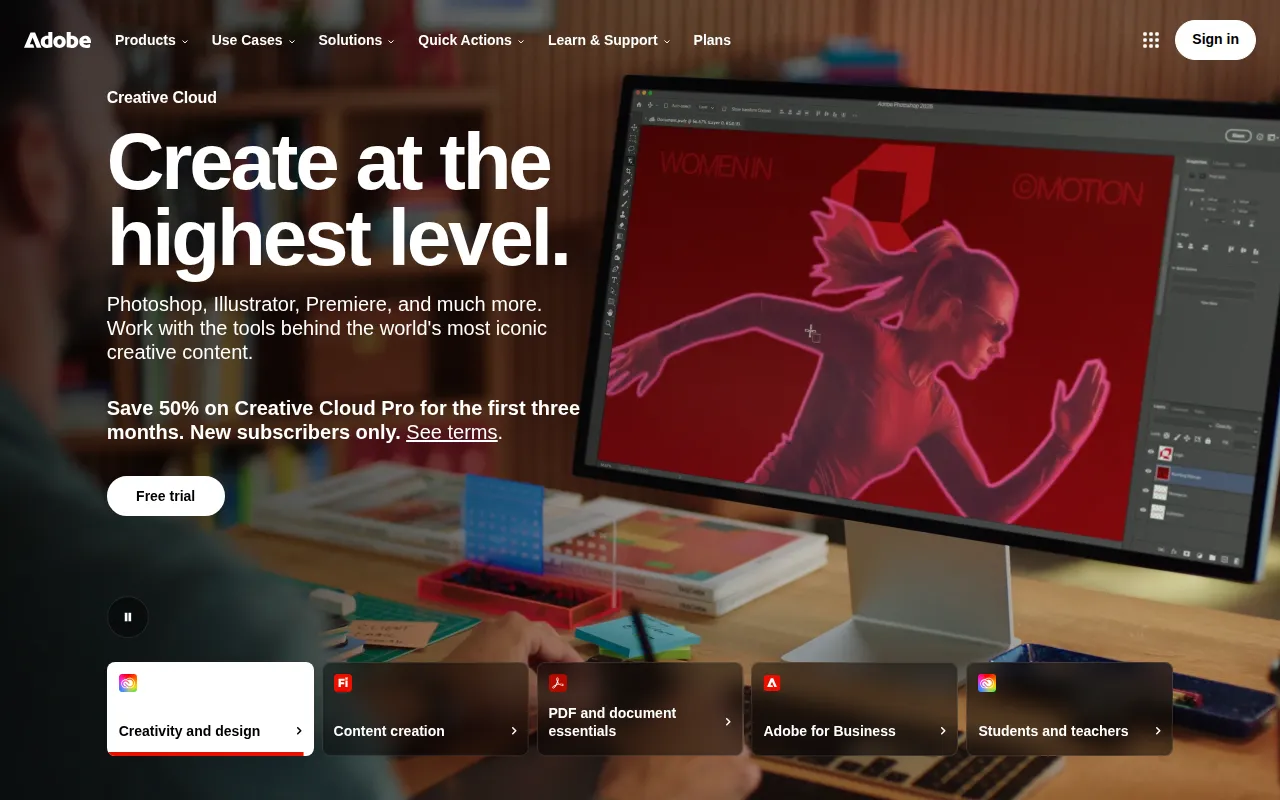
Adobe Firefly is an innovative design tool developed by Adobe that leverages artificial intelligence to assist users in generating and editing creative content, including images, videos, and audio. Its primary purpose is to simplify the creative process by providing an array of AI models that users can apply to their projects. Firefly addresses common challenges in graphic design, such as the need for high-quality visuals, efficiency in content creation, and the ability to quickly iterate on artistic concepts.
Key Features
- AI Image Generation
- Video Editing Tools
- Audio Manipulation
- Template Library
- Collaboration Features
- Customizable Workspaces
- Integration with Adobe Creative Cloud
- Extensive Asset Management
- Cross-Platform Compatibility
- User-Friendly Interface
Benefits
Adobe Firefly offers practical advantages that enhance the creative workflow. By utilizing AI, it allows users to generate content rapidly, reducing the time spent on manual design tasks. The integration with Adobe Creative Cloud facilitates seamless access to other Adobe tools, making it easier for users to incorporate Firefly into their existing workflows. Additionally, the collaboration features enable teams to work together efficiently, sharing resources and feedback in real-time.
Common Use Cases
Adobe Firefly is well-suited for various scenarios, such as:
- A marketing team creating promotional materials that require eye-catching visuals.
- Freelancers generating unique graphics for client projects on tight deadlines.
- Designers iterating on concepts rapidly using AI-generated suggestions.
- Content creators developing engaging video content for social media platforms.
- Educational institutions utilizing the tool for teaching graphic design principles.
Who Should Use It
Adobe Firefly is ideal for graphic designers, marketing professionals, content creators, and educators who require a flexible and efficient design tool. However, it may not be the best fit for users who prefer traditional design methods without AI assistance or those who work exclusively with text-based content.
Pricing Overview
Pricing details for Adobe Firefly are not explicitly available, but users can explore various subscription options through the Adobe website.
Conclusion
In summary, Adobe Firefly provides a robust platform for creating and editing visual content using advanced AI technology. While it offers numerous benefits, such as speed and collaboration, it may not cater to every user's preferences. Understanding its features and use cases will help potential users determine if it aligns with their specific needs.