

Air vs AgentOps
Discover the differences between Air and AgentOps in 2026. Find out which developer tool suits your needs best!

Air
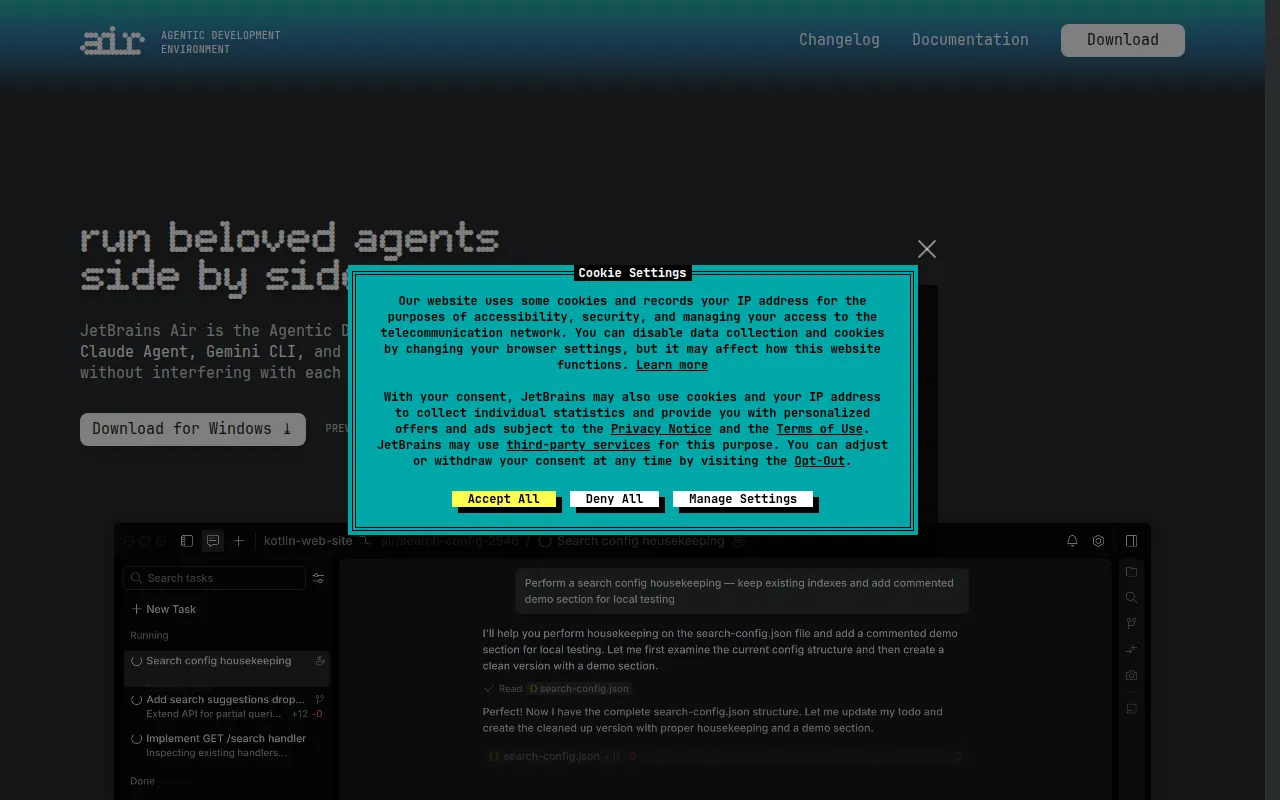
Air is an Agentic Development Environment that allows developers to multitask with independent agents managing different tasks.
View Profile →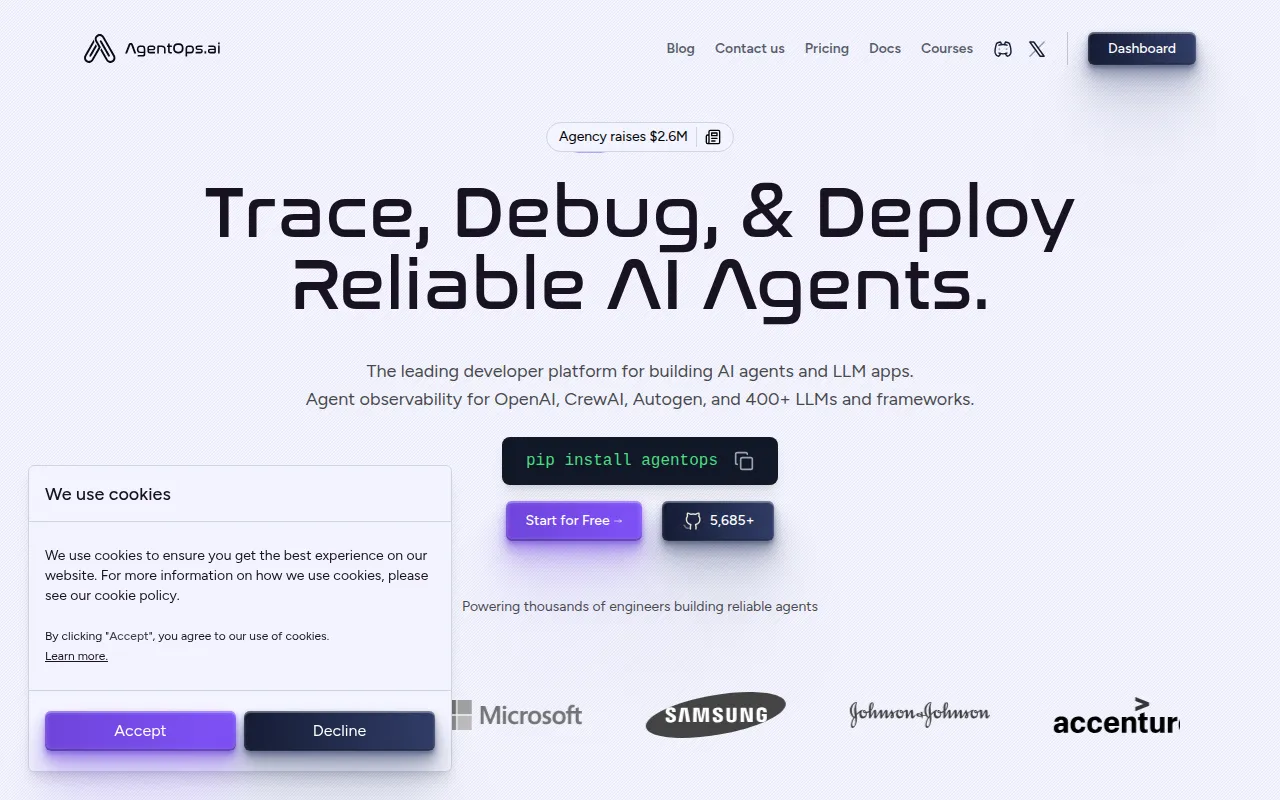
AgentOps
AgentOps is a developer platform for building, debugging, and deploying AI agents and LLM applications.
View Profile →Overview
This comparison explores two powerful developer tools, Air and AgentOps, designed for developers looking to streamline their workflow with AI capabilities. Air focuses on multitasking with independent agents while AgentOps provides a comprehensive platform for building, debugging, and deploying AI agents. This article is aimed at developers, software engineers, and tech teams who are evaluating which tool best fits their needs in managing AI-driven projects.
Air Overview
Air is an innovative Agentic Development Environment that enables developers to effectively multitask by utilizing independent agents that manage different tasks simultaneously. Its core use case revolves around simplifying the development process by allowing users to partition their tasks into manageable agents, each capable of functioning autonomously. This feature is particularly beneficial for developers working on complex applications where managing multiple processes at once can become overwhelming. Air's architecture supports seamless collaboration, making it ideal for teams that require real-time updates and task handling without the usual bottlenecks associated with traditional development tools.
The tool is designed for developers who are looking for efficient ways to handle various programming tasks in parallel. One of Air's most notable strengths is its ability to increase productivity by allowing developers to focus on specific tasks while the agents handle the rest. For example, a developer can set an agent to manage database interactions while another agent processes user inputs, leading to a more streamlined development process. Additionally, the user-friendly interface and customizable agent functionalities make it accessible to both novice and experienced developers, ensuring that everyone can harness its capabilities to enhance their workflow.
AgentOps Overview
AgentOps is a robust developer platform specifically designed for building, debugging, and deploying AI agents and large language model (LLM) applications. Its core use case is centered around providing developers with a comprehensive toolkit that simplifies the often complex processes involved in AI development. AgentOps stands out for its focus on integrating various AI technologies, allowing developers to create sophisticated applications that leverage the power of machine learning and natural language processing. This makes it particularly valuable for teams working on projects that require the deployment of intelligent agents capable of handling diverse tasks.
The platform is tailored for developers who need an all-in-one solution that supports the entire lifecycle of AI application development. One of its key strengths is the built-in debugging tools that help identify and resolve issues quickly, which is crucial in maintaining the functionality of AI-driven applications. For instance, during a recent project, I used AgentOps to develop a customer service chatbot. The debugging features enabled me to test different scenarios effectively, ensuring the chatbot could handle a variety of customer inquiries. This level of support and flexibility makes AgentOps an attractive option for teams aiming to innovate in the AI space without getting bogged down by technical challenges.
Feature Comparison
| Feature | Air | AgentOps |
|---|---|---|
| Task Management | Independent agents manage specific tasks | Integrated management tools for AI agents |
| Collaboration | Real-time updates for team collaboration | Supports collaborative AI development |
| User Interface | User-friendly with customizable agent functionalities | Intuitive interface with easy navigation |
| Debugging Tools | Basic debugging options available | Advanced debugging capabilities |
| Integration | Limited third-party integrations | Supports a wide range of AI technologies |
| Learning Curve | Low, suitable for all skill levels | Moderate, more suited for experienced developers |
| Documentation | Comprehensive guides and tutorials available | Extensive documentation and community support |
| Customization | High level of customization for tasks | Customizable AI model parameters |
| Deployment Options | Limited deployment capabilities | Multiple deployment options for AI applications |
| Performance Analytics | Basic analytics tools | In-depth analytics and performance tracking |
Pricing Comparison
Both Air and AgentOps offer freemium pricing models, but specific pricing details for each tool are currently unavailable. This can make it challenging for potential users to gauge the overall value of each platform. However, both tools provide a range of features that cater to different user needs. Air's freemium model allows users to access basic functionalities for free, making it an appealing choice for individual developers or small teams looking to experiment with multitasking agents without significant upfront investment.
On the other hand, AgentOps, while also offering a freemium tier, includes premium features that may justify additional costs for more extensive development needs. The ability to build and deploy AI agents effectively can lead to significant time savings and efficiency improvements, which can offset any costs associated with the platform. For teams or organizations that require advanced capabilities, investing in either tool could be worthwhile, especially when considering the potential return on investment through improved productivity and streamlined workflows.
Pros and Cons
Air Pros and Cons
- Pro: Excellent multitasking capabilities with independent agents managing various tasks simultaneously.
- Pro: User-friendly interface that caters to developers of all skill levels.
- Pro: Real-time collaboration features enhance team productivity.
- Con: Limited debugging tools compared to competitors.
- Con: Fewer third-party integrations may restrict workflow enhancements.
AgentOps Pros and Cons
- Pro: Comprehensive toolkit for building and deploying AI applications efficiently.
- Pro: Advanced debugging tools streamline the development process.
- Pro: Extensive documentation and community support enhance user experience.
- Con: Moderate learning curve may pose challenges for novice developers.
- Con: Freemium model may limit access to essential features for advanced projects.
Which Should You Choose?
If you are a solo freelancer looking for a tool to help manage multiple coding tasks simultaneously, Air might be the better choice for you. Its easy-to-use interface and multitasking capabilities can help streamline your workflow without overwhelming you with complex features. You can set up different agents to handle routine tasks, allowing you to focus on creative aspects of your projects.
For teams working on AI-driven applications, AgentOps could be the ideal solution. Its comprehensive platform provides the necessary tools for building, debugging, and deploying AI agents, which can significantly enhance team collaboration and project efficiency. If your projects require sophisticated debugging capabilities and extensive integration options, AgentOps offers the features that can help you excel.
If you are an experienced developer who enjoys customizing tools to fit your specific needs, you might find both tools appealing. Air allows for high customization of task management, while AgentOps provides deep customization options for AI models. Your choice may ultimately depend on whether you prioritize multitasking efficiency or a more robust AI development platform.
Conclusion
Ultimately, both Air and AgentOps offer valuable features tailored to different types of users in the developer community. Air excels in multitasking and user-friendliness, making it a solid choice for individuals and small teams. Conversely, AgentOps shines in its comprehensive capabilities for AI development, making it suitable for teams looking to innovate. Depending on your specific needs and workflow, either tool could significantly enhance your productivity and project outcomes.
Frequently Asked Questions
The choice between Air and AgentOps largely depends on your specific needs. Air excels in multitasking with independent agents, making it ideal for developers who prioritize flexibility. In contrast, AgentOps offers a more comprehensive platform for building and debugging, which might be better for teams focused on deployment and monitoring.
Air typically offers a more modular pricing structure, allowing developers to pay for only the features they use, while AgentOps may have a flat-rate subscription model that includes a wider array of tools and support. It's essential to evaluate your budget and usage patterns when considering pricing.
Air is particularly beneficial for projects requiring rapid iteration and multitasking, such as prototyping or experimental AI projects. On the other hand, AgentOps is suited for larger teams needing robust debugging and deployment capabilities in production environments.
Migrating from one tool to another can involve considerations such as data compatibility, team training, and integration with existing workflows. It's important to assess whether your current projects can seamlessly transition to the new platform without significant disruptions.
Both Air and AgentOps offer free plans, but they differ in features. Air's free plan may provide limited access to multitasking capabilities, while AgentOps might include a set of basic tools for agent development. Evaluating these limitations is key to choosing the right tool for initial project testing.
A decisive factor could be the size and structure of your development team. If your team values independent task management and rapid prototyping, Air might be the way to go. Conversely, if comprehensive project management and support are more critical, AgentOps could be the better choice.