

Air vs AdaL
Discover the key differences between Air and AdaL in 2026. Explore features, pricing, and make an informed choice today!
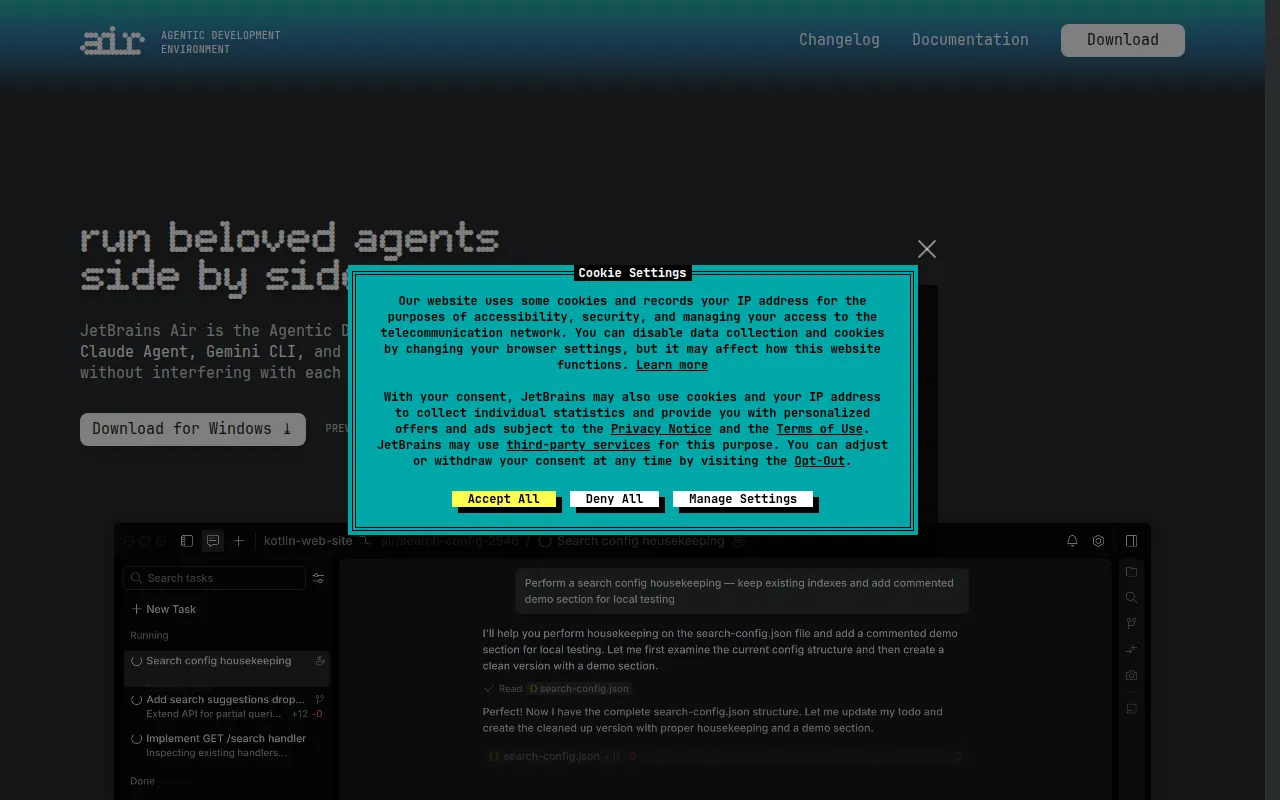

Air
Air is an Agentic Development Environment that allows developers to multitask with independent agents managing different tasks.
View Profile →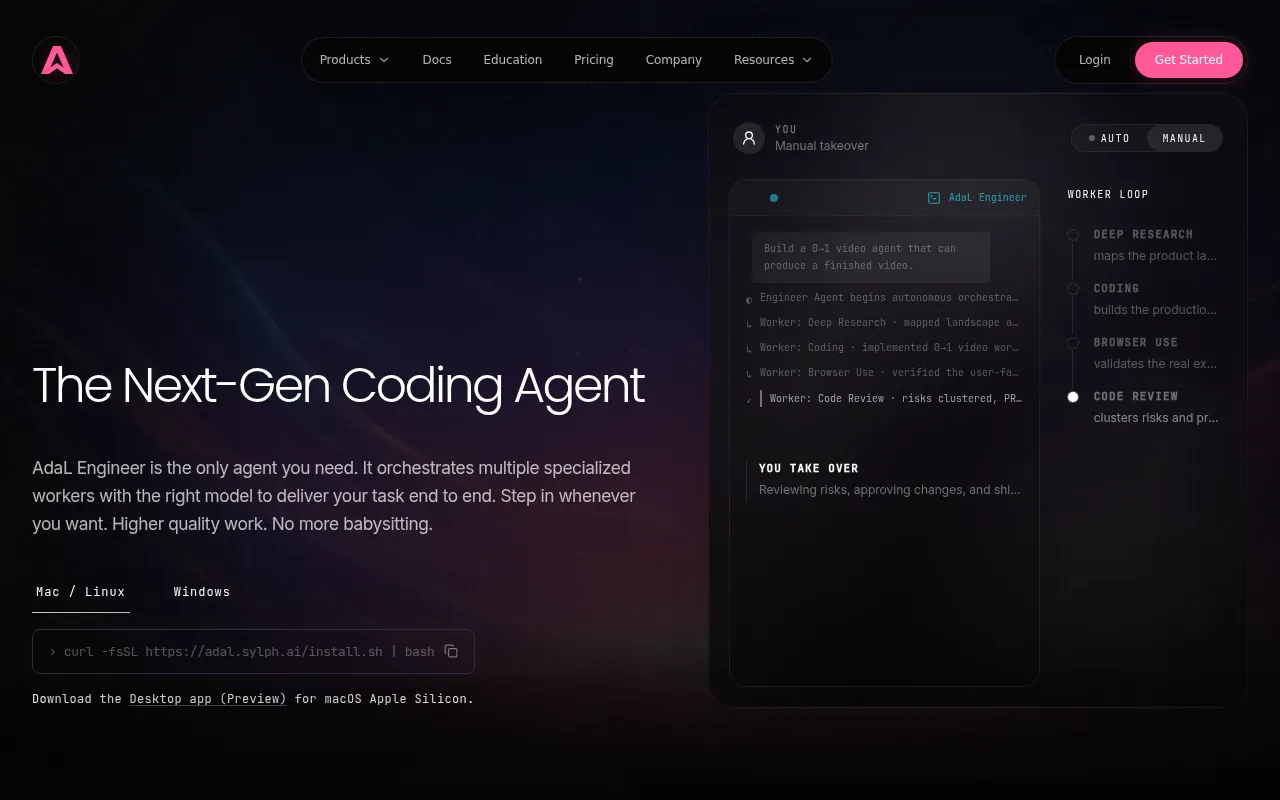
AdaL
AdaL is an advanced AI coding assistant designed for teams, focusing on efficient coding and project management.
View Profile →Overview
In today's fast-paced development environment, tools like Air and AdaL cater to the diverse needs of developers and teams looking for efficiency and productivity. Air is focused on multitasking through independent agents, making it ideal for solo developers or small teams needing task management. In contrast, AdaL serves teams by providing an advanced AI coding assistant that streamlines coding and project management, making it particularly effective for collaborative environments.
Air Overview
Air is an innovative Agentic Development Environment designed to enhance productivity by allowing developers to manage multiple tasks simultaneously. Its core use case revolves around the concept of independent agents, which are small, autonomous units that can take on specific tasks without interfering with one another. This design is particularly beneficial for developers who handle complex projects with various components, as it allows them to maintain focus on individual tasks while the agents work in the background. This multitasking capability is one of Air's most notable strengths, enabling developers to maximize their efficiency and reduce time spent switching between tasks.
Air is tailored for developers who thrive in dynamic environments, particularly those who are comfortable with managing complex workflows. Its flexibility is demonstrated through its ability to adapt to various programming languages and frameworks, which caters to a broad audience, from hobbyist coders to seasoned professionals. Furthermore, Air's user-friendly interface and customizable settings make it accessible to new users while still providing powerful features for advanced developers. By facilitating an organized and efficient development process, Air helps users maintain productivity and focus on what truly matters—the code.
AdaL Overview
AdaL is an advanced AI coding assistant specifically designed for teams focused on improving coding efficiency and project management. The tool leverages artificial intelligence to assist developers in writing code, debugging, and managing projects more effectively. Unlike traditional coding environments, AdaL provides contextual suggestions based on the code being written, which helps teams to avoid common pitfalls and streamline their processes. One of AdaL's most significant strengths is its ability to learn from team interactions, leading to increasingly personalized and relevant suggestions over time.
This tool is particularly useful for teams that prioritize collaboration and communication throughout the development lifecycle. AdaL integrates seamlessly with various project management tools, allowing teams to manage tasks, track progress, and ensure that everyone is aligned with project goals. Its capacity for real-time feedback and collaborative coding features make it an ideal choice for teams working on large-scale projects or in agile environments. By focusing on team dynamics and providing intelligent coding assistance, AdaL empowers developers to work smarter, not harder, ultimately enhancing overall project outcomes.
Feature Comparison
| Feature | Air | AdaL |
|---|---|---|
| Multitasking Capability | Yes, through independent agents | No, focuses on team collaboration |
| AI Assistance | No, manual coding required | Yes, provides contextual suggestions |
| Project Management Integration | Limited | Extensive, integrates with multiple tools |
| Customization Options | Highly customizable interface | Moderate customization available |
| Learning Curve | Moderate, user-friendly for beginners | Low, designed for quick onboarding |
| Code Debugging | Manual debugging required | Automated debugging assistance |
| Collaboration Features | Minimal | Strong, with real-time feedback |
| Supported Programming Languages | Multiple languages supported | Multiple languages supported |
| Performance Tracking | No built-in analytics | Includes performance tracking tools |
| User Support | Community forums available | Dedicated support and resources |
Pricing Comparison
Both Air and AdaL are offered under a freemium model, which allows users to access basic features without any cost. However, specific pricing tiers for both tools are currently unavailable and require direct inquiries for more detailed information. This lack of transparency can be a limitation for potential users who prefer clear pricing structures when evaluating tools for their development needs.
Despite the absence of explicit pricing details, it is essential to consider the value each tool offers. Air's freemium model provides users with the essential functionalities required for independent task management, making it an attractive option for solo developers or small teams on a budget. On the other hand, AdaL's focus on team-oriented features, AI assistance, and project management integration suggests that it may offer a higher value proposition for larger teams or organizations that prioritize collaboration. Ultimately, the decision on which tool provides better value will depend on the specific needs and requirements of the user or team.
Pros and Cons
Air Pros and Cons
- Pro: Highly efficient multitasking with independent agents enhances productivity.
- Pro: User-friendly interface allows easy navigation for both beginners and experienced developers.
- Pro: Flexible and customizable settings cater to various programming languages and workflows.
- Con: Limited project management features may not suit larger teams or collaborative environments.
- Con: No AI assistance for coding can lead to slower development processes.
AdaL Pros and Cons
- Pro: Advanced AI coding assistance provides contextual suggestions, improving efficiency.
- Pro: Strong integration with project management tools enhances team collaboration.
- Pro: Real-time feedback and performance tracking tools improve project outcomes.
- Con: May require more resources for optimal performance, particularly for smaller teams.
- Con: The reliance on AI may lead to over-dependence, potentially stifling creativity in coding.
Which Should You Choose?
If you are a solo freelancer who requires a tool to manage multiple independent tasks efficiently, Air would be an ideal choice. Its multitasking capabilities will enable you to juggle various components of your projects without losing focus. Additionally, the user-friendly interface and customization options allow you to tailor the environment to your specific workflow, making it a powerful ally in your development process.
For teams that prioritize collaboration and project management, AdaL is the preferred option. Its advanced AI assistance will help team members code more efficiently while providing real-time feedback, which is crucial for maintaining alignment on project objectives. If your team is working on larger projects that require constant communication and task tracking, the integration capabilities of AdaL will significantly enhance your development workflow.
For companies that have a mix of both solo developers and teams, considering the specific needs of each group is essential. While Air can serve well for individual developers, AdaL will cater to team dynamics more effectively. Evaluating the roles within your organization and understanding the balance of solo versus collaborative work will guide your decision towards the most fitting tool.
Conclusion
In conclusion, both Air and AdaL offer unique features tailored to different types of users in the development landscape. Air excels in multitasking for individual developers, while AdaL shines in collaborative environments with its advanced AI coding assistance. Depending on your specific needs, either tool could significantly enhance your development workflow, so consider your team structure and project requirements before making a decision.
Frequently Asked Questions
The choice between Air and AdaL largely depends on the user's needs. Air excels in multitasking for solo developers and small teams, while AdaL is designed for larger groups needing advanced collaboration features.
Air typically offers a more budget-friendly pricing structure, geared towards individual users or small teams, whereas AdaL's pricing reflects its advanced features and is better suited for larger teams with higher budgets.
Air is ideal for independent developers managing multiple tasks, while AdaL shines in collaborative environments where teams benefit from AI-assisted coding and project management tools.
When migrating from Air to AdaL, consider your team's size and collaboration needs. Ensure that your projects are compatible with AdaL's features and that team members are trained on the new tools.
Air offers a limited free plan focusing on basic task management, while AdaL's free plan includes trial access to its AI coding assistant, making it easier to evaluate its collaborative capabilities.
If you're undecided, consider conducting a trial of both platforms with your team. Assess which tool better fits your workflow and enhances productivity based on your specific project needs.