

Airtable AI vs AI App Generator
Discover the key differences between Airtable AI and AI App Generator in 2026. Find the best tool for your business needs today!
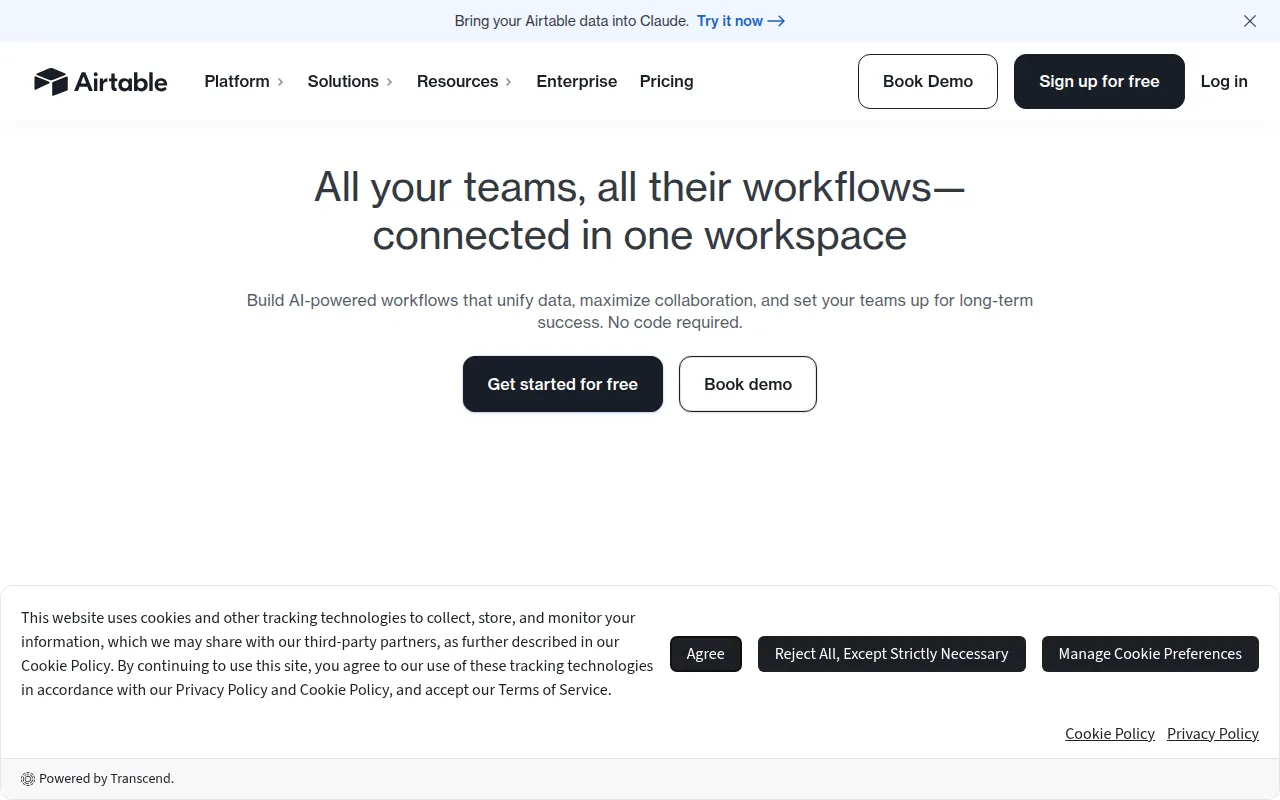

Airtable AI
Airtable AI is a versatile workflow automation tool that helps teams collaborate and streamline processes using customizable apps.
View Profile →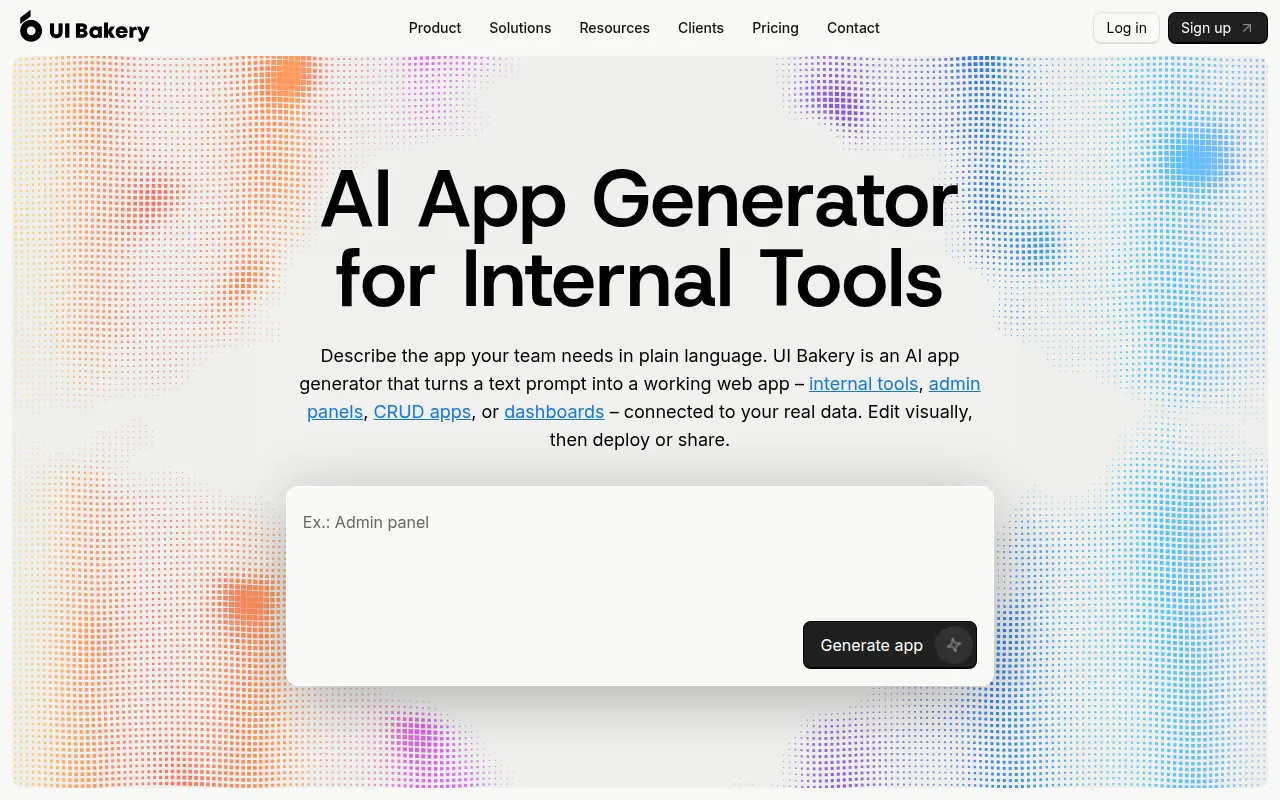

AI App Generator
UI Bakery is an AI app generator that creates web applications from text prompts, ideal for internal tools and dashboards.
View Profile →Overview
Airtable AI and AI App Generator are two innovative tools designed to enhance business workflows and application development. Airtable AI is tailored for teams looking to collaborate and automate processes through customizable apps, while AI App Generator focuses on creating web applications from text prompts, making it ideal for users seeking to quickly develop internal tools and dashboards. This comparison is particularly useful for project managers, business analysts, and developers evaluating productivity tools that fit their unique needs.
Airtable AI Overview
Airtable AI is a powerful workflow automation tool that combines the flexibility of a spreadsheet with the capabilities of a database. It allows teams to create and customize applications tailored to their specific processes, facilitating collaboration across various departments. Users can create project trackers, content calendars, and inventory management systems, among others. The visual interface and drag-and-drop functionality make it user-friendly, even for those without technical backgrounds. This versatility makes Airtable AI an excellent choice for small businesses, marketing teams, and project managers who need to streamline their workflows while maintaining a high level of customization.
AI App Generator Overview
AI App Generator, also known as UI Bakery, is an innovative tool designed to generate web applications through simple text prompts. This AI-powered app generator is particularly beneficial for businesses looking to create custom internal tools or dashboards without extensive coding knowledge. Users can input their requirements in natural language, and the tool translates these prompts into functional applications, streamlining the development process. This feature makes it especially appealing for small to medium-sized businesses that may not have dedicated development teams but still require efficient internal solutions.
The AI App Generator excels in its ability to rapidly prototype and deploy applications. For instance, a sales team can quickly create a dashboard to track leads and sales performance by simply describing their needs. This speed of deployment allows organizations to adapt to changing requirements and market conditions without the long lead times typically associated with software development. Additionally, the platform's intuitive user interface enables non-technical users to engage in the app creation process, fostering collaboration between technical and non-technical staff. Although the pricing details are currently unavailable, the tool's freemium model suggests a focus on accessibility for a wide range of users.
Feature Comparison
| Feature | Airtable AI | AI App Generator |
|---|---|---|
| Core Functionality | Customizable workflow automation with apps | Web application generation from text prompts |
| User Interface | Visual interface with drag-and-drop features | Intuitive interface for easy navigation |
| Automation | Advanced triggers and action automation | Limited automation capabilities |
| Integration | Integrates with tools like Slack, Google Drive, and Zapier | Integration options currently unclear |
| Customizability | Highly customizable apps for various workflows | Custom apps based on user prompts |
| Collaboration Features | Real-time collaboration with shared views | Collaboration features not specified |
| Learning Curve | User-friendly, minimal training required | Easy to use, especially for non-developers |
| Template Availability | Extensive library of templates available | Template availability not specified |
| Support | Robust support options including documentation and community forums | Support information currently unavailable |
| Pricing Model | Freemium with tiered pricing | Freemium, specific tiers not disclosed |
Pricing Comparison
Both Airtable AI and AI App Generator offer freemium pricing models, allowing users to start for free and explore the basic functionalities before committing to a paid plan. Airtable AI provides a tiered pricing structure, which includes a free plan that allows users to create limited bases with essential features. The paid plans range from the Plus tier, which offers additional features and increased limits, to the Enterprise tier, which includes advanced functionalities and customized solutions for larger organizations. The flexibility in pricing makes Airtable AI accessible to a wide range of users, from freelancers to larger teams.
On the other hand, AI App Generator's pricing information is currently unavailable, creating some uncertainty for potential users. However, the freemium model suggests that users can expect a basic version at no cost, which may provide limited capabilities compared to its paid counterparts. This lack of transparency in pricing may be a consideration for businesses looking for clear budget allocations. Overall, Airtable AI provides more clarity and value for money due to its structured pricing tiers, while AI App Generator's offering remains less defined.
Pros and Cons
Airtable AI Pros and Cons
- Pro: Highly customizable with a wide range of templates to suit various business needs.
- Pro: Advanced automation capabilities that can significantly enhance workflow efficiency.
- Pro: Strong integration options with popular tools, allowing seamless connectivity.
- Con: May have a steeper learning curve for users unfamiliar with database concepts.
- Con: Some advanced features are only available in higher-tier plans.
AI App Generator Pros and Cons
- Pro: Rapid application development from simple text prompts, ideal for quick deployments.
- Pro: User-friendly interface that encourages collaboration among non-technical users.
- Pro: Suitable for businesses needing custom internal tools without extensive coding.
- Con: Limited automation capabilities compared to Airtable AI.
- Con: Lack of clear pricing information may deter some potential users.
Which Should You Choose?
If you are a project manager in a medium-sized team looking to streamline collaboration and automate workflows, Airtable AI is the right choice. Its customizable features and automation capabilities will allow your team to work more efficiently and keep everyone aligned on project statuses. For example, using Airtable AI, you could set up a project tracker with automated notifications to your team whenever key milestones are reached.
For solo entrepreneurs or small businesses that need to quickly develop internal tools or dashboards without investing in a development team, the AI App Generator could be the better option. Its ability to create applications from simple prompts means you can have a functioning tool up and running in hours rather than weeks. This is particularly advantageous for startups needing to pivot quickly in response to market demands.
If your organization is larger and requires robust automation and integration capabilities, Airtable AI stands out with its extensive features and support network. The ability to connect with existing tools and streamline complex workflows is essential for larger teams with diverse needs. Conversely, if you are exploring innovative solutions and are open to experimenting with application generation, AI App Generator may provide a unique edge, especially for businesses focused on internal processes.
Conclusion
Both Airtable AI and AI App Generator offer unique benefits tailored to different user needs. Airtable AI is the go-to choice for those seeking a comprehensive workflow automation tool with robust features and strong integrations. In contrast, AI App Generator is perfect for users looking for rapid application development without coding. Ultimately, your decision should align with your specific requirements, team size, and the level of customization you need.
Frequently Asked Questions
Airtable AI is generally better for teams focusing on collaboration and process automation with customizable apps, while AI App Generator excels in quickly developing internal tools and dashboards from text prompts.
Airtable AI typically offers tiered pricing based on features and user count, while AI App Generator may provide a more straightforward pricing model based on the number of applications created.
Airtable AI is ideal for project management, CRM, and task tracking, whereas AI App Generator suits users needing to rapidly build web apps or dashboards for internal reporting.
Consider the complexity of your current workflows and data structures, as migrating from Airtable AI to AI App Generator may require rethinking app logic and data management strategies.
Airtable AI offers limited features in its free plan, suitable for small teams, while AI App Generator may provide a more functional free tier for creating basic web applications.
The decisive factor often comes down to your specific needs: choose Airtable AI for collaborative app building and automation, or AI App Generator for rapid development of web applications.