

Airtable AI vs Air
Discover the differences between Airtable AI and Air in 2026. Find out which business tool suits your needs best. Explore now!
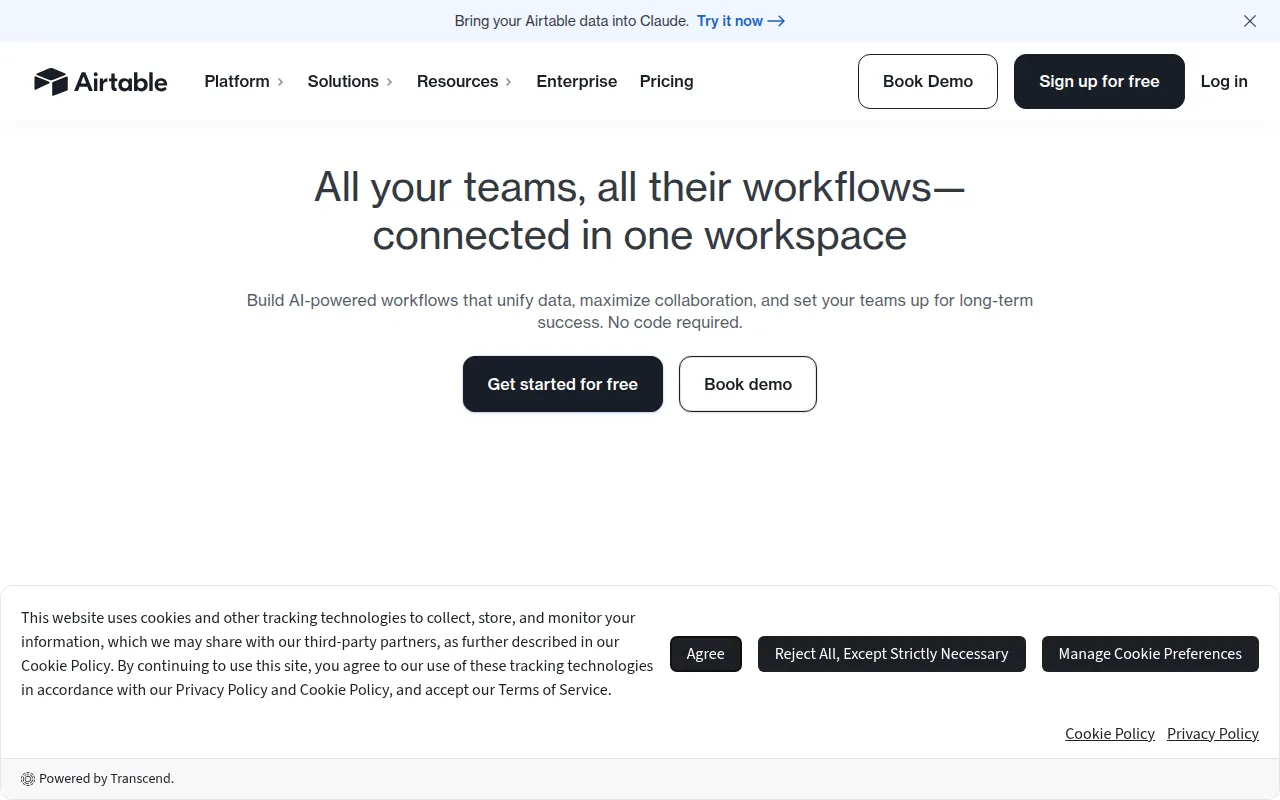

Airtable AI
Airtable AI is a versatile workflow automation tool that helps teams collaborate and streamline processes using customizable apps.
View Profile →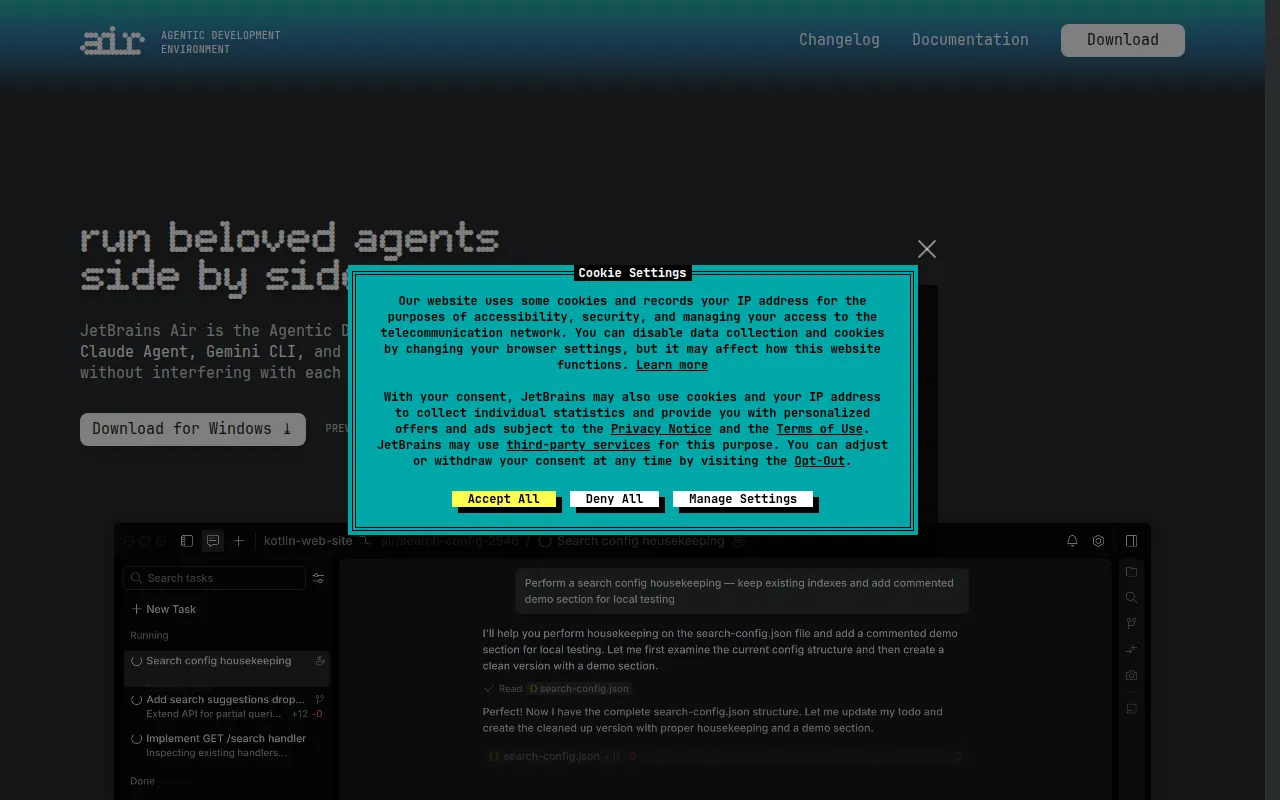

Air
Air is an Agentic Development Environment that allows developers to multitask with independent agents managing different tasks.
View Profile →Overview
This comparison article is designed for teams and individuals looking to enhance their productivity through effective workflow management. Airtable AI is ideal for businesses aiming to streamline collaboration and automate processes, while Air caters to developers seeking an efficient environment for multitasking with independent agents. Each tool serves distinct purposes and user bases, making it essential to understand their features and functionalities to make an informed choice.
Airtable AI Overview
Airtable AI is a versatile workflow automation tool that empowers teams to collaborate seamlessly and streamline their processes through customizable applications. This platform combines the flexibility of a spreadsheet with the functionalities of a database, making it suitable for various industries, including marketing, project management, and event planning. Users can create tailored apps to manage projects, track progress, and automate repetitive tasks, significantly enhancing productivity and collaboration among team members.
Air Overview
Air is an innovative Agentic Development Environment that focuses on enabling developers to manage multiple tasks simultaneously through independent agents. This tool is designed specifically for software developers and technical teams who need to multitask efficiently while working on complex projects. By distributing tasks among various agents, Air allows developers to maintain focus on critical aspects of their work without being overwhelmed by the intricacies of task management.
Feature Comparison
| Feature | Airtable AI | Air |
|---|---|---|
| Use Case | Workflow automation and project management | Multitasking with independent agents for developers |
| User Interface | Intuitive, spreadsheet-like interface | Customizable development environment |
| Integration Capabilities | Integrates with tools like Slack, Google Drive, Zapier | Limited integrations currently available |
| Collaboration Features | Real-time collaboration with team members | Agents work independently, reducing dependency |
| Task Management | Customizable workflows and task automation | Independent agents manage different tasks simultaneously |
| Target Audience | Businesses, marketing teams, project managers | Software developers and technical teams |
| Learning Curve | Low, suitable for non-technical users | Medium, requires some technical knowledge |
| Customization | Highly customizable apps and workflows | Flexible environment for development needs |
| Mobile Access | Available on mobile devices | Primarily desktop-focused |
| Customer Support | Extensive resources and community support | Limited support options for users |
Pricing Comparison
Airtable AI operates on a freemium model, providing users with a free plan that includes essential features suitable for small teams or individual users. The free tier allows users to create a limited number of bases and collaborate with a limited number of users. For those needing advanced features, Airtable offers several paid plans that start at approximately $10 per user per month, which unlocks more records, advanced integrations, and additional customization options. The pricing scales up to $20 per user per month for the Pro plan, which is ideal for larger teams looking for comprehensive features and unlimited access to all integrations.
On the other hand, Air also follows a freemium pricing model, but specific pricing information for paid tiers is currently unavailable. This lack of transparency can be a disadvantage for potential users who want to assess the value for money compared to Airtable AI. However, for developers who prioritize advanced multitasking capabilities and are willing to invest time in setting up a customized environment, Air may still present a compelling option. Ultimately, Airtable AI offers clearer pricing tiers that cater to a wide range of users, while Air's model requires further exploration to understand its potential costs.
Pros and Cons
Airtable AI Pros and Cons
- Pro: User-friendly interface that accommodates non-technical users.
- Pro: Extensive integration options with popular business tools.
- Pro: Highly customizable workflows that adapt to various business needs.
- Con: The free plan has limitations on the number of records and features.
- Con: Advanced features can become costly for larger teams.
Air Pros and Cons
- Pro: Enables efficient multitasking through independent agents.
- Pro: Customizable environment tailored to developers' needs.
- Pro: Reduces bottlenecks by allowing parallel task execution.
- Con: Limited integration options compared to competitors.
- Con: Lack of transparent pricing information may deter potential users.
Which Should You Choose?
If you are a small business owner or project manager looking for a user-friendly tool to streamline workflows and enhance team collaboration, Airtable AI is the better choice. Its intuitive interface, extensive integrations, and customizable features make it ideal for non-technical users who want to improve productivity without the steep learning curve.
For software developers or technical teams engaged in complex projects, Air may be more appropriate. If your work involves multitasking across various tasks and you require a development environment that allows agents to handle different tasks simultaneously, Air's unique approach will help you maintain focus and efficiency.
If budget is a primary concern and you are looking for a free tool with basic features, both Airtable AI and Air offer freemium models. However, Airtable AI provides clearer details about its pricing tiers, which can help you scale as your needs grow. Conversely, if you are willing to invest time in exploring Air’s capabilities, it might be worth considering, especially if you have a strong technical background.
Ultimately, the decision should depend on your specific needs. Consider the type of projects you undertake, the size of your team, and your budget when making your choice. Both tools offer unique advantages that cater to different user bases.
Conclusion
In conclusion, both Airtable AI and Air offer valuable features tailored to distinct user needs. If you are looking for a straightforward and versatile tool to enhance team collaboration and project management, Airtable AI is the clear winner. However, if you are a developer seeking to optimize your workflow with a multitasking environment, Air could be the right fit for you. Evaluate your requirements carefully to make the best decision for your productivity needs.
Frequently Asked Questions
Airtable AI generally offers a more robust solution for teams focused on collaboration and workflow automation, while Air is tailored for developers needing multitasking capabilities with independent agents.
Airtable AI typically has tiered pricing based on features and user count, while Air often provides a more flexible pricing structure aimed at individual developers, making it essential to compare specific plans.
Airtable AI is great for project management, team collaboration, and automating workflows, whereas Air is suited for software development tasks, allowing for efficient handling of multiple independent processes.
When migrating, consider the data structure and workflows in place; Airtable AI may require a more complex migration process due to its extensive features compared to the more straightforward setup of Air.
Airtable AI offers a limited free plan with basic functionalities, while Air may provide a more generous free tier aimed at developers, allowing for greater experimentation without immediate costs.
If your primary focus is on enhancing team collaboration and automating workflows, opt for Airtable AI. However, if you're a developer looking for a flexible, multitasking environment, Air may be the better choice.