

ChatGPT vs GitHub Copilot
Discover the strengths of ChatGPT vs GitHub Copilot in 2026. Find out which AI tool suits your needs best!
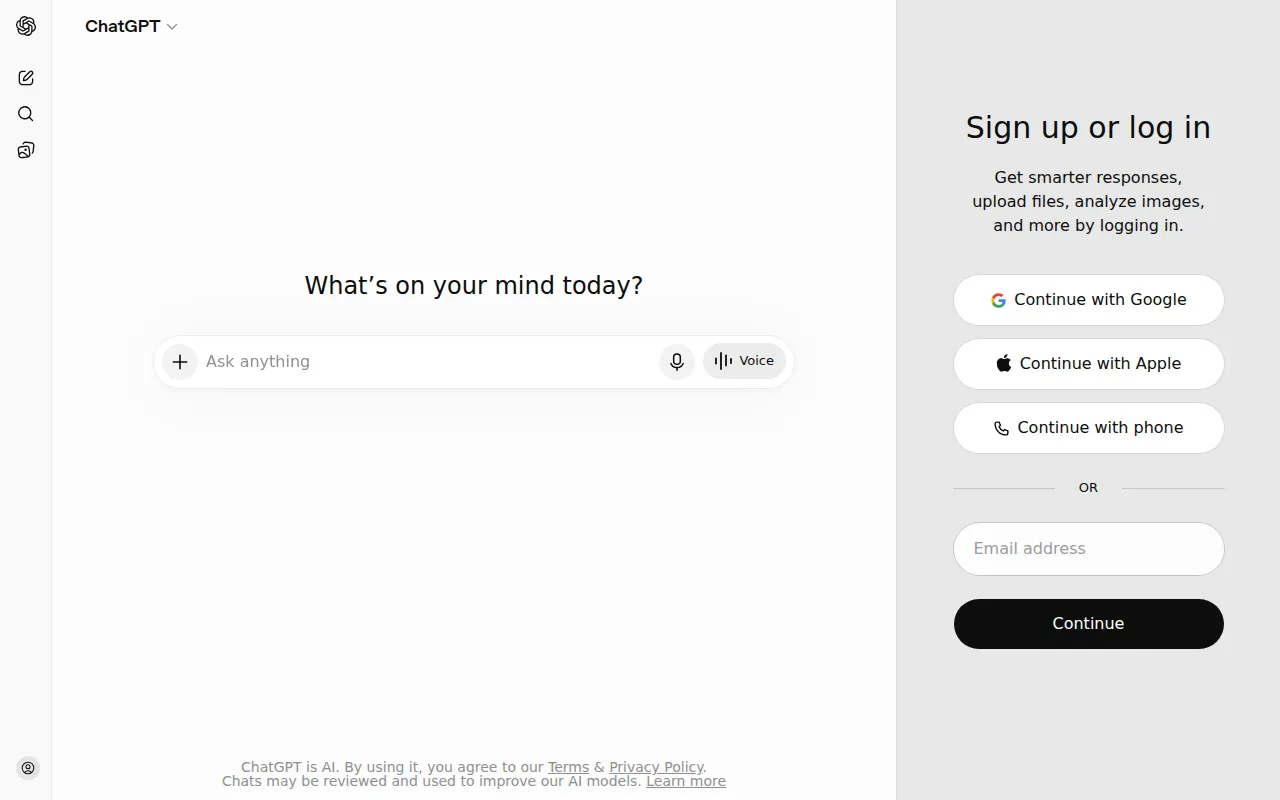
ChatGPT
The most popular AI chatbot by OpenAI. Generate content, code, and automate tasks with GPT-4.
View Profile →GitHub Copilot
AI-powered code completion. Write code faster with intelligent suggestions in any programming language.
View Profile →Overview
This comparison is tailored for tech enthusiasts, developers, and content creators looking to leverage AI tools for their specific needs. ChatGPT, developed by OpenAI, excels in generating content and automating tasks, while GitHub Copilot focuses on enhancing the coding experience with intelligent suggestions. Understanding the strengths and weaknesses of each can help you make an informed choice based on your requirements.
ChatGPT Overview
ChatGPT is an advanced AI chatbot that utilizes OpenAI's GPT-4 model to facilitate natural language understanding and generation. Its core use case revolves around content creation, including writing articles, generating code snippets, crafting emails, and even answering complex queries. Designed for a wide range of users—from marketers seeking content ideas to developers looking for code assistance—ChatGPT stands out for its versatility and user-friendly interface. The ability to engage in meaningful conversations allows users to brainstorm effectively and automate repetitive tasks, making it a valuable tool for businesses and individuals alike.
One of the most notable strengths of ChatGPT is its ability to generate human-like text based on minimal input. For instance, as a content creator, I have utilized ChatGPT to draft blog posts by simply providing a topic and a few keywords. The tool not only saves time but also generates creative ideas that I may not have considered. Additionally, its freemium model allows users to access a basic version at no cost, with the option to upgrade to ChatGPT Plus for enhanced capabilities. This accessibility makes it a popular choice for users at various stages of their careers.
GitHub Copilot Overview
GitHub Copilot is an AI-powered code completion tool developed by GitHub in collaboration with OpenAI. It serves as a virtual programming assistant, offering intelligent suggestions and autocompletions across a multitude of programming languages. The primary use case for GitHub Copilot is to enhance developer productivity, allowing them to write code more efficiently by predicting the next lines of code based on the context of what they are working on. It is particularly beneficial for both novice programmers who require guidance and experienced developers looking to speed up their workflow.
The tool’s integration with popular code editors like Visual Studio Code makes it accessible and easy to use for developers. I have personally experienced GitHub Copilot's capabilities while working on a complex web application. The tool provided relevant code snippets and suggestions that significantly reduced the time spent on debugging and writing boilerplate code. Its ability to learn from a vast dataset of publicly available code allows it to offer contextually relevant suggestions, making it a robust companion for anyone involved in software development.
Feature Comparison
| Feature | ChatGPT | GitHub Copilot |
|---|---|---|
| Content Generation | Highly effective at generating written content across various topics. | Limited to code generation and suggestions. |
| Language Support | Supports multiple languages for content writing. | Supports various programming languages including Python, JavaScript, and Ruby. |
| Code Assistance | Can generate code snippets but not its primary focus. | Specifically designed for code completion and suggestions. |
| User Interface | Simple and intuitive chat-based interface. | Integrated into code editors, requires some familiarity with coding environments. |
| Learning Curve | Minimal; easy to start using with little to no training. | Moderate; requires basic coding knowledge to utilize effectively. |
| Freemium Option | Offers a free tier with basic functionalities. | No free tier for individuals; however, free for students and open-source projects. |
| Collaboration Features | Good for brainstorming and collaborative writing. | Excellent for team-based coding projects with instant suggestions. |
| Response Time | Quick response times for generating content. | Instant code suggestions while typing. |
| Customization | Can be tailored to specific writing styles with prompts. | Learning from user coding habits to improve suggestions over time. |
| Integration | Accessible on web and mobile platforms. | Best used within supported code editors like Visual Studio Code. |
Pricing Comparison
ChatGPT operates on a freemium model, allowing users to access a basic version of the tool at no cost. For those seeking enhanced capabilities, the ChatGPT Plus subscription is available at $20 per month, unlocking access to the more advanced GPT-4 model. This pricing structure provides excellent value for users who need ongoing support for content generation, especially freelancers and small business owners.
On the other hand, GitHub Copilot has a more straightforward pricing model with a monthly fee of $10 for individual users and $19 per user per month for business accounts. It also offers a free plan for students and open-source contributors, which makes it an attractive option for budding developers. While GitHub Copilot may seem pricier than ChatGPT, its specialized focus on coding and productivity can provide significant time savings for users who rely heavily on programming.
In evaluating value for money, it is essential to consider the specific needs of the user. Content creators might find ChatGPT's freemium model appealing as it allows for significant utility without financial commitment. Conversely, developers who are looking to enhance their coding efficiency might justify the expense of GitHub Copilot through improved productivity and reduced development time.
Pros and Cons
ChatGPT Pros and Cons
- Pro: Versatile tool for generating a wide range of content types.
- Pro: User-friendly interface that requires minimal training.
- Pro: Freemium model allows users to explore capabilities without cost.
- Con: May not provide the depth of information needed for technical topics.
- Con: Limited code generation capabilities compared to dedicated coding tools.
GitHub Copilot Pros and Cons
- Pro: Excellent at providing context-aware code suggestions.
- Pro: Integrates seamlessly with popular code editors.
- Pro: Free options available for students and open-source projects.
- Con: Subscription cost may be a barrier for some individual developers.
- Con: Requires basic programming knowledge, limiting its accessibility for non-developers.
Which Should You Choose?
If you are a content creator or a marketer who frequently needs to produce written material, ChatGPT is likely the better choice for you. Its ability to generate high-quality text quickly can enhance your productivity and creativity, making it a valuable asset in your toolkit. The freemium model also allows you to test the waters without any financial commitment.
For software developers, particularly those working in teams or on complex projects, GitHub Copilot is an invaluable tool that can significantly streamline your coding process. If you find yourself spending excessive time on routine coding tasks or debugging, the intelligent suggestions provided by Copilot can save you hours of work. The integration with code editors allows for a seamless coding experience.
Freelancers who handle both content creation and coding may benefit from using both tools in tandem. ChatGPT can assist in drafting proposals, writing content, and generating ideas, while GitHub Copilot can enhance coding efficiency. This dual approach can maximize productivity across various aspects of your work.
Finally, if you are a student or a novice developer, GitHub Copilot offers free access, allowing you to learn and improve your coding skills with real-time suggestions. Meanwhile, ChatGPT can help you with study materials and research, making it a well-rounded choice for academic purposes.
Conclusion
In conclusion, both ChatGPT and GitHub Copilot serve distinct purposes and cater to different user needs. ChatGPT excels in content generation and automation, making it ideal for writers and marketers, while GitHub Copilot focuses on enhancing coding efficiency for developers. Depending on your specific requirements, either tool could be a game-changer in your workflow.
Frequently Asked Questions
The choice between ChatGPT and GitHub Copilot largely depends on your specific use case. ChatGPT is better for content creation and general inquiries, while GitHub Copilot excels in providing coding assistance and suggestions.
ChatGPT typically offers a subscription model with tiered pricing based on usage, while GitHub Copilot has a monthly subscription fee. Pricing can vary, so it's important to check the latest rates on their respective websites.
ChatGPT is ideal for generating text, brainstorming ideas, and answering questions, making it great for writers and marketers. GitHub Copilot, on the other hand, is tailored for developers, assisting with code suggestions, auto-completions, and debugging.
When migrating from ChatGPT to GitHub Copilot or vice versa, consider your workflow needs and the type of tasks you perform regularly. You may need to adapt to different interfaces and capabilities, which can affect your efficiency.
ChatGPT often provides a free tier with limited capabilities, while GitHub Copilot may offer a trial period but generally requires a subscription. Assess which limitations impact your use before deciding.
Use ChatGPT for content-related tasks like writing and ideation, and GitHub Copilot for coding tasks such as writing code, finding bugs, and refactoring. Leveraging both tools can maximize your productivity.