Overview
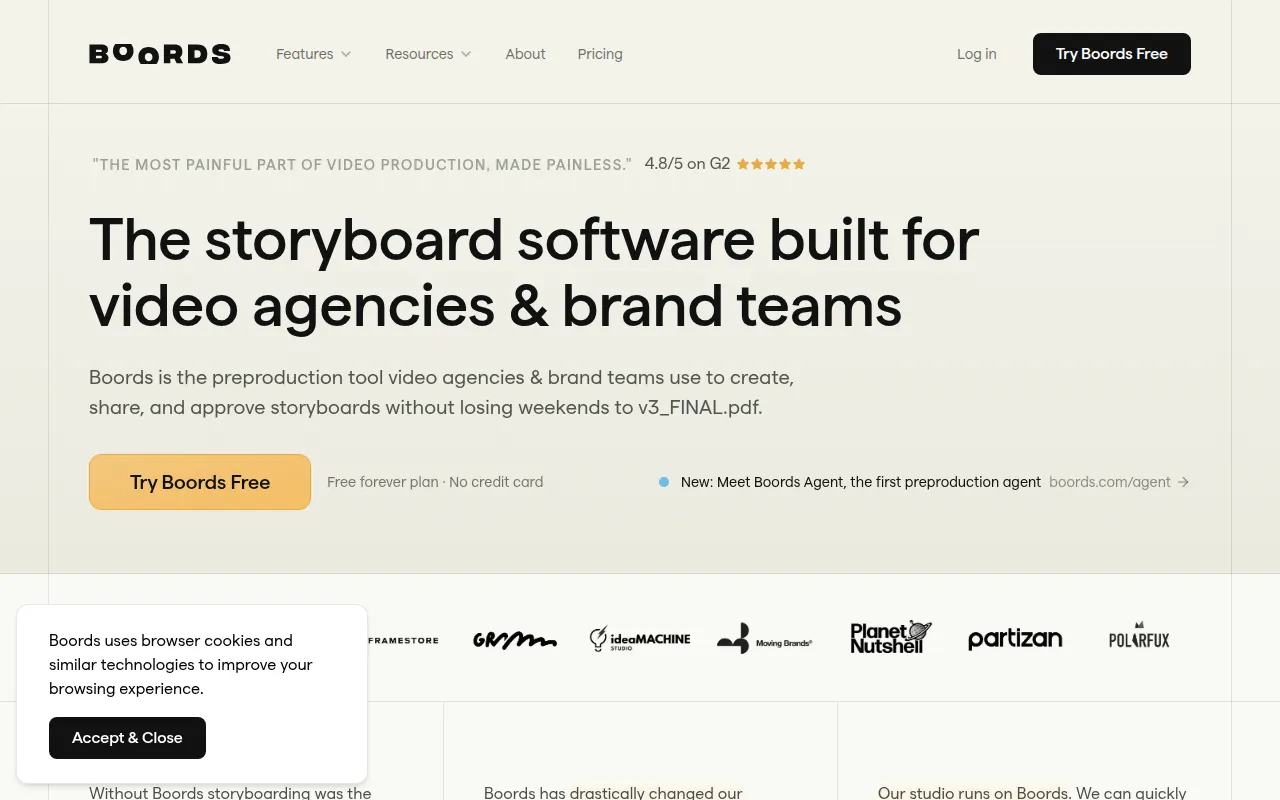
Boords is an AI-driven storyboard generator tailored specifically for video agencies and brand teams. Its primary purpose is to streamline the pre-production process by enabling users to create, share, and approve storyboards efficiently. By addressing common pain points in video production, such as lengthy approval processes and cumbersome file management, Boords transforms storyboarding from a tedious task into a more manageable and organized effort.
Key Features
- AI Storyboard Generator: Automate the creation of storyboards from scripts in minutes.
- Client Sign-off: Facilitate frame-level approvals directly within the tool.
- Multiple Camera Angles: Explore and refine different camera placements and shots without redrawing.
- Animatic Editor: Create animatics that combine storyboard images with audio.
- Project Sharing Links: Easily share projects with clients for feedback and approval.
- Comments Integration: Leave comments and notes directly on the storyboard for clarity.
- Free Plan Available: Start with a free version that includes foundational features.
- User-Friendly Interface: Designed for ease of use to accommodate users of all skill levels.
Benefits
Using Boords offers practical advantages, including significant time savings in the pre-production phase of video projects. The ability to generate storyboards quickly and obtain client feedback enhances collaboration and reduces the likelihood of miscommunication. Additionally, the integration of AI technology allows for creative adjustments without the need for manual redrawing, thereby increasing efficiency. Overall, Boords not only simplifies the storyboard creation process but also enhances the overall workflow for video projects.
Common Use Cases
One common use case for Boords is in advertising agencies where teams need to visualize concepts for client pitches. By generating quick storyboard mock-ups, they can present ideas more effectively. Another scenario might involve film schools, where students use Boords to create storyboards for their projects, learning industry-standard practices in a user-friendly environment. Additionally, marketing teams producing promotional videos can benefit from rapid storyboard creation to align their vision with stakeholders.
Who Should Use It
Boords is ideal for video agencies, brand teams, and content creators looking to enhance their pre-production workflow. It is particularly beneficial for teams that require fast turnaround times and collaborative feedback processes. However, it may not suit individual users or very small teams that do not need extensive storyboard features or those who prefer traditional hand-drawn methods.
Pricing Overview
Boords offers a free plan that allows users to create and share basic storyboards with limited features. For those needing more functionality, a Pro plan is available for $50 per month when billed annually, which includes advanced features like unlimited storyboards and the ability to generate AI images. Pricing details may change, so it’s advisable to check the official website for the most current information.
Pros and Cons
Pros
- The AI storyboard generator significantly reduces the time needed to create storyboards.
- The user-friendly interface makes it accessible to users with varying levels of experience.
- Client sign-off features streamline the approval process, enhancing collaboration.
- The integration of comments helps maintain clear communication among team members.
- A free plan allows teams to start using the tool without financial commitment.
Cons
- The free plan has limitations that may restrict its usefulness for larger projects.
- Some users may find the learning curve steep, depending on their familiarity with digital tools.
- Certain advanced features are only available in the paid version, which may not be cost-effective for smaller teams.
Conclusion
Boords is a valuable tool for video agencies and brand teams looking to simplify their pre-production process. While it offers numerous advantages, including time savings and enhanced collaboration, potential users should consider their specific needs and whether the paid features align with their budget. The free version provides an excellent opportunity to explore the platform's capabilities before committing to a subscription.