Overview
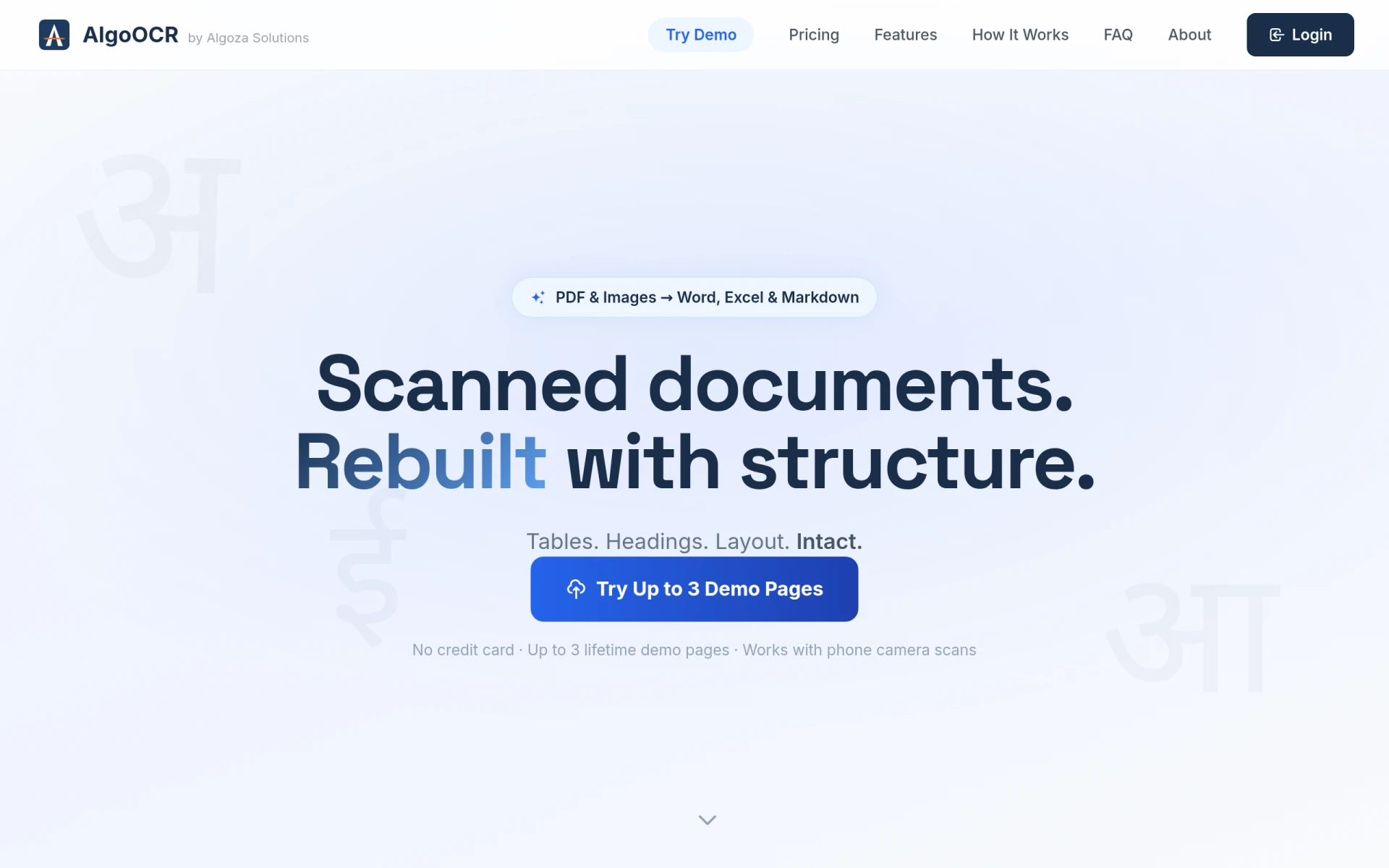
AlgoOCR is a specialized document conversion tool that focuses on transforming scanned PDFs and images into editable formats such as Word, Excel, and Markdown. Its primary purpose is to facilitate the conversion of documents that contain text in Hindi, Marathi, and English, making it particularly useful for users dealing with multilingual documents. By providing a solution for converting static, scanned documents into editable files, AlgoOCR addresses the common problem of needing to extract and manipulate information from printed materials, such as invoices, government forms, and academic papers.
Key Features
- PDF to Word Conversion
- PDF to Excel Conversion
- PDF to Markdown Conversion
- Multi-language Support
- Retains Document Structure
- Supports Scanned Images
- Up to 3 Free Demo Pages
- Permanent Page Credits for Registered Users
Benefits
Using AlgoOCR offers numerous advantages for individuals and organizations that frequently work with scanned documents. One of the main benefits is the ability to edit documents without retyping, saving both time and effort. The software's support for multiple languages allows users to work with a diverse range of documents, catering to various linguistic needs. Moreover, AlgoOCR ensures that the original structure of the document is retained during the conversion process, making it easier to work with formatted content such as tables and headings. The availability of free demo pages allows users to test the software's capabilities before committing to a purchase.
Common Use Cases
AlgoOCR is particularly useful for:
- Businesses needing to process invoices and receipts from scanned documents.
- Educational institutions converting academic papers or research documents into editable formats.
- Government agencies digitizing forms and records for better accessibility.
- Freelancers and consultants requiring quick edits to scanned contracts or agreements.
- Non-profit organizations managing multilingual documentation for outreach and communication.
Who Should Use It
Ideal users of AlgoOCR include small to medium-sized businesses, educational institutions, and professionals who regularly handle scanned documents in Hindi, Marathi, or English. However, it may not be the best fit for users who need advanced document editing features beyond basic text editing, as its primary function is focused on conversion rather than comprehensive editing tools.
Pricing Overview
Pricing details for AlgoOCR are not explicitly provided on the website. Users can access up to three demo pages for free as part of their introductory experience.
Conclusion
AlgoOCR stands out as a practical tool for converting scanned documents into editable formats, especially for users dealing with multilingual content. While it excels in retaining document structure and facilitating easy edits, prospective users should evaluate their specific needs to determine if its features align with their usage requirements. Overall, AlgoOCR proves to be a valuable asset for those frequently working with scanned PDFs and images, particularly in regions where Hindi and Marathi are prevalent.