
ChatGPT Folders
Freemium
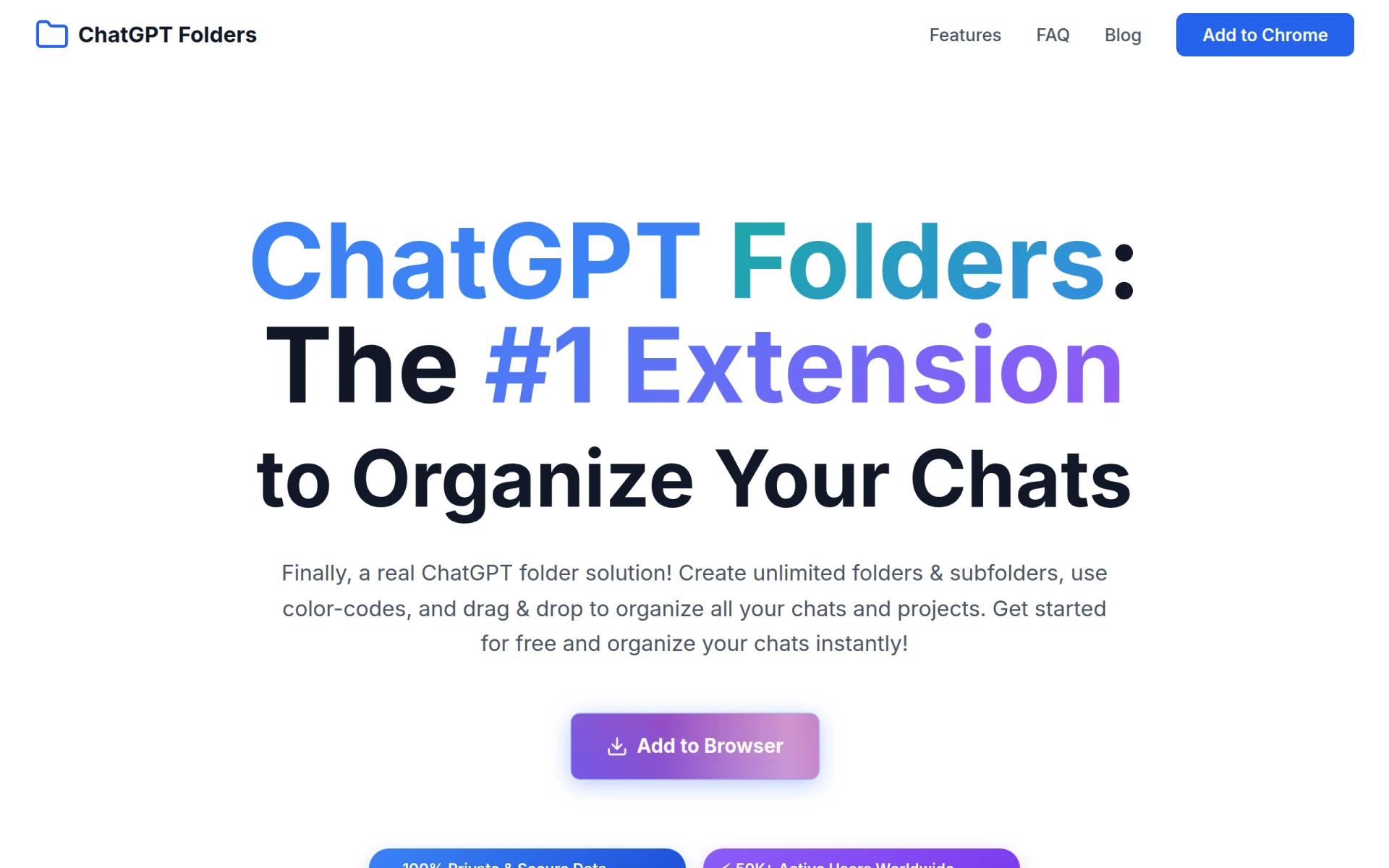
ChatGPT Folders allows users to organize their ChatGPT conversations with customizable folders and color-coding.
 A
A
Alter is an AI productivity tool for Mac that enhances workflow through voice commands and seamless app integration.
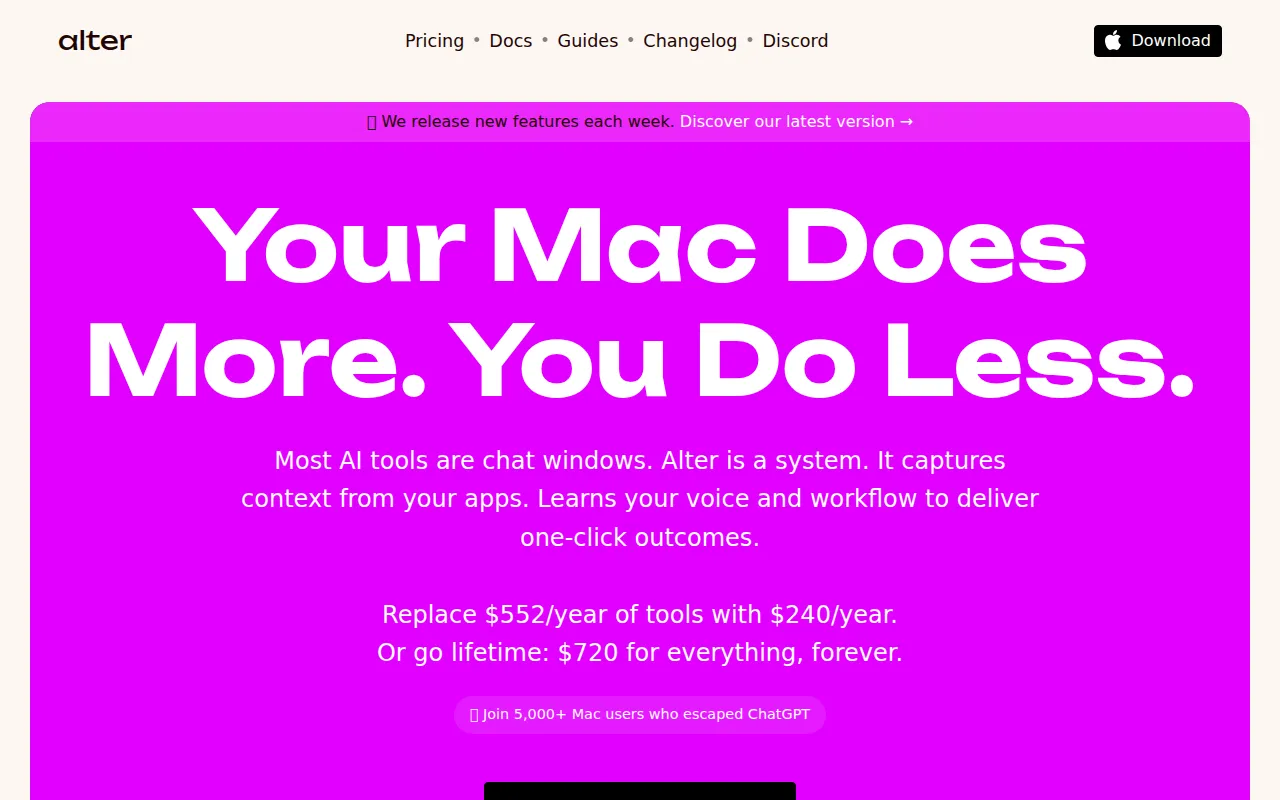
Alter is an AI-driven productivity tool designed specifically for Mac users. Its primary purpose is to enhance user efficiency by enabling seamless execution of tasks across different applications using voice commands. By combining natural language processing with contextual awareness of applications and user screens, Alter aims to reduce the time taken for task execution, allowing users to transition from thought to action almost instantly. This software addresses common challenges faced by professionals, such as multitasking inefficiencies and the need for quick access to various tools and functionalities without relying heavily on keyboard inputs.
Alter delivers practical advantages by significantly enhancing productivity for Mac users. The ability to use voice commands allows users to execute complex tasks without the need for typing, which can save valuable time. Additionally, the integration with local models ensures that sensitive information remains private, addressing concerns about data security. Regular updates keep the software relevant and continuously improving, catering to the evolving needs of users. The ease of connecting personal API keys further personalizes the experience, making it adaptable to varying workflows and preferences.
Alter is particularly beneficial for professionals who manage multiple applications simultaneously, such as project managers who need to update tasks in different software without switching interfaces. Writers can also use Alter to dictate their thoughts and have them transcribed in real-time, increasing their output. Developers and designers benefit from quick access to tools and resources through voice commands, streamlining their workflow. Additionally, remote workers can enhance their productivity during virtual meetings by using voice commands to take notes or manage tasks.
Alter is ideal for Mac users who prefer a hands-free approach to managing tasks and applications. It suits professionals in dynamic environments, such as tech developers, content creators, and project managers. However, it may not be the best fit for users who prefer traditional input methods or those who use non-Mac operating systems, as the software is designed specifically for macOS environments.
Alter offers a free version that includes all core features without the need for a credit card. Users can also opt for a Local+ subscription at $29 per year for enhanced capabilities like real-time speech-to-text using local models. This pricing model makes it accessible for users wanting to explore AI productivity without upfront costs.
In summary, Alter serves as a powerful productivity tool for Mac users, leveraging AI to enhance task execution and workflow management. Its voice command functionality and contextual understanding set it apart from traditional productivity tools. While it may not cater to all user preferences, especially those outside the macOS ecosystem, its capabilities present a compelling option for many professionals looking to increase their efficiency. Users should consider their specific needs and workflows to determine if Alter aligns with their productivity goals.
ChatGPT Folders allows users to organize their ChatGPT conversations with customizable folders and color-coding.
Chart Advantage is a project management tool that aids in visualizing project timelines and dependencies through various charting methods.
CalPerks is a task management tool designed to enhance team collaboration and productivity.
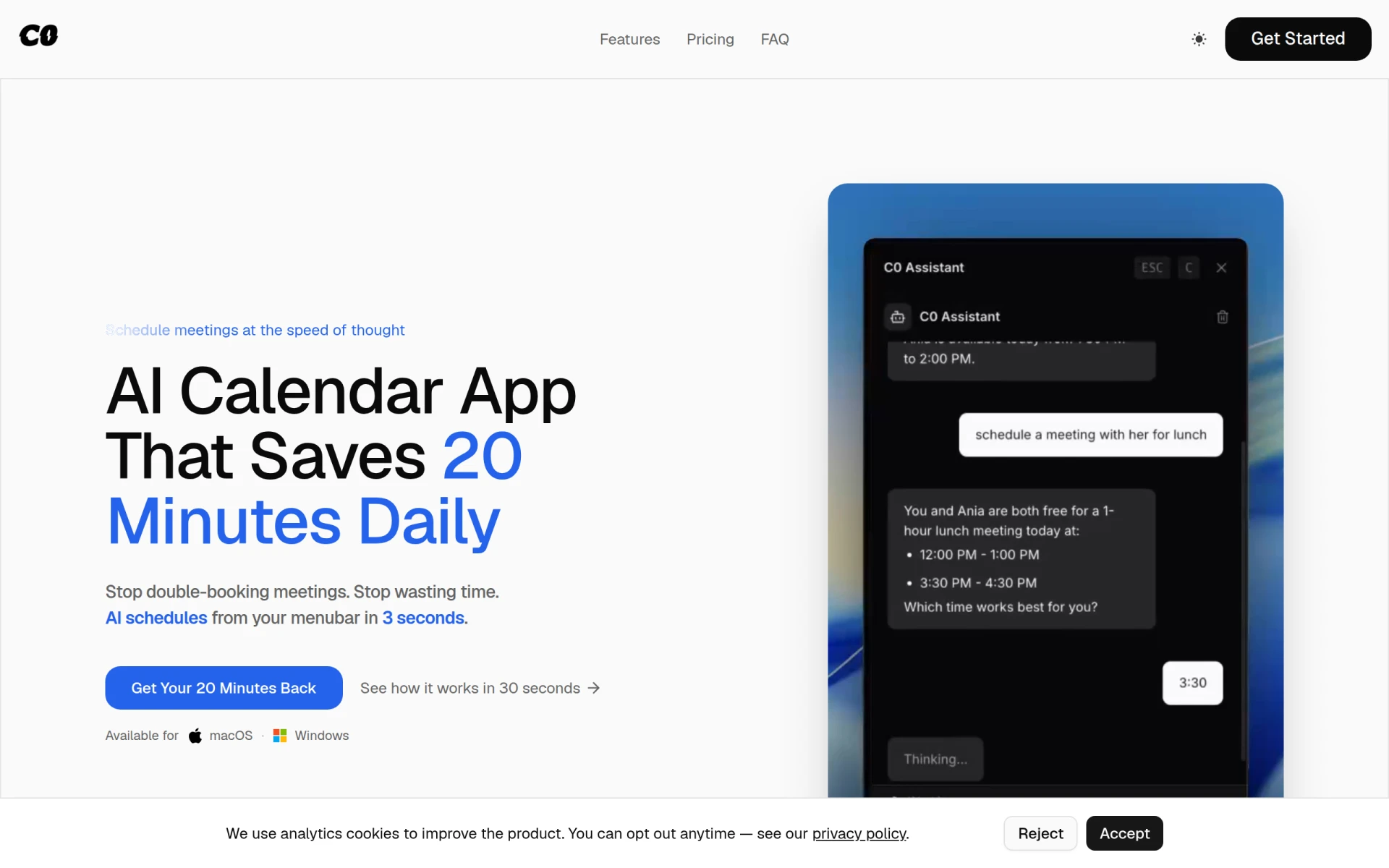
Calendar0 is an AI-driven appointment scheduling tool that simplifies calendar management directly from your menubar.
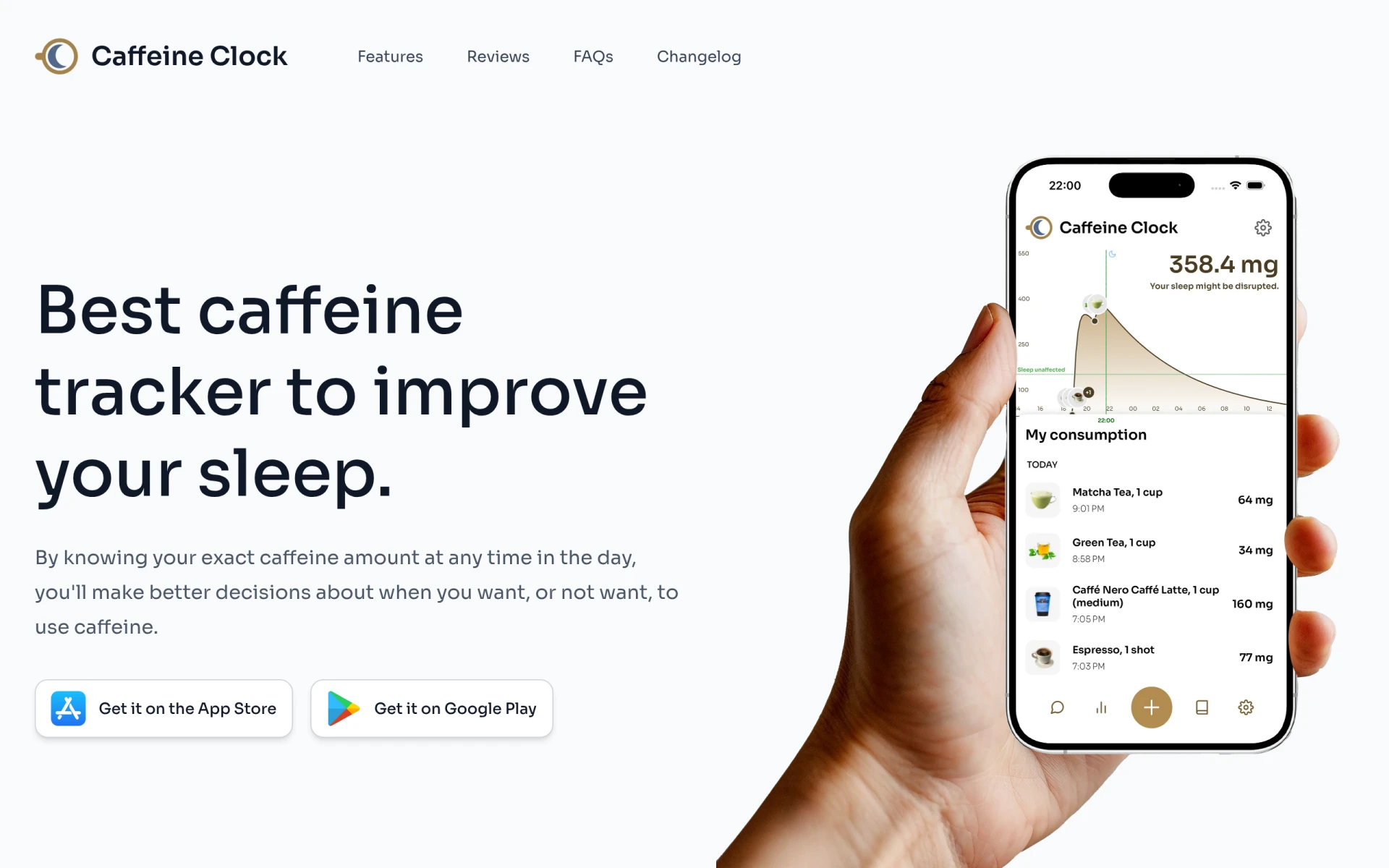
Caffeine Clock helps track your caffeine intake to enhance sleep quality and make informed consumption decisions.
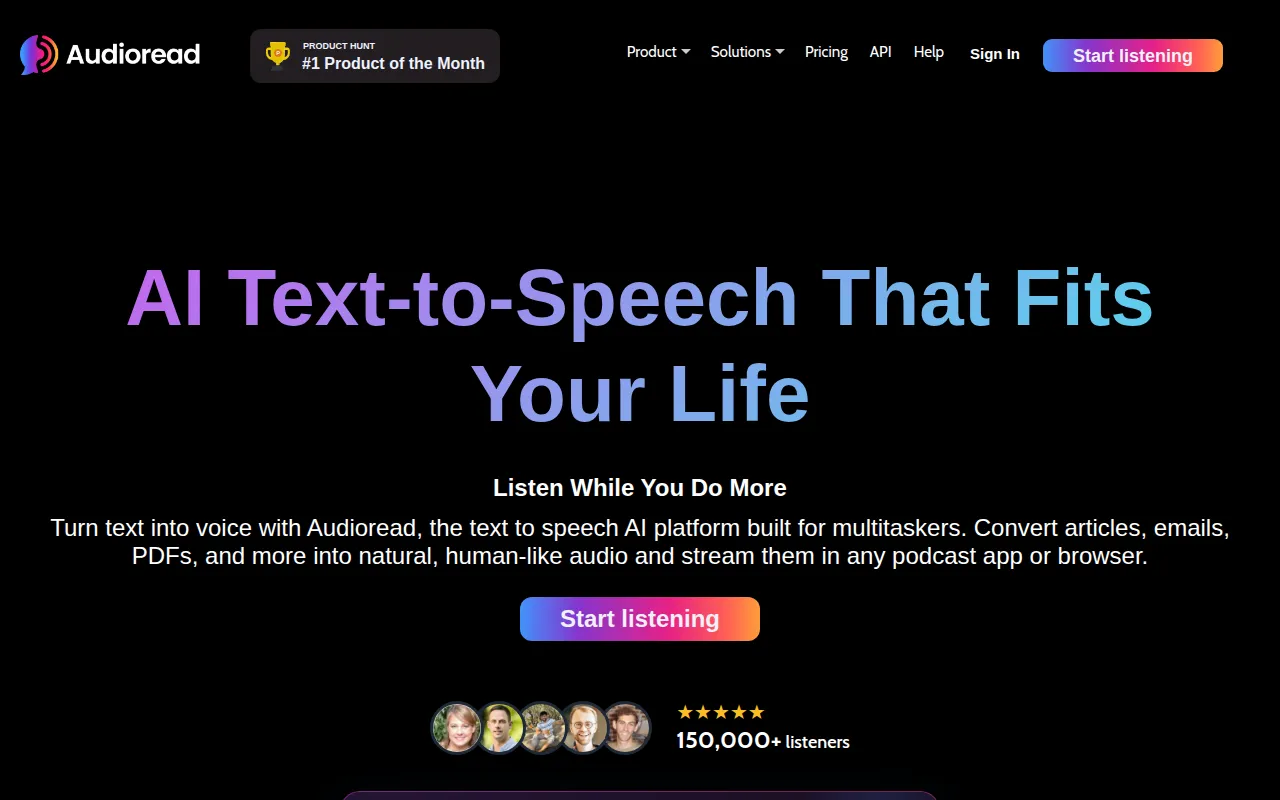
Audioread converts text from articles, PDFs, and emails into natural-sounding audio for easy listening.
Best Task Management Tools for Freelancers
For freelancers seeking effective task management solutions to meet deadlines.
Best Inventory Management Tools for Restaurants
For restaurant managers looking to optimize inventory and minimize food waste.
Best Task Management Tools for College Students
For college students managing coursework and deadlines efficiently amidst busy schedules.
Weekly roundup of new AI tools, launches, and trending software. No spam — unsubscribe anytime.
No credit card required · Cancel anytime
Weekly roundup of new AI tools, launches, and trending software. No spam — unsubscribe anytime.
No credit card required · Cancel anytime