
CompareHeights
Freemium
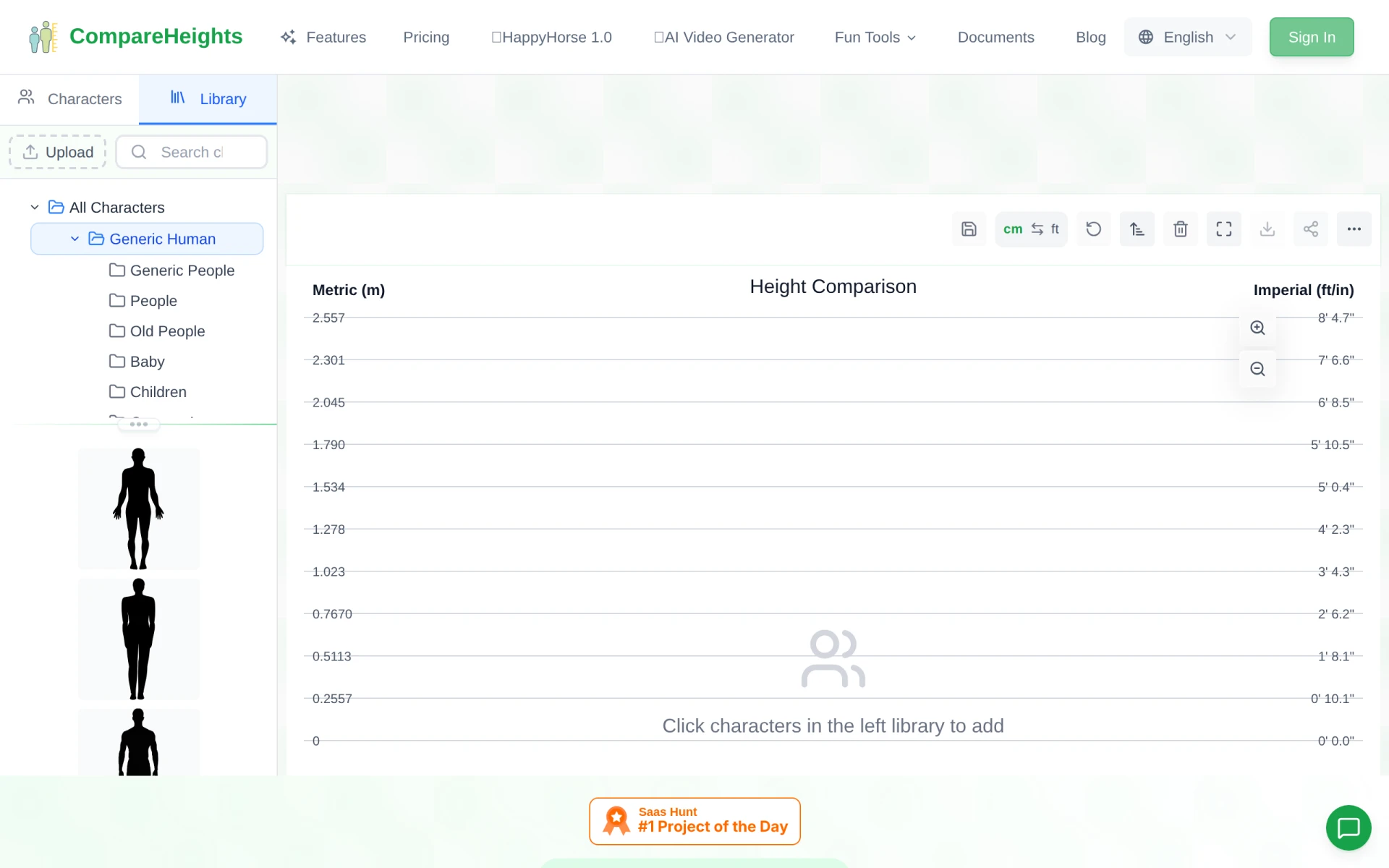
CompareHeights enables users to visually compare the heights of various objects, including people and animals, with ease.
 A
A
AnyWebP is a free online converter that transforms WebP images to JPG or PNG and vice versa without any uploads or signups.
 H
H
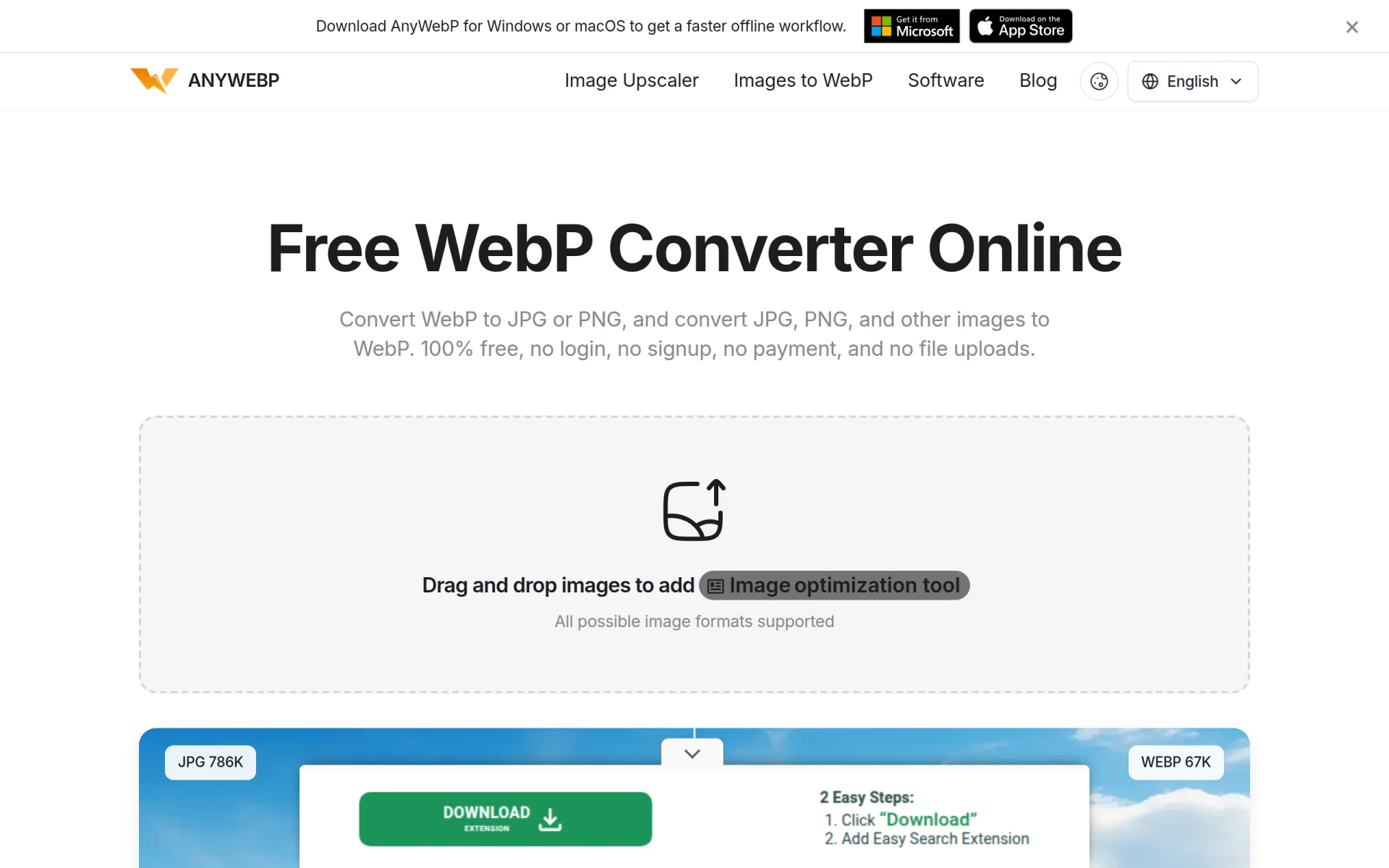
AnyWebP is an online utility tool designed specifically for converting WebP images to more widely recognized formats such as JPG and PNG, and it also allows users to convert various other formats, including JPG, PNG, GIF, BMP, HEIC, and TIFF, into WebP. This software addresses the issue of limited compatibility that WebP images often face, allowing users to easily switch between formats without the need for complex software or installations. By providing a simple, user-friendly interface, AnyWebP enables individuals and businesses to efficiently manage their image files across different formats.
Using AnyWebP provides practical advantages such as eliminating compatibility issues when sharing images across different platforms and devices. The batch conversion feature significantly enhances efficiency, especially for users who need to convert large numbers of images quickly. Since it operates without requiring uploads, users can maintain their privacy and security while converting images. The intuitive drag-and-drop interface simplifies the conversion process, making it accessible even for users with minimal technical skills.
A photographer may use AnyWebP to convert WebP images taken from a website into JPG format for easier sharing with clients. A web developer could convert images from JPG to WebP to optimize website loading speeds and improve performance. Graphic designers might utilize the batch conversion feature to quickly convert a series of images into the WebP format for a project. Additionally, marketers could benefit from converting images in bulk to ensure compatibility with various advertising platforms.
AnyWebP is ideal for individuals and small businesses that frequently work with images in different formats. Graphic designers, photographers, and web developers will find it particularly useful for managing and optimizing image files. However, users seeking advanced image editing features or specialized format adjustments may find AnyWebP insufficient for their needs.
AnyWebP is completely free to use, with no hidden fees or subscriptions.
AnyWebP is a straightforward and efficient solution for anyone needing to convert WebP and other image formats. Its ease of use, batch processing capabilities, and lack of required signups make it a practical choice for those who prioritize convenience and speed. While it may not cater to complex editing needs, it excels in providing a reliable service for standard image conversions.
No reviews yet. Be the first to review AnyWebP - WebP Converter!
CompareHeights enables users to visually compare the heights of various objects, including people and animals, with ease.
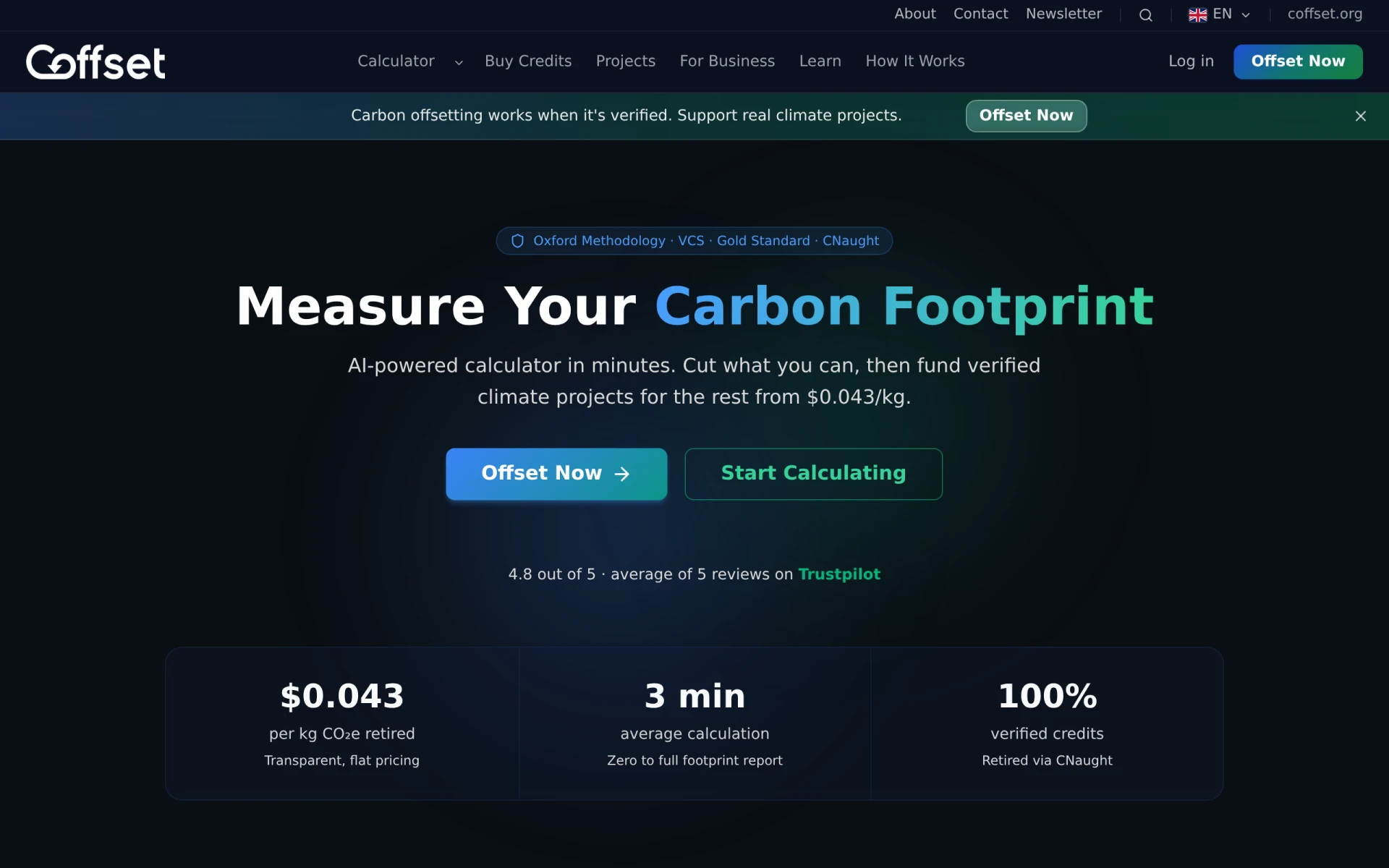
Coffset is an AI-powered carbon footprint calculator that helps users measure and offset their carbon emissions with verified credits.
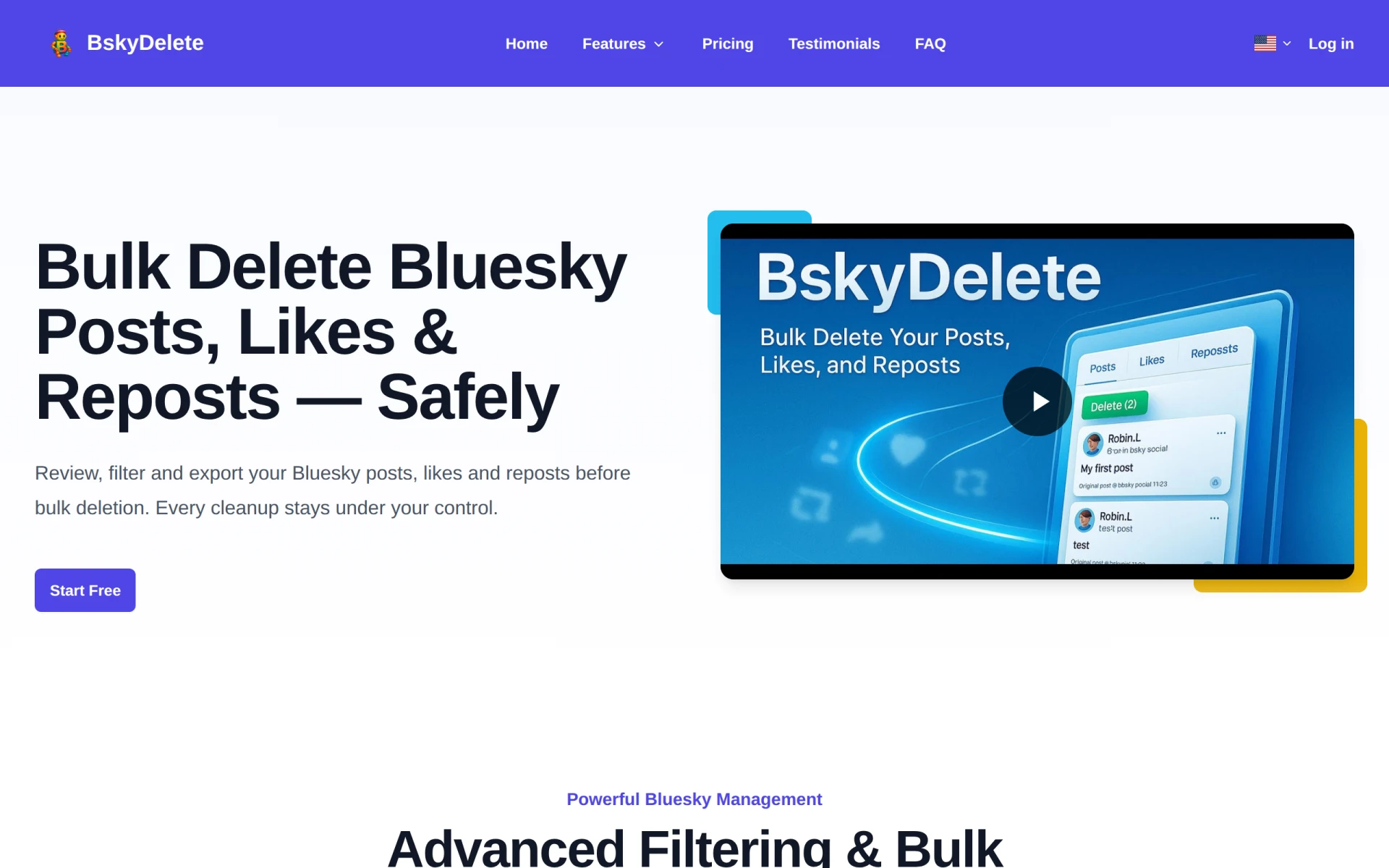
BskyDelete is a utility tool designed to help users bulk delete their posts, likes, and reposts on Bluesky, enhancing social media management.
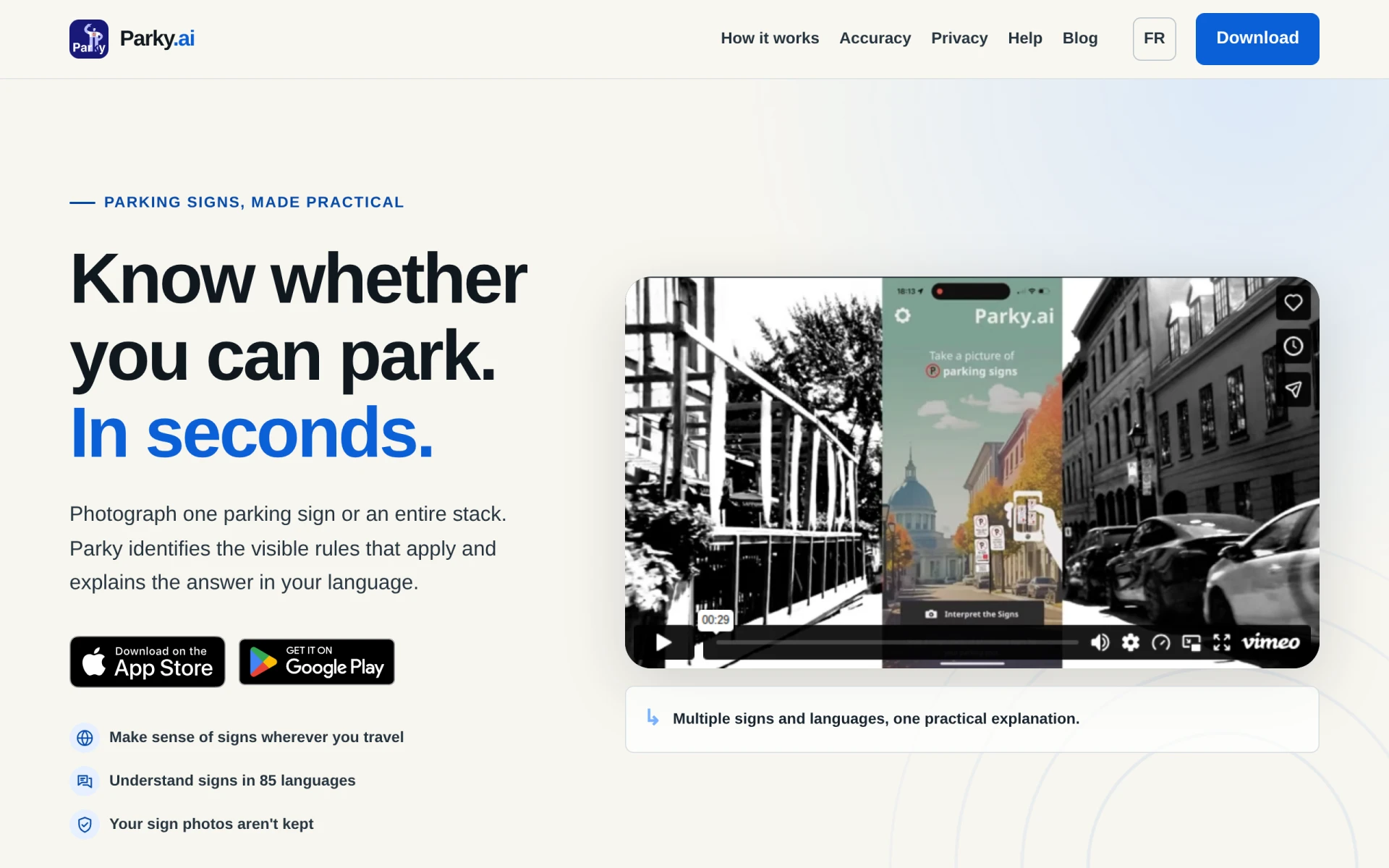
Parky.AI helps users understand parking signs by providing clear explanations of rules in multiple languages.
mailX offers tools for email deliverability testing, including DNS lookups and authentication checks for better email performance.
Beloga is a resource platform providing information and insights on various topics of general interest.
Weekly roundup of new AI tools, launches, and trending software. No spam — unsubscribe anytime.
No credit card required · Cancel anytime
Weekly roundup of new AI tools, launches, and trending software. No spam — unsubscribe anytime.
No credit card required · Cancel anytime