Overview
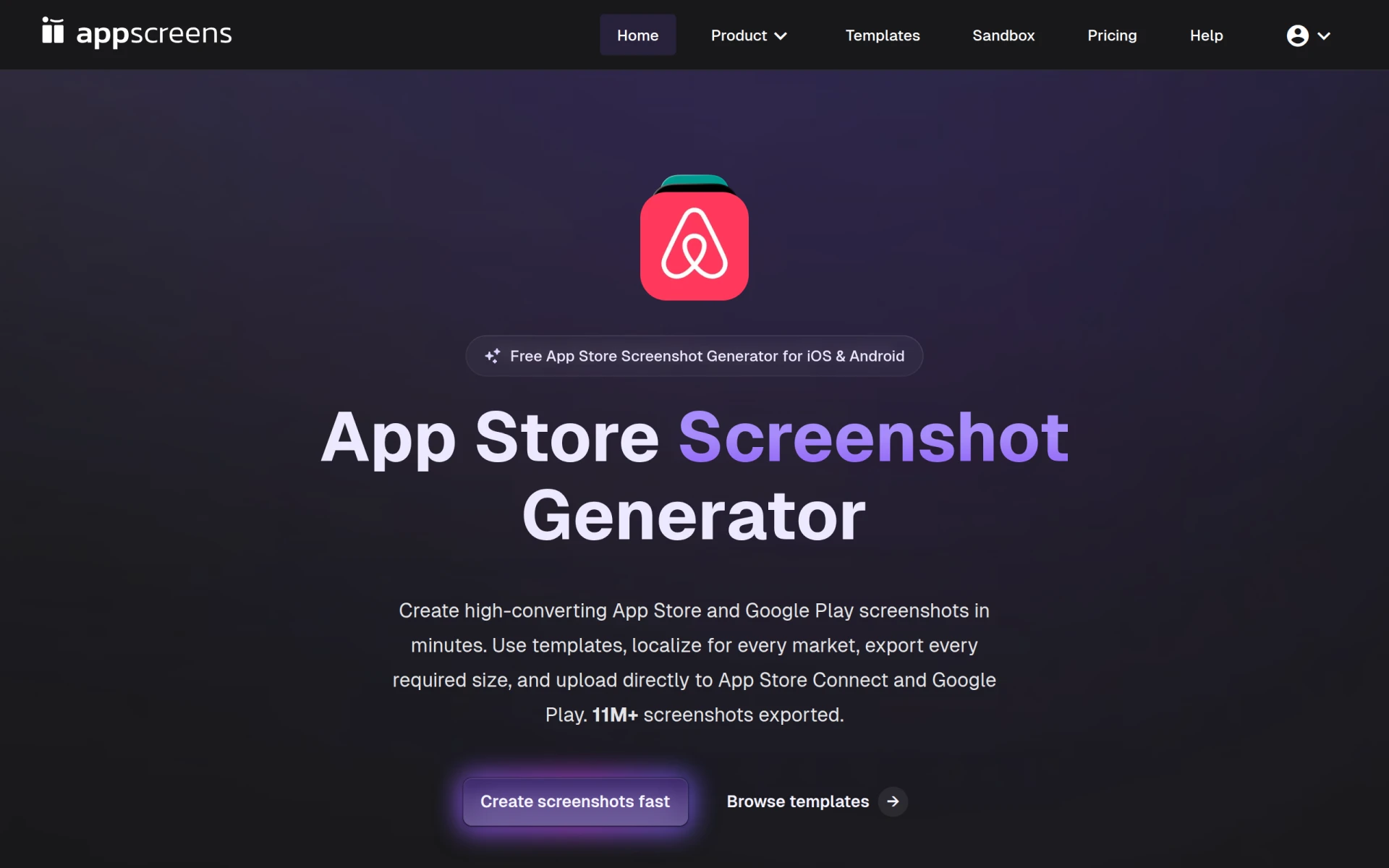
AppScreens is a specialized tool designed to assist developers and marketers in creating visually appealing screenshots for mobile applications on both the App Store and Google Play. The primary purpose of this software is to simplify the screenshot generation process, enabling users to produce professional-quality images in a matter of minutes. AppScreens addresses common challenges faced by app developers, such as the need for localization and the requirement for store-ready exports that comply with platform specifications.
Key Features
- Template library: Access a variety of customizable templates tailored for different app categories.
- Localization support: Easily create screenshots in multiple languages to reach a global audience.
- Direct upload: Seamlessly upload screenshots to the App Store and Google Play from within the platform.
- Custom branding: Incorporate your branding elements into the screenshots for a personalized touch.
- Drag-and-drop interface: Use a user-friendly interface that simplifies the design process.
- Preview functionality: Preview how your screenshots will look on various devices before finalizing.
- High-resolution exports: Generate high-quality images suitable for app store submission.
- Multi-device support: Create screenshots for both iOS and Android platforms.
Benefits
The practical advantages of using AppScreens include saving time and effort in the screenshot creation process, which allows developers to focus more on app development and marketing strategies. The tool's localization features enable businesses to cater to a broader audience by offering screenshots in different languages, thereby enhancing user engagement. Additionally, the ability to create high-quality images quickly can lead to improved visibility and potentially higher download rates on app stores.
Common Use Cases
Developers can use AppScreens to generate screenshots for their new mobile applications before launching them in app stores. Marketing teams may use the tool to create promotional images for app updates or special features, ensuring that they are visually appealing and informative. Freelancers working on app development projects can leverage the platform to provide their clients with professional-grade screenshots without needing extensive design skills.
Who Should Use It
AppScreens is ideal for independent developers, small to medium-sized app development companies, and marketing teams looking to enhance their app's store presence. It may not be the best fit for large enterprises with complex needs or specialized design requirements, as they may require more advanced tools or dedicated design teams.
Pricing Overview
Pricing details for AppScreens are currently unavailable on the website.
Conclusion
In summary, AppScreens is a valuable tool for anyone looking to create effective app store screenshots quickly and efficiently. While it offers many benefits such as template support and localization, potential users should consider their specific needs, especially if they require more advanced features or support. Overall, AppScreens presents a practical solution for developers and marketers aiming to enhance their app's visibility in competitive app markets.