Overview
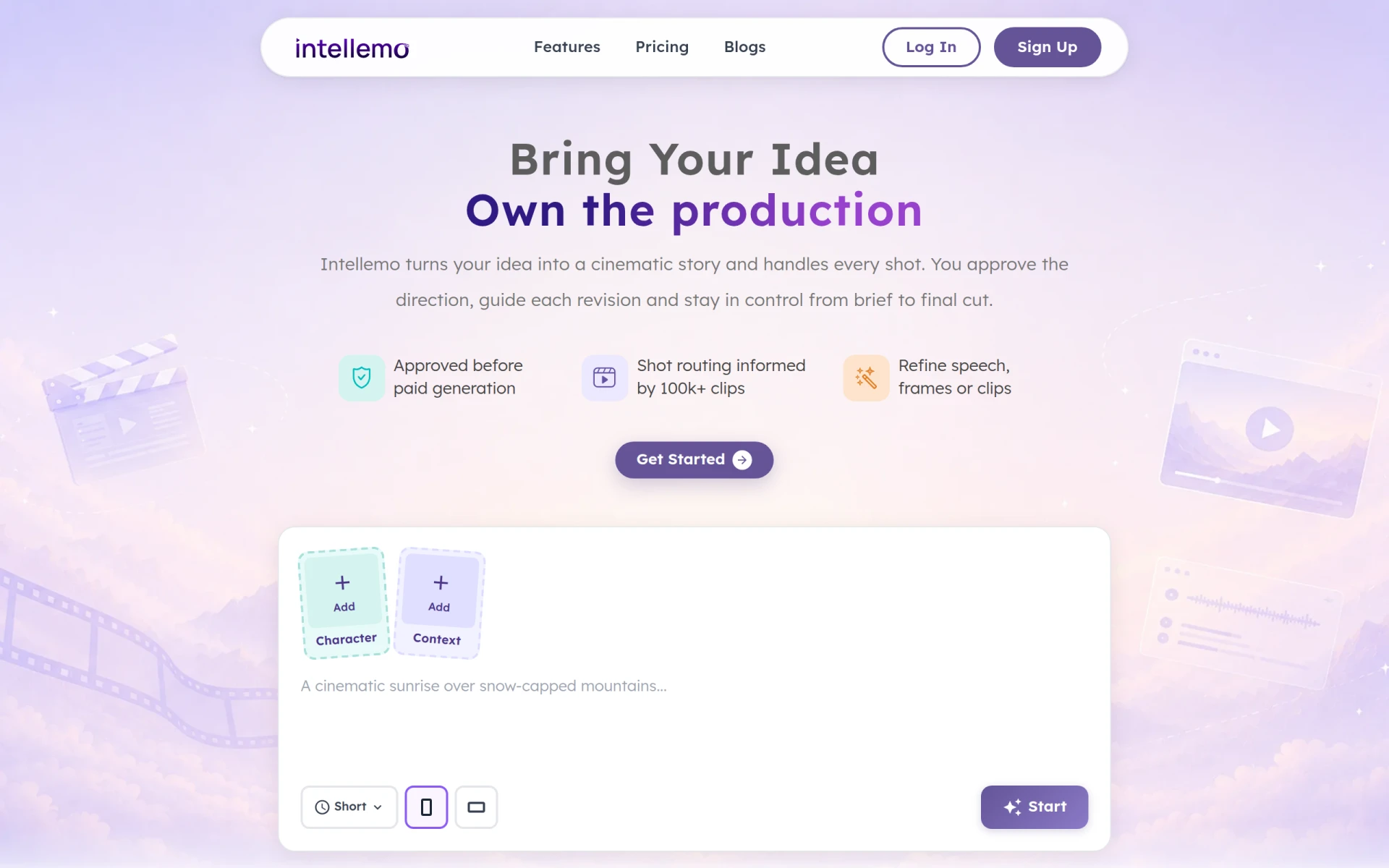
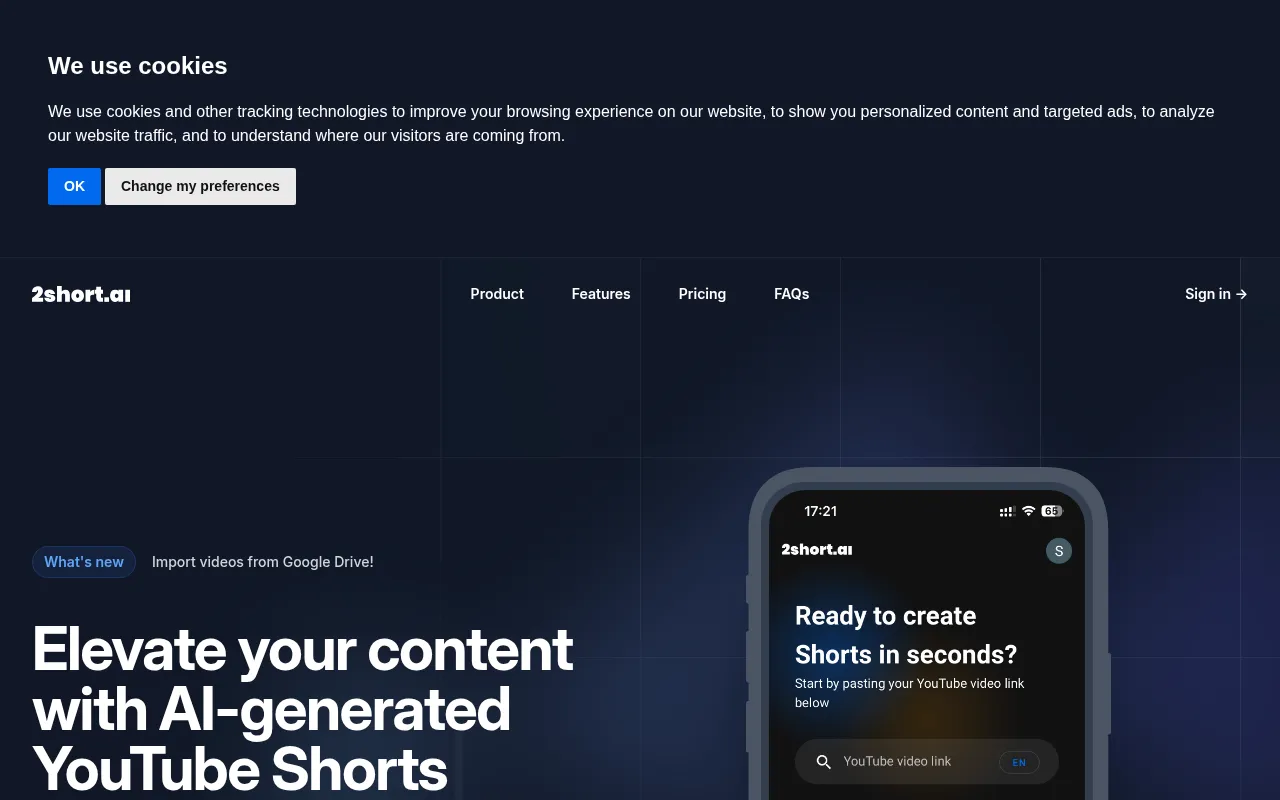
AICUT is an AI video generator that specializes in creating videos for faceless content creators on platforms such as YouTube, TikTok, and Instagram. Its primary purpose is to simplify the video creation process by providing tools for generating engaging visual content without needing a traditional on-screen presence. AICUT addresses common challenges faced by content creators, such as the time-consuming nature of video production and the need for consistent quality across multiple platforms.
Key Features
- AI Video Generation
- Voiceover Creation
- Auto-Captioning
- Video Editing Tools
- Template Library
- Auto-Scheduling for Social Media
- User-Friendly Interface
- Multi-Platform Support
- Analytics Dashboard
- Customizable Video Formats
- Stock Footage Integration
- Background Music Options
- Collaboration Tools
- Cloud Storage
- Regular Updates
Benefits
AICUT offers practical advantages by significantly reducing the time and effort required to produce high-quality videos. Users can generate content quickly, allowing for a more efficient workflow. The auto-captions and voiceover features enhance accessibility, making videos more engaging for diverse audiences. The scheduling feature ensures that content is released at optimal times, helping to maximize viewer engagement. Overall, AICUT provides an effective solution for maintaining a consistent online presence.
Common Use Cases
Content creators can use AICUT to produce faceless videos that cater to various niches, such as educational content, lifestyle vlogs, or promotional material for brands. For instance, a marketing team can utilize AICUT to create promotional videos for social media campaigns without needing to film on location. Similarly, educators can develop informative videos that explain complex topics without appearing on camera, making it easier to reach a broader audience.
Who Should Use It
AICUT is ideal for content creators who want to maintain anonymity while producing videos. This includes vloggers, educators, and marketers who prefer not to appear on camera. However, it may not be suitable for users who desire complete control over every aspect of video production, as the AI-generated content may limit customization options.
Pricing Overview
Pricing information for AICUT is currently unavailable on their website.
Conclusion
In summary, AICUT is a specialized AI video generator that caters to faceless content creators, offering features that streamline video production and enhance engagement. While it excels at automating many aspects of video creation, prospective users should assess whether its limitations align with their specific needs before committing to the platform.