Overview
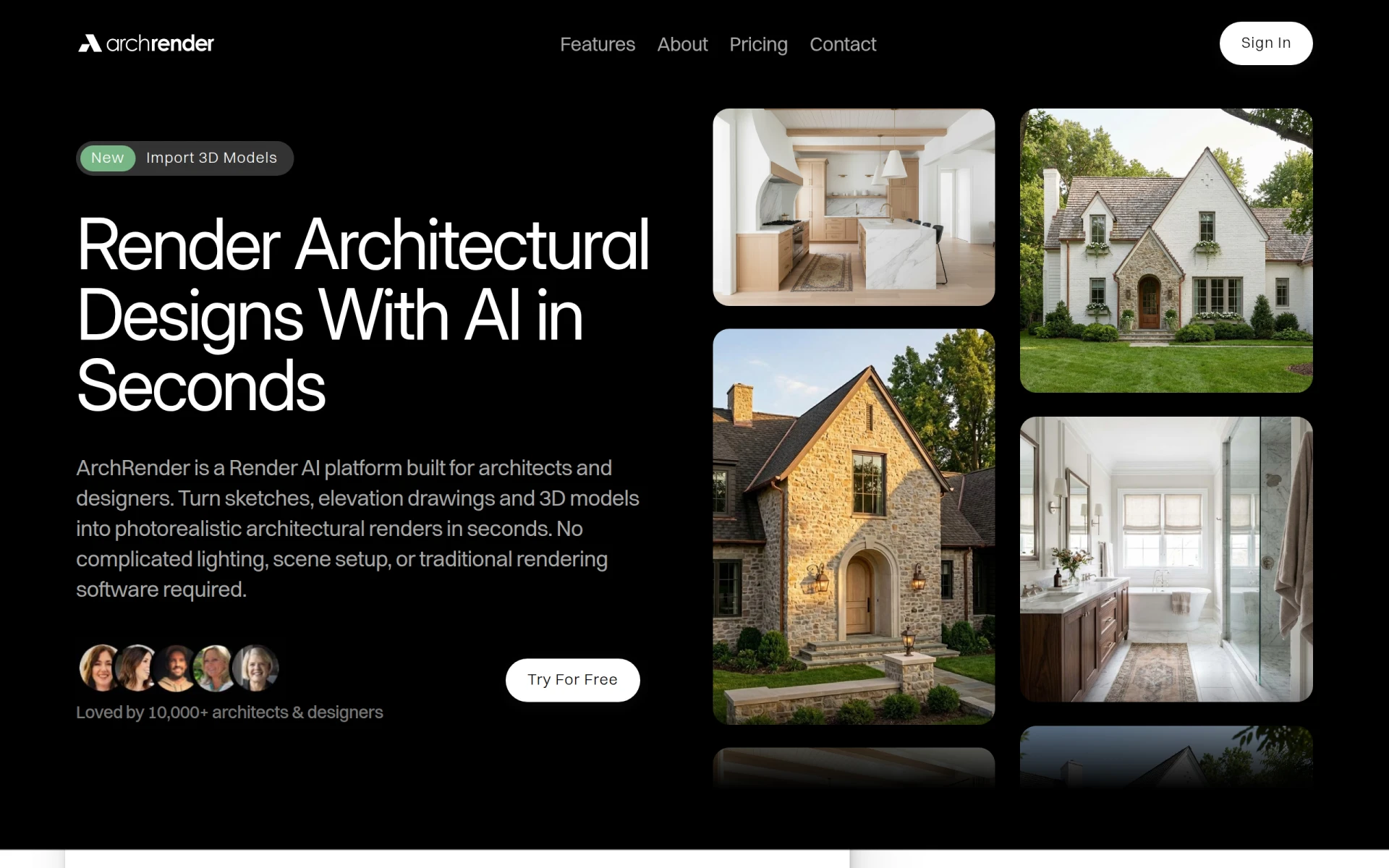
ArchRender is a specialized 3D rendering tool aimed primarily at architects and designers who need to produce high-quality visualizations of their projects. Its main purpose is to transform sketches, drawings, and 3D models into photorealistic architectural renders. This software addresses the common challenges faced by architects, such as the time-consuming process of setting up scenes, adjusting lighting, and achieving realistic textures with traditional rendering software.
Key Features
- Photorealistic Rendering
- AI-Powered Image Generation
- Compatibility with Various File Formats
- User-Friendly Interface
- Instant Previews
- Customizable Lighting Options
- Scene Management Tools
- Support for 3D Models
- Texture and Material Libraries
- Cloud-Based Processing
- Collaboration Tools
- Efficient Workflow Integration
- Automated Rendering Processes
- Batch Rendering Capabilities
- Real-Time Feedback
- Easy Export Options
Benefits
ArchRender offers practical advantages that can significantly improve an architect's workflow. By utilizing AI technology, it reduces the time required to create detailed renders, allowing architects to focus more on design rather than technical setup. The instant preview feature helps users quickly assess changes in real-time, which fosters creativity and faster decision-making. Additionally, the cloud-based processing allows for rendering without requiring high-end hardware, making it accessible to a broader range of users.
Common Use Cases
ArchRender can be employed in various scenarios, such as:
- Architects needing quick visualizations for client presentations.
- Interior designers wanting to showcase room layouts and finishes.
- Real estate professionals looking to create marketing materials for properties.
- Urban planners needing to visualize larger projects in context.
- Students in architecture programs who want to enhance their project submissions with professional-quality renders.
Who Should Use It
Ideal users of ArchRender include:
- Professional architects seeking an efficient rendering tool.
- Interior designers who require high-quality visualizations.
- Real estate agents looking to improve property listings with visuals.
- Architectural students learning rendering techniques.
However, it may not be the best fit for:
- Users looking for a traditional rendering experience with extensive manual controls.
- Those who require specialized features for engineering or construction-related tasks.
Pricing Overview
At this time, ArchRender offers a free platform for users to create photorealistic renders, but specific pricing details for premium features or plans are unavailable.
Conclusion
In summary, ArchRender serves as a valuable tool for architects and designers who need to create high-quality visualizations quickly and efficiently. While it excels in providing photorealistic rendering and ease of use, potential users should consider whether its features align with their specific needs and workflows. As with any software, it is essential to evaluate its capabilities in the context of your projects before committing to use it.