
Anavsan
Paid
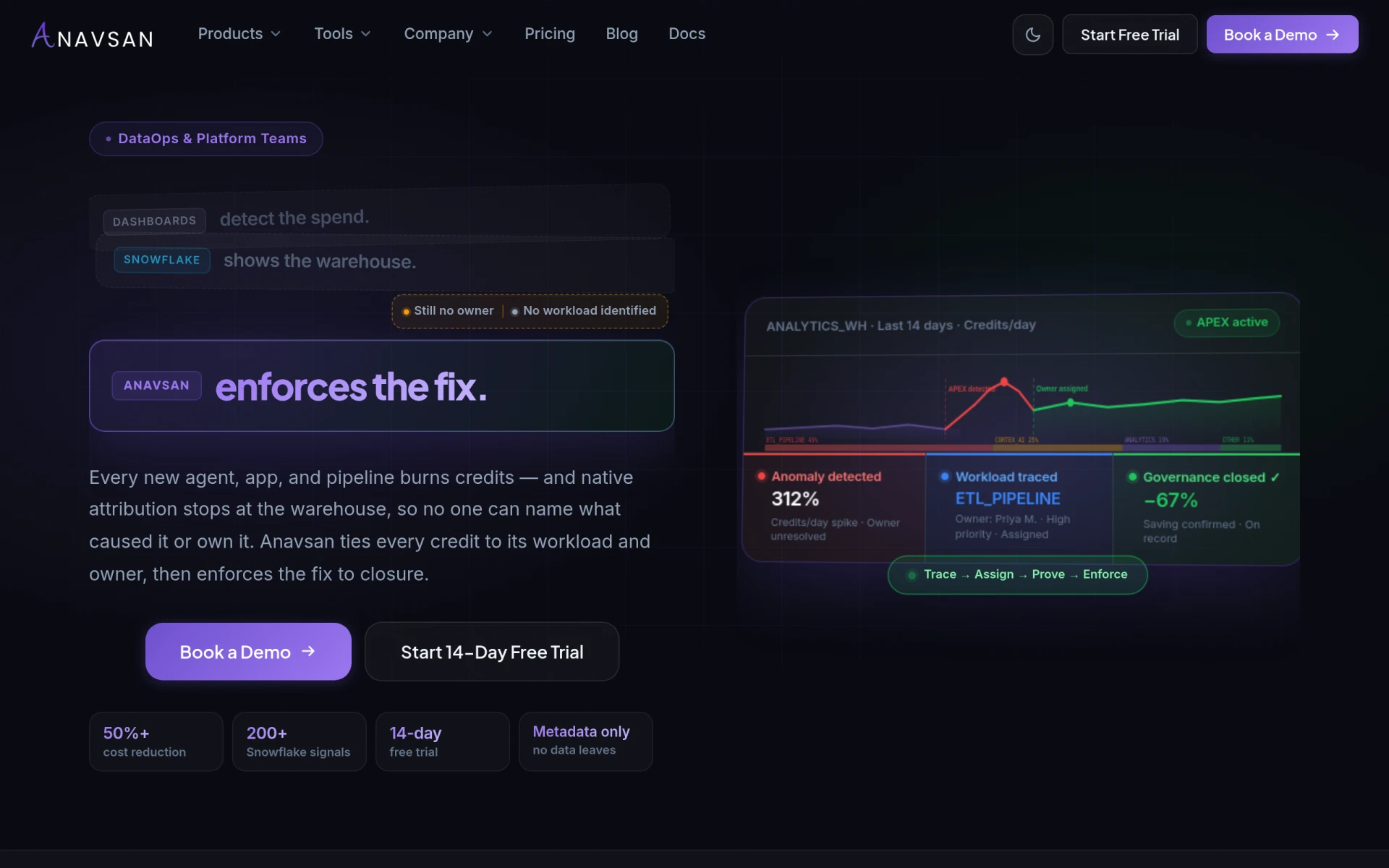
Anavsan is a cost optimization tool for Snowflake that helps organizations track and manage workload credits effectively.
 A
A
AssetCenter is an asset management software designed for small and midsize teams to track assets throughout their lifecycle.
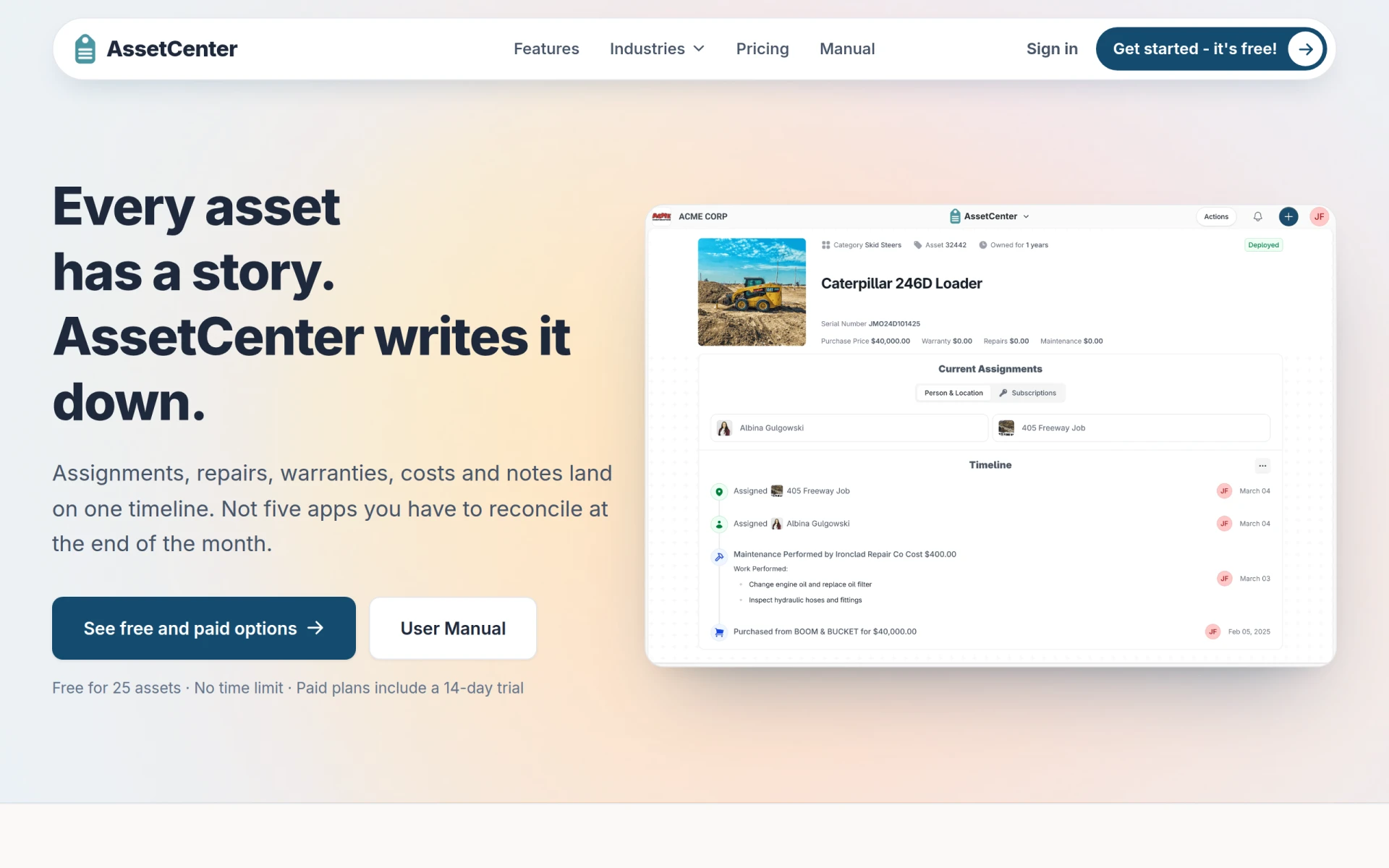
AssetCenter is an asset management software focused on providing accountability and lifecycle tracking for small and midsize teams. Its primary purpose is to simplify the management of assets by consolidating data across various functions, removing the need for multiple spreadsheets and logs. By maintaining a single timeline for each asset, AssetCenter allows users to easily track what they own, who has it, and the history of each asset without the confusion of reconciling different records.
The software addresses several common problems faced by teams managing physical assets, including difficulties in tracking asset ownership, maintenance histories, and warranty statuses. By centralizing this information, AssetCenter helps organizations avoid the pitfalls of lost or mismanaged assets.
The practical advantages of using AssetCenter include increased visibility into asset management, improved accountability, and reduced administrative overhead. Having all asset information in one place allows teams to make informed decisions quickly, reducing downtime and improving operational efficiency. Users can also expect to save time previously spent on manual reconciliation, allowing them to focus on their core responsibilities.
Small equipment rental companies can use AssetCenter to track the location and condition of their inventory. Educational institutions might employ the software to manage IT assets, ensuring that devices are accounted for and properly maintained. Nonprofit organizations could benefit from using AssetCenter to track donated equipment, while construction teams can monitor tools and machinery across project sites.
AssetCenter is ideal for small and midsize businesses that require efficient asset tracking and management. It is particularly beneficial for industries such as education, healthcare, construction, and nonprofits. However, larger enterprises with complex asset management needs may find that AssetCenter lacks the robust features required to handle their scale.
AssetCenter offers a free version that allows users to manage up to 25 assets with no time limit. Paid plans start at $39 per month, which includes support for 250 assets and five user seats. A 14-day trial is available for paid plans without requiring credit card information.
AssetCenter is a practical solution for organizations looking to streamline their asset management processes. While it provides essential features for small and midsize teams, larger organizations may need to evaluate whether it meets their more extensive requirements. Overall, AssetCenter presents a valuable tool for those seeking to improve asset accountability and lifecycle tracking without the burden of complicated software systems.
Anavsan is a cost optimization tool for Snowflake that helps organizations track and manage workload credits effectively.
CitoHR is an AI-powered HR software designed for small businesses and startups to manage employee operations efficiently.
ChurnWard is a churn management tool designed to help businesses reduce customer attrition and improve retention strategies.
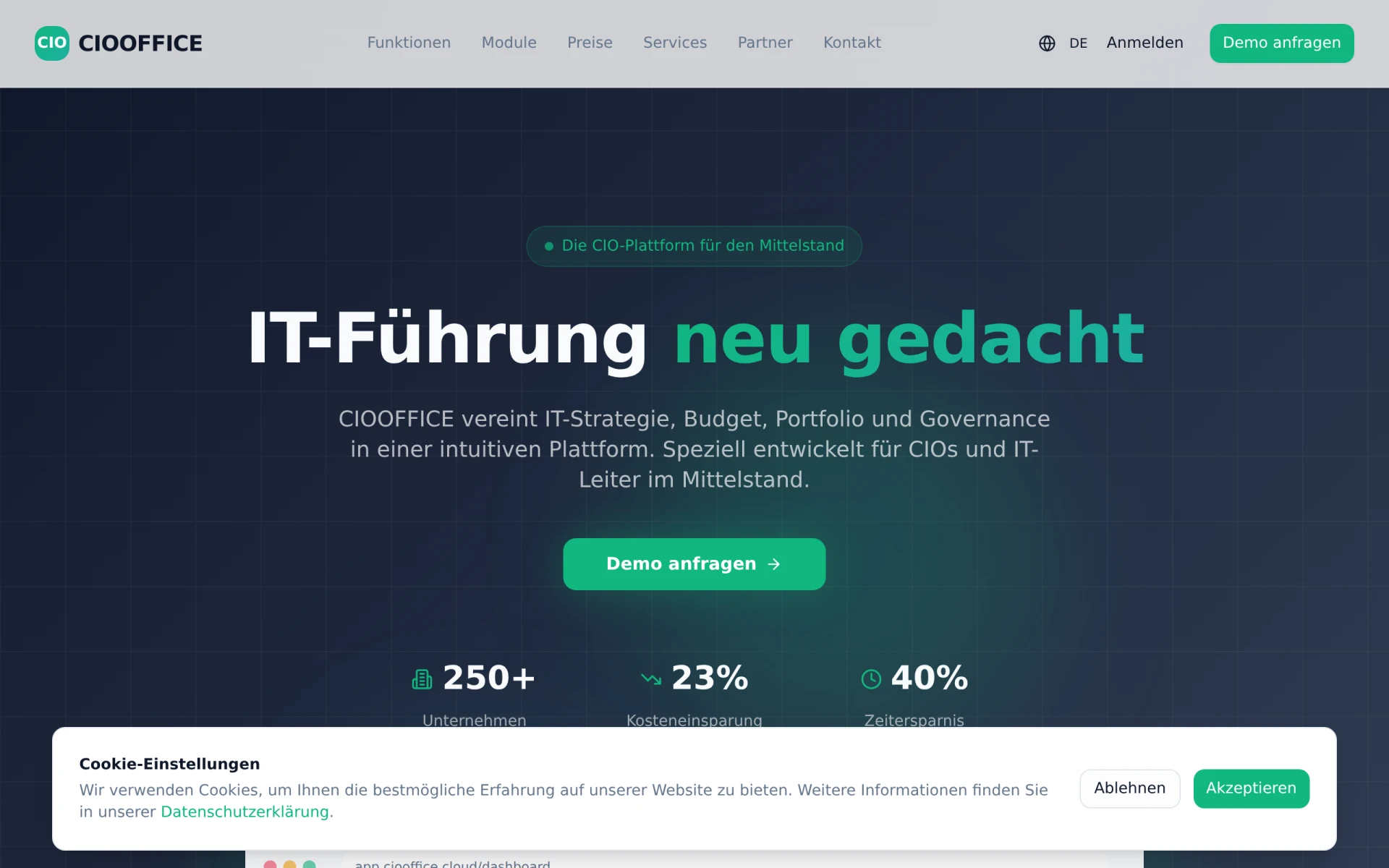
CIOOffice is an integrated software platform designed for IT governance, strategy, budget, and portfolio management tailored for the mid-sized German market.
Churn Buster helps subscription businesses recover failed payments and reduce churn through advanced dunning management and cancellation flows.
Chesser Resources offers resource management solutions designed to improve efficiency and collaboration within teams.
Weekly roundup of new AI tools, launches, and trending software. No spam — unsubscribe anytime.
No credit card required · Cancel anytime
What's inside
How to Choose the Best Workflow Automation Tool for Your Business
Sep 30, 2026 · Productivity
Best Project Management Tools for Construction Professionals
Sep 30, 2026 · Productivity
Top Automation Tools for E-commerce Businesses to Boost Efficiency
Sep 29, 2026 · Business
Weekly roundup of new AI tools, launches, and trending software. No spam — unsubscribe anytime.
No credit card required · Cancel anytime
What's inside
How to Choose the Best Workflow Automation Tool for Your Business
Sep 30, 2026 · Productivity
Best Project Management Tools for Construction Professionals
Sep 30, 2026 · Productivity
Top Automation Tools for E-commerce Businesses to Boost Efficiency
Sep 29, 2026 · Business