Overview
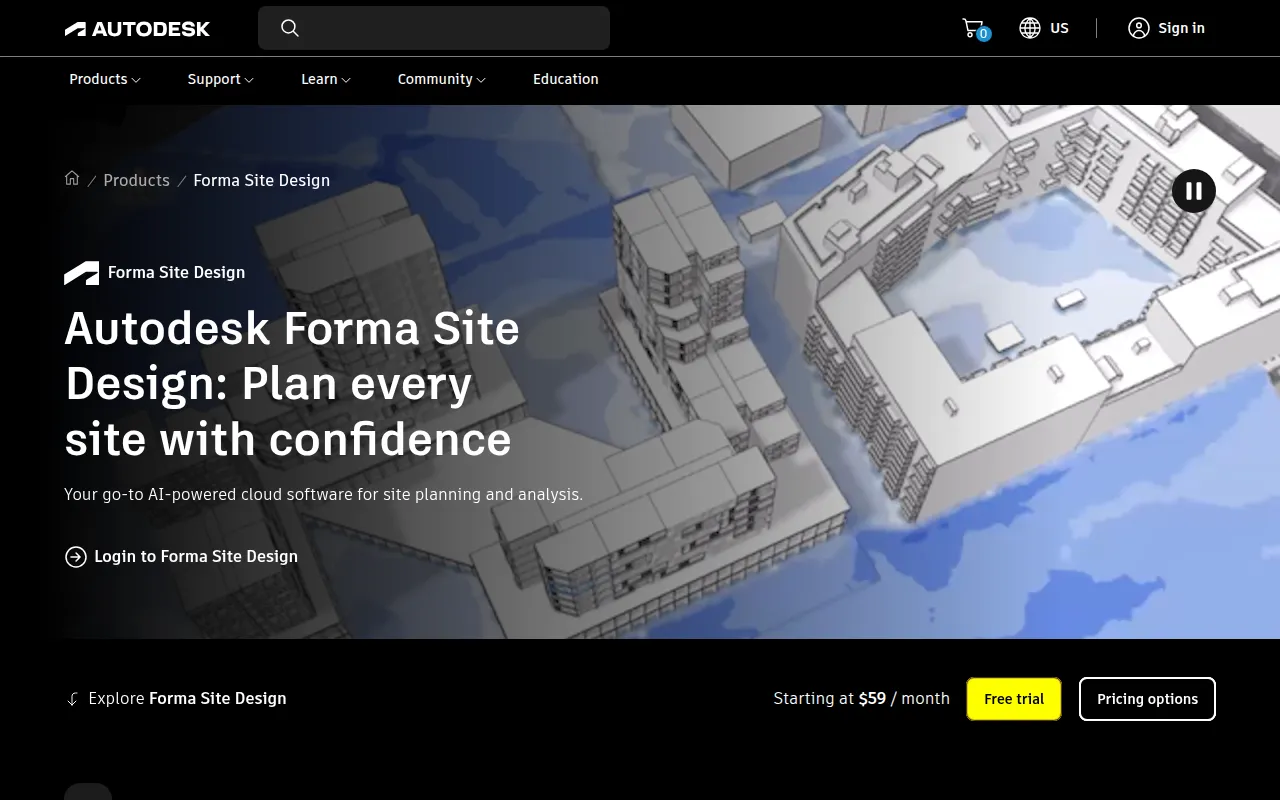
Autodesk Forma is a specialized design tool aimed at professionals in the architectural sector. Its primary purpose is to facilitate the architectural design process by offering advanced tools for modeling, simulation, and collaboration. By streamlining design workflows, Autodesk Forma helps architects visualize projects accurately and collaborate effectively with stakeholders. The software addresses challenges such as inefficient design iterations, poor communication among teams, and difficulties in visualizing complex architectural concepts.
Key Features
- 3D Modeling: Create detailed three-dimensional models of architectural designs.
- Collaboration Tools: Enable real-time collaboration among team members and stakeholders.
- Design Visualization: Generate high-quality visualizations to present concepts clearly.
- Simulation Capabilities: Test designs under various conditions, including environmental factors.
- Integration with Autodesk Ecosystem: Seamlessly connect with other Autodesk products for enhanced functionality.
- Customizable Templates: Utilize templates tailored for various architectural projects.
- Document Management: Organize and manage project documents efficiently.
- User-friendly Interface: Navigate and utilize tools with ease due to an intuitive interface.
Benefits
Autodesk Forma provides numerous practical advantages for architectural firms. It enhances collaboration, allowing teams to work together in real-time, which can significantly reduce project timelines. The software's robust modeling and visualization features enable architects to present their ideas more convincingly to clients and stakeholders. Additionally, the integration with other Autodesk tools fosters a more cohesive workflow, reducing the need for switching between applications. By facilitating simulation, the software helps identify potential design flaws early, minimizing revisions later in the process.
Common Use Cases
Architectural firms can leverage Autodesk Forma in various scenarios, such as:
- Developing new residential buildings and presenting designs to clients.
- Collaborating on large-scale commercial projects that require input from multiple stakeholders.
- Visualizing urban development plans to assess impacts on existing infrastructure.
- Conducting simulations to analyze the performance of designs under different environmental conditions.
Who Should Use It
Autodesk Forma is ideal for architects, architectural firms, and design teams involved in complex projects requiring collaboration and detailed visualizations. However, small teams or individual designers working on simpler projects may find the software's extensive features more than they need, making it less suitable for them.
Pricing Overview
Pricing information for Autodesk Forma is not explicitly available on the website. Interested users should contact Autodesk for detailed pricing options tailored to their needs.
Conclusion
Autodesk Forma is a powerful tool for architectural design, emphasizing collaboration and visualization. Its range of features supports the complex needs of architectural professionals, making it a valuable asset for teams engaged in multifaceted projects. However, firms should consider their specific requirements and whether the software's capabilities align with their operational scale before committing to a purchase.