Overview
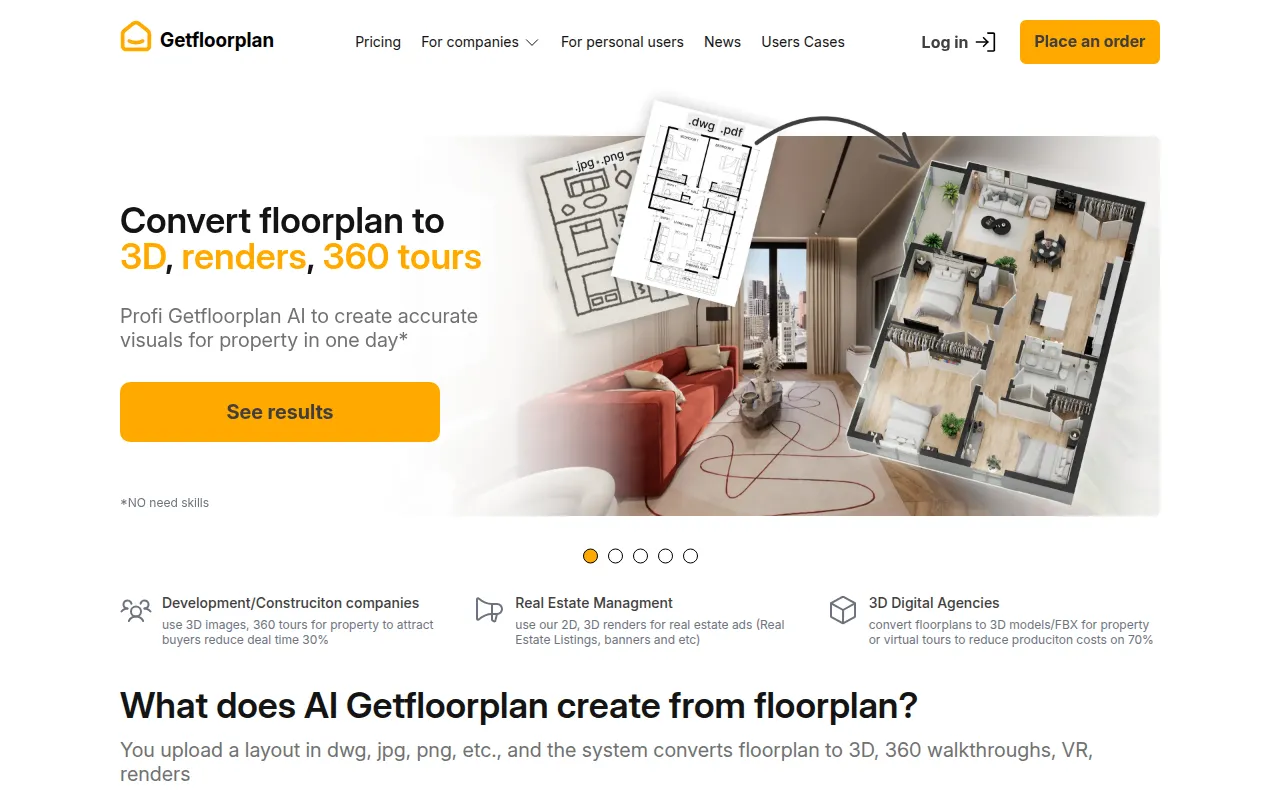
GetFloorPlan is a design tool focused on generating both 2D and 3D floor plans, utilizing AI technology to assist users in visualizing their spaces effectively. Its primary purpose is to provide an intuitive platform where users can create accurate representations of their architectural designs, making it easier to plan layouts and visualize interiors. The software addresses common challenges in floor planning, such as the difficulty of translating ideas into visual formats and the need for accurate space representations.
Key Features
- 2D Floor Plan Creation
- 3D Floor Plan Generation
- AI-Driven Design Assistance
- Furniture Placement Options
- Virtual Tour Capabilities
- User-Friendly Interface
- Export Options for Various Formats
- Customization Tools for Layouts
- Collaboration Features for Teams
- Mobile Accessibility
Benefits
GetFloorPlan offers practical advantages by simplifying the process of creating floor plans, allowing users to visualize their designs in both 2D and 3D formats. This capability aids in better decision-making regarding space utilization and interior design. The AI-driven features save time and effort, reducing the complexity often associated with manual drafting. Additionally, the option to conduct virtual tours enhances client presentations, making it easier to communicate ideas.
Common Use Cases
Professionals in real estate can use GetFloorPlan to create engaging listings that showcase properties effectively. Interior designers may find it valuable for visualizing client spaces before making any physical changes. Architects can utilize the software to draft preliminary concepts and share them with clients for feedback. Additionally, homeowners planning renovations can benefit from visualizing their ideas to make informed decisions.
Who Should Use It
GetFloorPlan is ideal for architects, interior designers, real estate agents, and homeowners looking to visualize their space effectively. However, it may not be the best fit for users needing highly specialized architectural features or those who require extensive technical drafting capabilities. Users looking for advanced engineering features might find the tool too basic for their needs.
Pricing Overview
Pricing information for GetFloorPlan is currently unavailable on the website.
Conclusion
In summary, GetFloorPlan serves as a user-friendly tool for creating both 2D and 3D floor plans, leveraging AI to enhance the design process. While it offers significant benefits for visualizing spaces and aiding in design decisions, potential users should consider their specific needs and whether the tool aligns with those requirements. It is particularly suited for design professionals and individuals involved in property management, though some users may find limitations in its technical capabilities compared to more specialized software.