
Anavsan
Paid
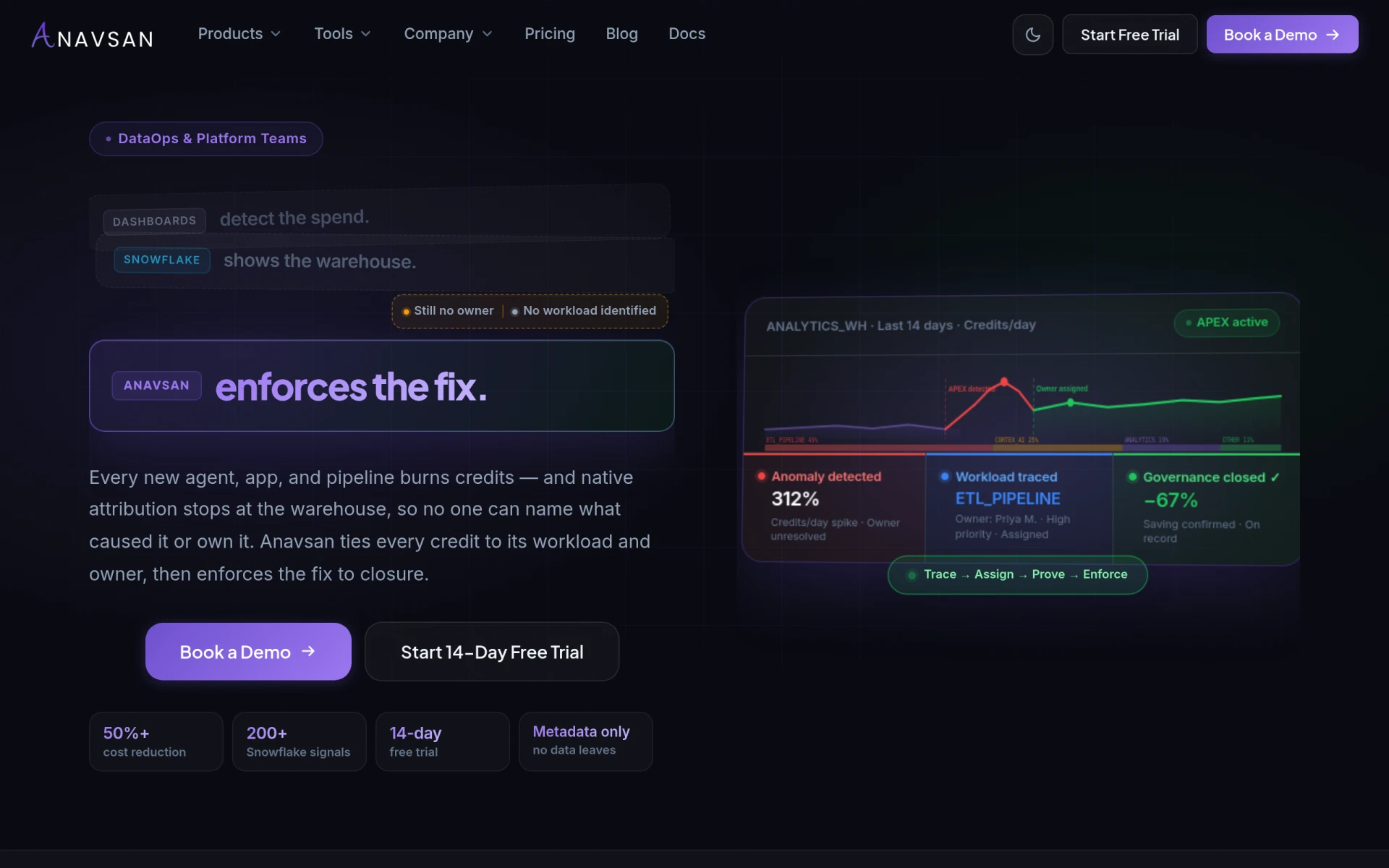
Anavsan is a cost optimization tool for Snowflake that helps organizations track and manage workload credits effectively.
aVenture is a project management tool designed to help teams coordinate tasks and track progress effectively.
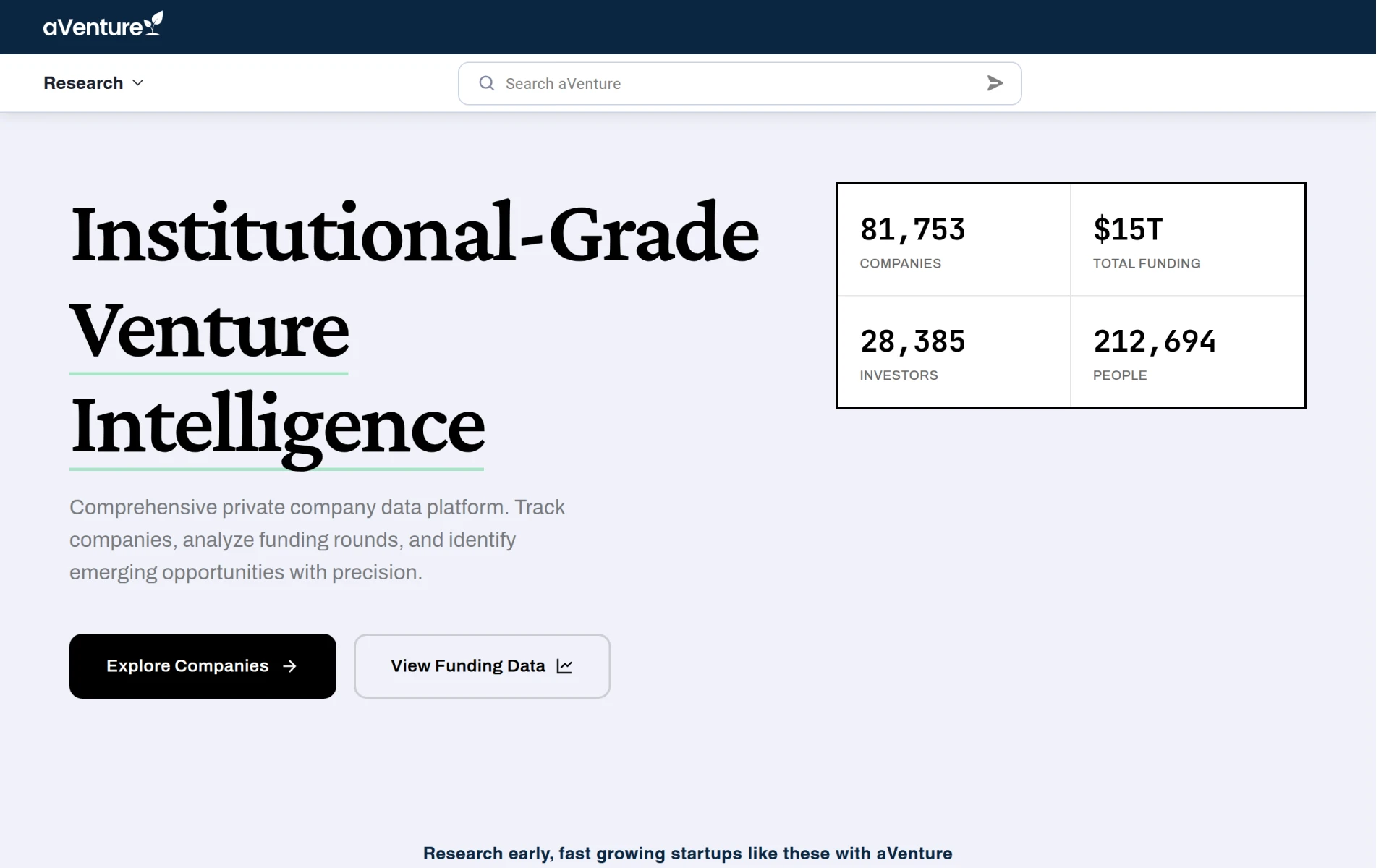
aVenture is a project management software designed to enhance team collaboration and streamline project tracking. Its primary purpose is to facilitate communication and organization within teams, enabling users to manage projects efficiently from inception to completion. The software addresses common challenges in project management, such as task allocation, deadline tracking, and resource management, ultimately helping teams improve their productivity and achieve project goals.
aVenture offers several practical advantages for organizations looking to improve their project management processes. By providing a centralized platform for communication, it fosters collaboration among team members, reducing the likelihood of miscommunication. The software’s task management features allow for clear visibility into project statuses, helping teams prioritize work effectively. Additionally, progress reporting capabilities enable stakeholders to monitor developments in real-time, ensuring that projects remain on track. The integration options allow businesses to connect aVenture with existing tools, further enhancing its usability in a typical workflow.
aVenture is particularly useful in scenarios where teams manage multiple projects simultaneously. For example, marketing teams can use it to coordinate campaigns, assign tasks to team members, and track deadlines. Similarly, software development teams can utilize aVenture to manage tasks within sprints, track progress, and adjust workloads based on team capacity. In a consulting firm, project managers can leverage the software to allocate resources effectively and ensure that client projects are delivered on time.
aVenture is ideal for project managers, team leaders, and organizations that require a robust tool for managing projects and team collaboration. It is well-suited for small to medium-sized businesses that need an efficient way to coordinate tasks and track project progress. However, larger enterprises with complex project requirements may find that aVenture lacks some advanced features necessary for managing large-scale projects effectively.
Pricing information for aVenture is currently unavailable. Users interested in this software should visit the official website for the most accurate and updated pricing details.
In summary, aVenture presents a solid option for teams looking to enhance their project management capabilities through improved collaboration and organization. While it offers a range of useful features and benefits, potential users should consider their specific needs, especially if they operate within larger and more complex project environments. Overall, aVenture can be a valuable addition to the toolkit of any team seeking to optimize their project workflows.
Anavsan is a cost optimization tool for Snowflake that helps organizations track and manage workload credits effectively.
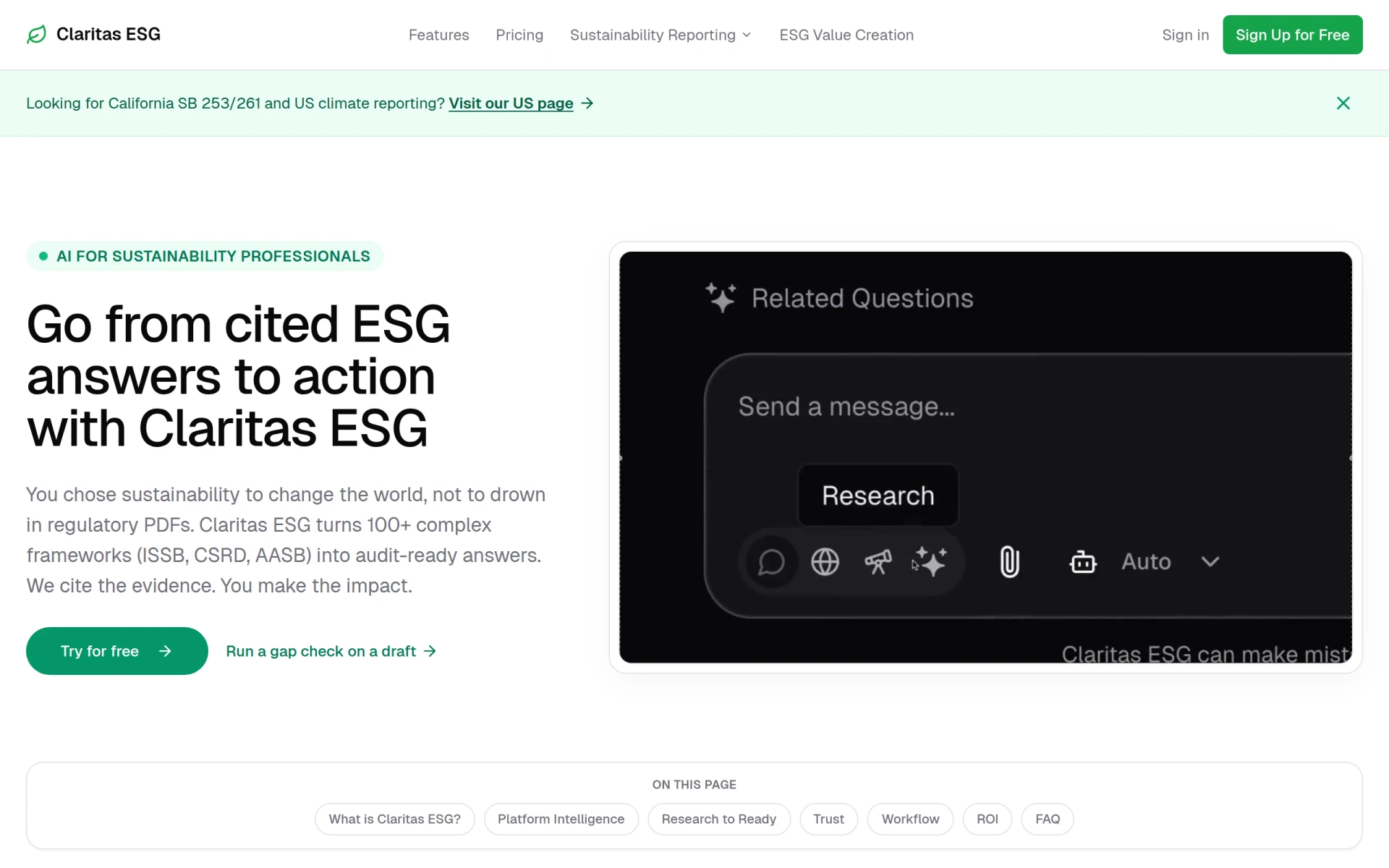
Claritas ESG simplifies sustainability reporting by turning complex frameworks into cited answers and audit-ready documents.
CitoHR is an AI-powered HR software designed for small businesses and startups to manage employee operations efficiently.
ChurnWard is a churn management tool designed to help businesses reduce customer attrition and improve retention strategies.
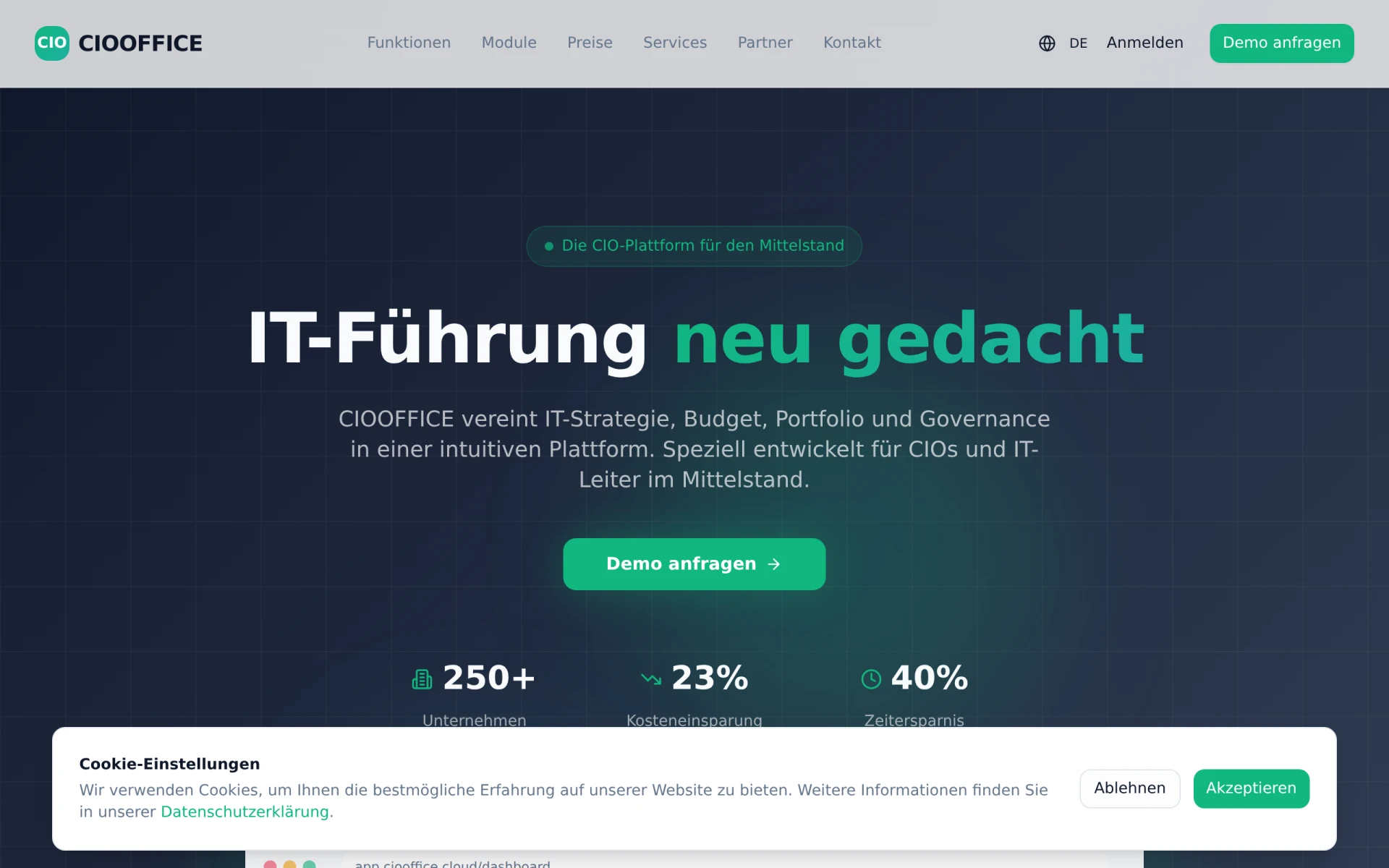
CIOOffice is an integrated software platform designed for IT governance, strategy, budget, and portfolio management tailored for the mid-sized German market.
Churn Buster helps subscription businesses recover failed payments and reduce churn through advanced dunning management and cancellation flows.
Weekly roundup of new AI tools, launches, and trending software. No spam — unsubscribe anytime.
No credit card required · Cancel anytime
Weekly roundup of new AI tools, launches, and trending software. No spam — unsubscribe anytime.
No credit card required · Cancel anytime