PilotDesk
Freemium
PilotDesk is a project management tool designed to enhance team collaboration and streamline project workflows.
Struggling to find the right project management tools? Discover AI tools that enhance collaboration and efficiency.
As a project manager, you're often tasked with ensuring that your team collaborates effectively and completes projects efficiently. However, navigating the sea of available project management tools can be overwhelming, especially when each tool claims to enhance workflows without clear differentiation.
In the fast-paced world of project management, time is of the essence. Project managers often find themselves juggling various tools that promise to simplify tasks but end up complicating communication and workflow. For instance, you might be using one tool for task management, another for time tracking, and yet another for file sharing, leading to disjointed efforts and wasted resources. As a result, selecting the right project management tool becomes a daunting task, often leaving managers feeling frustrated and underprepared.
PilotDesk is designed to enhance team collaboration and streamline project workflows, making it an excellent choice for project managers in small to medium-sized businesses. Its intuitive interface simplifies task management, allowing project managers to easily assign tasks and track progress in real time. The tool's emphasis on team collaboration ensures that all members are kept in the loop, fostering a more cohesive work environment.
Pricing: Freemium - Pricing information for PilotDesk is not explicitly available online. Best for: Project managers, team leaders, small to medium-sized businesses.
Yarnit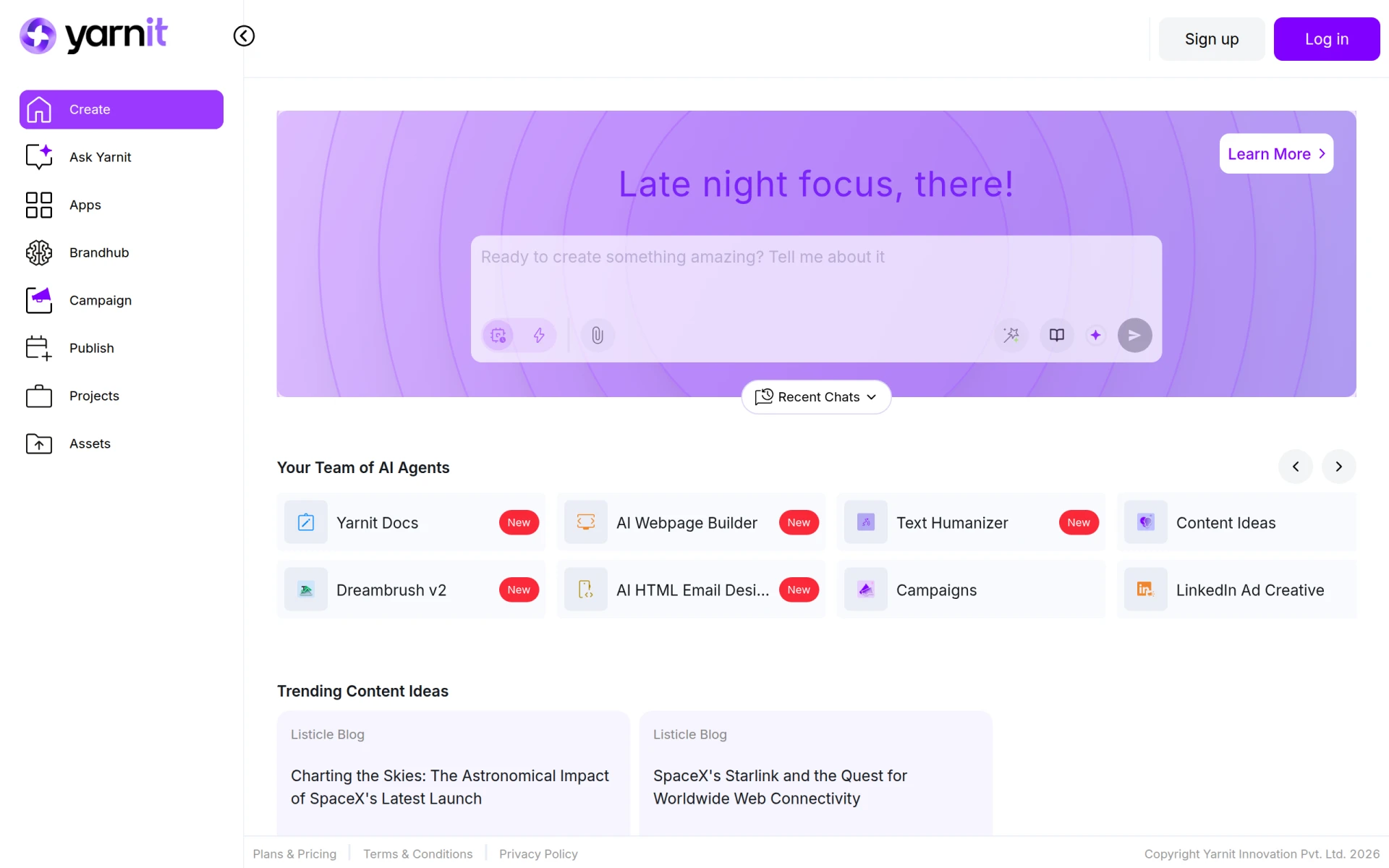 stands out as a project management tool tailored for teams that require high levels of collaboration and communication. Its features are particularly beneficial for marketing teams coordinating product launches and freelancers managing multiple client projects. The tool enables users to set deadlines and monitor progress, ensuring that everyone remains on track and accountable.
Pricing: Freemium - Pricing information for Yarnit is currently unavailable. Best for: Marketing teams coordinating product launches, software development teams tracking bugs, freelancers managing multiple client projects.
ClickUp is a powerful project management tool that provides a comprehensive solution for teams of all sizes. With its customizable dashboards and extensive collaboration tools, ClickUp is ideal for project managers overseeing timelines and resources. The platform allows teams to streamline their workflows and improve productivity by consolidating various project management functions in one place.
Pricing: Freemium - ClickUp offers pricing starting at $9 per user per month for the unlimited plan. Best for: Small to medium-sized businesses, marketing teams managing campaigns, project managers overseeing timelines and resources.
Danelfin is a versatile project management tool that enhances team collaboration and streamlines project tracking. It is particularly beneficial for small to medium-sized businesses and marketing teams. Danelfin’s features facilitate effective communication and project oversight, allowing project managers to stay organized and on top of their tasks.
Pricing: Freemium - Pricing information for Danelfin is currently unavailable. Best for: Small to medium-sized businesses, marketing teams, software development teams.
Plane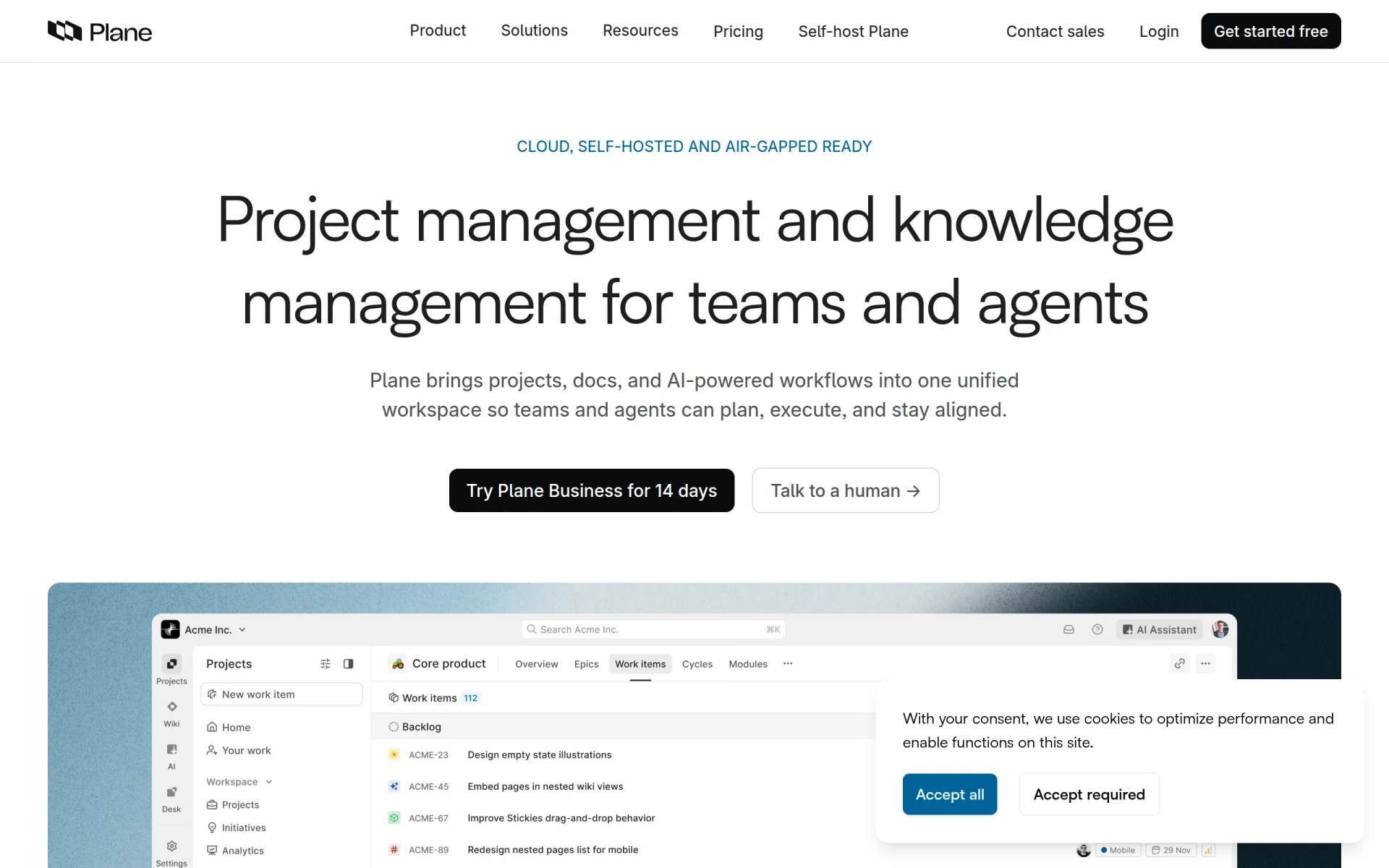 is an AI-native project management tool designed to integrate projects, documentation, and workflows in one unified workspace. It is particularly suited for medium to large organizations that require robust project management tools. Plane’s AI-driven features help streamline processes and enhance collaboration across different teams.
Pricing: Freemium - Plane's pricing is based on a straightforward per-seat subscription model. Best for: Medium to large organizations requiring robust project management tools, software development teams for managing sprints and features, marketing teams coordinating campaigns and documenting strategies.
TaskFlow is a workflow automation tool that simplifies task management and process optimization. It is particularly useful for project managers overseeing multiple projects and marketing teams looking to automate campaign workflows. TaskFlow streamlines operations, allowing teams to focus on high-value tasks instead of administrative ones.
Pricing: Freemium - Pricing information for TaskFlow is currently unavailable. Best for: Small to medium-sized businesses looking to improve workflow efficiency, project managers overseeing multiple projects, marketing teams automating campaign workflows.
Asana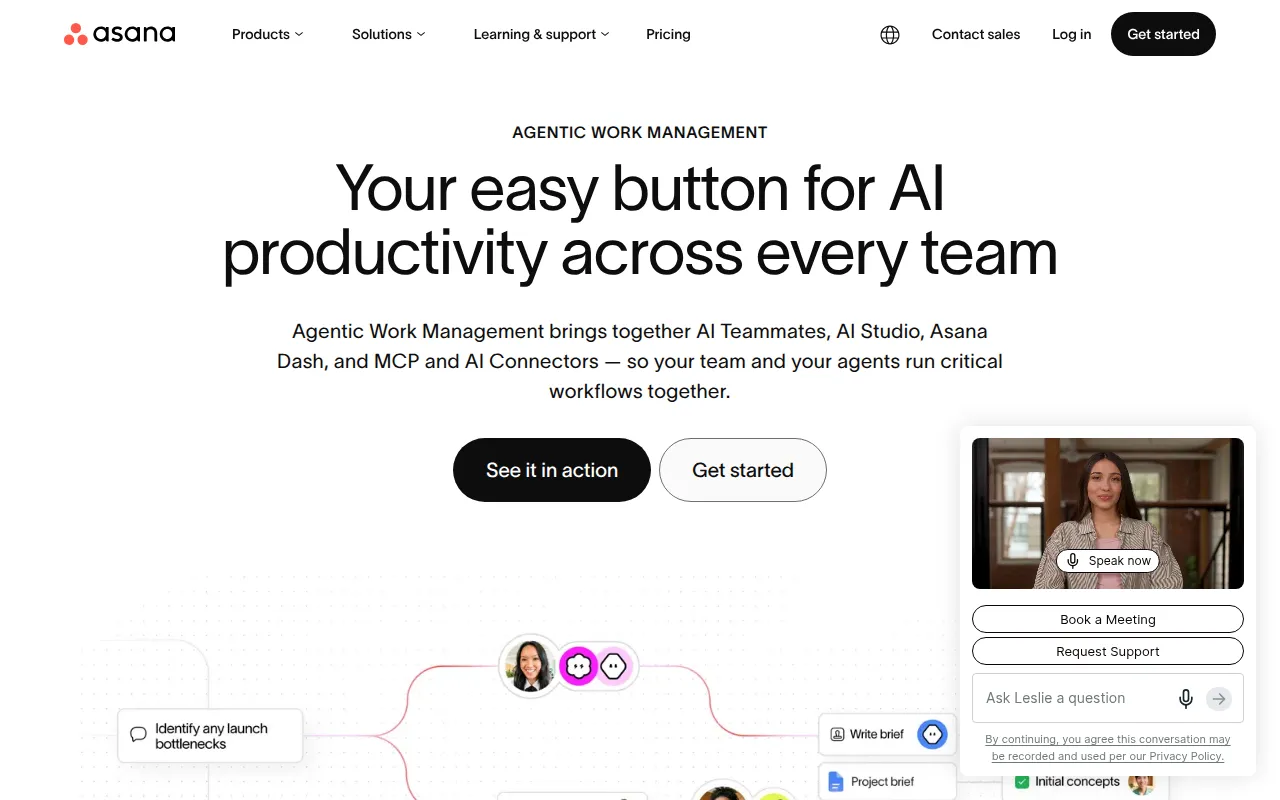 excels in helping teams coordinate and manage their work efficiently. This project management tool is perfect for marketing teams managing campaigns or software development teams tracking sprints. Its intuitive interface and powerful features facilitate effective project planning and execution.
Pricing: Freemium - Asana offers a free plan and several paid plans with varying features. Best for: Marketing teams managing campaigns, software development teams tracking sprints, product management teams planning roadmaps.
Rezonant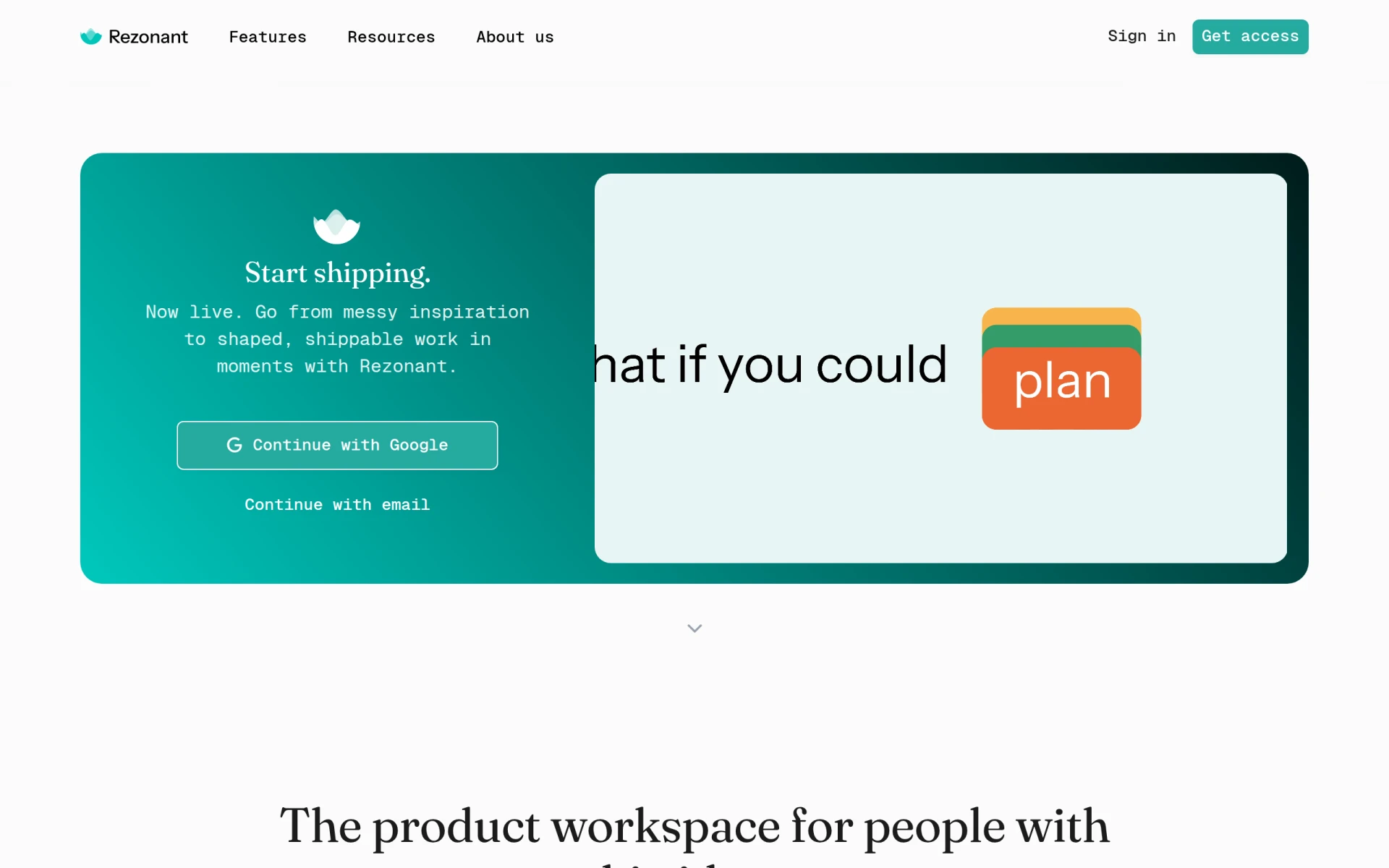 is designed to transform product vision into actionable tasks, ensuring seamless collaboration from concept to delivery. It stands out for product managers and software developers looking to align their teams effectively. With its integration capabilities, Rezonant helps maintain a clear focus on project objectives while facilitating communication.
Pricing: Freemium - Pricing details for Rezonant are not publicly listed and may require direct inquiry. Best for: Product managers, software developers, project leads.
DevShip is tailored to help development teams track issues, log time, and collaborate seamlessly. It is beneficial for small development teams and freelancers needing to manage client projects effectively. With its client collaboration tools, DevShip ensures that all stakeholders remain informed throughout the project lifecycle.
Pricing: Freemium - DevShip offers a free plan and paid plans starting from $29 per month. Best for: Small development teams looking for efficient project management, freelancers needing to track time and manage client projects, agencies managing multiple client projects with clear visibility.
aVenture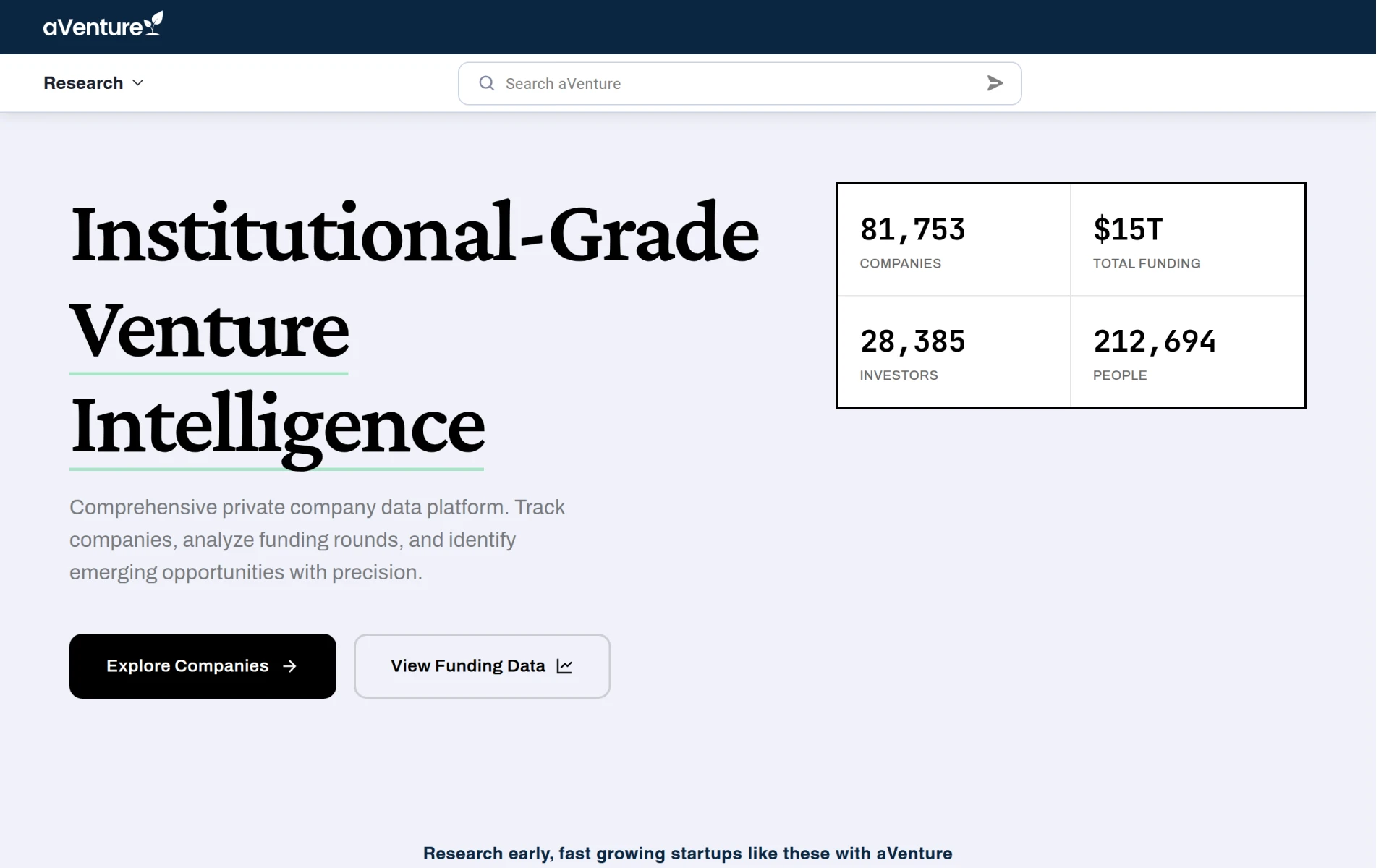 is designed to help teams coordinate tasks and track progress effectively. Its features are particularly useful for project managers and small to medium-sized businesses. aVenture provides the necessary tools for effective resource management, enabling teams to allocate resources efficiently and maintain productivity.
Pricing: Freemium - Pricing information for aVenture is currently unavailable. Best for: Project managers, small to medium-sized businesses, marketing teams.
| Tool | Best For | Starting Price | Rating |
|---|---|---|---|
| PilotDesk | Small to medium-sized businesses | Freemium | 0.0/5 |
| Yarnit | Marketing teams, freelancers | Freemium | 0.0/5 |
| ClickUp | Comprehensive project management | $9/mo | 0.0/5 |
| Danelfin | Streamlined project tracking | Freemium | 0.0/5 |
| Plane | Medium to large organizations | Freemium | 0.0/5 |
| TaskFlow | Workflow automation | Freemium | 0.0/5 |
| Asana | Campaign management | Freemium | 0.0/5 |
| Rezonant | Product managers | Freemium | 0.0/5 |
Work Management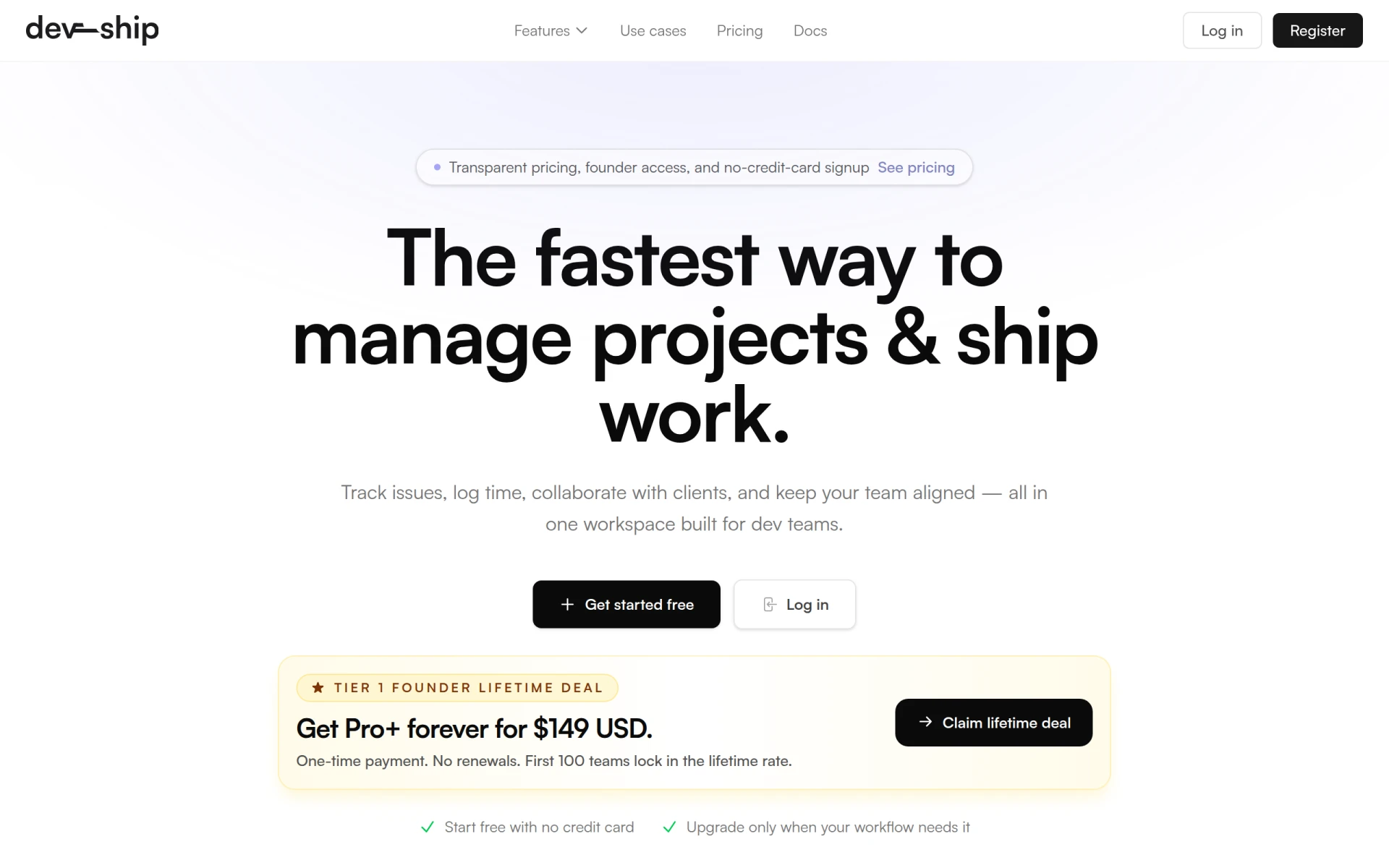 | Development teams | $29/mo | 0.0/5 |
| aVenture | Resource allocation | Freemium | 0.0/5 |
For beginners, PilotDesk is an excellent choice due to its user-friendly interface and focus on collaboration. The intuitive design allows new users to get up to speed quickly, making it easy to manage tasks and communicate with team members without a steep learning curve.
ClickUp is the best choice for professionals due to its extensive features and customization options. Advanced capabilities like goal tracking, reporting, and integrations empower power users to tailor their project management experience to fit complex workflows and high-demand projects.
Asana stands out as the best value pick due to its robust free tier and range of paid plans. The free plan provides essential features that are suitable for small teams, while the paid options offer scalability and additional functionalities at competitive prices, ensuring a strong return on investment.
Finding the right project management tool is essential for improving collaboration and efficiency in your projects. By exploring the tools mentioned in this guide, you can confidently select the one that best meets your needs and enhances your project workflows.
PilotDesk is a project management tool designed to enhance team collaboration and streamline project workflows.
Yarnit is a project management tool designed to enhance collaboration and communication within teams.
ClickUp is a comprehensive project management and productivity tool designed to streamline team collaboration and task management.
Danelfin is a project management tool designed to enhance team collaboration and streamline project tracking.
Plane is an AI-native project management tool that integrates projects, documentation, and workflows in one unified workspace.
TaskFlow is a workflow automation tool designed to enhance productivity by simplifying task management and process optimization.
Asana is a project management tool that helps teams coordinate and manage their work efficiently.
Rezonant transforms product vision into actionable tasks, ensuring seamless collaboration from concept to delivery.
DevShip is a project management tool designed for development teams to track issues, log time, and collaborate seamlessly.
aVenture is a project management tool designed to help teams coordinate tasks and track progress effectively.
The best project management tools for teams include ClickUp, Asana, and PilotDesk, each offering unique features to enhance collaboration and streamline workflows.
To choose the right project management tool, consider factors like ease of use, collaboration features, task management capabilities, integration options, and reporting functionalities.
Yes, many project management tools like Asana, ClickUp, and PilotDesk offer freemium models, allowing users to access essential features without any cost.
Look for features such as task management, collaboration tools, time tracking, reporting capabilities, and integration options with other tools your team uses.
Project management tools improve team collaboration by providing centralized communication, task tracking, and file sharing, ensuring everyone is aligned and informed.
The average cost of project management software varies widely, with some tools offering free tiers and others starting at $9 per user per month for more advanced features.
Yes, project management tools are particularly beneficial for remote teams, as they facilitate communication, task management, and project tracking regardless of location.
Weekly roundup of new AI tools, launches, and trending software. No spam — unsubscribe anytime.
No credit card required · Cancel anytime
What's inside
Top Video Marketing Tools to Elevate Your Real Estate Listings
Oct 9, 2026 · Marketing
Top AI Tools for Automating E-commerce Customer Support
Oct 9, 2026 · AI Tools
Top Automation Tools for Streamlining E-commerce Operations: Boost Efficiency and Sales
Oct 8, 2026 · Business
Weekly roundup of new AI tools, launches, and trending software. No spam — unsubscribe anytime.
No credit card required · Cancel anytime
What's inside
Top Video Marketing Tools to Elevate Your Real Estate Listings
Oct 9, 2026 · Marketing
Top AI Tools for Automating E-commerce Customer Support
Oct 9, 2026 · AI Tools
Top Automation Tools for Streamlining E-commerce Operations: Boost Efficiency and Sales
Oct 8, 2026 · Business