Overview
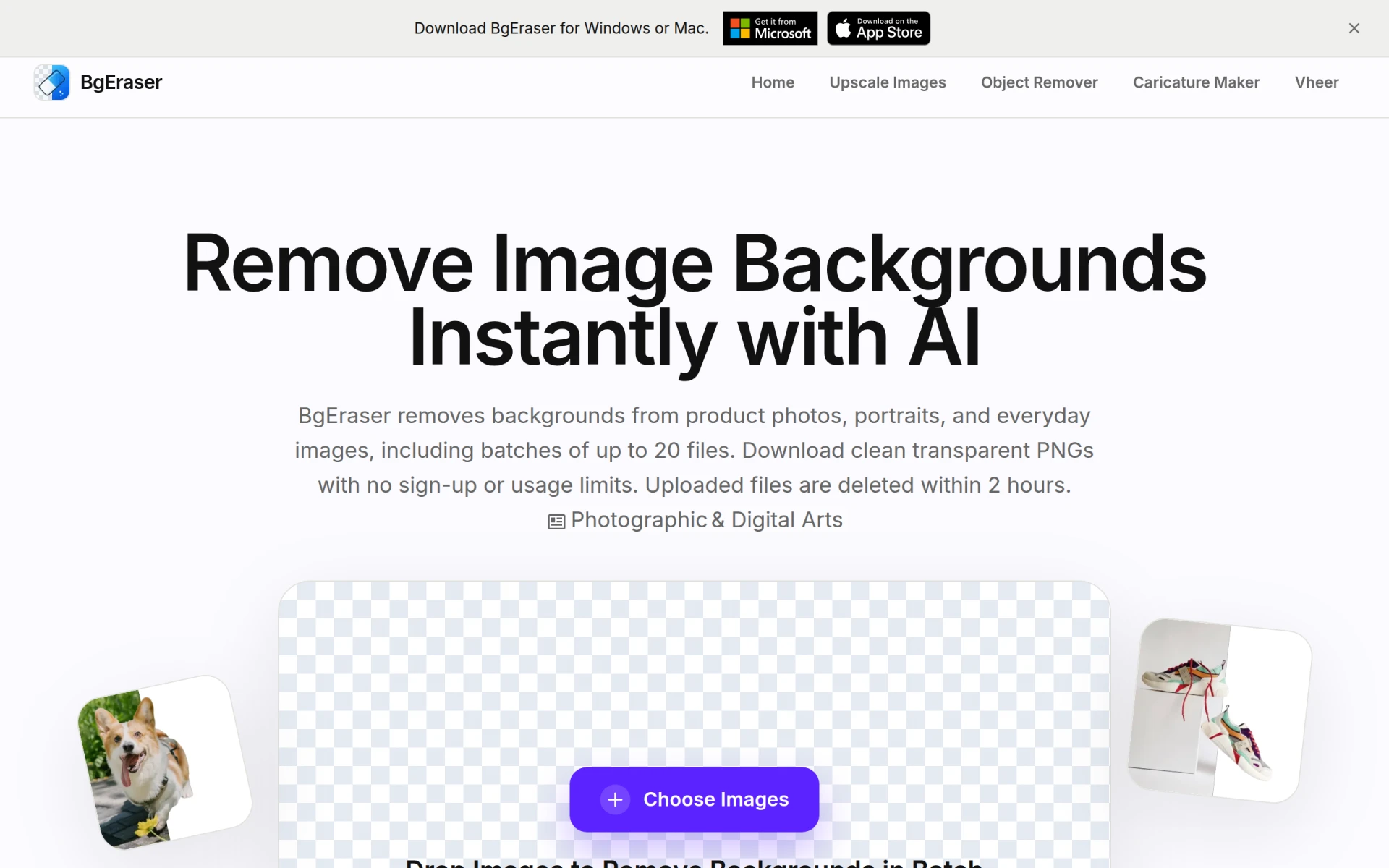
BgEraser is an online tool designed to simplify the process of removing backgrounds from images. Its primary purpose is to provide users with an efficient and user-friendly method to create transparent images without the need for complex software. This tool is particularly useful for e-commerce businesses, photographers, and anyone needing to edit images quickly and effectively. BgEraser addresses common challenges such as the time-consuming nature of manual background removal and the need for user-friendly interfaces in image editing.
Key Features
- Batch processing: Remove backgrounds from up to 20 images at once.
- No sign-up required: Users can start using the tool immediately without creating an account.
- Transparent PNG downloads: Save edited images in high-quality transparent PNG format.
- Auto-deletion of uploaded files: Ensures privacy as images are deleted automatically within 2 hours.
- Supported formats: Allows JPG, PNG, and WebP file uploads.
- User-friendly interface: Simple drag-and-drop functionality for image uploads.
- Fast processing: Quickly removes backgrounds, allowing for efficient workflow.
- Sample images available: Users can try a sample image before processing their own.
Benefits
BgEraser offers significant advantages for users looking to enhance their image editing capabilities. The ability to process multiple images simultaneously saves time, making it especially valuable for businesses that require quick turnaround on product images and marketing materials. The no-sign-up requirement lowers the barrier to entry, allowing users to access the tool without commitment. Additionally, the automatic deletion of images post-processing enhances user privacy and security, ensuring that sensitive images are not stored longer than necessary.
Common Use Cases
- E-commerce businesses can use BgEraser to prepare product images for their online stores, allowing for clean and professional presentations.
- Marketing teams may leverage the tool to create promotional materials and social media graphics with appealing visuals.
- Photographers can quickly edit portraits or event photos to focus on subjects by removing distracting backgrounds.
- Freelancers and small business owners can benefit from the tool for creating clean visuals without investing in expensive software.
Who Should Use It
BgEraser is ideal for small businesses, marketing teams, freelancers, and photographers who need a quick and efficient way to remove backgrounds from images. However, it may not be the best fit for large enterprises that require advanced editing features or bulk processing capabilities beyond the 20-image limit. Users who need extensive customization options or professional-grade editing may find it lacking compared to more comprehensive image editing software.
Pricing Overview
BgEraser is free to use, with no subscription or payment required. Users can access all features without incurring costs, making it an attractive option for budget-conscious individuals and businesses.
Conclusion
BgEraser provides a straightforward solution for users looking to efficiently remove backgrounds from images. With its no-cost model and user-friendly interface, it is well-suited for a variety of practical applications. While it may not offer the advanced features found in professional software, its strengths in batch processing and ease of use make it a valuable tool for anyone needing quick image edits. Users should consider their specific needs before deciding if BgEraser is the right choice for them.