Overview
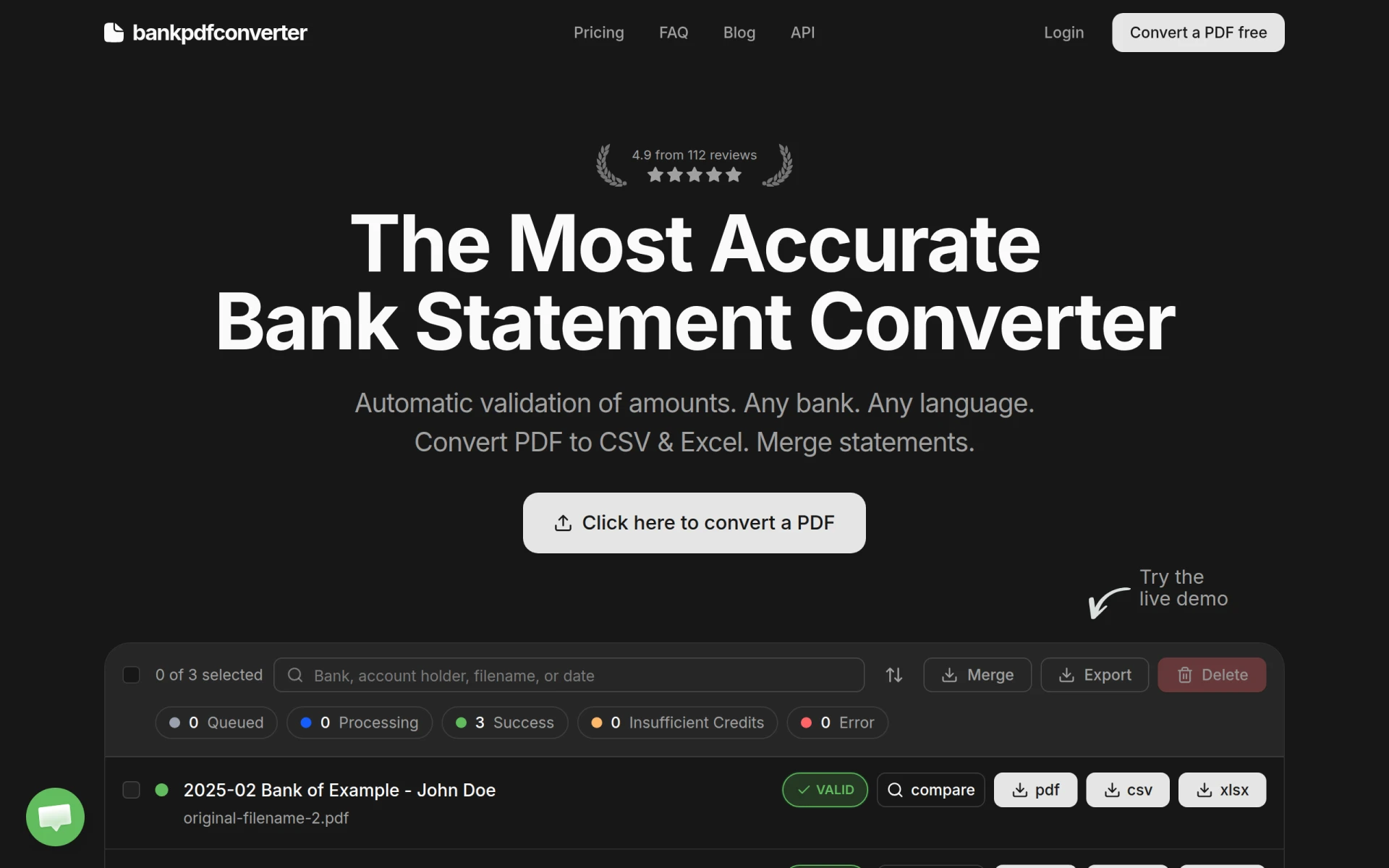
Bank PDF Converter is a specialized utility tool designed to convert bank statements from PDF format into more manageable formats like CSV and Excel. The primary purpose of this software is to facilitate the extraction of financial data from PDF documents, which can often be cumbersome to analyze or manipulate directly. This tool addresses the common challenges faced by users who need to organize and analyze their bank statements, making it easier to reconcile amounts and track spending.
Key Features
- PDF to CSV Conversion
- PDF to Excel Conversion
- Automatic validation of extracted amounts
- Multi-language support for international bank statements
- Ability to merge multiple statements into a single file
- User-friendly interface for easy navigation
- Live demo available for testing functionality
- Secure processing to protect sensitive financial data
Benefits
The practical advantages of using Bank PDF Converter include time savings when handling bank statements, reduced manual entry errors, and improved accuracy in financial reporting. By automating the conversion and validation processes, users can focus more on analysis rather than data entry. This tool also enhances financial transparency, allowing users to gain better insights into their spending habits and overall financial health.
Common Use Cases
Bank PDF Converter is particularly useful for individuals and businesses who frequently manage financial documents. For instance, a small business owner may use it to quickly convert numerous bank statements for quarterly financial reporting. Similarly, accountants can benefit from the tool when preparing tax documents or conducting audits, as it simplifies data extraction and ensures accuracy.
Who Should Use It
This software is ideal for small business owners, freelancers, accountants, and financial analysts who need to manage bank statements efficiently. However, it may not be the best fit for users who require extensive editing capabilities beyond basic data extraction.
Pricing Overview
Pricing information for Bank PDF Converter is not explicitly available on the website.
Conclusion
Bank PDF Converter serves as a practical tool for anyone needing to convert and analyze bank statements. While it offers valuable features and benefits, potential users should consider their specific needs and whether this tool aligns with their requirements. It is advisable to explore alternatives if additional functionalities are needed beyond PDF conversion.