Overview
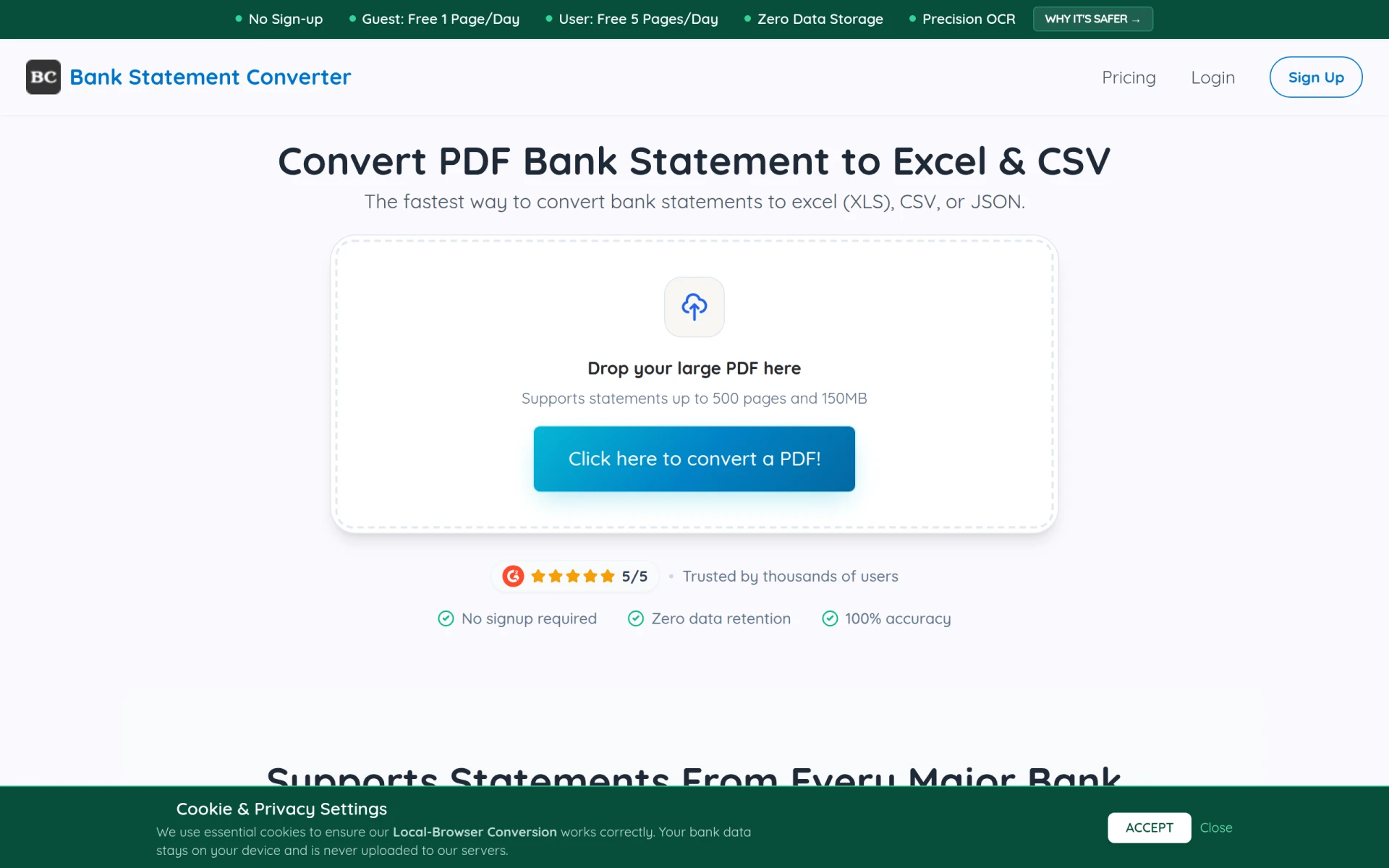
Bank Statement Converter AI is a utility tool designed to transform bank statement PDFs into Excel or CSV formats. Its primary purpose is to facilitate the extraction of data from various bank statement formats without the need for manual entry. This tool is particularly beneficial for individuals and businesses looking to manage and analyze their financial data efficiently.
The software addresses common challenges faced by users when dealing with bank statements, such as time-consuming manual data entry, errors in data transcription, and the hassle of organizing financial records. By automating the conversion process, users can save time and reduce the risk of inaccuracies in their financial reporting.
Key Features
- PDF to Excel conversion
- PDF to CSV conversion
- Support for bank statements up to 500 pages and 150MB
- No registration required for access
- Zero data retention policy for enhanced security
- Accurate AI extraction capabilities
- Compatible with statements from major banks like Chase, Bank of America, and Wells Fargo
- Batch processing for multiple documents
Benefits
Using Bank Statement Converter AI offers several practical advantages. Firstly, it significantly reduces the time spent on data entry by automating the conversion of bank statements into usable formats. This allows users to focus on analyzing their financial data rather than getting bogged down in tedious manual tasks. Secondly, the tool ensures a high level of accuracy in data extraction, minimizing the potential for errors that can arise from manual entry. Additionally, the zero data retention policy enhances security, which is crucial for sensitive financial information.
Common Use Cases
Bank Statement Converter AI is useful in various scenarios, including:
- Individual users looking to simplify personal financial management by converting bank statements for budgeting.
- Small business owners needing to prepare financial reports or tax documents from bank statements.
- Accountants who require accurate data for bookkeeping and auditing purposes.
- Financial analysts looking to extract data for detailed financial analysis and reporting.
- Freelancers managing multiple clients' financial records efficiently.
Who Should Use It
This tool is ideal for individuals, small businesses, and professionals who frequently deal with bank statements and need to convert them into Excel or CSV formats. However, it may not be the best fit for users who require more advanced features, such as comprehensive financial analysis tools or integrations with accounting software beyond basic conversion capabilities.
Pricing Overview
Bank Statement Converter AI offers a straightforward pricing model with multiple tiers:
- Starter Plan for individuals and small projects, allowing up to 400 pages per month.
- Professional Plan for professionals and growing businesses, permitting up to 1000 pages per month.
- Business Plan for larger teams, accommodating up to 4000 pages per month.
- Enterprise Plan for custom deployments with unlimited pages and tailored integrations.
Conclusion
In conclusion, Bank Statement Converter AI serves as an efficient solution for converting bank statement PDFs into Excel or CSV formats. It provides significant time savings and accuracy improvements for users managing financial data. While it is highly beneficial for individuals and small to medium-sized businesses, those needing more advanced features or integrations should consider other options. Overall, it is a valuable tool for anyone looking to streamline their financial documentation processes.