Overview
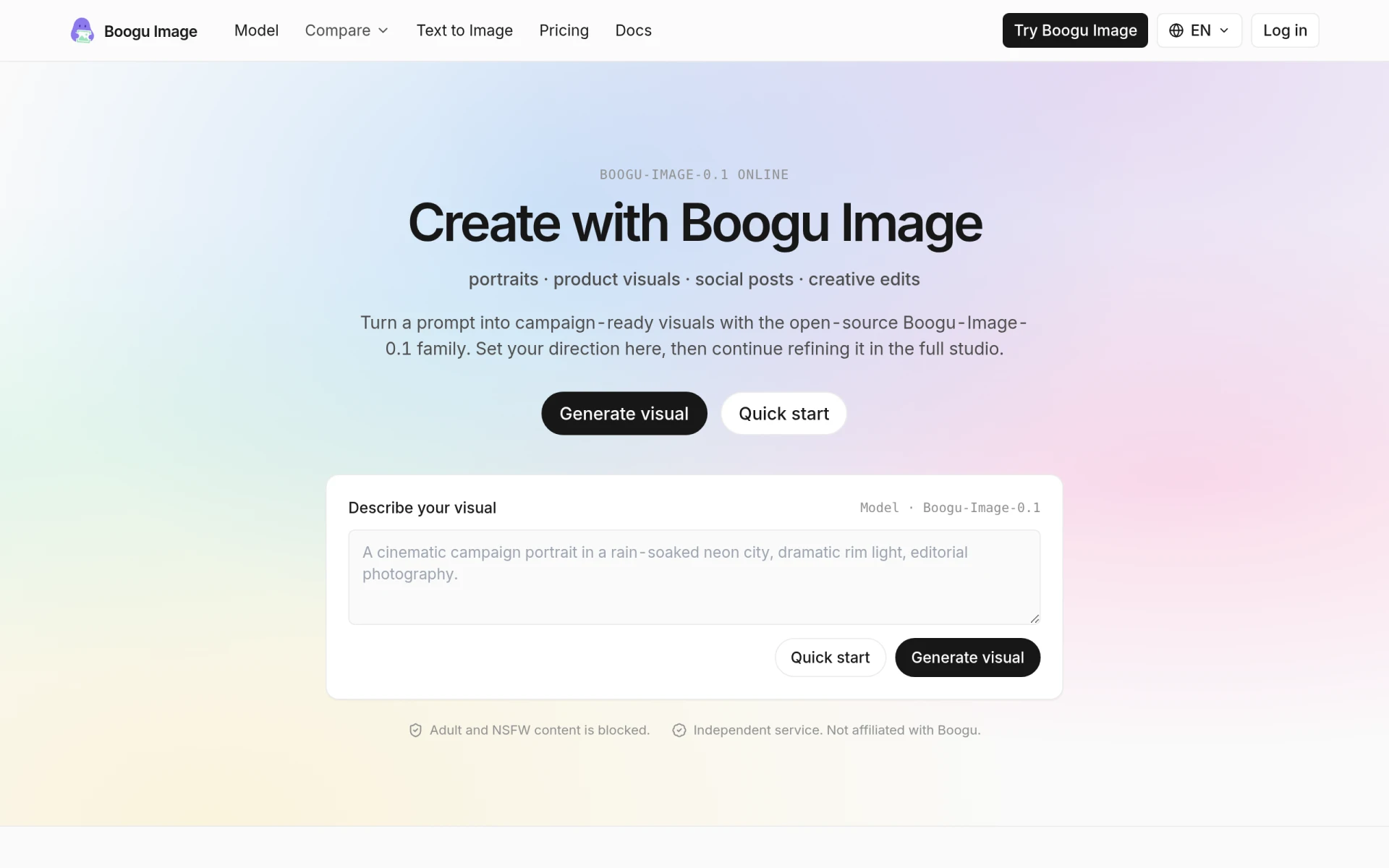
Boogu Image is an innovative graphic design tool that leverages the Boogu-Image-0.1 model for text-to-image generation and image editing. Its primary purpose is to enable users to create visually appealing graphics based on textual descriptions, catering to a variety of design needs such as social media posts, product visuals, and creative edits. The software effectively addresses common challenges faced by designers, such as the need for rapid visual content generation and the ability to refine images based on specific prompts.
Key Features
- Text-to-image generation: Transform written prompts into high-quality images.
- Image editing capabilities: Refine and modify generated images easily.
- Turbo drafts: Create rapid design drafts to speed up the creative process.
- Chinese-English text rendering: Support for bilingual text prompts for wider accessibility.
- Open-source model: Built on the Apache-2.0 licensed Boogu-Image-0.1, promoting transparency and collaboration.
- Customizable aspect ratios: Adjust image dimensions to suit various platforms and use cases.
- Campaign-ready visuals: Generate images that are suitable for marketing and promotional activities.
- Block on adult and NSFW content: Ensures a safe environment for all users.
Benefits
Boogu Image provides practical advantages for users by allowing them to generate high-quality visuals quickly and efficiently. The tool is particularly beneficial for marketers and content creators who require compelling graphics on short notice. Its user-friendly interface and powerful capabilities facilitate a smoother design process, enabling teams to focus on creativity rather than technical limitations. Additionally, the open-source nature of the software encourages community collaboration, leading to continuous improvements and feature enhancements.
Common Use Cases
Users of Boogu Image often find it useful in the following scenarios:
- Creating social media graphics for campaigns or personal branding.
- Designing product visuals for e-commerce websites and online catalogs.
- Generating marketing materials such as posters, flyers, and promotional images.
- Assisting freelancers and small businesses in producing high-quality visuals without the need for extensive design skills.
- Enabling design teams to collaborate on projects by providing quick drafts and visual references.
Who Should Use It
Boogu Image is ideal for:
- Graphic designers seeking a tool for rapid image generation and editing.
- Marketing teams that need to create engaging visuals quickly.
- Small business owners who require a cost-effective solution for graphic design.
- Freelancers looking for an accessible tool to enhance their creative offerings.
However, it may not be the best fit for professional designers who require advanced features and extensive customization options or for users who prefer a more traditional design software experience.
Pricing Overview
Boogu Image offers a free tier with 100 credits per day, alongside various pricing plans for additional credits and features. For detailed pricing, users should refer to the official website.
Conclusion
In summary, Boogu Image stands out as a flexible graphic design tool that meets the needs of various users by providing efficient text-to-image generation and editing capabilities. While it excels in many areas, potential users should consider their specific requirements and whether the tool aligns with their design goals. It offers an accessible entry point for those new to graphic design while still catering to more experienced users seeking to enhance their workflow.