CodeFlow AI
Free
Online Whiteboard is a free collaborative tool for brainstorming and visualizing ideas in real-time with teams.
BookSwift is a document management tool designed to help users create, organize, and share various types of documents efficiently.
BookSwift is a productivity tool focused on document management, enabling users to create, organize, and share documents with ease. It addresses common challenges such as disorganized files, version control issues, and inefficient collaboration processes. By centralizing document handling, BookSwift provides a streamlined approach to managing important files, enhancing both individual and team productivity.
BookSwift offers practical advantages that extend beyond basic document management. By improving organization, it saves time when searching for files, which can enhance overall productivity. The collaboration features facilitate teamwork, allowing multiple users to work on documents simultaneously, reducing the need for back-and-forth emails. Additionally, the version control feature helps prevent data loss and ensures that the most current information is always available.
BookSwift is particularly useful for teams working on collaborative projects, where multiple documents need to be accessed and edited frequently. For example, a marketing team can use it to create and share promotional materials, while a project management team can keep track of project documentation and updates in one place. Freelancers can also benefit from having a centralized location for client documents, contracts, and proposals.
BookSwift is ideal for small to medium-sized businesses, project managers, marketing teams, and freelancers who require efficient document management. However, larger organizations with complex document needs or those requiring extensive customizations may find it less suitable compared to more robust systems.
Pricing information for BookSwift is currently unavailable. Users interested in the software should visit the official website for potential updates.
BookSwift is a solid choice for individuals and teams looking for a straightforward document management tool that emphasizes collaboration and organization. While it may not cater to larger enterprises with specialized needs, it effectively addresses the document management challenges faced by small to medium-sized businesses. Prospective users should assess their specific requirements and consider the available alternatives before making a decision.
Online Whiteboard is a free collaborative tool for brainstorming and visualizing ideas in real-time with teams.
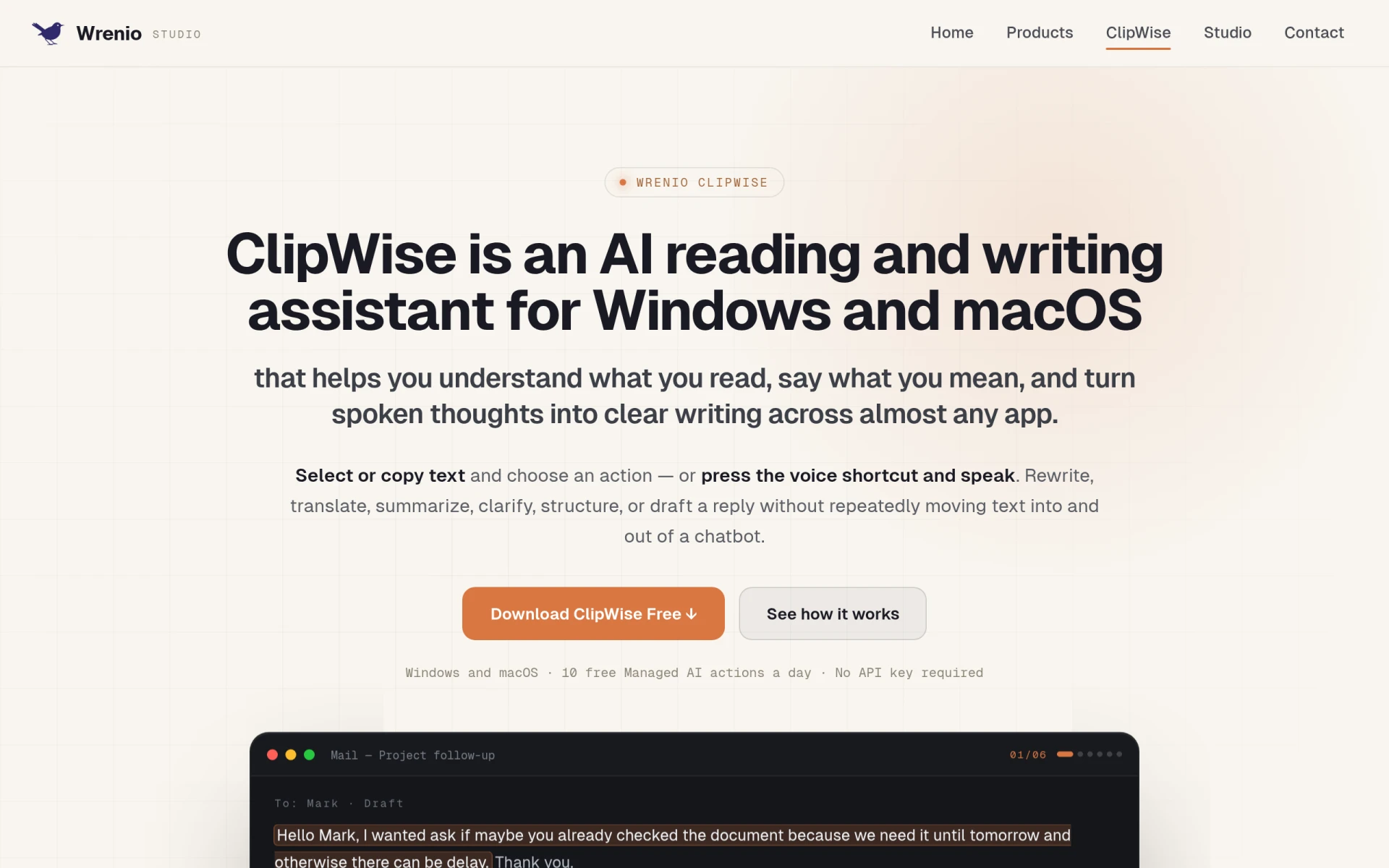
ClipWise is an AI reading and writing assistant for Windows and macOS that enhances text comprehension and communication skills.
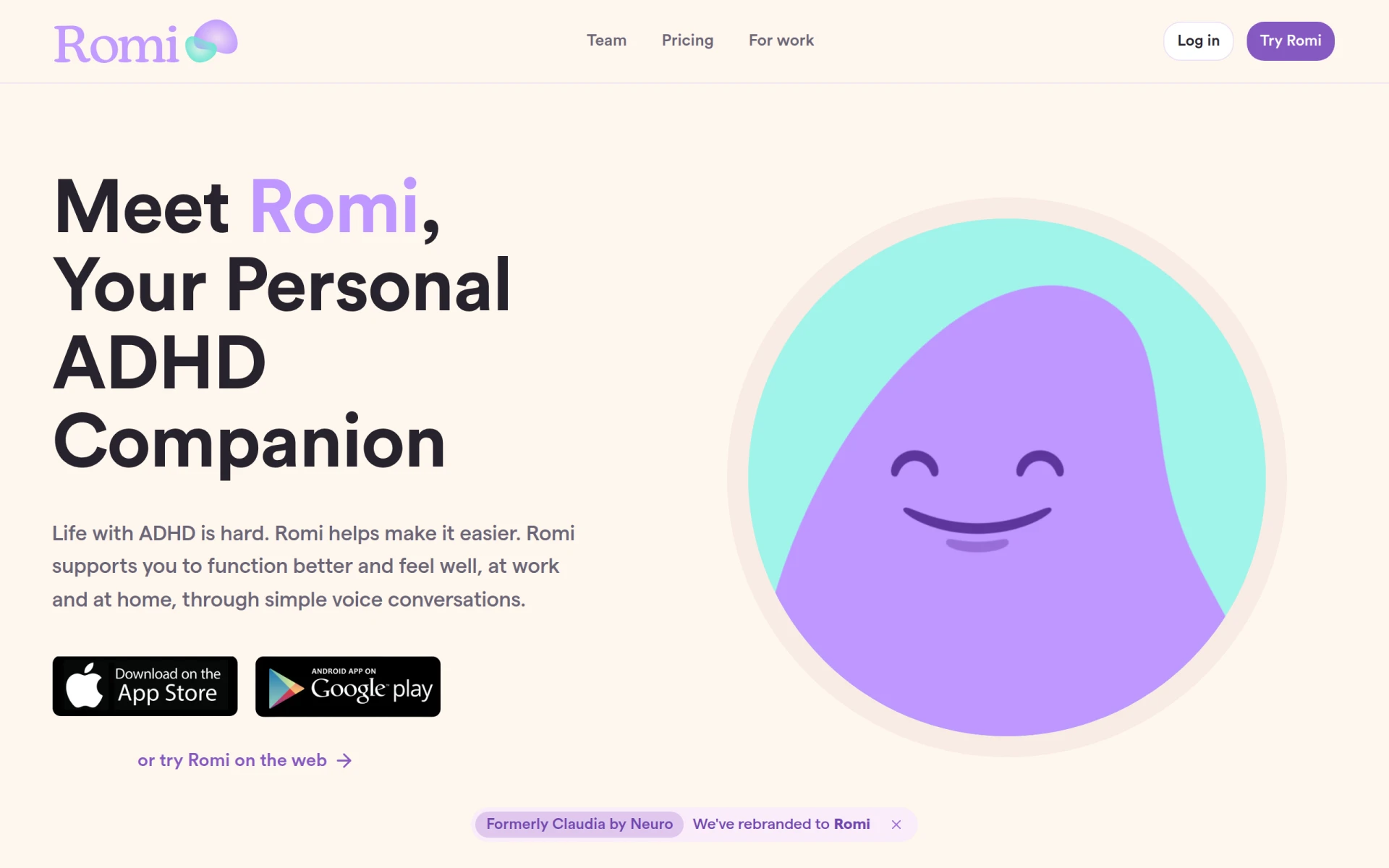
Romi is an AI-powered personal companion designed to support individuals with ADHD in managing their daily lives effectively.
Audioread converts text from articles, PDFs, and emails into natural-sounding audio for easy listening.
Ayfie is a personal assistant software that helps users manage tasks and improve productivity through intelligent automation.
AIApply is a job application tool that helps users create tailored resumes, cover letters, and auto-apply for jobs quickly.
Weekly roundup of new AI tools, launches, and trending software. No spam — unsubscribe anytime.
No credit card required · Cancel anytime
Weekly roundup of new AI tools, launches, and trending software. No spam — unsubscribe anytime.
No credit card required · Cancel anytime