Overview
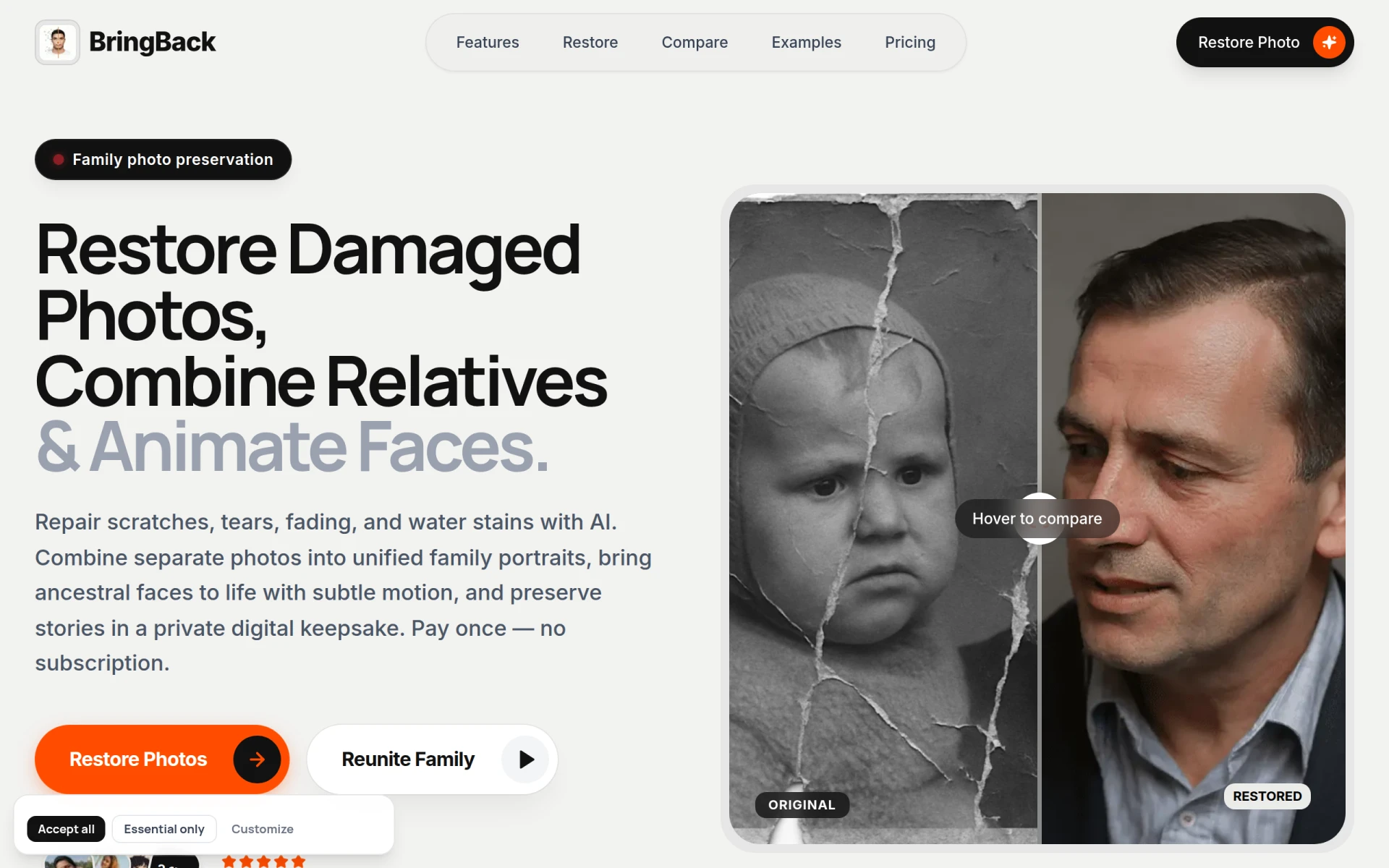
BringBack is an AI-powered software tool designed specifically for the restoration and preservation of old family photographs. Its primary purpose is to repair torn, faded, or damaged photos and to animate them, allowing users to bring ancestral memories back to life in a digital format. This tool addresses common problems such as the degradation of physical photographs over time and the emotional significance of preserving family history. By using BringBack, users can enhance the quality of their cherished memories and create unified family portraits from separate images.
Key Features
- Old photo restoration: Repair scratches, tears, fading, and blur while choosing restore-only or restore + colorize options.
- Family portrait creation: Combine separate photos to create a single family portrait, even if individuals were photographed separately.
- Photo animation: Add subtle movements or smiles to portraits, bringing them to life in a gentle manner.
- Secure photo upload: Users can drag and drop their images directly into the platform with confidence.
- High-resolution output: Download restored images in high resolution for better quality prints.
- One-time payment model: Users can purchase credits for various restoration tasks without needing a subscription.
- Expiration-free credits: All purchased credits remain valid indefinitely, allowing users to restore photos at their own pace.
- 30-day money-back guarantee: Users can request a refund if they are not satisfied with the service within the first month.
Benefits
BringBack offers practical advantages by providing a user-friendly interface that simplifies the photo restoration process. Users do not need advanced editing skills, as the AI technology handles the restoration automatically. This can save time and reduce the frustration often associated with photo editing software. The ability to animate photos adds a modern touch to family memories, making them more engaging and shareable. Additionally, the one-time payment model eliminates ongoing costs, making it accessible for users who wish to preserve their family history without committing to a subscription.
Common Use Cases
One common use case for BringBack is for families looking to restore old family portraits that have been damaged over the years. For example, a user may have a beloved childhood photo that has scratches and fading; BringBack can restore it to its original glory. Another use case is for users who want to create a unified family portrait for special occasions, such as anniversaries or family reunions, by combining separate images of family members who could not be photographed together. Additionally, individuals may wish to animate old photos for a unique display at family gatherings, adding a touch of movement to the memories shared.
Who Should Use It
Ideal users of BringBack include families looking to preserve their photographic heritage, genealogists who wish to document their family history, and individuals who want to create personalized gifts for loved ones. However, it may not be the best fit for professional photographers or businesses that require advanced editing features or bulk processing capabilities, as BringBack is primarily focused on family-oriented photo restoration rather than professional-grade editing.
Pricing Overview
BringBack employs a pay-as-you-go pricing model with credit packs for different restoration tasks. Users can purchase credits to restore photos, create family portraits, or animate images without any subscription fees.
Conclusion
BringBack is a straightforward and effective tool for anyone looking to restore and preserve their family photographs. Its AI-driven features make restoration accessible to those without editing experience, while its one-time payment model provides flexibility and affordability. Users seeking to enhance their family memories with quality restoration and animation will find BringBack to be a valuable resource. However, those requiring more comprehensive editing tools or professional-grade features may need to consider alternative solutions.