Overview
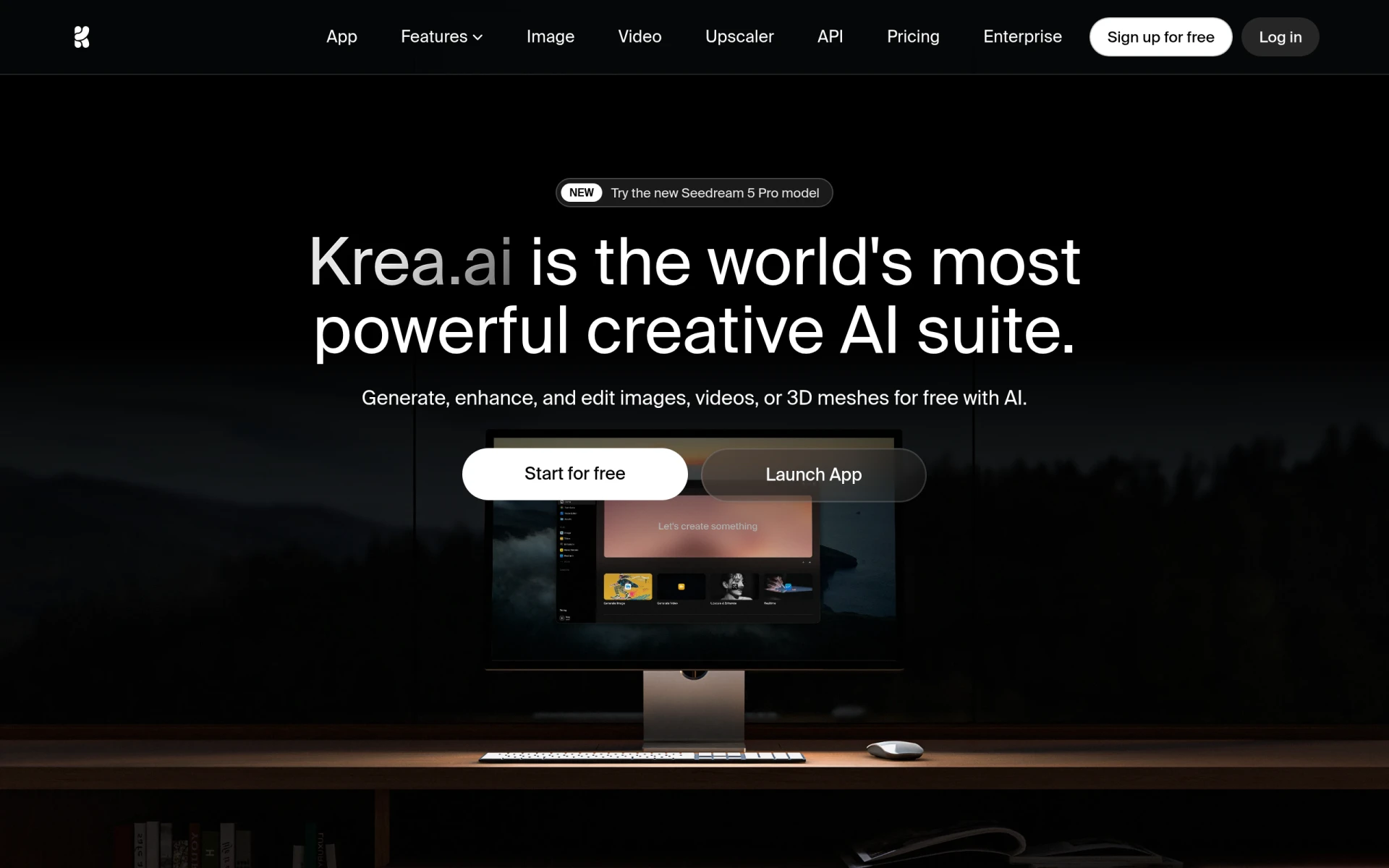
Krea is an innovative AI creative suite designed to assist users in generating, editing, and enhancing images, videos, and 3D assets. Its primary purpose is to streamline the creative process for designers, marketers, and content creators by leveraging advanced AI capabilities. Krea addresses common creative challenges such as the need for high-quality visuals, efficient content creation, and the ability to produce varied media types from a single input.
Key Features
- AI Image Generation
- Text to Image Conversion
- Real-time Image Generation
- AI Video Generation
- Text to Video Conversion
- Motion Transfer for Videos
- AI 3D Generation
- Text to 3D Object Creation
- Image to 3D Object Conversion
- AI Image Enhancements
- Upscaling of Images
- Background Removal
- AI Image Editing Tools
- AI Video Enhancements
- Frame Interpolation for Videos
- Video Style Transfer
- Video Upscaling
- Customizable AI Fine-tuning
- Image LoRA Fine-tuning
- Video LoRA Fine-tuning
- LoRA Sharing Options
- Krea Asset Manager for file management
Benefits
Krea offers significant practical advantages for users by simplifying complex creative tasks. With its AI-driven tools, users can quickly transform ideas into visual content without needing extensive design skills. The ability to generate high-quality images and videos in real-time saves time and resources, allowing teams to focus on strategy rather than execution. Furthermore, the integration of 3D asset generation expands creative possibilities, enabling users to produce diverse content types from a single platform.
Common Use Cases
Krea can be utilized in various scenarios, such as:
- A marketing team producing promotional videos and social media graphics quickly and efficiently.
- A freelance designer generating unique images for client projects without starting from scratch.
- An educational institution creating engaging visual content for online courses, utilizing both 2D and 3D assets.
- A game developer generating character models and environments using AI-driven 3D generation.
- A content creator developing diverse formats for blogs, presentations, and social media posts seamlessly.
Who Should Use It
Krea is ideal for creative professionals, including graphic designers, video editors, marketers, and content creators who require versatile tools for producing visual content. It is particularly beneficial for those looking for quick solutions to generate high-quality media without extensive technical knowledge. However, users who prefer traditional design methods or those needing highly specialized tools may find Krea less suitable for their needs.
Pricing Overview
Details about Krea's pricing structure are not explicitly available. Users are encouraged to visit the official website for the most current information on subscription plans and potential costs.
Conclusion
Krea serves as a comprehensive solution for users seeking to enhance their creative processes through AI-generated content. While it provides numerous strengths, such as versatility and efficiency, potential users should evaluate their specific needs against Krea's capabilities. Its ability to generate varied media types makes it a valuable tool, although users should consider whether it aligns with their creative workflows before adopting it.