Overview
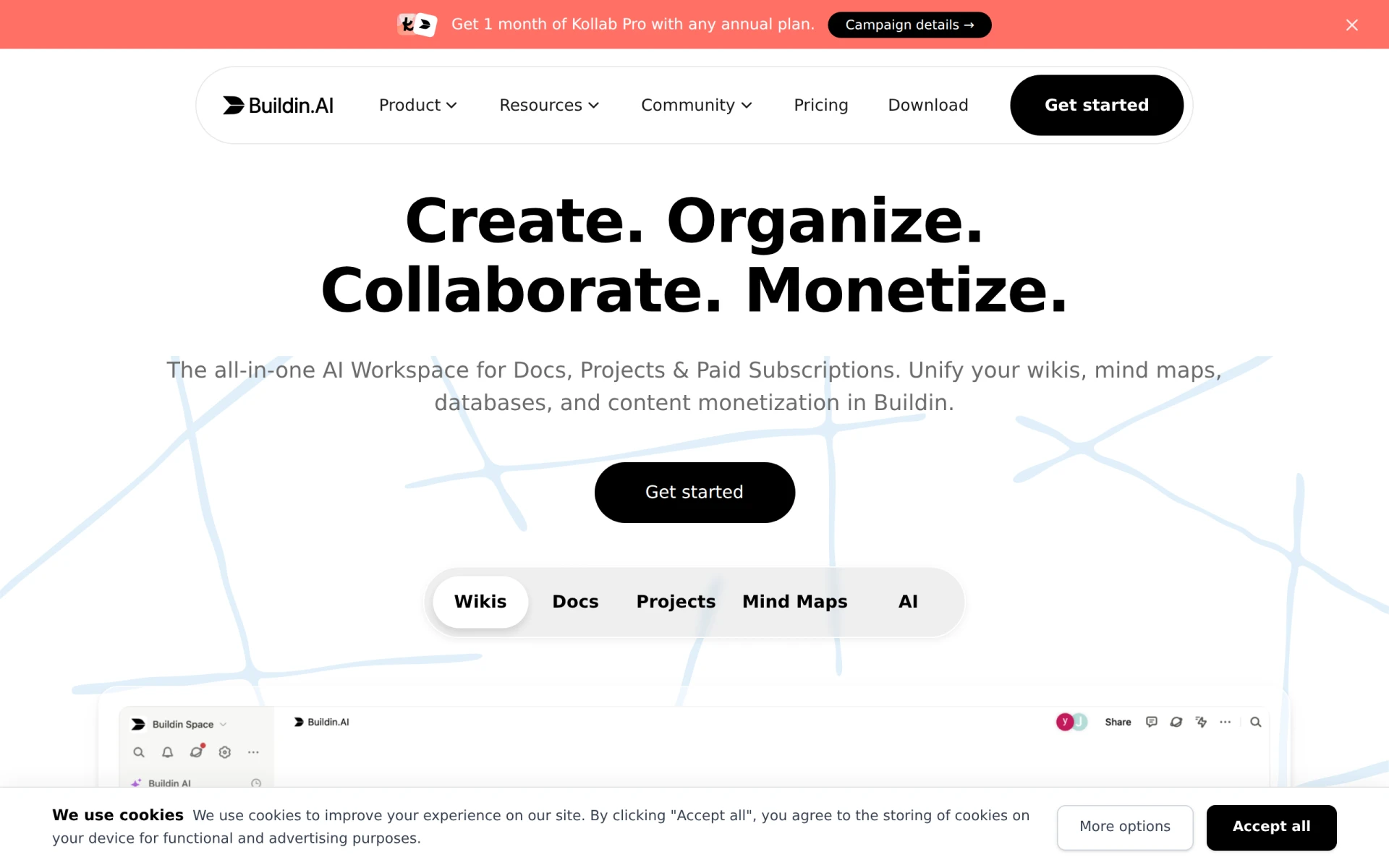
Buildin is an innovative workspace management tool that leverages artificial intelligence to help users build, manage, and sell their knowledge and content effectively. It is designed to facilitate collaboration, organization, and monetization, allowing individuals and teams to streamline their workflows without unnecessary friction. Buildin addresses common challenges faced by professionals, such as disorganized information, inefficient collaboration, and difficulties in monetizing knowledge assets.
Key Features
- Unlimited Pages/Blocks
- Sync Across Web and App
- Share Links with Password Access
- Database Management for All Properties
- File and Folder Management
- Night Mode for Comfortable Viewing
- Unlimited Mindmap Nodes (Plus Plan)
- 30 Days Page History (Plus Plan)
- Reference Suggestions (Plus Plan)
- Bulk File Download (Plus Plan)
- Unlimited Public Homepage (Plus Plan)
- Font and Page Layout Customization (Plus Plan)
- API and MCP Integration (Business Plan)
- Invisibility Options for Sensitive Content (Business Plan)
Benefits
Using Buildin provides practical advantages for various users, including enhanced productivity through improved organizational features. The ability to create unlimited pages and blocks allows users to capture and structure their knowledge seamlessly. Collaboration becomes more efficient with features like password-protected sharing and database management, making it easy to work with teams or clients. Furthermore, the monetization aspects facilitate income generation from knowledge assets, which can be valuable for content creators and educators.
Common Use Cases
Buildin is ideal for freelancers who need a versatile platform to manage their projects and client work efficiently. Marketing teams can benefit from its collaborative features, allowing them to brainstorm and organize campaigns effectively. Additionally, educators can use Buildin to create and share course materials, while businesses can implement it for knowledge management and internal documentation. For project managers, the tool offers a centralized workspace that enhances oversight and accountability.
Who Should Use It
Buildin is particularly suited for small to medium-sized businesses, freelancers, and content creators looking to manage and monetize their knowledge resources. However, larger enterprises may find that they require more advanced features or integrations that Buildin may not fully support. Additionally, users who prefer more traditional project management tools may not find Buildin to be the best fit.
Pricing Overview
Buildin offers a free plan along with Plus and Business subscription options. The Plus plan is priced at $10 per member per month, while the Business plan is available for $15 per member per month. Each plan provides progressively more features, catering to different levels of user needs.
Conclusion
In summary, Buildin presents a unique solution for those looking to manage and monetize their knowledge efficiently. Its AI-driven features cater to a variety of use cases, making it a flexible option for freelancers, small businesses, and content creators. While it excels in many areas, potential users should carefully consider their specific needs, especially if they are part of a larger organization that might require more extensive capabilities. Overall, Buildin is a practical choice for users seeking an innovative workspace management tool.