
Anavsan
Paid
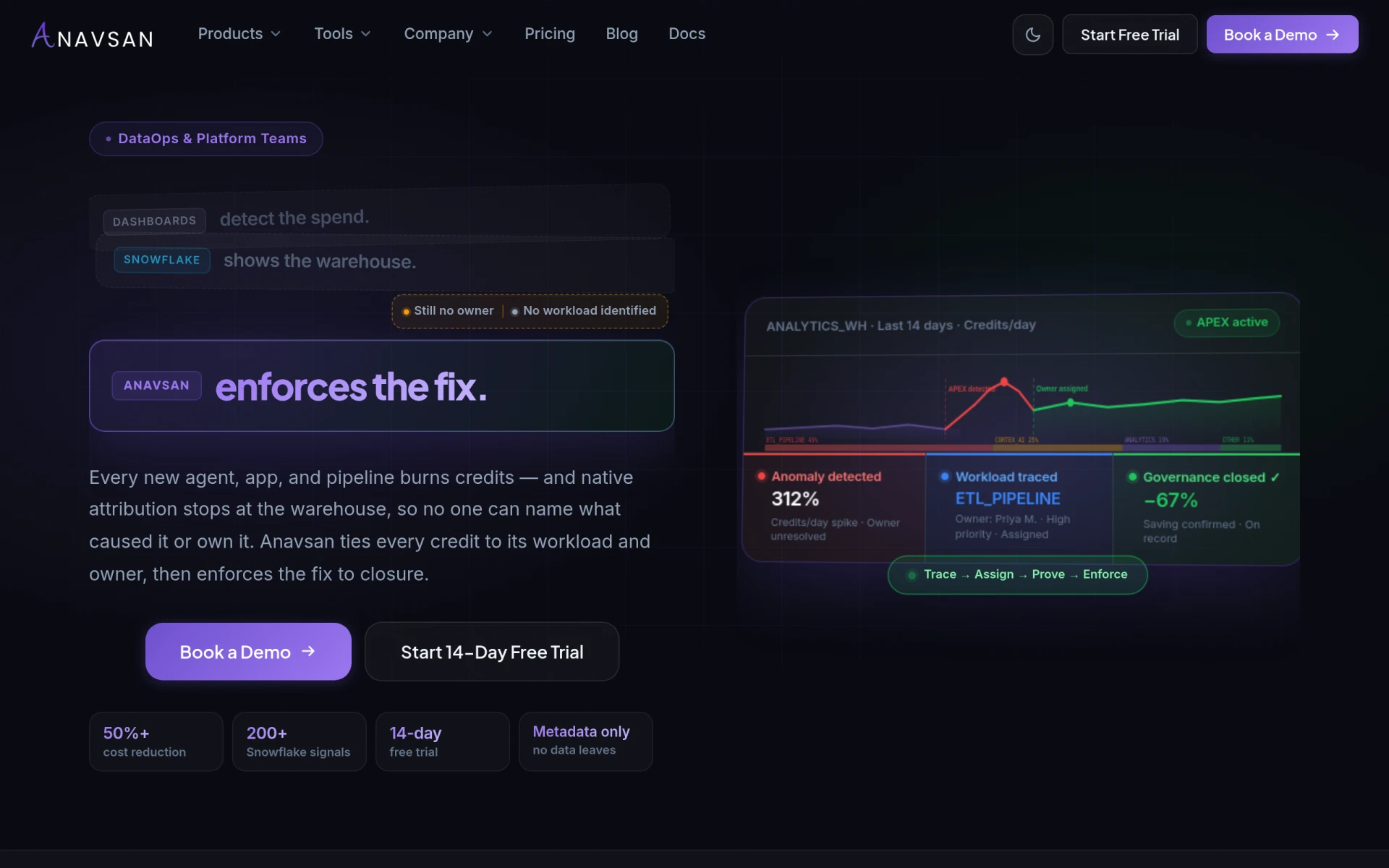
Anavsan is a cost optimization tool for Snowflake that helps organizations track and manage workload credits effectively.
Companyze is a project management tool designed to enhance team collaboration and streamline project workflows.
 H
H
Companyze is a project management software designed to improve team collaboration and project tracking. Its primary purpose is to facilitate project planning, task assignment, and progress monitoring, making it easier for teams to stay organized and meet deadlines. By providing a centralized platform for communication and documentation, Companyze addresses common challenges faced by teams, such as miscommunication, missed deadlines, and lack of visibility into project status.
Using Companyze can lead to practical advantages for teams. It helps improve accountability by allowing team members to see who is responsible for each task. Enhanced communication features reduce misunderstandings and ensure that everyone is aligned on project goals. The ability to track project progress visually helps identify bottlenecks early, potentially saving time and resources. Overall, Companyze aims to create a more organized and efficient project management experience.
Companyze is suitable for various scenarios, including:
Companyze is ideal for small to medium-sized businesses and teams looking for an efficient way to manage projects. It caters well to project managers, marketing teams, and development teams. However, larger enterprises with complex project needs may find it less suited to their scale, and teams that require extensive customization or advanced features might need to explore alternatives.
Pricing information for Companyze is currently unavailable.
Companyze offers a solid project management solution for teams seeking to enhance collaboration and streamline workflows. While it has advantages like user-friendly task management and visual tracking, potential users should consider if it meets their specific needs, especially concerning advanced features and pricing transparency. It may be a good fit for smaller teams, but larger organizations may need to explore different options to find the best solution for their project management requirements.
Anavsan is a cost optimization tool for Snowflake that helps organizations track and manage workload credits effectively.
Compass is a project management tool designed to improve team collaboration and streamline project workflows.
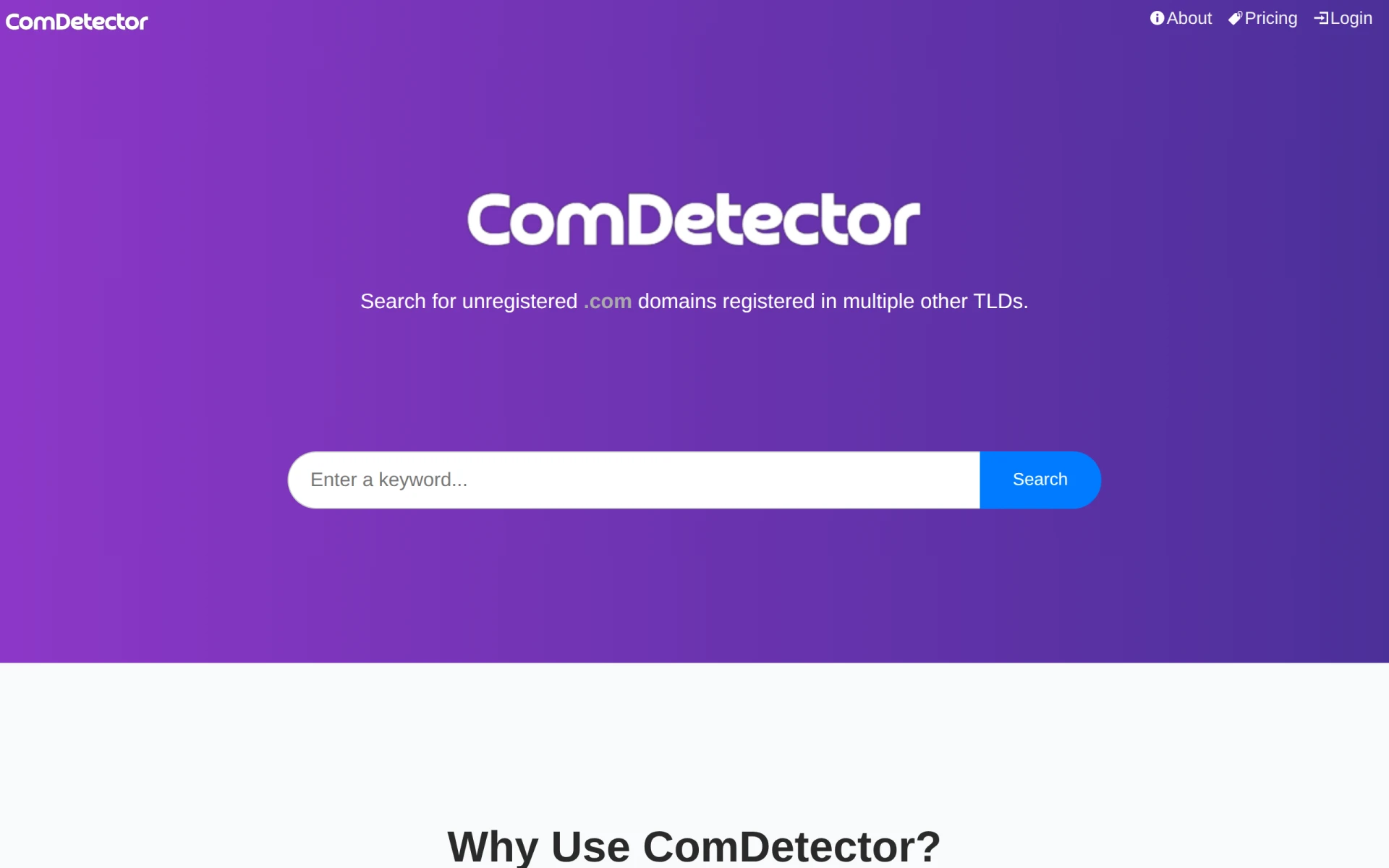
ComDetector helps identify unregistered .COM domains that are already registered in other TLDs, revealing hidden brand opportunities.
Comment Finder is a comprehensive guide for comparing online casinos in Singapore, focusing on bonuses, payments, and legal aspects.
Companyinfo.me provides on-demand company reports and register extracts across 120+ countries.
Collectopedia is a collection management tool that helps users track, value, and analyze their collectibles like investments.
Weekly roundup of new AI tools, launches, and trending software. No spam — unsubscribe anytime.
No credit card required · Cancel anytime
Weekly roundup of new AI tools, launches, and trending software. No spam — unsubscribe anytime.
No credit card required · Cancel anytime