
ChattyFit
Freemium
ChattyFit helps beginners create tailored gym and home workouts based on their goals and available equipment.
 C
C
ChestnutTable quickly extracts table data from Word documents to Excel for efficient data analysis.
ChestnutTable is a specialized tool designed to facilitate the extraction of table data from Microsoft Word documents into Excel spreadsheets. It addresses the common challenge faced by users who need to analyze, manipulate, or store tabular data that is often embedded within Word files. By utilizing advanced AI-powered technology, ChestnutTable simplifies the process, making it both fast and accurate.
The primary purpose of ChestnutTable is to streamline the conversion of Word tables into a format that is more conducive to data analysis. This tool is particularly useful for professionals who frequently deal with data reports, research documents, and any other content where structured data is presented in table form. By enabling users to convert these tables into Excel, ChestnutTable effectively reduces manual data entry errors and saves significant time.
The practical advantages of using ChestnutTable include significant time savings due to its fast extraction capabilities. Users can process multiple tables in batch mode, which is particularly beneficial for large projects. The automatic recognition of fields minimizes the manual effort required in identifying and mapping data, further enhancing productivity. By converting Word tables to Excel, users gain access to Excel’s robust analytical tools, enabling better data manipulation and visualization.
Additionally, using ChestnutTable can help reduce data entry errors, which are common when transferring data manually. The software's accuracy ensures that the extracted data maintains its integrity, making it a reliable choice for professionals.
ChestnutTable can be particularly useful in various scenarios, such as:
Ideal users of ChestnutTable include data analysts, researchers, project managers, and anyone who frequently works with Word documents containing tables. It is especially beneficial for professionals who require quick and accurate extraction of data for analysis purposes. However, users who do not frequently handle Word documents or those who only work with very simple data might find it less essential.
At this time, detailed pricing information for ChestnutTable is not publicly available. Interested users may need to visit the website for specific pricing details or potential subscription models.
In summary, ChestnutTable serves as a practical solution for users needing to extract table data from Microsoft Word to Excel efficiently. Its AI-powered features and user-friendly interface make it a valuable tool for various professionals, particularly those in data-heavy roles. While it offers significant benefits in terms of speed and accuracy, potential users should consider their specific needs to determine if this tool aligns with their tasks. Overall, ChestnutTable can enhance productivity and accuracy in data handling for those who regularly deal with Word tables.
ChattyFit helps beginners create tailored gym and home workouts based on their goals and available equipment.
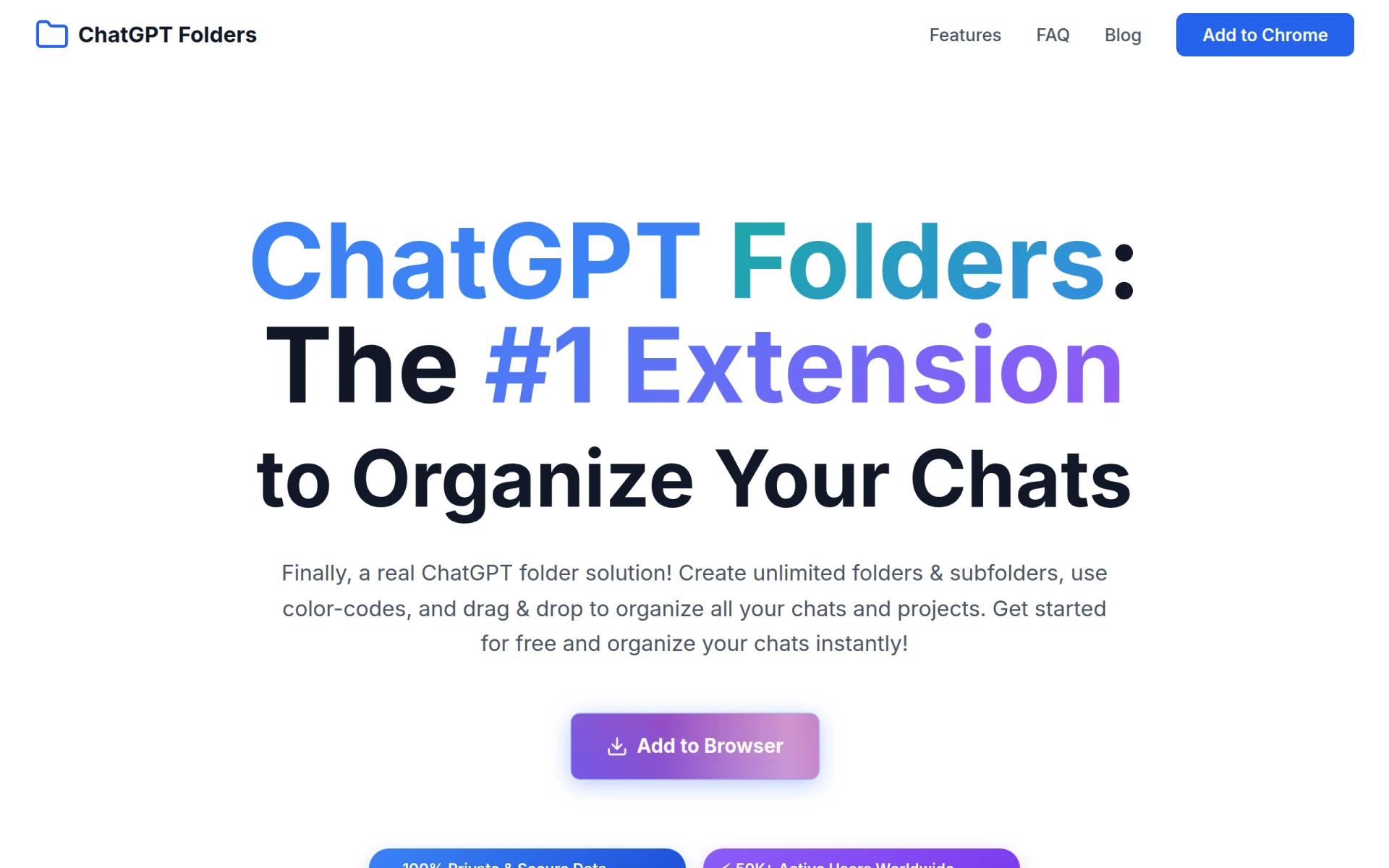
ChatGPT Folders allows users to organize their ChatGPT conversations with customizable folders and color-coding.
Chart Advantage is a project management tool that aids in visualizing project timelines and dependencies through various charting methods.
CalPerks is a task management tool designed to enhance team collaboration and productivity.
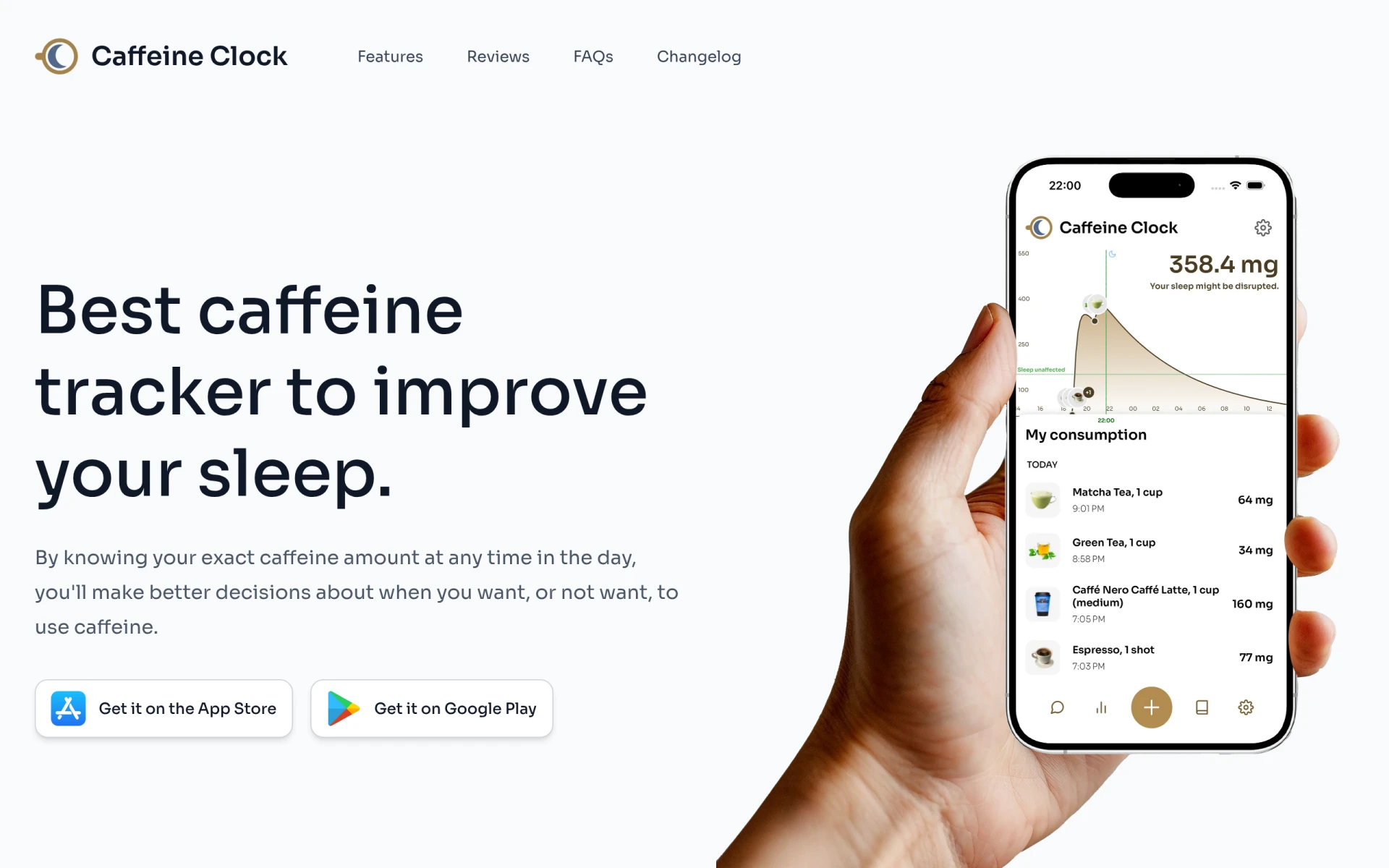
Caffeine Clock helps track your caffeine intake to enhance sleep quality and make informed consumption decisions.
Calendar0 is an AI-driven appointment scheduling tool that simplifies calendar management directly from your menubar.
Weekly roundup of new AI tools, launches, and trending software. No spam — unsubscribe anytime.
No credit card required · Cancel anytime
Weekly roundup of new AI tools, launches, and trending software. No spam — unsubscribe anytime.
No credit card required · Cancel anytime