Overview
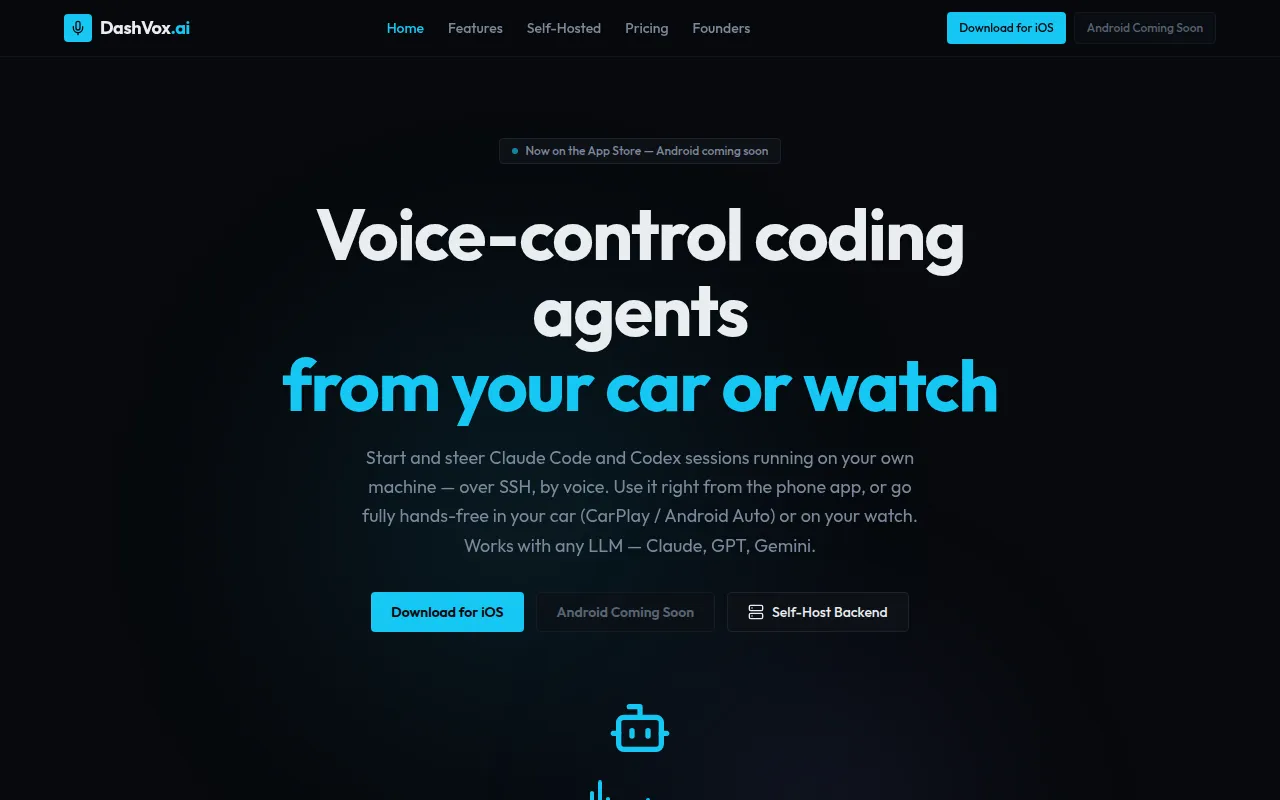
DashVox is an innovative software tool designed for developers who want to leverage the power of AI coding agents through voice commands. Its primary purpose is to facilitate hands-free coding, allowing users to interact with AI models like Claude Code and Codex without needing to use a screen or keyboard. This is particularly useful for developers who are on the go, as it enables coding tasks to be managed from various devices, such as phones, cars, and smartwatches. By addressing the need for hands-free operation, DashVox solves the problem of limited accessibility when coding away from traditional setups.
Key Features
- Voice-first interaction: Control coding agents using only voice commands.
- Multi-device support: Use on mobile phones, cars (with CarPlay/Android Auto), watches, or smart glasses.
- Compatibility with various LLMs: Works with Claude, GPT, Gemini, and more.
- Self-hosting capability: Run DashVox on personal hardware without the need for an account.
- Cloud version available: Use a hosted version with easy sign-in options.
- Unlimited conversations: Engage in as many coding sessions as needed without restrictions.
- Agent mode: Switch between coding agents seamlessly during conversations.
- On-device transcription: Voice commands are transcribed locally for enhanced privacy and speed.
- Custom LLM endpoints: Configure specific endpoints for self-hosted models.
- Hands-free operation: Ideal for situations where screen interaction is impractical.
Benefits
DashVox provides practical advantages by making coding more accessible for developers in various environments. The hands-free feature is particularly beneficial for those who are driving or engaged in tasks where using their hands or eyes on a device is not feasible. By allowing voice control of coding agents, DashVox enables developers to manage their coding sessions efficiently, thus improving productivity and maintaining focus on their current tasks. Additionally, the self-hosting option offers users complete control over their data, enhancing privacy and security.
Common Use Cases
A developer on a road trip can use DashVox to initiate coding sessions via voice commands while driving. A software engineer can check the status of their projects while running on a treadmill, ensuring they keep moving without losing track of their work. A team lead can monitor ongoing coding tests and provide approvals using voice commands while multitasking in a busy environment. DashVox can also be used in scenarios where traditional coding setups are unavailable, such as outdoor coding or during travel.
Who Should Use It
DashVox is ideal for developers, software engineers, and tech-savvy users who prefer voice commands over traditional coding methods. It is particularly beneficial for those who often work in environments where hands-free operation is necessary, such as while driving or exercising. However, it may not be the best fit for users who require extensive visual feedback on their coding tasks or those who prefer traditional coding interfaces.
Pricing Overview
DashVox is available for free, offering both a self-hosted option and a cloud-based version with no fees. Users can choose to self-host the application indefinitely without any restrictions or opt for the cloud version that requires no setup.
Conclusion
In summary, DashVox is a unique solution for developers looking for a hands-free coding experience. It effectively combines voice technology with AI coding agents, making it suitable for various use cases. While it offers significant benefits in terms of accessibility and productivity, it may not cater to all users, particularly those who rely on visual coding interfaces. Overall, DashVox provides a compelling option for those who want to interact with AI coding tools in a hands-free manner.