Overview
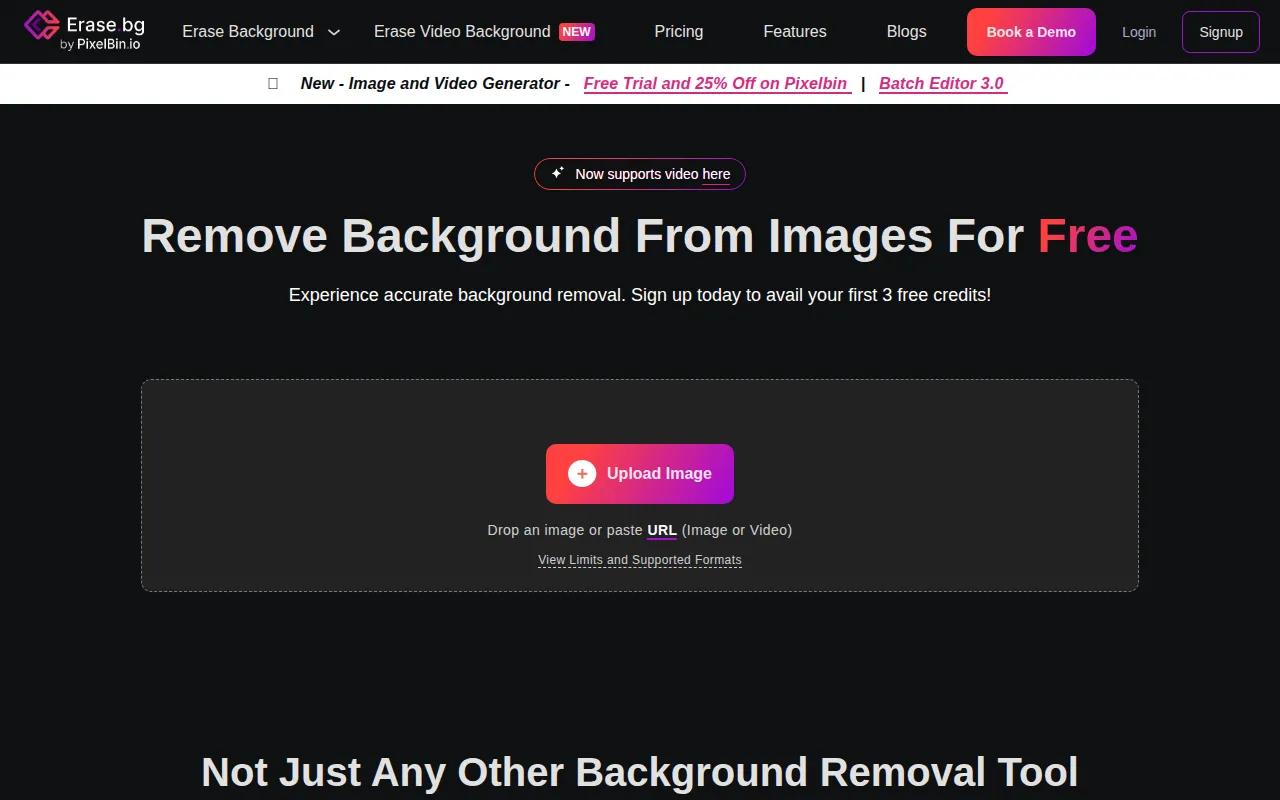
Erase.bg is an online background removal tool that utilizes artificial intelligence to automatically remove backgrounds from images in just a few seconds. This service is particularly beneficial for individuals and businesses that require high-quality images without the hassle of manual editing. By allowing users to create transparent backgrounds, Erase.bg addresses common challenges faced in image editing, especially for e-commerce, marketing, and personal projects. Users can quickly enhance their images, making them more visually appealing and professionally polished.
Key Features
- Automatic background removal: AI technology removes backgrounds effortlessly.
- High-resolution downloads: Users can download images in HD quality for various uses.
- User-friendly interface: Simple navigation makes it easy for anyone to use.
- Free credits: New users receive free credits for initial downloads.
- Batch processing: Edit multiple images at once to save time.
- Customizable output formats: Support for various image formats including PNG.
- No credit card required: Users can access basic features without payment.
- Fast processing time: Backgrounds are removed in about 5 seconds.
Benefits
Using Erase.bg provides several practical advantages. Users can significantly reduce the time spent on image editing, allowing for quicker project turnaround. The tool’s efficiency enables businesses to enhance their product listings and marketing materials without the need for skilled graphic designers. Additionally, the accessibility of free credits makes it an attractive option for individuals and small businesses, while the high-quality output ensures that images maintain their professional look. Overall, Erase.bg enhances productivity and visual presentation at a low entry cost.
Common Use Cases
Many users find Erase.bg valuable in various scenarios, such as:
- E-commerce businesses needing to create product images with transparent backgrounds for online listings.
- Marketers who want to generate eye-catching visuals for social media campaigns without complex editing tools.
- Freelancers and graphic designers requiring quick edits for client projects.
- Bloggers looking to improve the quality of images for their articles.
- Event planners wanting to create promotional materials featuring images of venues or decorations.
Who Should Use It
Erase.bg is best suited for:
- Small businesses looking to enhance their online presence with quality images.
- Marketing teams that need to create compelling visuals quickly.
- Freelancers in graphic design or photography who require efficient background removal.
However, it may not be the best fit for professional photographers or graphic designers who need advanced editing capabilities beyond background removal.
Pricing Overview
Erase.bg offers a flexible pricing model that includes a free starter plan with three free credits, as well as additional paid options that allow users to purchase credits in bulk for extended use.
Conclusion
In summary, Erase.bg is a straightforward and effective tool for anyone needing quick and high-quality background removal. It caters well to both personal and business needs, providing a cost-effective solution to image editing. While it may not replace more advanced graphic design software, its ease of use and efficiency make it a valuable addition to any workflow focused on image presentation.