
Cofondr
Paid
AI
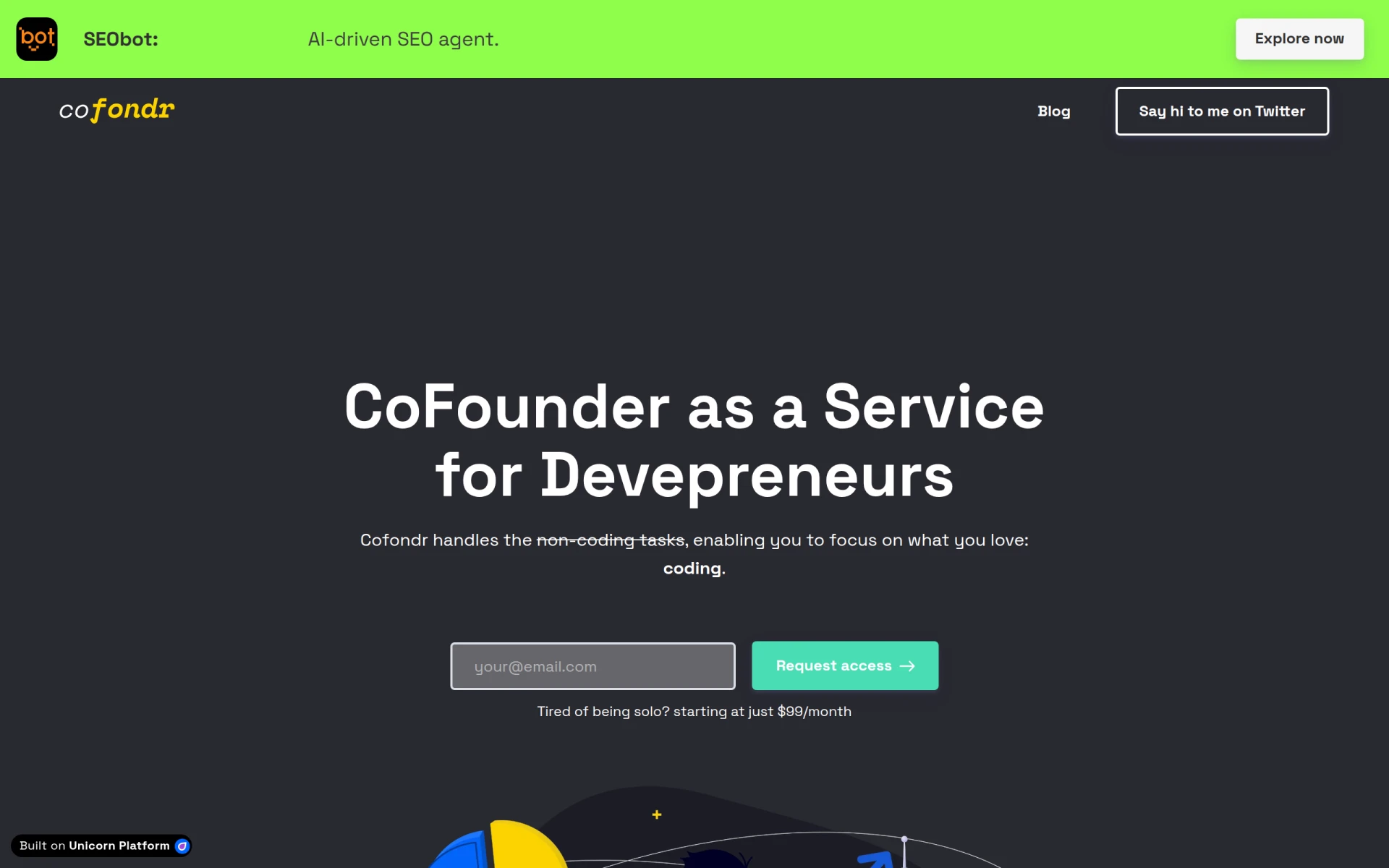
Cofondr simplifies non-coding tasks for developers, allowing them to focus on coding and marketing.
 I
I
Infield is a tool designed to help developers upgrade open source software safely and efficiently.
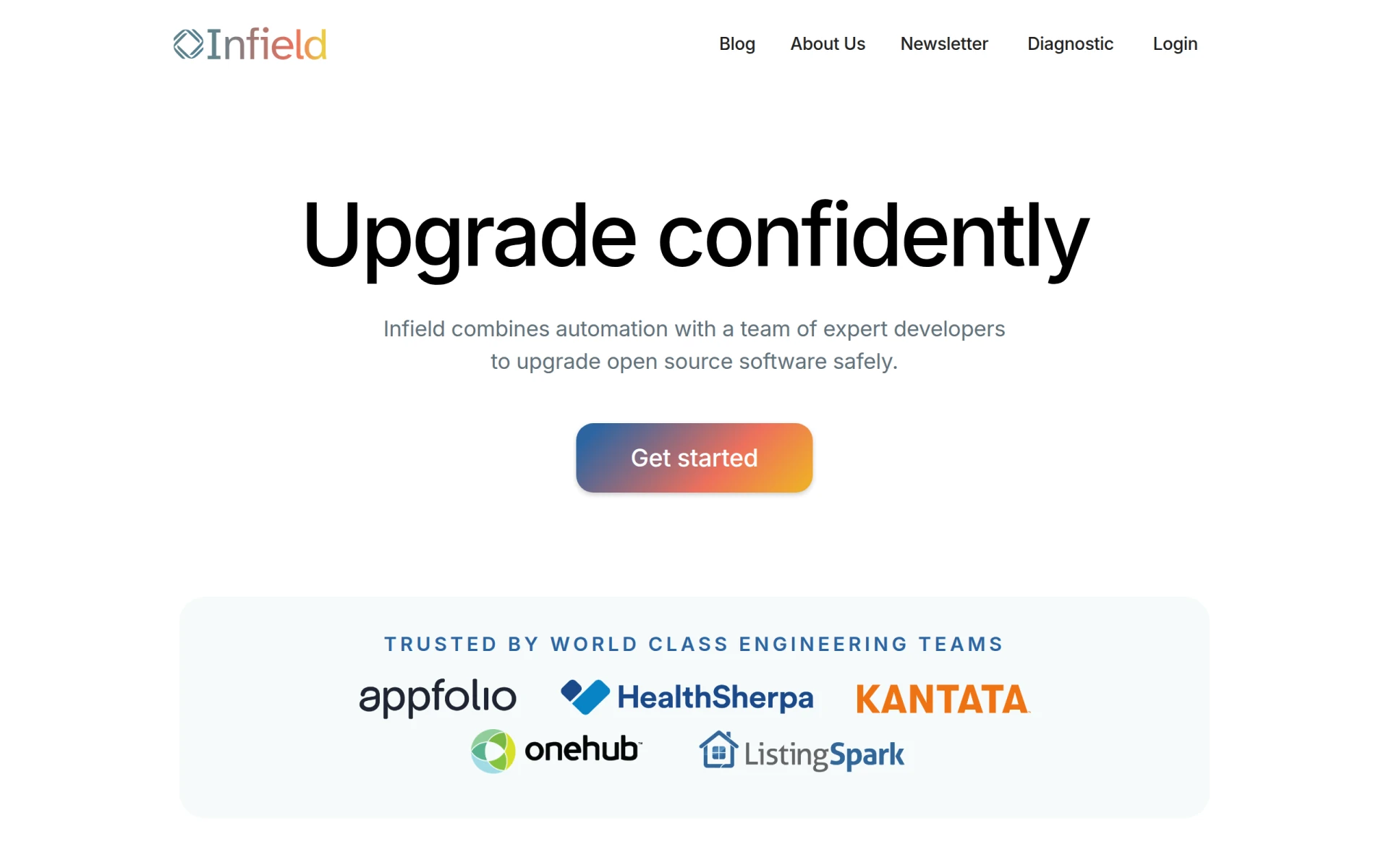
Infield is a software platform that focuses on automating the upgrading of open source software. Its primary purpose is to streamline the dependency management process, allowing developers to upgrade their software confidently without the usual risks associated with version changes. The tool addresses common problems such as security vulnerabilities and compliance issues that arise from outdated open source packages.
Infield offers several practical advantages for developers and organizations managing open source software. By automating the upgrade process, it reduces the time and effort required to keep software up-to-date, allowing teams to focus on core development tasks. The risk analysis feature minimizes the chance of introducing bugs or vulnerabilities during upgrades. Moreover, the white glove service can be particularly beneficial for organizations lacking the internal resources to manage upgrades effectively. Overall, Infield enhances software security and compliance while reducing operational overhead.
Infield is ideal for development teams needing to manage numerous open source dependencies. For example, a startup using multiple libraries can use Infield to ensure all dependencies are current and secure without dedicating extensive resources to manual upgrades. Additionally, larger organizations can leverage Infield's management features to maintain compliance with industry regulations while minimizing downtime during upgrades.
Infield is best suited for development teams, software engineers, and IT departments that regularly work with open source software. It caters to organizations that want to automate their upgrade processes and ensure compliance with security standards. However, smaller teams or projects with limited dependencies may find Infield's comprehensive services more than they need, making simpler solutions more appropriate.
Pricing details for Infield are currently unavailable on the official website.
Infield provides a robust solution for managing open source software upgrades, combining automation with expert support. Its features are particularly valuable for teams facing challenges with dependency management and security compliance. While it may not be necessary for smaller projects, larger teams can significantly benefit from its capabilities. Infield stands out as a practical choice for organizations looking to streamline their software maintenance processes.
Cofondr simplifies non-coding tasks for developers, allowing them to focus on coding and marketing.
CodeMerge is a collaborative development tool designed to streamline code integration and version control for software teams.
Coding Assistant is a developer tool designed to enhance coding efficiency and accuracy through intelligent code suggestions and problem-solving.
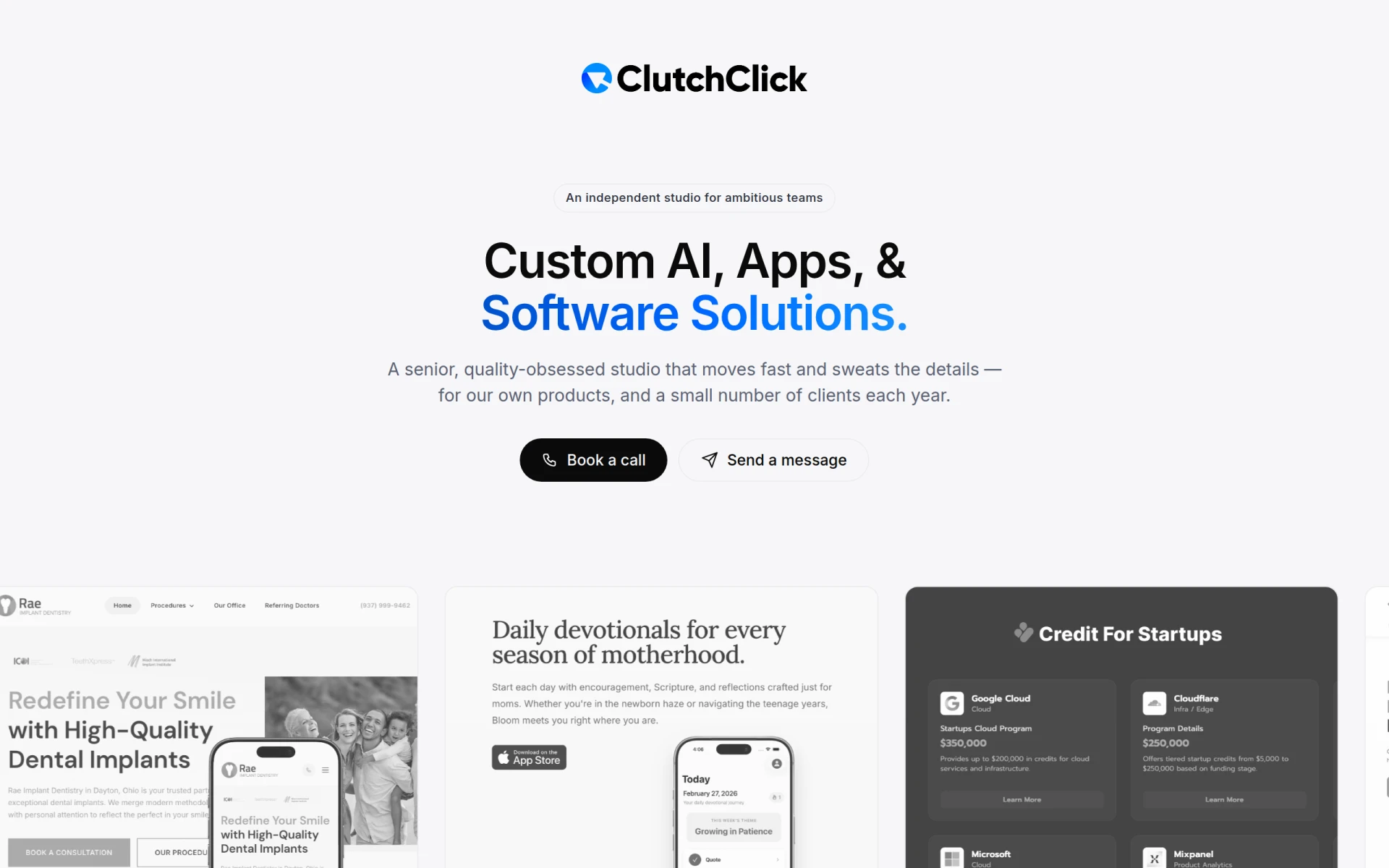
ClutchClick offers custom app, website, and AI tool development with a senior-led team for streamlined project delivery.
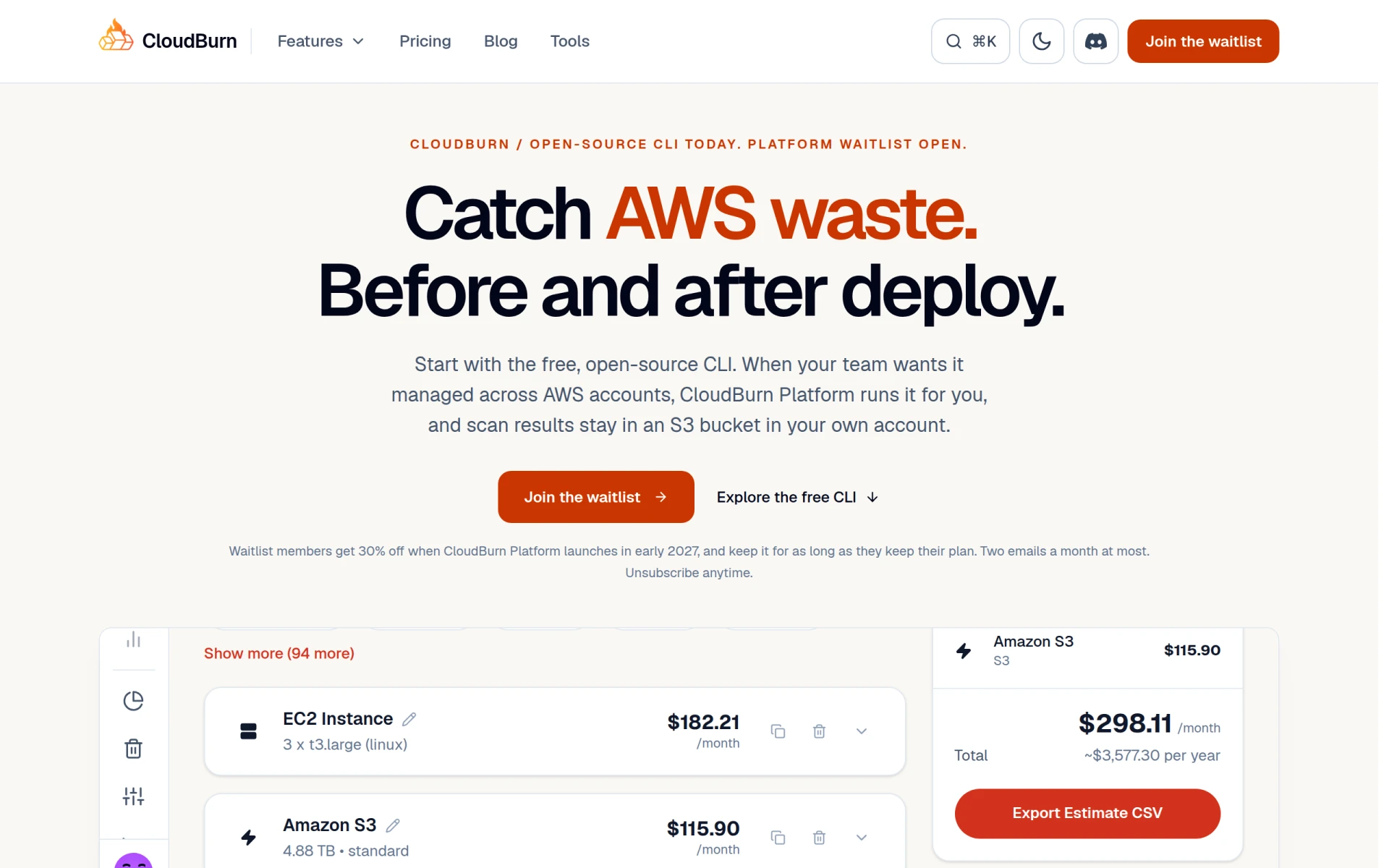
CloudBurn helps identify and optimize AWS costs through a free, open-source CLI tool for effective resource management.
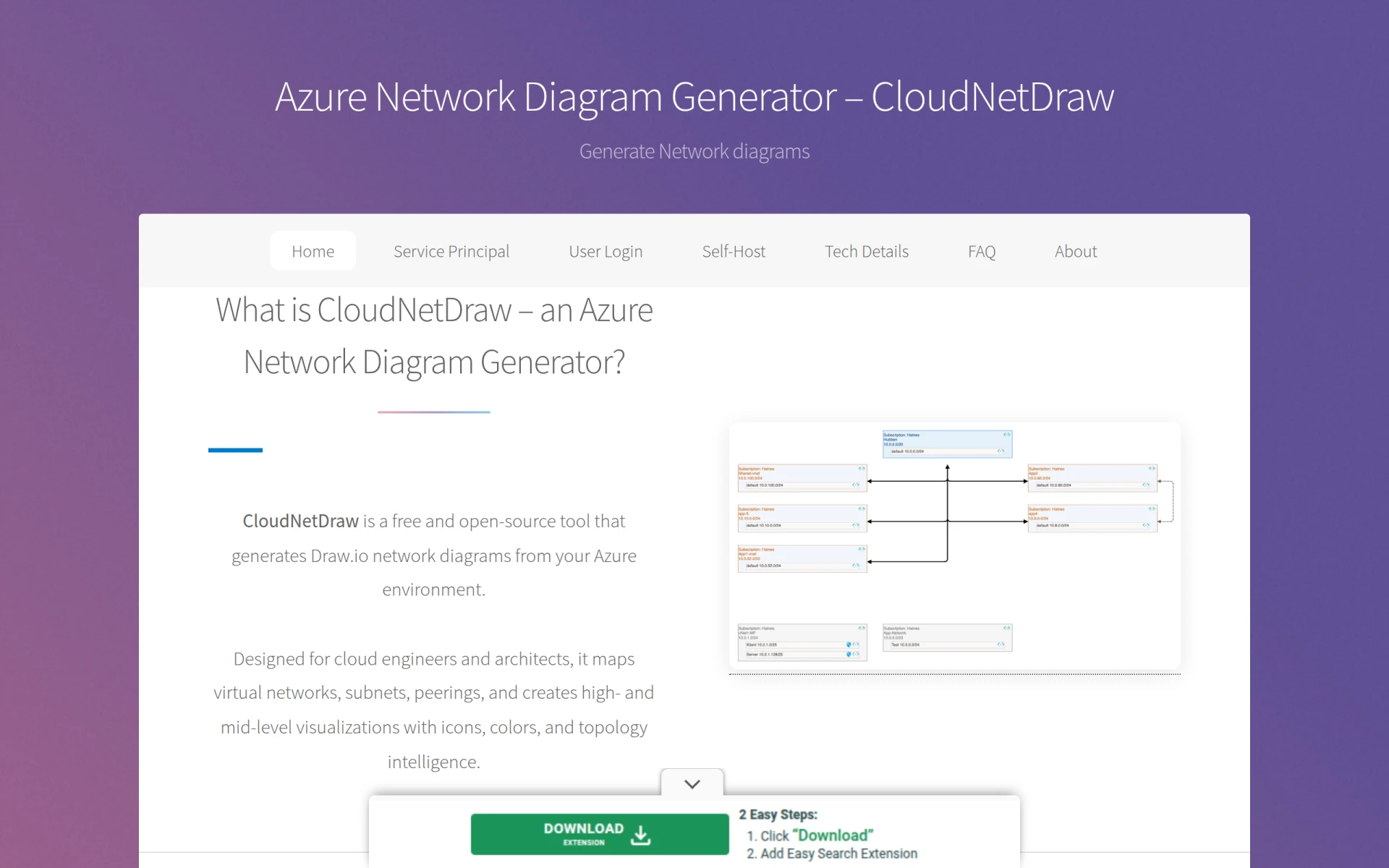
CloudNetDraw is a free tool for generating Azure network diagrams directly from your environment.
Open Source CRM Software for Startups
For startups seeking affordable CRM tools to enhance customer interactions.
Open Source Tools for Data Analysis in 2024
For data analysts seeking cost-effective tools for data analysis in 2024.
Open Source Design Tools for Creative Professionals
For creative professionals seeking cost-effective design solutions without licensing fees.
Open Source SEO Tools for Developers
For developers seeking cost-effective SEO tools to enhance website optimization.
Best Open Source Tools for Developers in 2024
For developers seeking cost-effective tools to boost their software development process.
Weekly roundup of new AI tools, launches, and trending software. No spam — unsubscribe anytime.
No credit card required · Cancel anytime
Weekly roundup of new AI tools, launches, and trending software. No spam — unsubscribe anytime.
No credit card required · Cancel anytime