Introduction
High software costs limit access to essential data analysis tools. Discover open source solutions that empower your insights without breaking the bank.
Why Data Analysts Struggle With High software costs limit access to data analysis tools.
For many data analysts, the struggle with high software costs is a daily reality. Whether working for a small startup or a large corporation, the burden of expensive licenses can stifle innovation and hinder productivity. A business analyst may find themselves frustrated as they seek insights from data but are held back by costly tools that require significant investment. This can lead to a reliance on outdated methods or limited access to the latest technologies, ultimately impacting decision-making and business growth.
Imagine a scenario where a marketing team wants to analyze customer behavior data to optimize their campaigns. They could greatly benefit from advanced analytics tools, but the hefty price tag prevents them from accessing these resources. This situation is all too common in the data science field, where the need for sophisticated analysis is high, but the budget constraints are even higher. As a result, many data analysts are left searching for effective yet affordable alternatives.
What to Look For in Data Science Tools
- Cost-Effectiveness: The primary concern for data analysts is budget constraints. Tools that provide robust features at little or no cost can significantly improve access to necessary resources.
- User-Friendliness: A tool that requires minimal technical skill can allow data analysts to focus on extracting insights rather than struggling with complex interfaces.
- Integration Capabilities: The ability to seamlessly integrate with existing data sources and tools is essential for a smooth workflow and increased productivity.
- Community Support: Open source tools often come with extensive community support, which can be invaluable for troubleshooting and shared knowledge.
- Scalability: As data needs grow, it is crucial to choose tools that can scale with the organization, ensuring long-term usability.
Best Open Source Tools for Data Analysis in 2024
Manifold - Best for Life Sciences Research
Manifold is an AI agent platform specifically tailored for life sciences, providing robust capabilities for data workflows and analysis. Its unique approach allows life sciences research teams to manage and analyze their data efficiently, which is essential for projects involving complex datasets and compliance regulations. The platform offers a range of features designed to streamline the data handling process, making it an attractive option for teams focused on drug development and clinical trials.
One standout aspect of Manifold is its Agent OS, which enables users to build specialized agents for various tasks, enhancing the overall analysis process. This capability is particularly beneficial for pharmaceutical and biotech companies that require precise cohort building and guided analysis to meet regulatory standards. With Manifold, data analysts can focus their efforts on deriving meaningful insights rather than getting bogged down in the intricacies of data management.
- Agent OS: Facilitates the creation of specialized agents to automate data tasks.
- Specialist Agents: Custom agents tailored for specific analytical needs.
- Data Ingestion: Streamlines the process of importing diverse data types.
- Cohort Building: Simplifies the creation of patient cohorts for analysis.
- Guided Analysis: Provides structured workflows for data interpretation.
Pricing: Contact - Pricing information for Manifold is not publicly available. Best for: Life sciences research teams that require robust data handling capabilities.
Pandada AI - Best for No-Code Insights
Pandada AI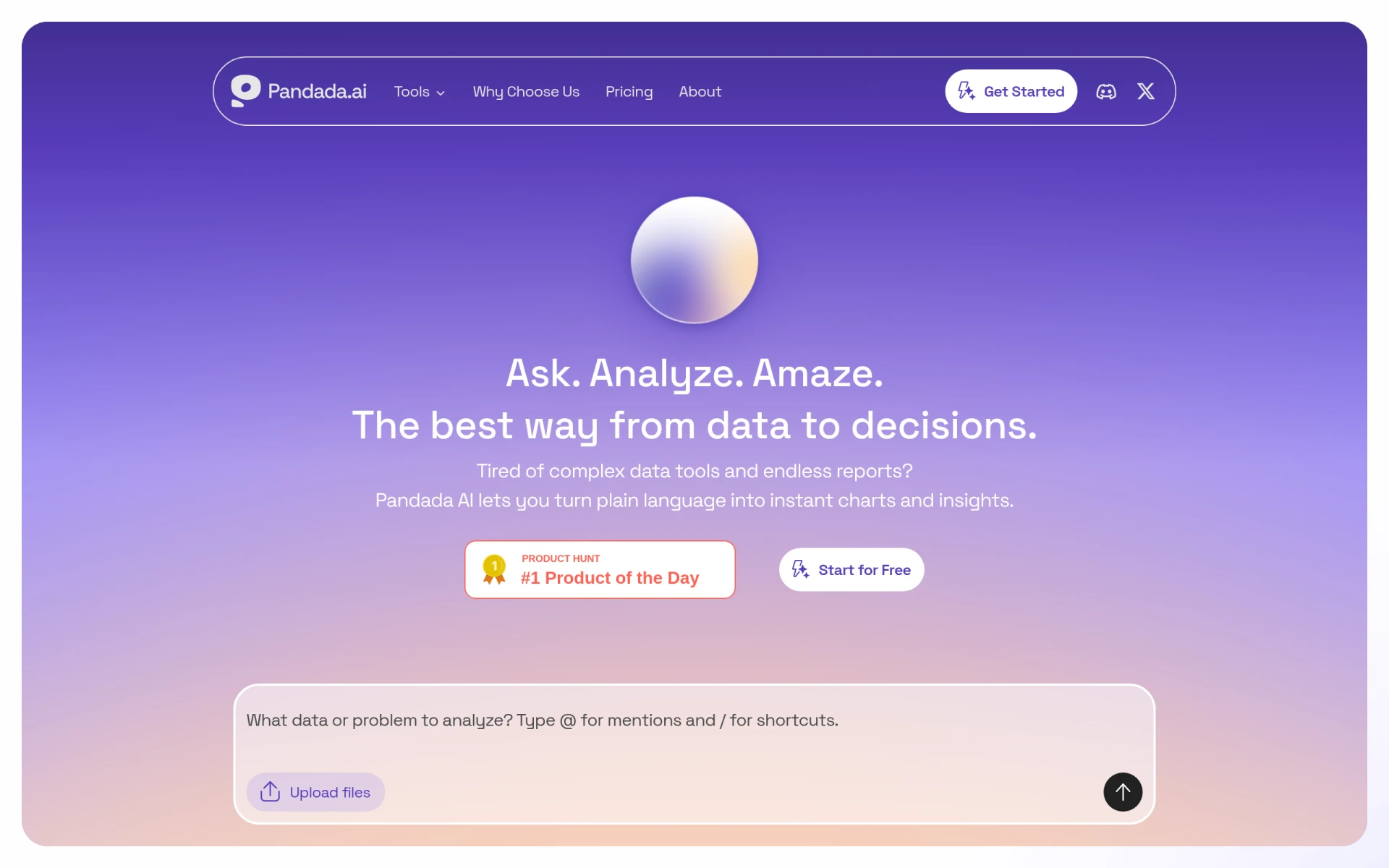 stands out as an excellent tool for data analysts who want to generate quick insights without needing coding skills. Its intuitive interface allows users to easily import messy data files and transform them into clear, actionable reports. This platform is particularly useful for business analysts and marketing teams looking to optimize their data analysis processes without getting mired in technical details.
The no-code analysis feature ensures that even those with minimal technical background can harness the power of data. Pandada AI automates report generation, making it easier to share findings with stakeholders quickly. This efficiency in data processing can save analysts precious time and allow them to focus on strategic decision-making rather than getting lost in data wrangling.
- Data Import: Supports importing data from various file formats with ease.
- No-Code Analysis: Empowers users to perform analysis without programming knowledge.
- Report Generation: Automates the creation of insightful reports.
- User-Friendly Interface: Designed for ease of use, making it accessible for all skill levels.
- AI-Powered Insights: Leverages AI to provide deeper insights from data.
Pricing: Freemium - Pricing details for Pandada AI are currently not provided. Best for: Business analysts looking for quick insights without coding.
CICube - Best for CI Cost Optimization
CICube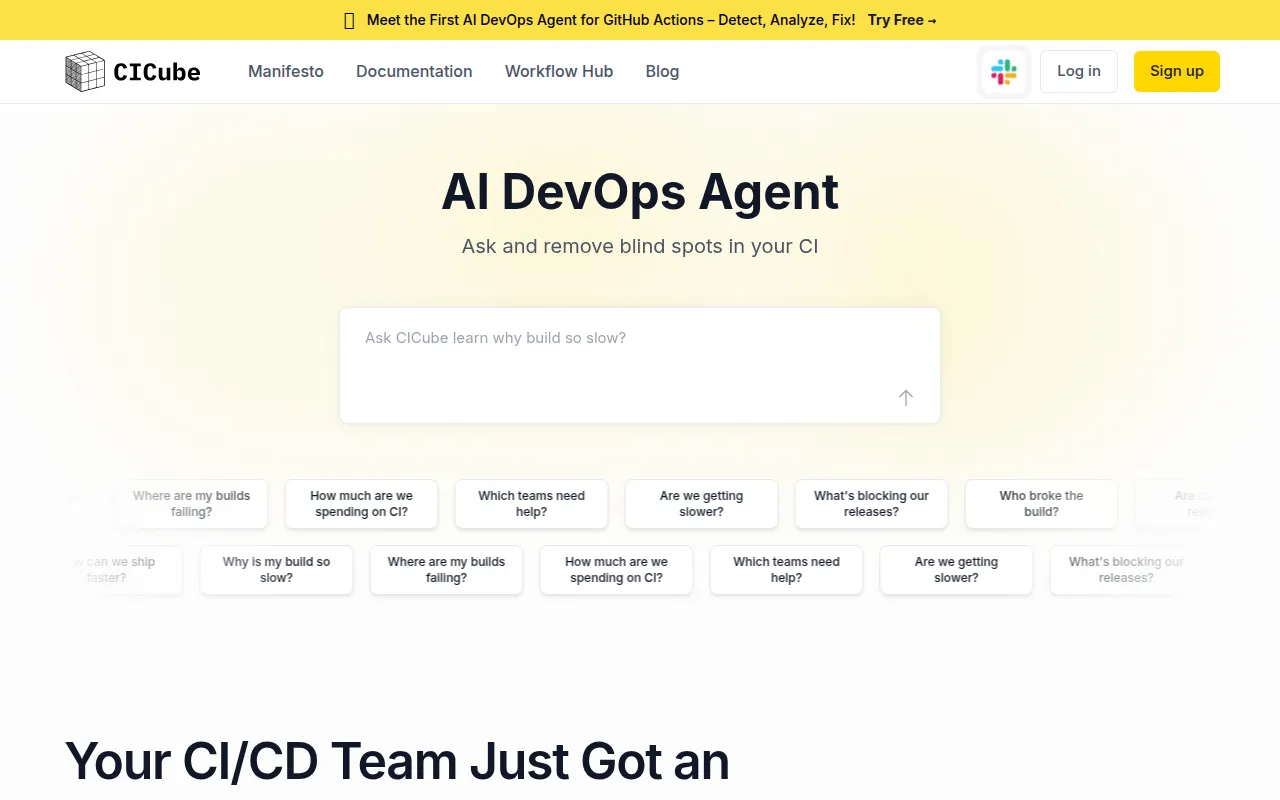 is an innovative tool that focuses on optimizing continuous integration (CI) costs while providing deep insights into software development processes. For medium to large software development teams, CICube delivers valuable analytics that can help identify bottlenecks and enhance team performance. This is particularly important in environments where development speed is crucial and where inefficiencies can lead to significant cost overruns.
With its ability to monitor infrastructure health and detect build failures, CICube empowers teams to make data-driven decisions that can improve their CI processes. By focusing on cost analysis and performance insights, CICube helps organizations streamline their workflows and reduce unnecessary expenses associated with CI.
- CI Cost Analysis: Provides insights into continuous integration expenses.
- Bottleneck Identification: Helps teams pinpoint areas of inefficiency.
- Team Performance Insights: Offers analytics on team productivity and output.
- Build Failure Detection: Monitors and alerts teams about build issues.
- Infrastructure Health Monitoring: Ensures the stability of the development environment.
Pricing: Freemium - Pricing information for CICube is not publicly available. Best for: Medium to large software development teams.
ChartPixel - Best for Interactive Data Visualization
ChartPixel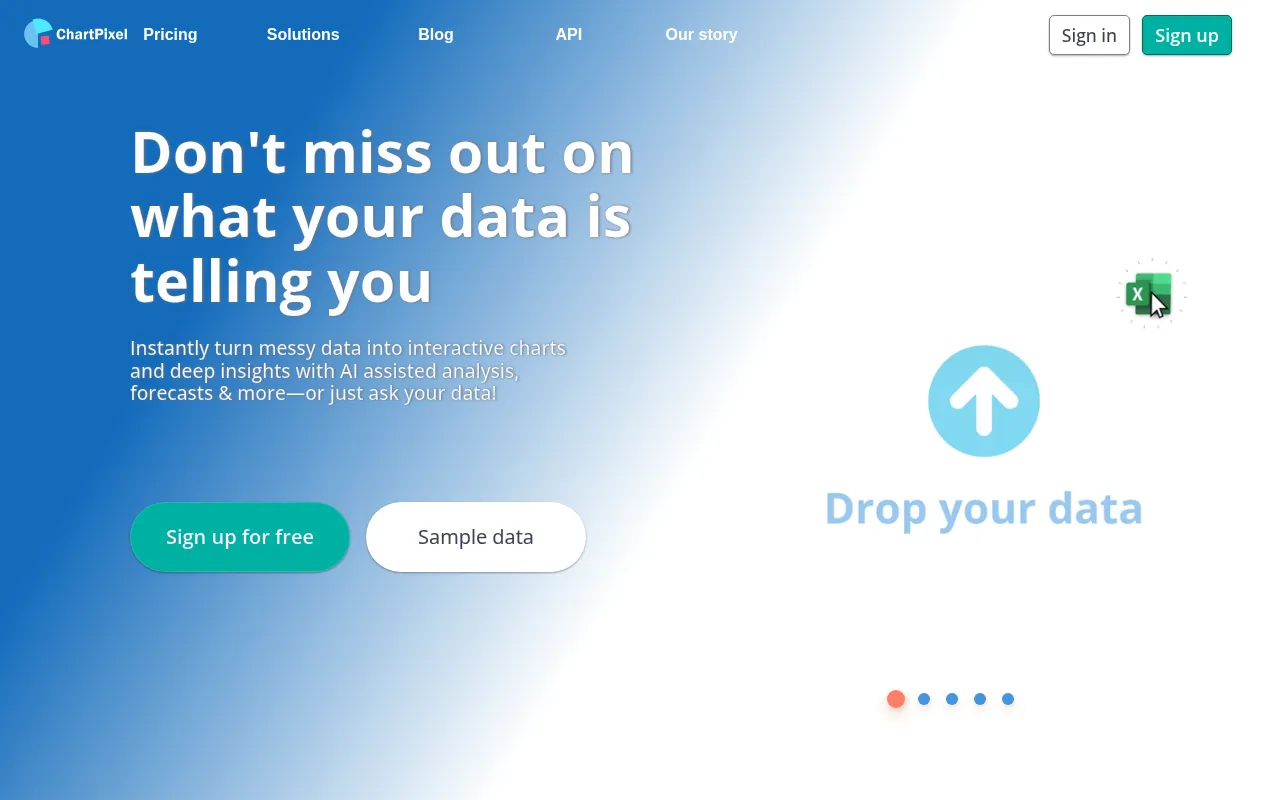 excels at transforming raw data into insightful, interactive visualizations. For data analysts and market researchers, the ability to create AI-driven charts and graphs quickly is invaluable. The platform's automated data cleaning feature ensures that users can work with accurate data, reducing the likelihood of errors in analysis.
With ChartPixel, users can easily identify patterns and generate actionable insights from their data. This capability is particularly beneficial for educators and administrators who need to convey complex information in a digestible format. By simplifying the visualization process, ChartPixel empowers data analysts to present their findings compellingly and effectively.
- AI-Driven Data Analysis: Leverages AI to enhance the analytical process.
- Interactive Charts and Graphs: Enables users to create engaging visual representations of data.
- Automated Data Cleaning: Ensures data accuracy and reliability.
- Pattern Identification: Helps users discover trends within their data.
- Actionable Insights Generation: Transforms analysis into clear recommendations.
Pricing: Freemium - ChartPixel offers a free tier and various subscription options for flexible pricing. Best for: Market researchers and data analysts.
Infield - Best for Managing Open Source Upgrades
Infield is a specialized tool designed to assist development teams in upgrading open source software efficiently and safely. For organizations reliant on multiple open source libraries, managing dependencies is crucial to maintain compliance and ensure software stability. Infield provides features that help teams synchronize dependencies and manage their upgrade backlog effectively.
This tool is particularly valuable for IT departments that need to ensure regulatory compliance while dealing with extensive software dependencies. By offering risk analysis and a white-glove upgrade service, Infield minimizes the potential disruptions caused by software updates, allowing development teams to focus on innovation rather than maintenance.
- Dependency Synchronization: Streamlines the management of open source dependencies.
- Upgrade Backlog Management: Helps teams prioritize and manage upgrades.
- White Glove Upgrade Service: Provides hands-on assistance for complex updates.
- Software-Only Plans: Offers flexible options for different organizational needs.
- Risk Analysis: Evaluates potential risks associated with upgrades.
Pricing: Contact - Pricing details for Infield are currently not disclosed. Best for: Development teams managing multiple open source libraries.
Laion - Best for AI Research
Laion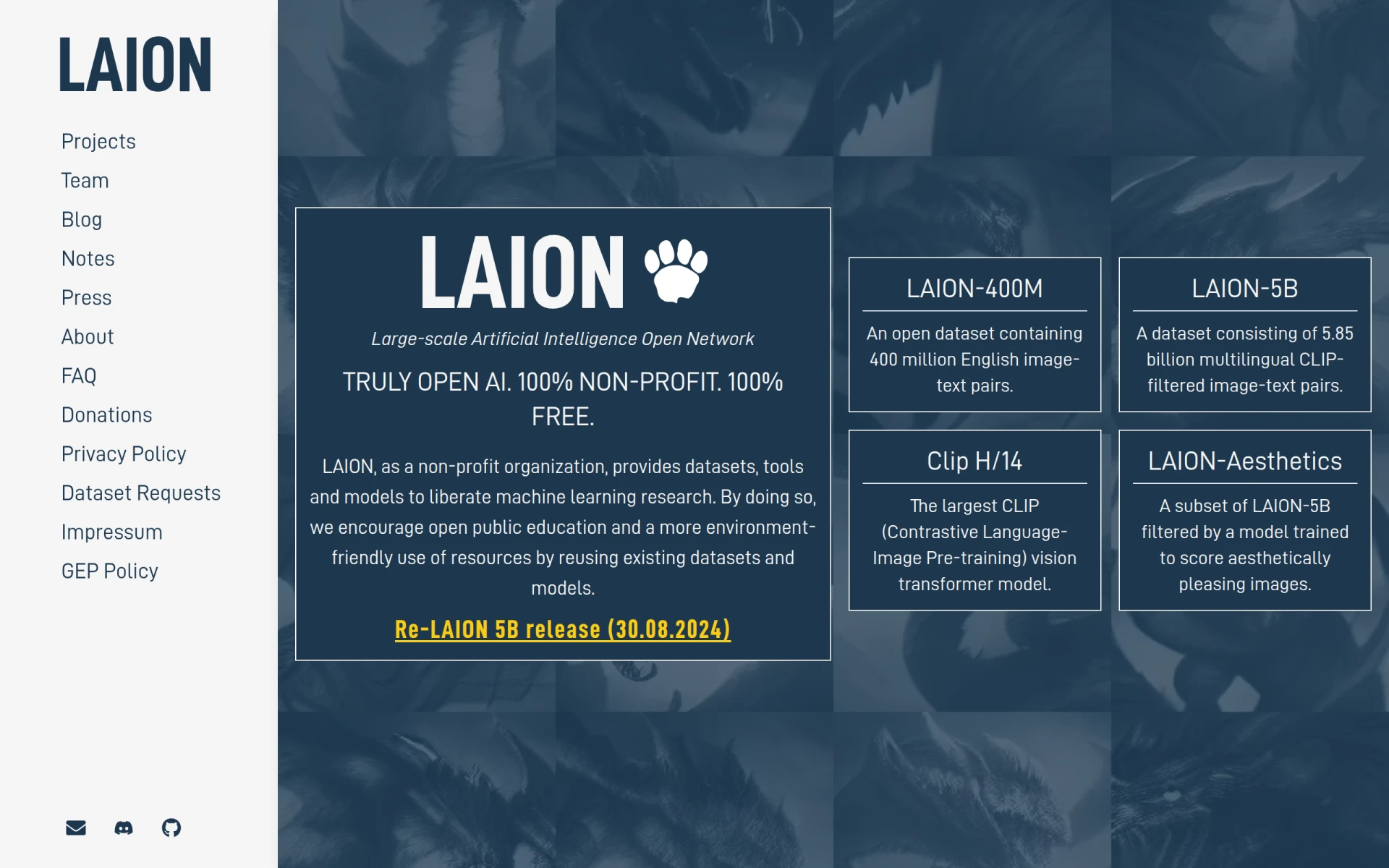 is a unique resource that provides large-scale machine learning datasets and tools completely free of charge. For academic researchers and startups developing AI products, access to high-quality datasets is essential for training models and conducting experiments. Laion's commitment to promoting open access to AI research makes it an invaluable tool for anyone in the field.
With offerings like the LAION-400M and LAION-5B datasets, researchers can tap into vast repositories of information that would otherwise be costly or time-consuming to compile. This democratization of data allows for a more equitable research landscape, enabling smaller teams to compete with larger organizations in the AI space.
- LAION-400M: A large dataset ideal for training various AI models.
- LAION-5B: An extensive dataset for advanced machine learning projects.
- Clip H/14: A resource for image and text analysis.
- LAION-Aesthetics: Provides data focused on visual quality assessments.
- Dataset Requests: Users can request specific datasets for their research needs.
Pricing: Free - Laion provides its resources completely free of charge. Best for: Academic researchers and startups developing AI products.
RowSpeak - Best for Transforming Messy Tables
RowSpeak is an AI tool that simplifies the process of transforming messy tables into insightful reports and visualizations. For data analysts who frequently deal with disorganized datasets, RowSpeak offers a streamlined approach to data analysis. Its capabilities to generate charts and create dashboards make it a powerful asset for teams looking to derive insights quickly.
With report generation features, RowSpeak allows users to present their findings in a professional format, enhancing communication with stakeholders. This efficiency is particularly beneficial for financial analysts and marketing teams analyzing customer feedback, as it enables them to focus on strategic initiatives rather than getting bogged down by data preparation.
- AI Data Analysis: Automates data analysis for faster insights.
- Chart Generation: Quickly creates visual representations of data.
- Dashboard Creation: Allows for interactive data visualization.
- Report Generation: Simplifies the process of presenting findings.
- File Support: Supports various file formats for easy data import.
Pricing: Freemium - RowSpeak offers a subscription model starting at $8.3 per month when billed annually. Best for: Data analysts looking for efficient data processing tools.
Rows AI - Best for Instant Insights
Rows AI is a no-code platform that streamlines data analysis by allowing users to ask questions and receive insights instantly. This capability is particularly useful for small business owners and project managers who may not have extensive technical backgrounds but need to derive insights quickly. Rows AI offers an accessible approach to data analysis, enabling users to focus on decision-making rather than data manipulation.
The natural language query feature simplifies the analysis process, making it easy for users to interact with their data. This intuitive interface fosters a more inclusive data culture within organizations, encouraging team members from various backgrounds to engage with data analytics.
- Natural Language Queries: Enables users to ask questions in plain language.
- Automated Data Import: Simplifies bringing data into the platform.
- Data Transformation: Facilitates adjustments to datasets without coding.
- Multi-Table Analysis: Allows for comprehensive analysis across multiple datasets.
- Chart Creation: Quickly generates visualizations for data insights.
Pricing: Freemium - Pricing information is currently unavailable on the Rows AI website. Best for: Small business owners and marketing teams.
LiveDocs - Best for Interactive Dashboards
LiveDocs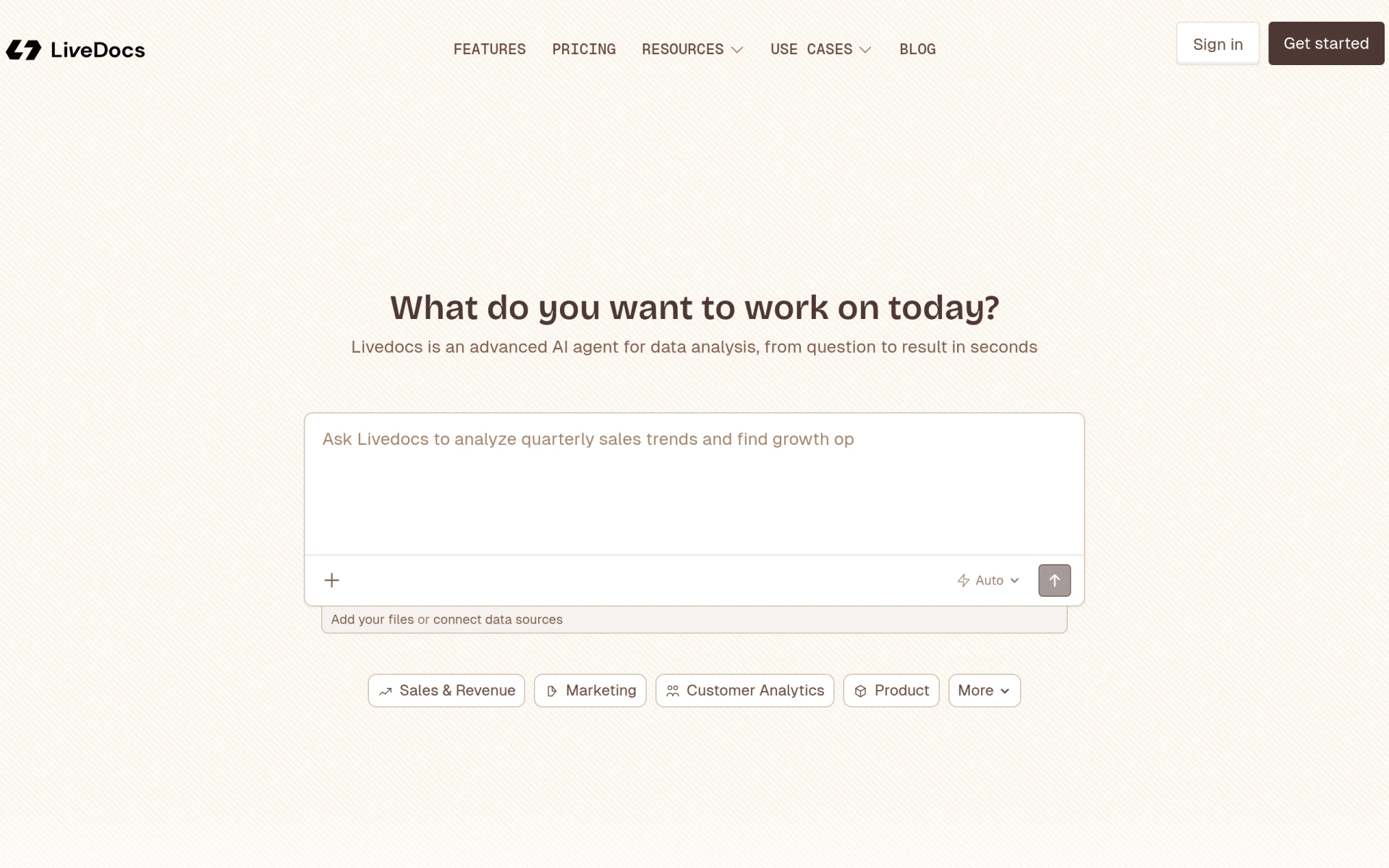 is an advanced AI tool designed for data analysis, providing instant insights and interactive dashboards. Its intuitive interface allows data analysts to perform complex analyses without getting overwhelmed by technical details. This is particularly beneficial for business intelligence teams and sales departments looking to analyze performance data effectively.
With features like multi-source integration and AI-assisted querying, LiveDocs empowers users to derive valuable insights from diverse datasets. The platform's data cleaning tools also ensure that users can work with reliable data, enhancing the overall quality of their analyses.
- Intuitive Data Analysis: Simplifies the analysis process for users of all skill levels.
- Interactive Dashboards: Provides real-time visualizations of data.
- AI-Assisted Querying: Enhances data exploration capabilities.
- Multi-Source Integration: Allows for comprehensive analysis from various data sources.
- Data Cleaning Tools: Ensures data accuracy for reliable insights.
Pricing: Freemium - LiveDocs offers a free tier and a monthly paid plan starting at $15. Best for: Data analysts and business intelligence teams.
Quick Comparison
| Tool | Best For | Starting Price | Rating |
|---|
| Manifold | Life sciences research teams | Contact | 0.0/5 |
| Pandada AI | Business analysts | Freemium | 0.0/5 |
| CICube | Medium to large software teams | Freemium | 0.0/5 |
| ChartPixel | Market researchers | Freemium | 0.0/5 |
| Infield | Development teams | Contact | 0.0/5 |
| Laion | Academic researchers | Free | 0.0/5 |
| RowSpeak | Data analysts | $8.3/mo | 0.0/5 |
| Rows AI | Small business owners | Freemium | 0.0/5 |
| LiveDocs | Data analysts | $15/mo | 0.0/5 |
Best Choice for Beginners
Pandada AI is the ideal choice for beginners entering the world of data analysis. Its no-code approach allows users to quickly generate insights without needing extensive technical knowledge. The user-friendly interface and automated report generation make it easy for newcomers to present their findings effectively, ensuring they can focus on understanding data rather than getting lost in the complexities of analysis.
Best Choice for Professionals
For professionals seeking advanced capabilities in data analysis, Manifold stands out as the best choice. Its extensive features, including the Agent OS and guided analysis, empower experienced data analysts to manage complex datasets efficiently. The ability to create specialized agents allows professionals to tailor their analytical processes, making it a powerful tool for those who require in-depth insights and robust data handling.
Best Value Pick
Laion is the best value pick, offering a wealth of machine learning datasets entirely for free. For researchers and startups in AI, this open access to high-quality data can significantly reduce costs and improve outcomes. The rich resources available through Laion provide an exceptional return on investment, making it an invaluable tool in the data analysis toolkit.
Conclusion
In conclusion, the right open source tools can empower data analysts to overcome high software costs and access powerful data analysis capabilities. By choosing the right solutions, analysts can confidently derive insights and drive business growth.