



Consile
Freemium
Consile is an all-in-one team operations platform that integrates tasks, attendance, leave, and HR functions in a secure workspace.
 K
K
KiloClaw is an AI assistant that automates email management, calendar scheduling, and project monitoring.
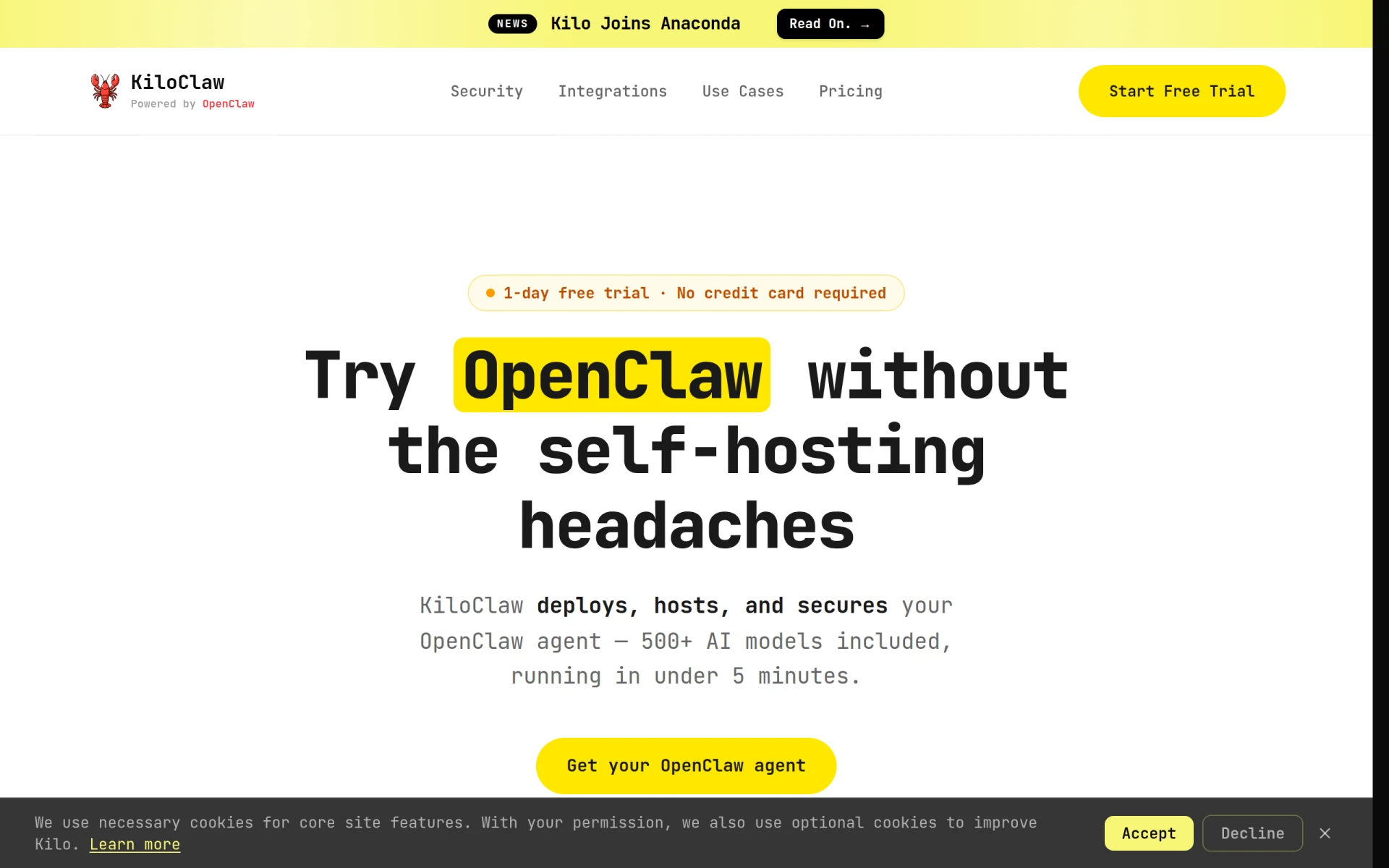
KiloClaw is a productivity tool designed to streamline workflow automation by leveraging AI capabilities. Its primary purpose is to assist users in managing their emails, calendars, and projects more effectively. By integrating with various communication platforms, KiloClaw addresses the common issues of time management and task organization, allowing users to focus on more strategic activities.
Utilizing KiloClaw can lead to significant increases in productivity by automating repetitive tasks and reducing the cognitive load on users. The tool allows for a more organized approach to handling emails and schedules, which can lead to improved time management. Additionally, the extensive library of AI models and pre-built recipes helps users implement automated workflows without extensive setup or technical knowledge, resulting in faster task completion.
KiloClaw is particularly useful for professionals managing multiple projects who need to keep track of deadlines and communications. For instance, a project manager can use KiloClaw to automatically sort emails related to different projects, schedule necessary meetings, and monitor project milestones. Similarly, a marketing team could leverage the tool to manage outreach campaigns by automating email responses and tracking customer engagement effectively.
KiloClaw is ideal for small to medium-sized businesses, project managers, and teams that require efficient communication and task management. It is also suitable for freelancers who juggle multiple clients and projects. However, larger organizations with highly specific and customized workflow requirements may find KiloClaw's offerings somewhat limited compared to more tailored solutions.
KiloClaw offers a subscription plan that includes a free trial for new users. Specific pricing details are not available on the website, making it essential for potential users to inquire directly for the most accurate information.
KiloClaw automates repetitive tasks, allowing users to focus on more critical functions.
The integration with various messaging platforms enhances communication efficiency.
A wide variety of AI models and pre-built recipes cater to numerous use cases.
The tool is user-friendly, requiring minimal setup for effective use.
Security measures include an independently verified security whitepaper.
Limited pricing information may hinder decision-making for potential users.
Larger organizations might find it lacks the customization needed for complex workflows.
Some users may encounter a learning curve when initially using AI features.
KiloClaw presents a valuable solution for individuals and teams seeking to enhance their productivity through automation. While it offers numerous features and benefits, potential users should consider their specific needs and whether the tool aligns with their workflow requirements. Overall, KiloClaw serves as a robust assistant that can significantly improve time management and task organization for a wide range of users.
Consile is an all-in-one team operations platform that integrates tasks, attendance, leave, and HR functions in a secure workspace.
A comprehensive guide to keyboard shortcuts for Windows, MacOS, and Linux, enhancing productivity and workflow efficiency.
Online Whiteboard is a free collaborative tool for brainstorming and visualizing ideas in real-time with teams.
Audioread converts text from articles, PDFs, and emails into natural-sounding audio for easy listening.
Ayfie is a personal assistant software that helps users manage tasks and improve productivity through intelligent automation.
AIApply is a job application tool that helps users create tailored resumes, cover letters, and auto-apply for jobs quickly.
Weekly roundup of new AI tools, launches, and trending software. No spam — unsubscribe anytime.
No credit card required · Cancel anytime
Weekly roundup of new AI tools, launches, and trending software. No spam — unsubscribe anytime.
No credit card required · Cancel anytime








