Asana
Freemium
AI
Asana is a project management tool that helps teams coordinate and manage their work efficiently.
Struggling to find the right project management tool? Explore innovative alternatives to traditional software that fit your team's unique needs.
Struggling to find the right project management tool? Traditional project management software often fails to meet the unique needs of diverse teams. Let's explore innovative alternatives that can better align with your project goals.
Traditional project management tools often come with rigid structures and features that do not cater to the specialization of various teams. For instance, a marketing team may require a tool focused on campaign tracking, while a construction team needs robust budget management features. The one-size-fits-all approach can lead to frustration, inefficiencies, and ultimately, project failure.
Consider a scenario where a software development team is tracking sprints but finds the standard task management features of a traditional tool inadequate for logging issues and collaborating with stakeholders. Similarly, a small marketing team may struggle with complex interfaces that confuse rather than streamline their processes. These challenges highlight the urgent need for versatile, tailored project management solutions.
Asana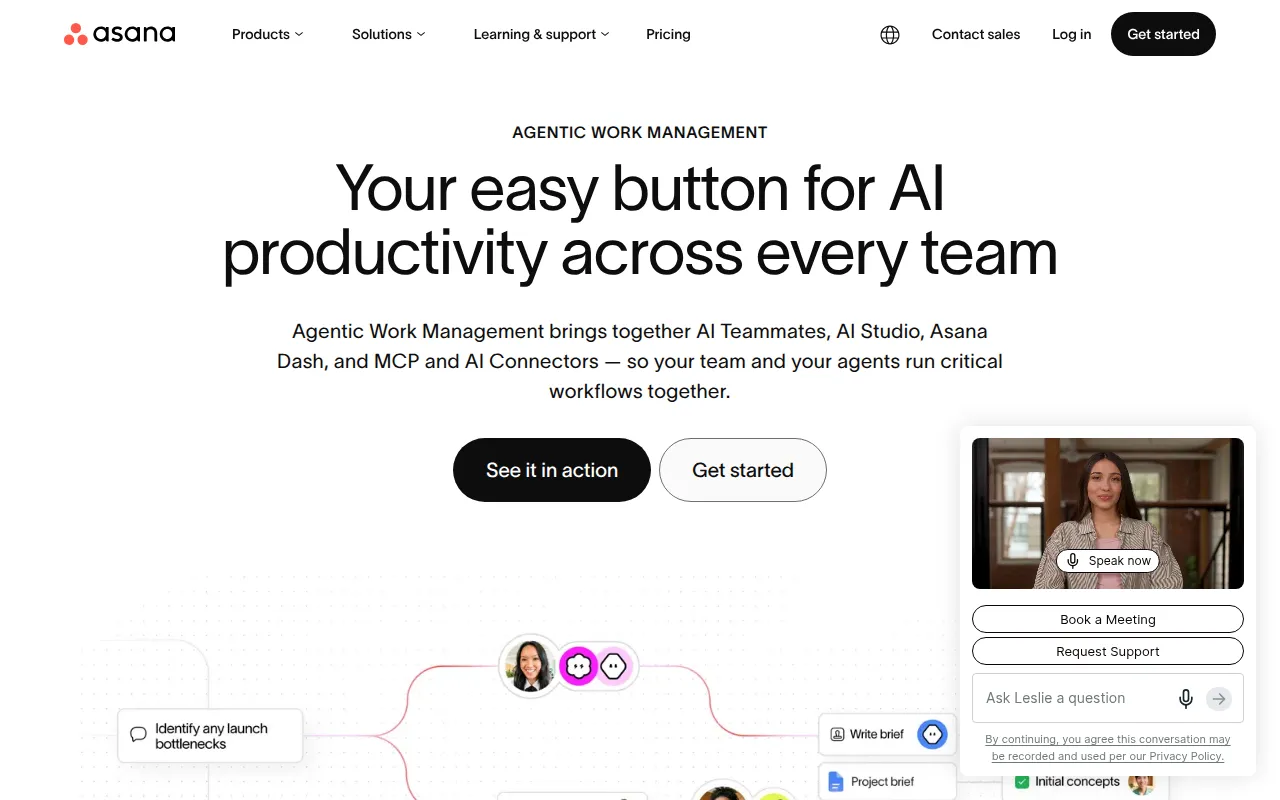 is a versatile project management tool that excels in helping marketing teams coordinate and manage their work efficiently. Its intuitive interface allows users to create projects, assign tasks, and set deadlines seamlessly. Asana's customizable dashboards make it easy to visualize project progress, ensuring that everyone stays on the same page.
Moreover, Asana's workflow automation features help reduce repetitive tasks, allowing teams to focus on strategic initiatives. Its strong collaboration tools foster communication between team members, making it an ideal choice for marketing teams looking to manage campaigns effectively.
Pricing: Freemium - Asana offers a free plan and several paid plans with varying features. Best for: Marketing teams managing campaigns.
Mastt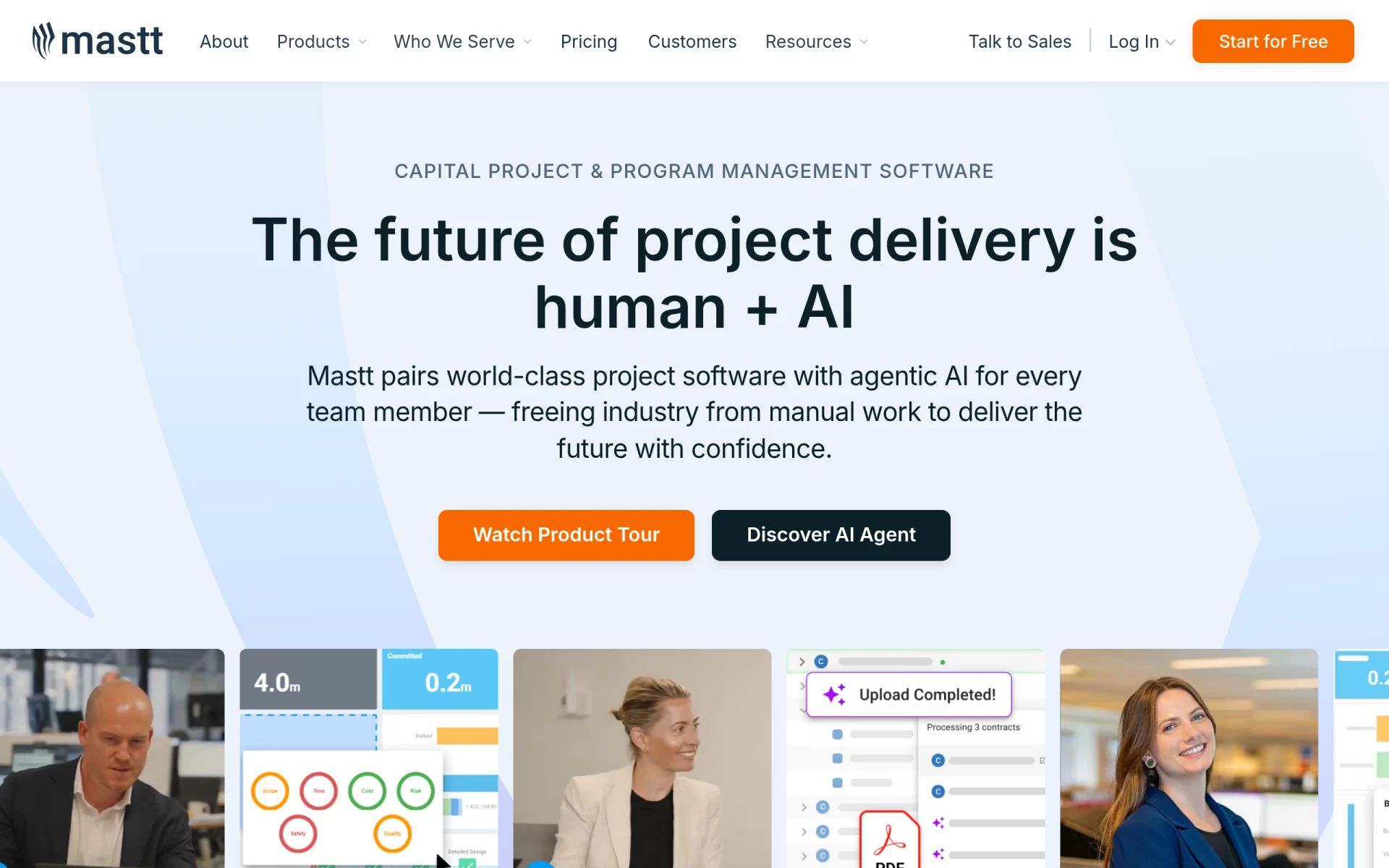 is specifically designed for construction professionals, offering a comprehensive suite of capital project and program management tools. Its AI integration enhances project delivery, enabling managers to monitor progress and manage budgets effectively. With Mastt, construction teams can streamline documentation and reporting, reducing administrative burdens.
The collaborative features within Mastt allow project stakeholders to communicate efficiently, ensuring everyone is aligned on project goals and timelines. This focus on construction-centric features makes Mastt a standout choice for project managers in the construction sector.
Pricing: Freemium - Mastt offers a free starter plan with core tools for users to begin without a credit card. Best for: Construction project managers.
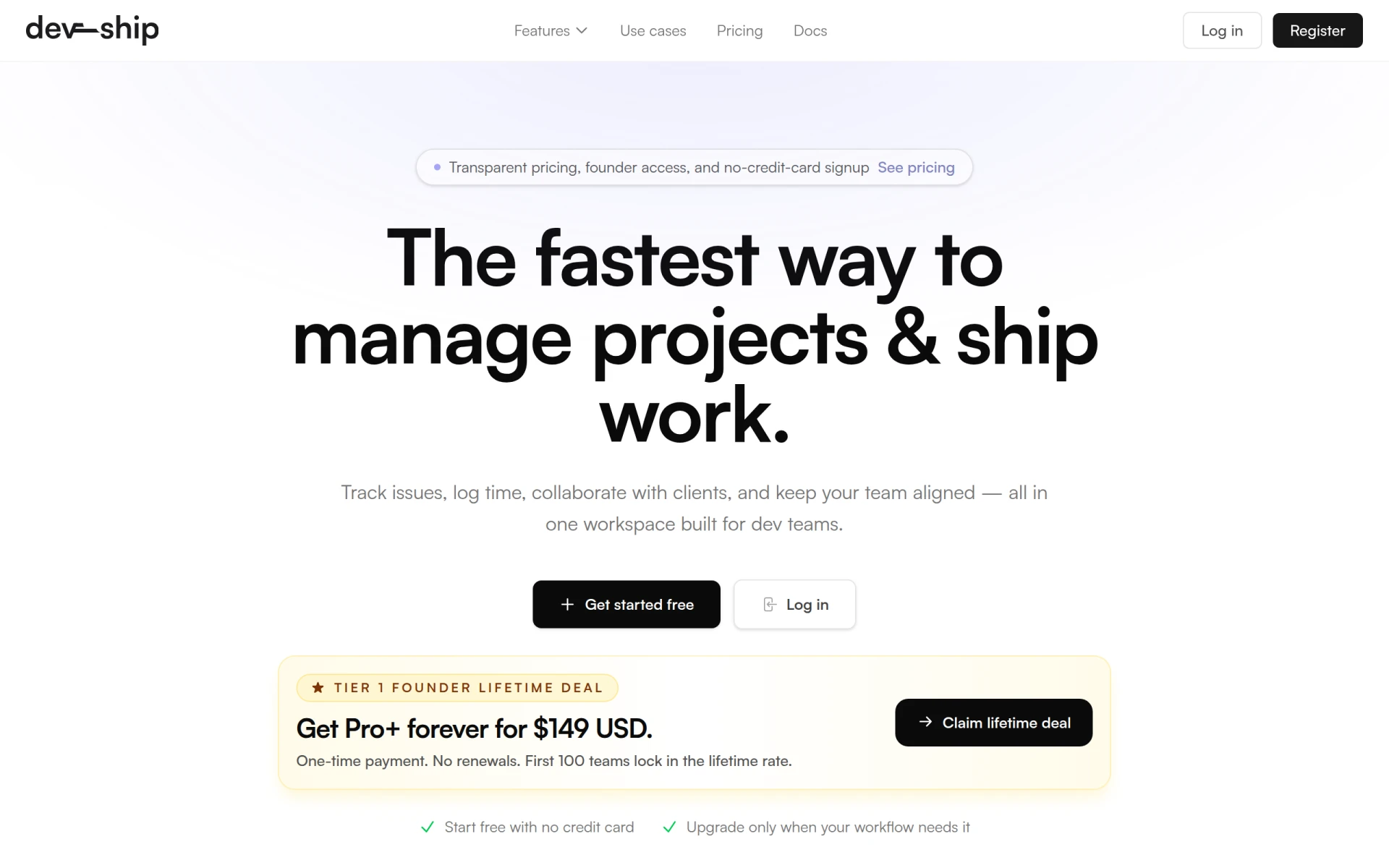
DevShip is an ideal project management tool for development teams that need to track issues and log time efficiently. Its user-friendly interface allows teams to align on objectives, manage client projects, and ensure timely delivery. DevShip’s focus on integration with tools like Slack makes it a top pick for teams that require seamless communication.
With features like client collaboration tools, DevShip helps teams keep their stakeholders informed and engaged throughout the project lifecycle. This transparency enhances trust and improves overall project outcomes.
Pricing: Freemium - DevShip offers a free plan and paid plans starting from $29 per month. Best for: Small development teams.
Dart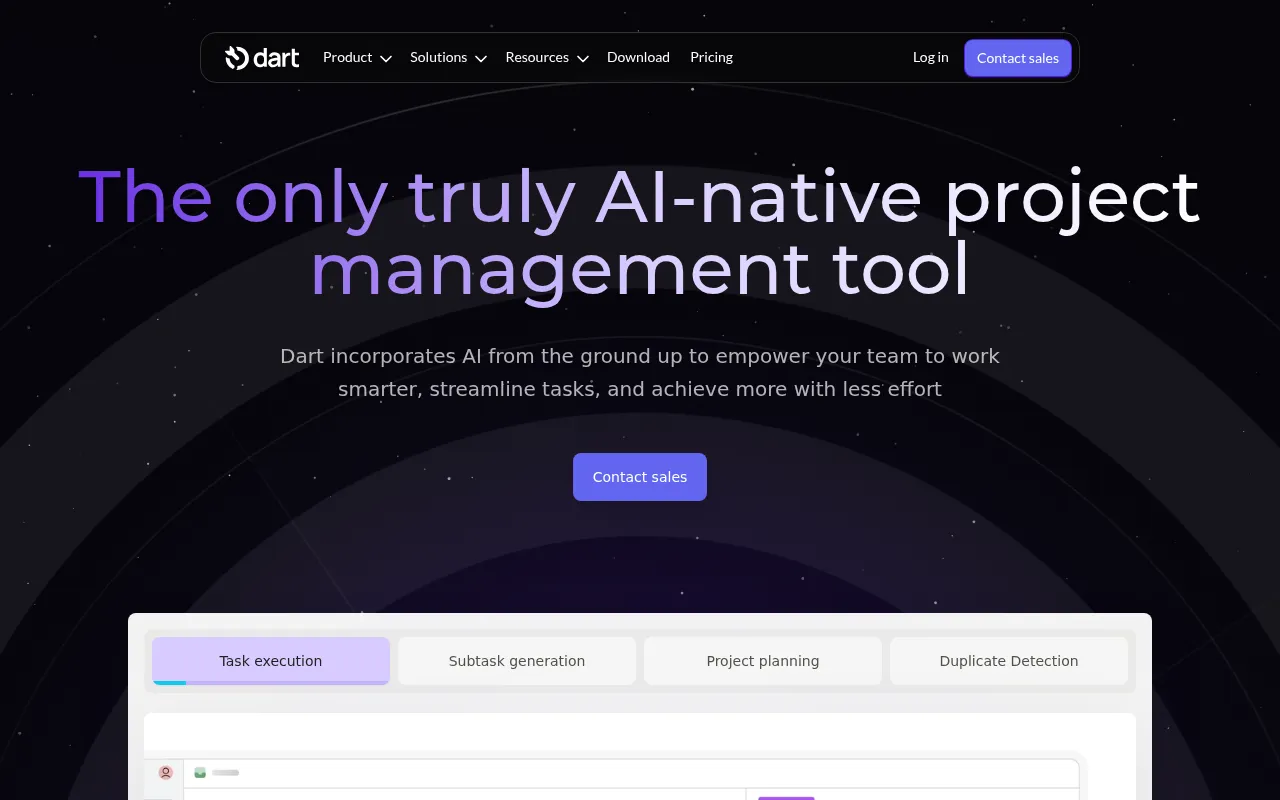 stands out as an AI-driven project management tool designed to enhance team collaboration and task management. With features like AI task execution and subtask generation, teams can streamline their workflows and ensure that no detail is overlooked. This focus on automation helps teams save time and increase productivity.
The ability to generate reports using AI also means that project managers can easily assess performance and make data-driven decisions. Dart's user-friendly interface makes it accessible for teams of all sizes, from small startups to medium-sized businesses.
Pricing: Freemium - Dart offers a free plan for up to four teammates and a premium plan priced at $8 per teammate per month. Best for: Small to medium-sized businesses.
Plane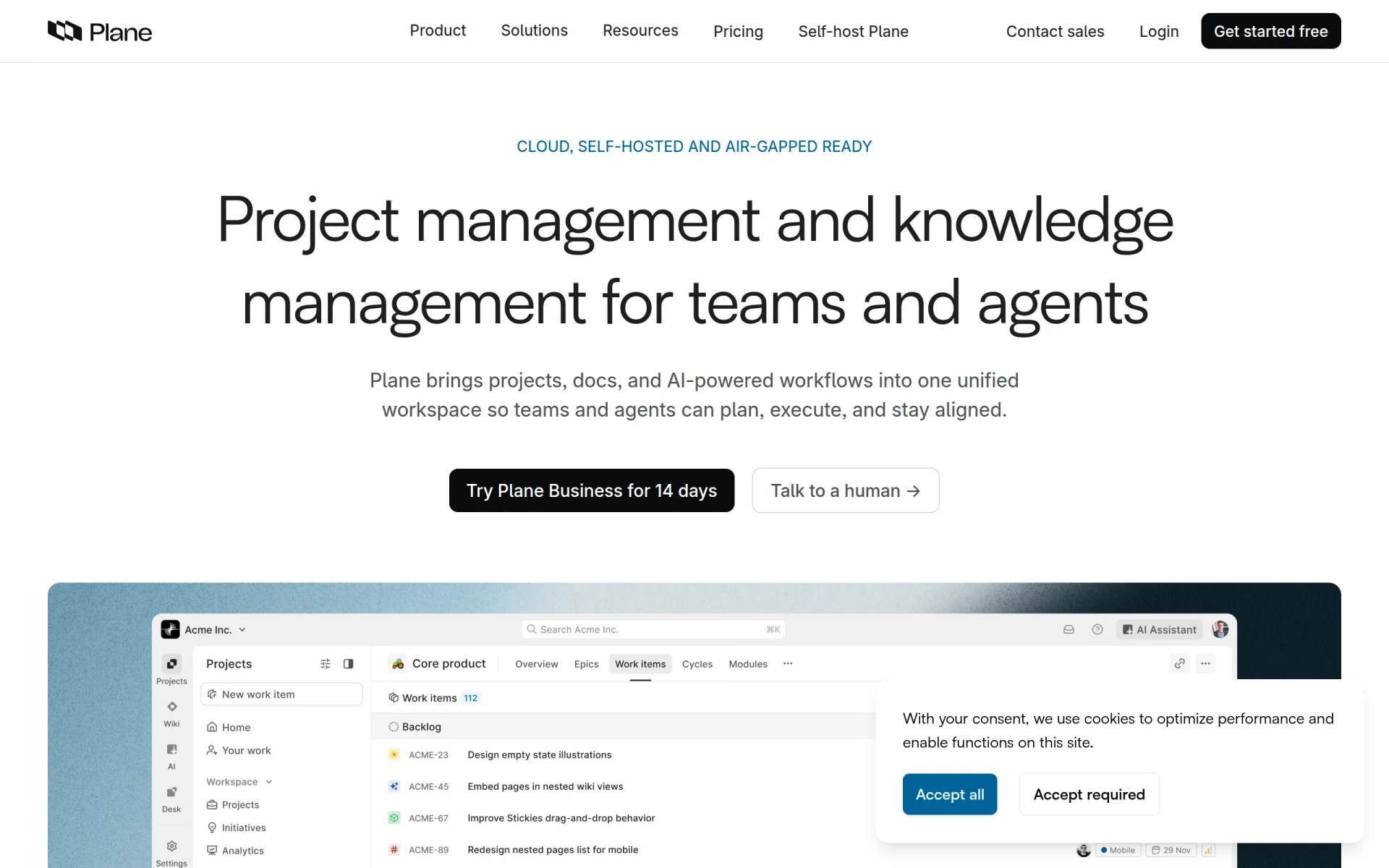 is an innovative AI-native project management tool that integrates projects, documentation, and workflows into one unified workspace. This holistic approach allows teams to manage their projects more effectively, fostering better collaboration across departments. Plane's AI-driven workflows streamline processes and reduce the time spent on administrative tasks.
The wiki integration feature makes it easy for teams to document processes and knowledge, ensuring that information is readily available. This is particularly beneficial for larger organizations that require robust project management tools to coordinate complex projects.
Pricing: Freemium - Plane's pricing is based on a straightforward per-seat subscription model. Best for: Medium to large organizations.
ClickUp is a comprehensive project management and productivity tool geared toward streamlining team collaboration and task management. Its extensive feature set, including time tracking and goal tracking, allows project managers to oversee timelines and resources effectively. ClickUp's highly customizable dashboards enable users to tailor their workspace to match their specific needs.
Moreover, its robust collaboration tools facilitate communication and information sharing among team members, making it easier to align on project goals. ClickUp's versatility makes it an excellent choice for small to medium-sized businesses looking to enhance their project management capabilities.
Pricing: Freemium - ClickUp offers pricing starting at $9 per user per month for the unlimited plan. Best for: Small to medium-sized businesses.
Danelfin is designed to enhance team collaboration and streamline project tracking. Its user-friendly interface allows teams to manage tasks effectively while keeping an eye on overall project progress. With integrated calendar features, Danelfin helps teams stay organized and on schedule.
While information on pricing is currently unavailable, the tool's focus on collaboration and tracking makes it suitable for small to medium-sized businesses looking to improve their project management processes.
Pricing: Freemium - Pricing information for Danelfin is currently unavailable. Best for: Small to medium-sized businesses.
GanttPRO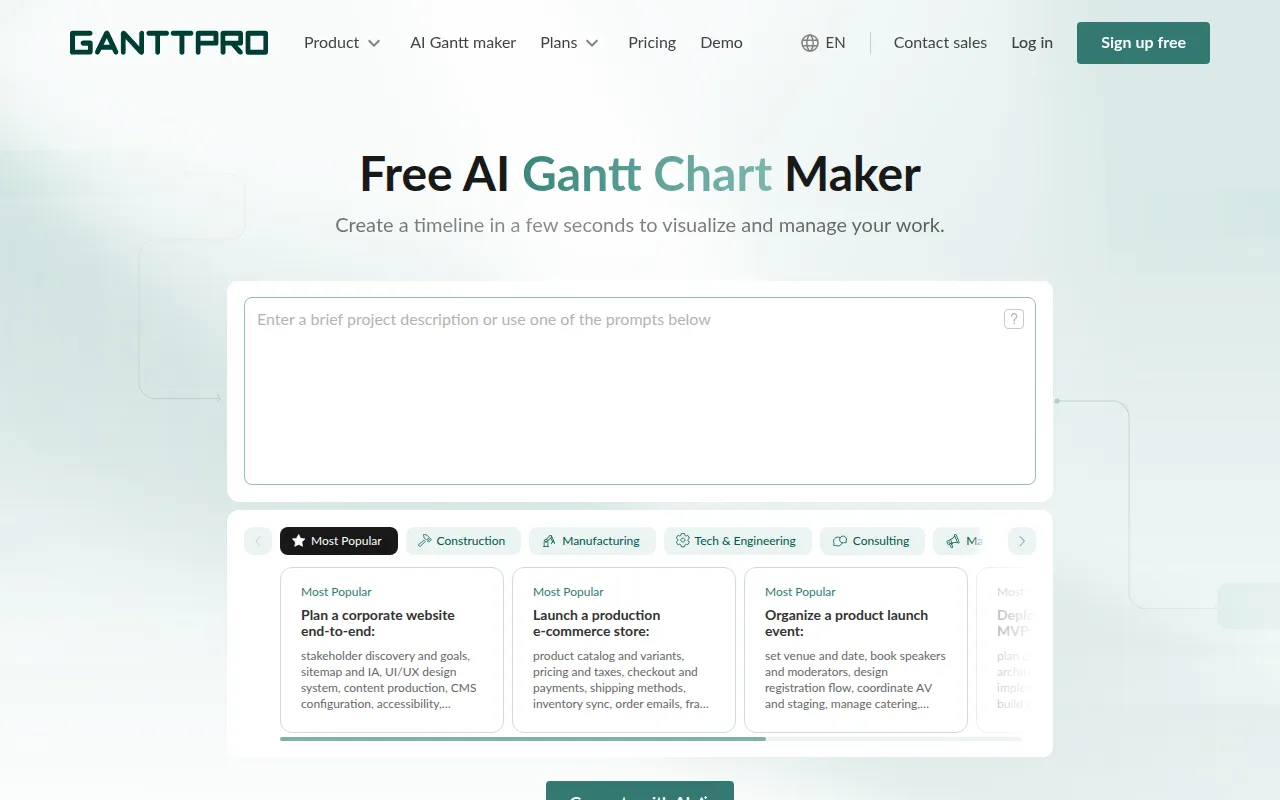 offers an AI-powered Gantt chart maker that enhances project management and productivity. Its visual timeline tools allow project managers to plot out tasks and dependencies clearly, making it easy to see the big picture. This is particularly useful for teams planning complex projects that require careful scheduling and resource allocation.
The collaboration tools in GanttPRO facilitate communication among team members, ensuring everyone is informed about project timelines and responsibilities. This focus on visual planning makes GanttPRO a valuable tool for project managers across various industries.
Pricing: Freemium - Pricing information for GanttPRO is not provided. Best for: Project managers needing visual timeline tools.
KiloClaw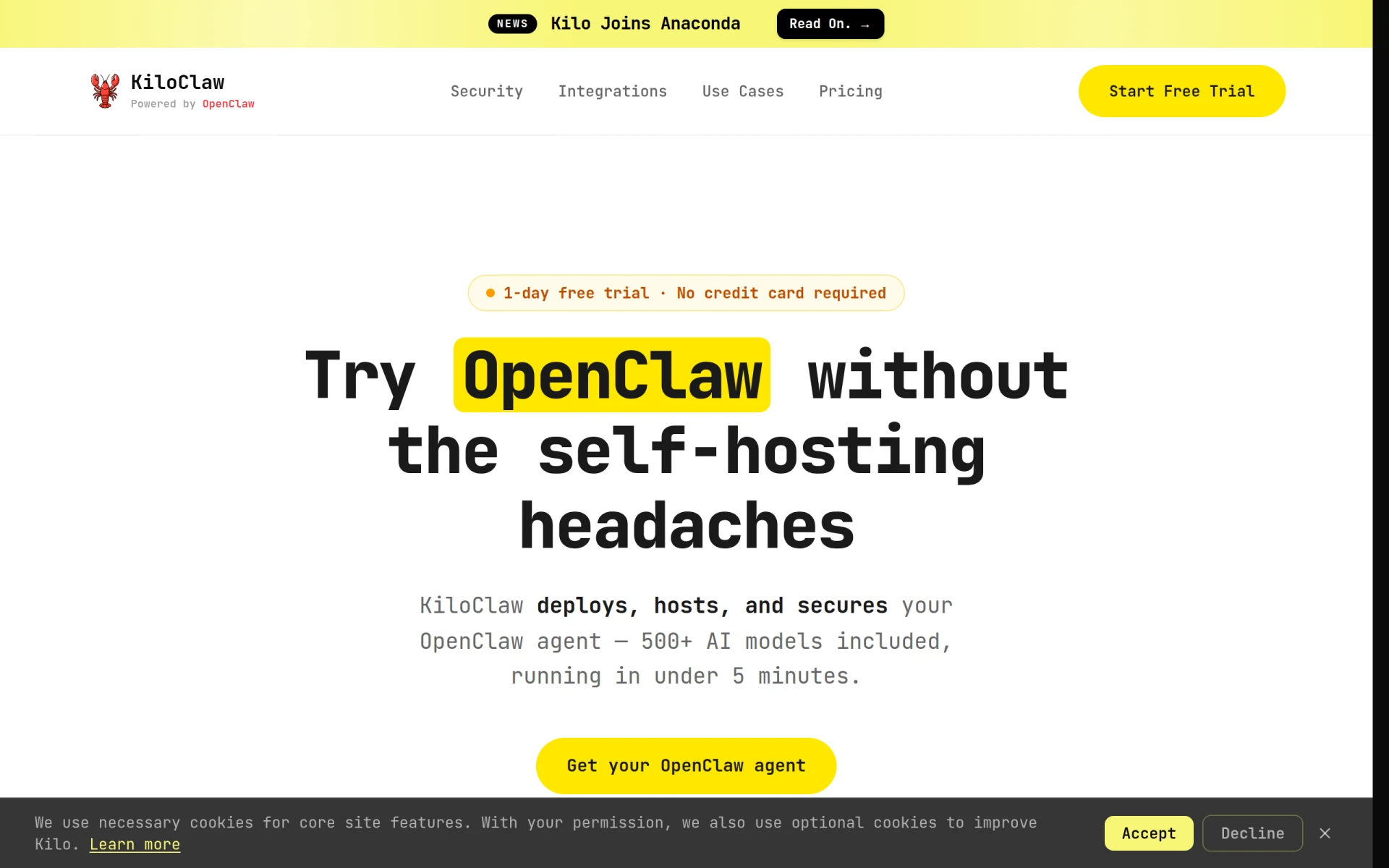 serves as an AI assistant that automates email management, calendar scheduling, and project monitoring. Its ability to triage emails and manage calendars relieves project managers from the burden of administrative tasks, allowing them to focus on strategic project elements. This is particularly beneficial for busy professionals juggling multiple projects.
KiloClaw’s pre-built recipes and AI integration enhance productivity, making it easier to keep track of project milestones and deadlines. Its efficiency is a strong selling point for small to medium-sized businesses looking to streamline their operations.
Pricing: Freemium - KiloClaw offers a subscription plan with a free trial but lacks detailed pricing information. Best for: Small to medium-sized businesses.
MindsDB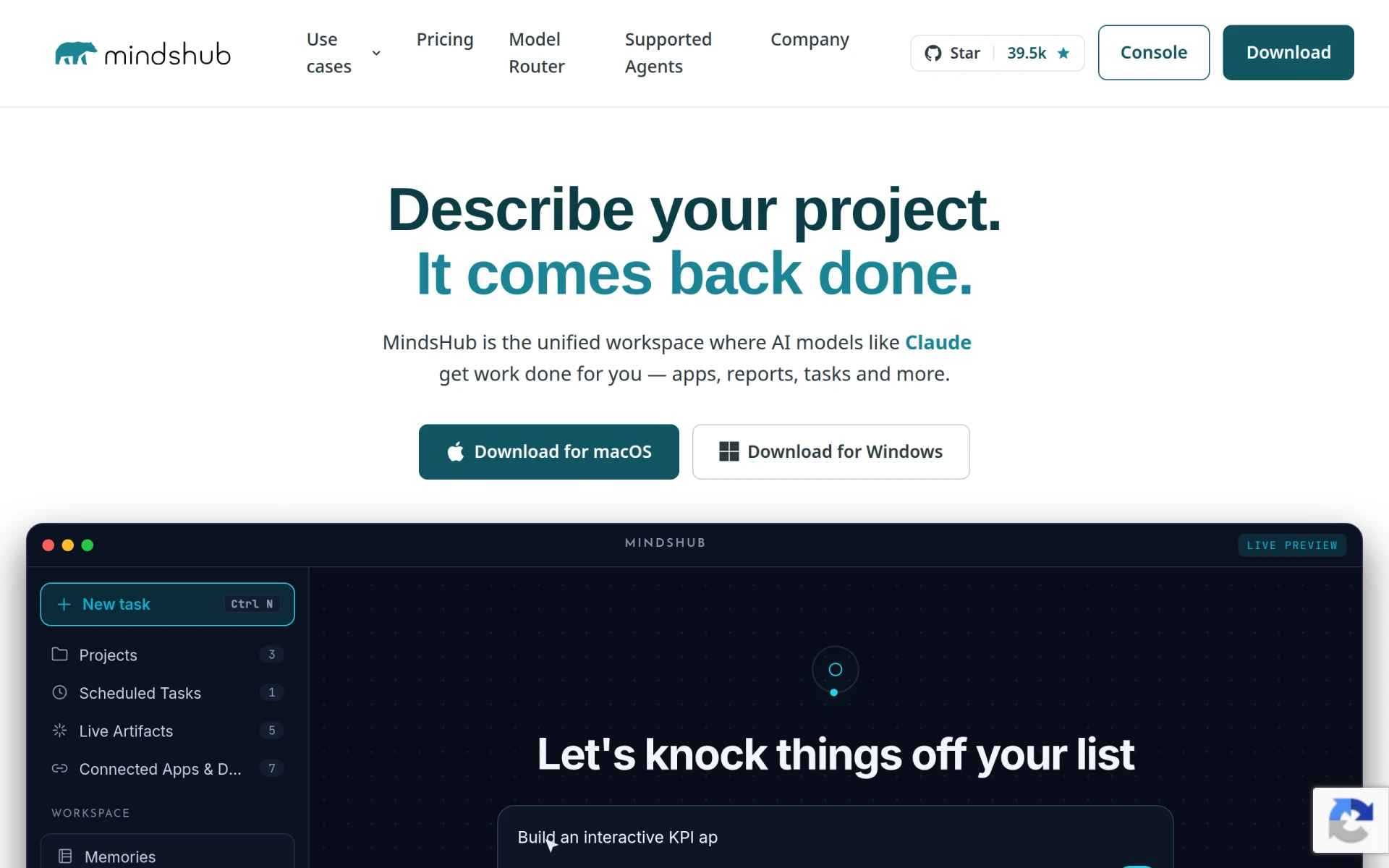 is an open-source platform that enables users to leverage AI agents for project management and task completion. This unique approach allows project managers to delegate tasks efficiently and automate routine reporting tasks, saving valuable time and effort. The customizable AI models provide flexibility in how teams can utilize the tool based on their specific needs.
Real-time collaboration features enhance team communication, making it easier for project managers to stay updated on progress and challenges. MindsDB is particularly suitable for project managers who want to harness the power of AI to improve their project management processes.
Pricing: Freemium - Specific pricing information for MindsDB is currently not available. Best for: Project managers seeking automation.
| Tool | Best For | Starting Price | Rating |
|---|---|---|---|
| Asana | Marketing teams managing campaigns | Free / Paid plans | 0.0/5 |
| Mastt | Construction project managers | Free starter plan | 0.0/5 |
| DevShip | Small development teams | Free / $29/mo | 0.0/5 |
| Dart | Small to medium-sized businesses | Free / $8/mo | 0.0/5 |
| Plane | Medium to large organizations | Freemium | 0.0/5 |
| ClickUp | Small to medium-sized businesses | Starting at $9/mo | 0.0/5 |
| Danelfin | Small to medium-sized businesses | Freemium | 0.0/5 |
| GanttPRO | Project managers needing visual timeline tools | Freemium | 0.0/5 |
| KiloClaw | Small to medium-sized businesses | Freemium | 0.0/5 |
| MindsDB | Project managers seeking automation | Freemium | 0.0/5 |
Asana is the best choice for beginners due to its intuitive interface and user-friendly features. The freemium model allows new users to explore the platform without any initial investment, making it easier for teams to get started with project management.
ClickUp is the best choice for professionals as it offers advanced features like time tracking, goal tracking, and extensive customization options. These tools empower power users to manage complex projects efficiently and effectively.
Dart stands out as the best value pick with its affordable premium plan at $8 per teammate per month. Its robust AI-driven features and user-friendly interface provide excellent ROI for small to medium-sized businesses looking to enhance their project management capabilities.
With a range of innovative alternatives available, project managers can now find tools that better align with their unique needs. Explore these options to enhance your team's efficiency and project success.
Asana is a project management tool that helps teams coordinate and manage their work efficiently.
Mastt is a capital project and program management software designed for construction professionals to enhance project delivery through AI integration.
DevShip is a project management tool designed for development teams to track issues, log time, and collaborate seamlessly.
Dart is an AI-driven project management tool designed to enhance team collaboration and task management.
Plane is an AI-native project management tool that integrates projects, documentation, and workflows in one unified workspace.
ClickUp is a comprehensive project management and productivity tool designed to streamline team collaboration and task management.
Danelfin is a project management tool designed to enhance team collaboration and streamline project tracking.
GanttPRO offers an AI-powered Gantt chart maker designed for project management and productivity enhancement.
KiloClaw is an AI assistant that automates email management, calendar scheduling, and project monitoring.
MindsDB is an open-source platform that enables users to leverage AI agents for project management and task completion.
Traditional project management software often lacks flexibility and customization options, making it difficult for diverse teams to tailor the tools to their specific workflows.
Consider factors such as flexibility, collaboration features, task management capabilities, integration with existing tools, and user interface when selecting a project management tool.
Yes, many project management tools offer freemium models or free starter plans, allowing teams to begin using the software without any upfront costs.
Asana and DevShip are excellent choices for small teams due to their user-friendly interfaces and collaborative features.
Most modern project management tools offer integration capabilities with popular software like Slack, Google Drive, and others to enhance productivity.
Tools like ClickUp and Asana are great for remote teams, as they offer robust collaboration features that facilitate communication and project tracking.
Automation can streamline repetitive tasks, enhance reporting capabilities, and improve overall efficiency, allowing project managers to focus on strategic initiatives.
Weekly roundup of new AI tools, launches, and trending software. No spam — unsubscribe anytime.
No credit card required · Cancel anytime
Weekly roundup of new AI tools, launches, and trending software. No spam — unsubscribe anytime.
No credit card required · Cancel anytime