
Anavsan
Paid
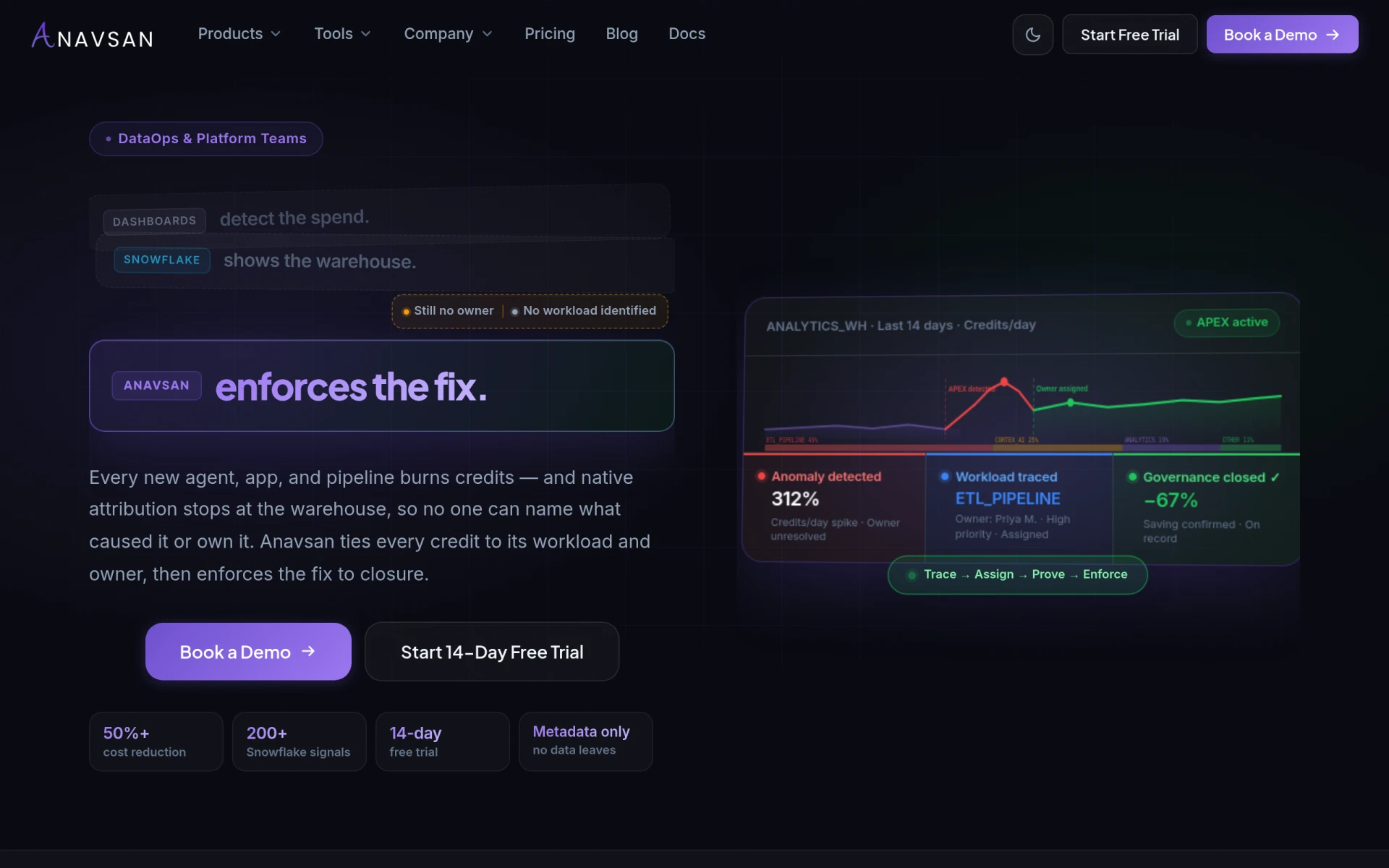
Anavsan is a cost optimization tool for Snowflake that helps organizations track and manage workload credits effectively.
 K
K
Komo Search automates repetitive tasks between your CRM and inbox, enhancing workflow efficiency and revenue generation.
Komo Search is an AI-driven workflow automation tool designed to streamline the repetitive tasks that exist between a company's CRM (Customer Relationship Management) system and its email inbox. The software aims to put tasks such as signal monitoring, research, drafting communications, meeting preparation, follow-up actions, and CRM updates on autopilot. By consolidating these functions into a single workflow, Komo enables users to focus on high-impact activities while ensuring that crucial communications are still handled efficiently.
The primary purpose of Komo is to enhance revenue generation by automating the mundane yet essential aspects of revenue work. It helps teams respond quickly to buyer signals and facilitates a smoother sales process. By addressing the common pain points associated with manual data entry and repetitive communication tasks, Komo Search aims to improve overall productivity and effectiveness in sales and operations.
Komo Search offers several practical advantages that can lead to real business value. By automating repetitive tasks, users can save significant time, allowing them to concentrate on strategic initiatives rather than getting bogged down in administrative duties. The software enhances communication efficiency, ensuring timely follow-up with leads and stakeholders. Furthermore, it provides insights through analytics, helping teams to refine their approaches based on performance data. The integration with existing CRM systems means users can maintain data consistency while reducing the risk of human error during updates.
Komo Search is particularly beneficial in various scenarios, including:
Komo Search is ideal for businesses with a strong focus on sales and customer engagement, such as sales teams, marketing departments, and customer service units. Companies that rely heavily on CRM systems and need to manage extensive communication with clients will find it particularly useful. However, it may not be the best fit for smaller businesses with limited resources or those that do not engage in high volumes of communication and data management, as the tool may be more beneficial at scale.
Specific pricing information for Komo Search is not available at this time, indicating that potential users should inquire directly through their website for details or consider a demo to understand the value it can provide.
Komo Search presents a valuable solution for companies looking to enhance their workflow efficiency through automation. By addressing common pain points associated with CRM and email communication, it helps teams to manage their time better and focus on activities that drive revenue. While its features cater well to larger organizations that require extensive automation, smaller teams may need to assess whether the tool aligns with their operational scale. As always, potential users should evaluate their specific needs and consider a demo to determine if Komo Search is the right fit for them.
Anavsan is a cost optimization tool for Snowflake that helps organizations track and manage workload credits effectively.
Contracko is an AI-powered contract management platform that helps organizations manage risks, obligations, and deadlines efficiently.
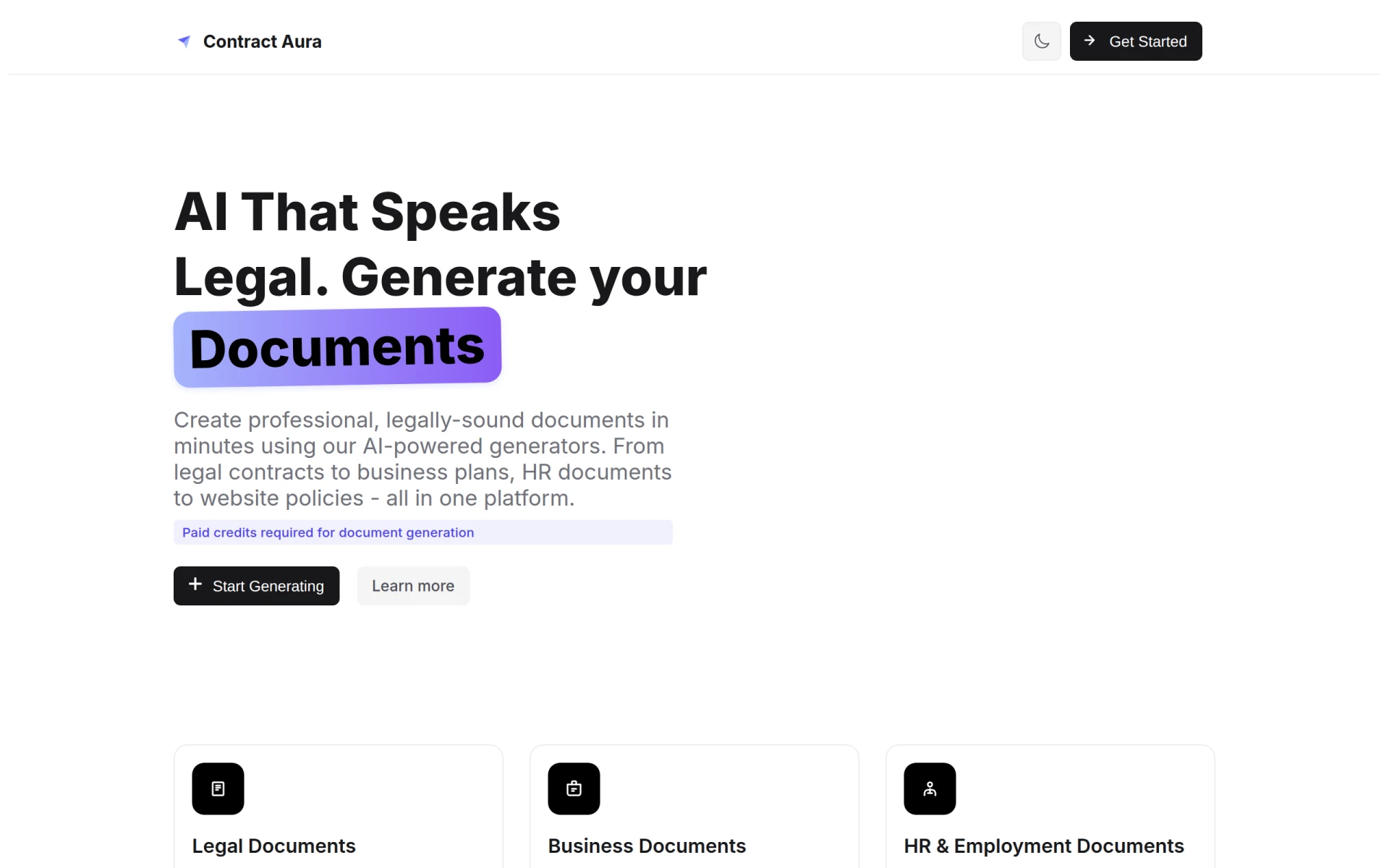
Contract Aura is an AI-driven platform for generating legal and business documents quickly and efficiently.
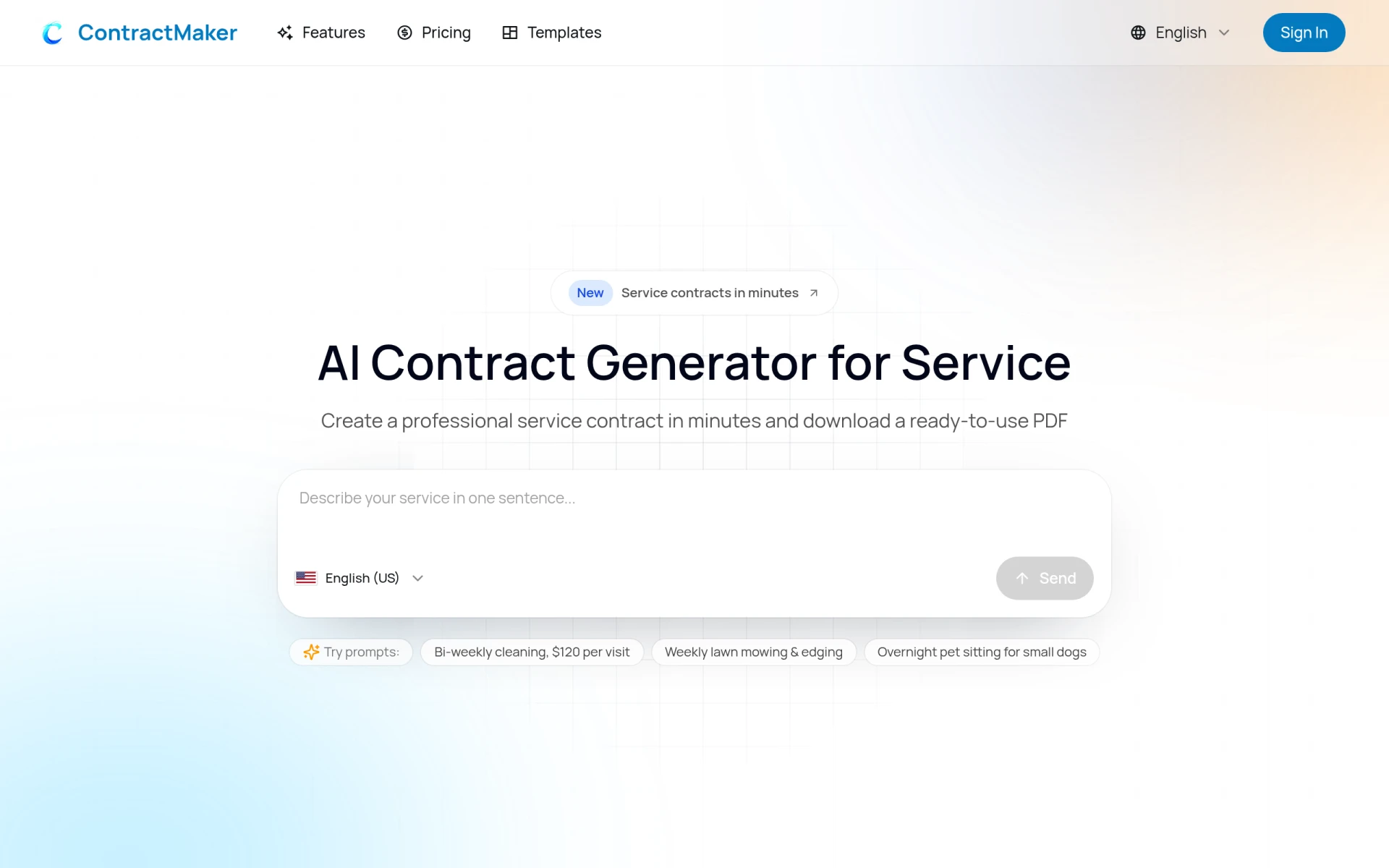
ContractMaker is an AI-driven tool that generates professional service contracts quickly and efficiently.
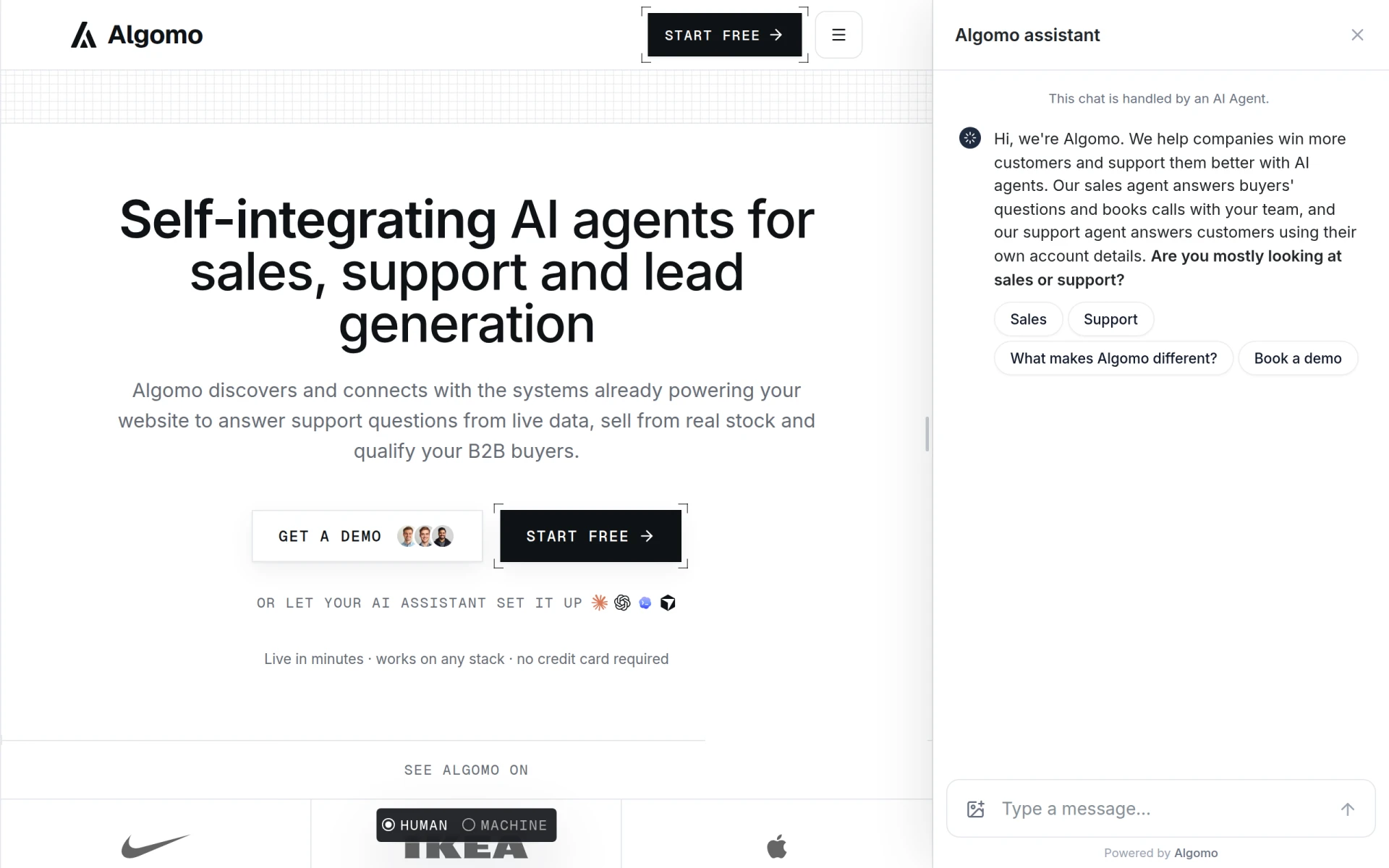
Algomo provides an AI agent for websites, integrating with existing systems to offer support and sales functionalities.
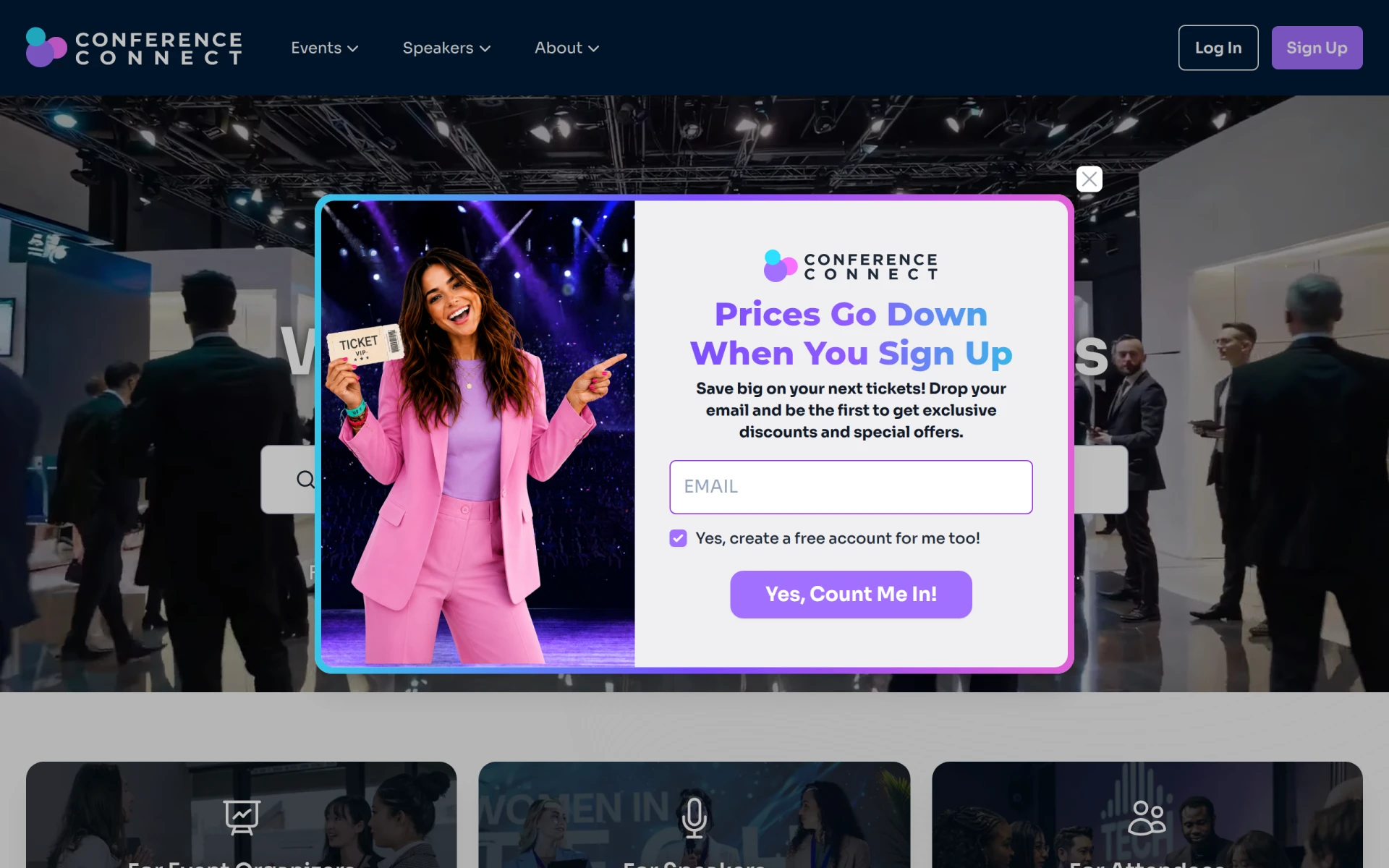
Conference Connect is an event management tool designed to facilitate the organization and execution of conferences and similar events.
Weekly roundup of new AI tools, launches, and trending software. No spam — unsubscribe anytime.
No credit card required · Cancel anytime
Weekly roundup of new AI tools, launches, and trending software. No spam — unsubscribe anytime.
No credit card required · Cancel anytime