Overview
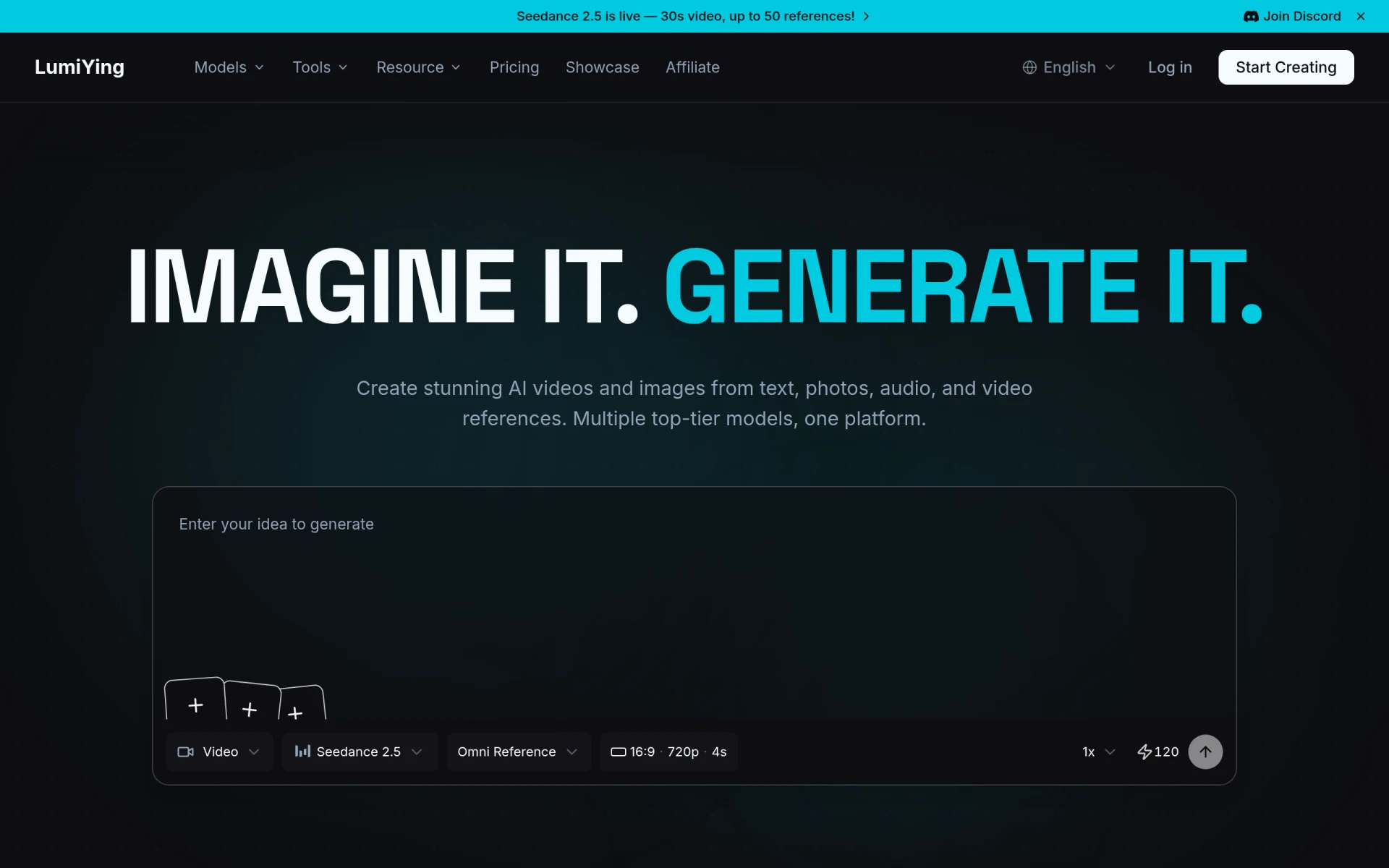
LumiYing is an all-in-one AI platform designed specifically for video and image generation. It allows users to create high-quality AI-generated videos and images using various input sources such as text, existing images, and audio references. By consolidating multiple AI models into a single platform, LumiYing aims to streamline the creative process for designers, marketers, and content creators. The primary problems LumiYing addresses include the time-consuming nature of traditional content creation and the need for high-quality visuals that resonate with target audiences.
Key Features
- AI Video Generation: Create videos from text, images, or audio references.
- Image Generation: Generate high-quality images from textual descriptions or existing images.
- Model Comparison: Compare various AI models like Seedance 2.0, GPT Image 2, and Midjourney on one platform.
- User-Friendly Interface: Easy navigation and intuitive design for seamless content creation.
- Multi-Reference Inputs: Support for multiple references for video generation, expanding creative options.
- Real-Time Preview: View changes in real-time while editing videos and images.
- Collaboration Tools: Options for teams to collaborate on projects within the platform.
- Resource Library: Access tutorials and guides to enhance user skills and knowledge.
Benefits
LumiYing offers practical advantages by significantly reducing the time and effort needed to create compelling visual content. Users can leverage AI technology to produce high-quality media that can enhance marketing campaigns, social media posts, and presentations. This capability allows businesses to respond faster to market demands and engage better with their audience. Additionally, the platform's ability to consolidate various models into one interface simplifies the workflow for creators, enabling them to focus more on creativity rather than technical hurdles.
Common Use Cases
LumiYing is particularly useful for marketing teams looking to create promotional videos and eye-catching graphics for social media. Freelancers in the graphic design field can utilize the platform to deliver projects more efficiently, while developers may find it beneficial for creating engaging content for apps and websites. Educators can also use the software to produce instructional videos and visual aids that enhance learning experiences. Overall, anyone needing to generate high-quality visual content quickly can benefit from LumiYing's capabilities.
Who Should Use It
LumiYing is ideal for content creators, marketers, designers, and small to medium-sized businesses looking to enhance their visual communication strategies. However, it may not be the best fit for users who require highly specialized visual effects or those seeking extensive customization options beyond what the platform offers.
Pricing Overview
Pricing details for LumiYing are currently not available on the website. Users interested in the platform are encouraged to check directly for updates on pricing models.
Conclusion
LumiYing presents a comprehensive solution for generating videos and images using AI technology. With its user-friendly interface and advanced features, it caters to a diverse audience from marketers to educators. While the pricing information is not readily available, the potential benefits in terms of time savings and enhanced content quality make it a worthwhile consideration for those in need of visual content creation tools. As with any software, potential users should evaluate their specific needs against the platform's features to determine if it aligns with their goals.