



Consile
Freemium
Consile is an all-in-one team operations platform that integrates tasks, attendance, leave, and HR functions in a secure workspace.
 N
N
Notebook AI is an intelligent note-taking assistant that enhances meeting notes, mind maps, and transcriptions with AI technology.
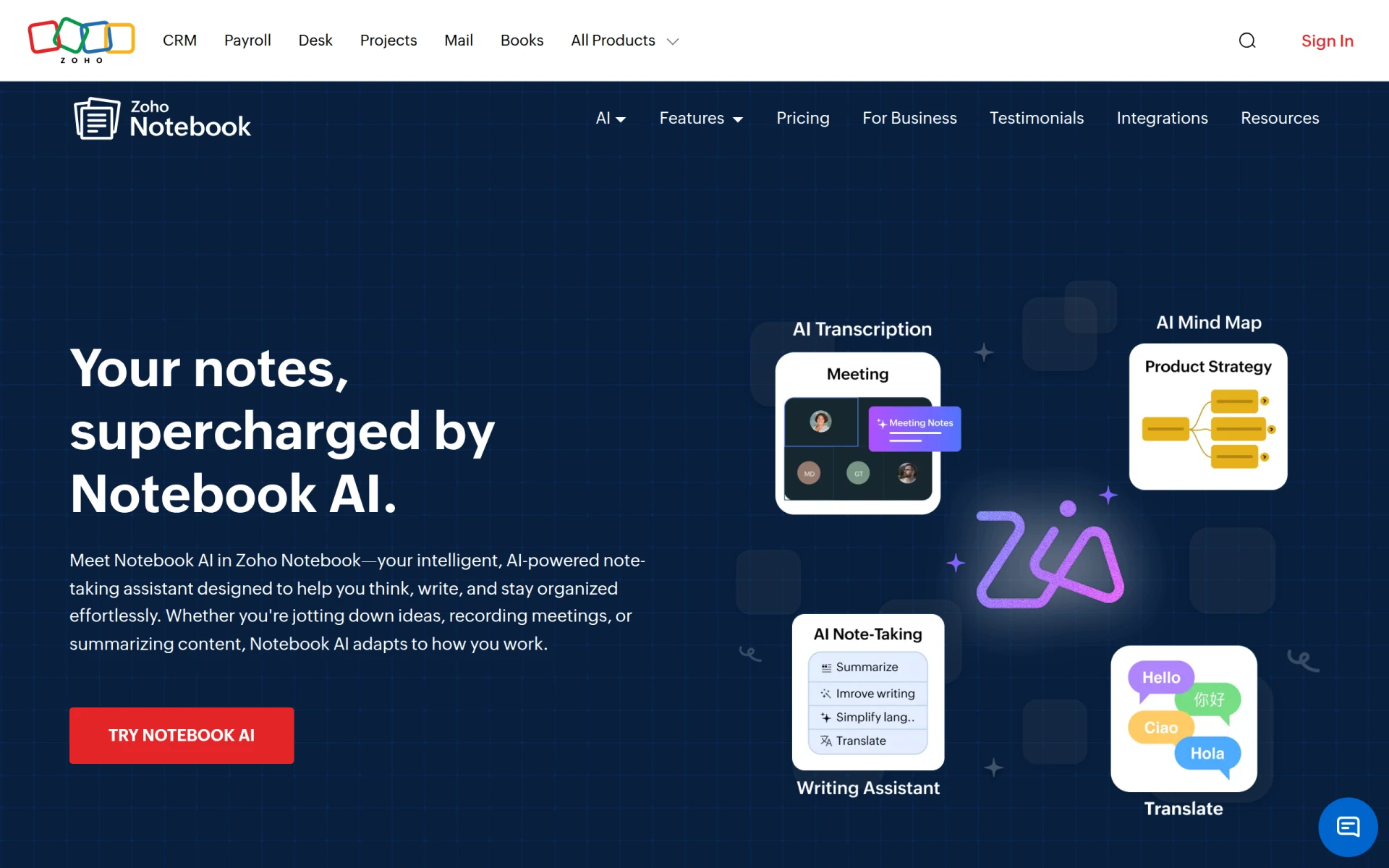
Notebook AI is a cutting-edge note-taking assistant integrated into Zoho Notebook, designed to help users enhance their writing and organization skills effortlessly. Its primary purpose is to facilitate the creation of AI-generated meeting notes, mind maps, summaries, and transcriptions, making it an efficient tool for professionals who need to capture and organize information quickly. By utilizing advanced AI capabilities, Notebook AI solves common problems associated with manual note-taking, such as inaccuracies, missed details, and the time-consuming process of summarizing conversations.
The practical advantages of using Notebook AI extend far beyond simple note-taking. By automating the transcription process, users save valuable time and reduce the cognitive load associated with manual note-taking. The mind mapping feature encourages creative thinking and idea organization, which can lead to more productive brainstorming sessions. Additionally, the ability to summarize lengthy discussions helps users focus on critical information, ultimately improving decision-making processes. With seamless integration into the cloud, teams can collaborate efficiently, ensuring everyone has access to the same information at all times.
Notebook AI can be utilized in various scenarios, including:
Notebook AI is ideal for professionals across different sectors, including:
Detailed pricing information for Notebook AI is not available at this time.
In summary, Notebook AI offers a robust suite of features designed to enhance the note-taking and transcription experience. By leveraging AI technology, it addresses common challenges faced by professionals in various fields, ultimately improving productivity and information retention. While the absence of clear pricing can be a drawback, the potential benefits make it a compelling option for users seeking to streamline their note-taking process. It’s essential to evaluate whether its features align with your specific needs before making a decision.
Consile is an all-in-one team operations platform that integrates tasks, attendance, leave, and HR functions in a secure workspace.
A comprehensive guide to keyboard shortcuts for Windows, MacOS, and Linux, enhancing productivity and workflow efficiency.
Online Whiteboard is a free collaborative tool for brainstorming and visualizing ideas in real-time with teams.
Audioread converts text from articles, PDFs, and emails into natural-sounding audio for easy listening.
Ayfie is a personal assistant software that helps users manage tasks and improve productivity through intelligent automation.
AIApply is a job application tool that helps users create tailored resumes, cover letters, and auto-apply for jobs quickly.
Weekly roundup of new AI tools, launches, and trending software. No spam — unsubscribe anytime.
No credit card required · Cancel anytime
Weekly roundup of new AI tools, launches, and trending software. No spam — unsubscribe anytime.
No credit card required · Cancel anytime








