Overview
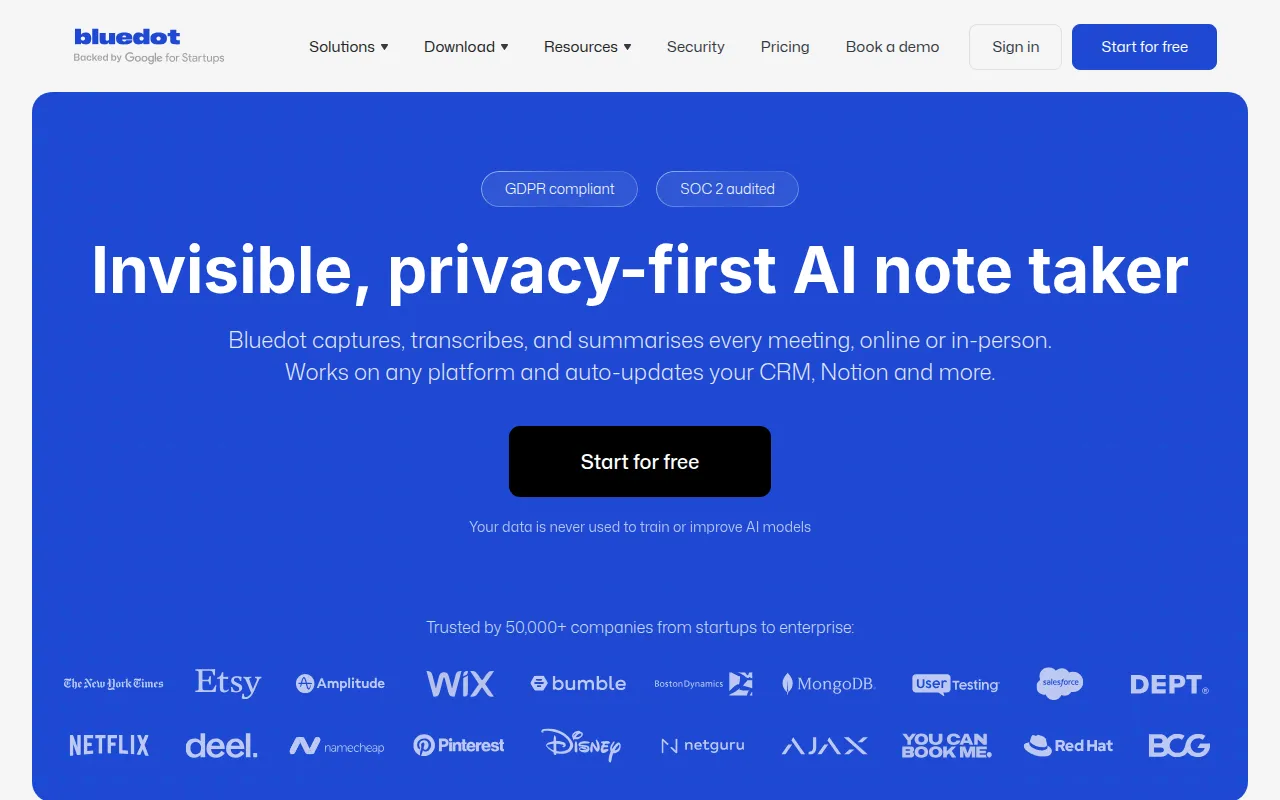
Bluedot is an AI note-taking tool designed to automatically capture, transcribe, and summarize meetings both online and in-person. Its primary purpose is to streamline the note-taking process, allowing users to focus on discussions rather than manual note-taking. Bluedot addresses common problems such as missed information during meetings and the tedious task of organizing notes after a discussion.
Key Features
- Automatic transcription of meetings
- Summarization of key points from discussions
- Multi-language support for transcription and summaries
- Integration with popular tools like CRM systems, Notion, Slack, and more
- No limits on meeting length for paid plans
- Privacy-first approach with data not used for AI training
- Chrome extension for easy access
- Mobile apps for iOS and Android
Benefits
Bluedot offers practical advantages by reducing the time spent on note-taking and ensuring that important details are captured accurately. Users can access meeting summaries that highlight key points, which aids in decision-making and follow-up actions. The integration capabilities with existing tools enhance workflow efficiency, making it easier to manage tasks and communications stemming from meetings.
Common Use Cases
Bluedot is particularly useful for remote teams that rely on virtual meetings and require accurate documentation of discussions. For example, a sales team can utilize Bluedot to record client meetings, ensuring that all client feedback and action items are documented without manual effort. Similarly, project managers can use the tool to capture updates during project meetings, allowing for better tracking of progress and accountability.
Who Should Use It
Bluedot is ideal for small to medium-sized businesses, project managers, sales teams, and professionals who frequently participate in meetings. It is particularly beneficial for those who struggle with manual note-taking or find it challenging to capture key insights during discussions. However, it may not be the best fit for users who prefer extensive customization options or those who work in environments with strict data security regulations.
Pricing Overview
Bluedot offers a flexible pricing model, including a free tier for individuals and paid plans starting from $14 per user per month. The free plan allows for up to five meetings with a maximum duration of one hour each. The Basic plan provides unlimited audio meetings, while the Pro plan includes video recording capabilities.
Conclusion
Bluedot presents a valuable tool for businesses looking to enhance their meeting documentation process through automation. While it offers various features that cater to the needs of diverse users, it is essential to consider whether its capabilities align with specific business requirements. Overall, Bluedot stands out for its ease of use and effective transcription services, making it a worthy consideration for teams aiming to improve productivity and communication clarity.