Overview
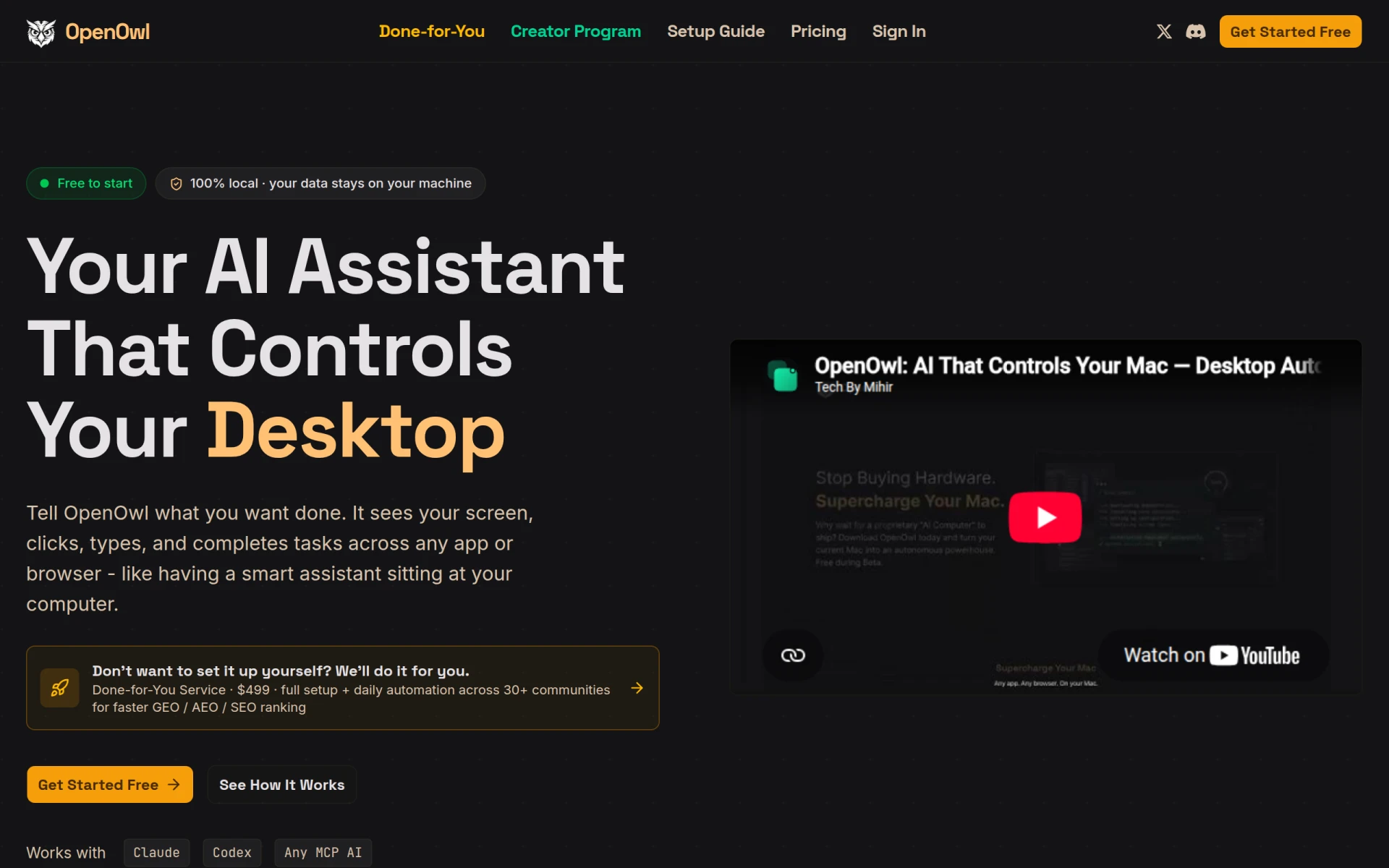
OpenOwl is an innovative automation tool specifically designed for desktop environments. It empowers AI assistants to see your screen and interact with various applications, effectively automating tasks that would typically require manual input. This functionality addresses common challenges faced by users needing to streamline repetitive activities, such as data entry, online research, and task management. By enabling AI assistants to perform actions like clicking, typing, and taking screenshots, OpenOwl helps users save time and reduce errors in their workflows.
Key Features
- Screen Interaction: Allows AI assistants to see and interact with your desktop environment.
- Click Automation: Automates mouse clicks on various applications and web browsers.
- Text Input: Enables typing in any text field across applications.
- Screenshot Capability: Takes screenshots as needed during automation tasks.
- Optical Character Recognition (OCR): Recognizes and processes text from images.
- Local Data Processing: Ensures that all data processing happens on your machine, enhancing security.
- Simple Setup: Requires only a command to install and connect to your AI assistant.
- Custom Projects: Users can specify projects for tailored automation solutions.
- Compatibility: Works with Claude, Codex, and any MCP-compatible AI.
- Done-for-You Service: Offers setup assistance for users who prefer a hands-off approach.
Benefits
OpenOwl provides practical advantages for users looking to improve their workflow efficiency. By automating routine desktop tasks, individuals can focus on higher-value work, resulting in increased productivity. The ability to run everything locally ensures that sensitive data remains secure, addressing privacy concerns. Additionally, the straightforward setup process means that users do not need extensive technical knowledge to get started, making it accessible to a wide range of users.
Common Use Cases
OpenOwl is particularly useful in various scenarios, such as:
- Automating data entry tasks in spreadsheets and databases.
- Conducting web scraping efficiently for research or marketing purposes.
- Managing repetitive online tasks, like posting updates on social media.
- Assisting in software testing by automating user interactions within applications.
- Helping freelancers manage multiple client projects by automating reminders and updates.
Who Should Use It
OpenOwl is ideal for professionals who frequently engage in repetitive tasks, such as data analysts, marketers, and project managers. Freelancers and small business owners can also benefit from its automation capabilities to save time and improve efficiency. However, it may not be the best fit for users who require extensive cloud-based functionalities or those who rely heavily on mobile devices, as it is primarily focused on desktop automation.
Pricing Overview
OpenOwl offers a free tier with 50 tool calls per day, allowing users to explore its capabilities without commitment. For more extensive use, users can upgrade to the CloudPro plan at $14 per month or $167.99 billed annually. A done-for-you setup service is also available for $499.
Conclusion
OpenOwl presents a compelling solution for those looking to automate desktop tasks with the help of AI assistants. Its local processing model enhances security, while its user-friendly setup makes it accessible to a broad audience. While it excels in many areas, potential users should assess whether its desktop-focused features align with their specific automation needs, particularly in relation to mobile or cloud-based tasks.