Overview
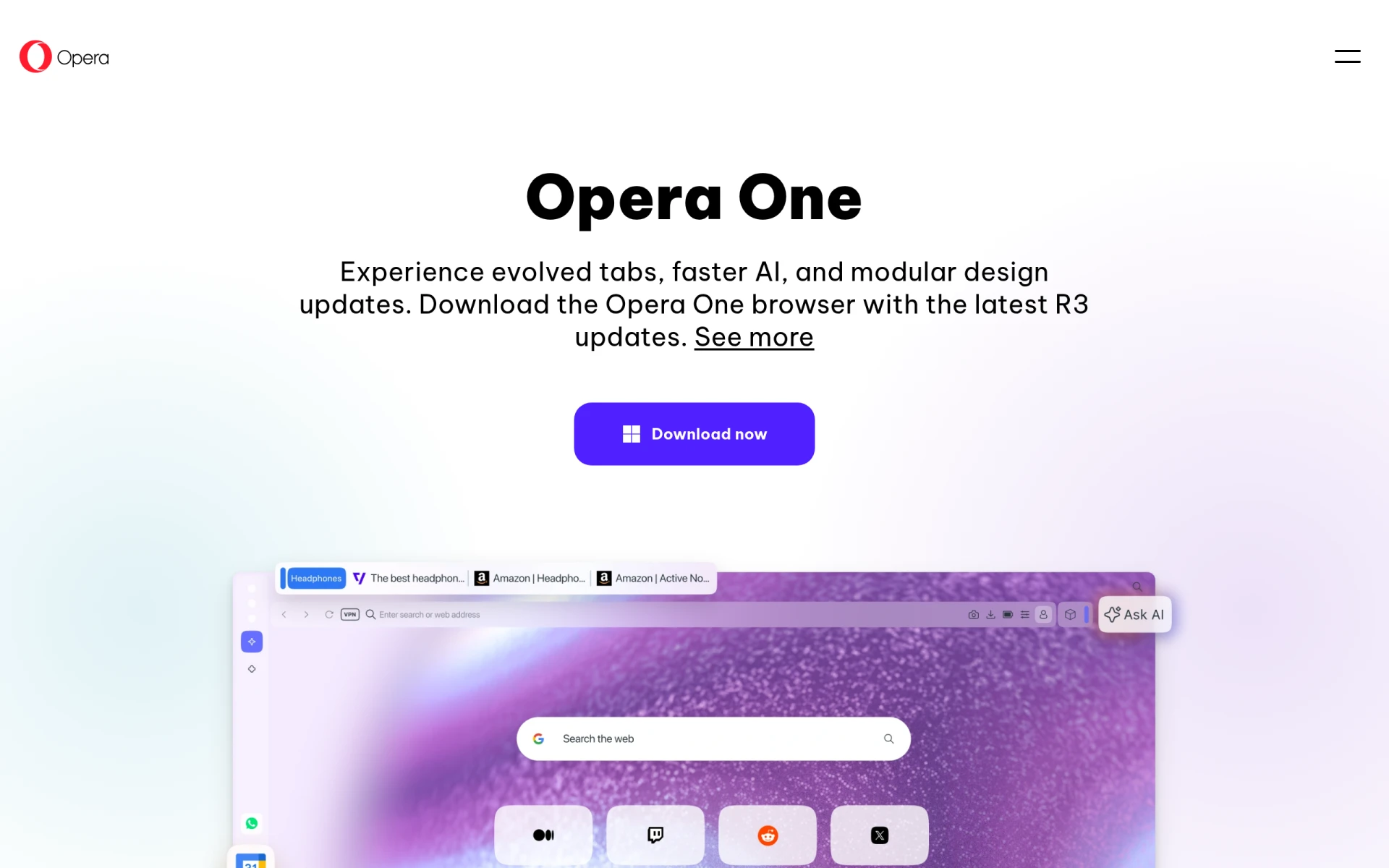
Opera One is a modern web browser designed to enhance the browsing experience for users with innovative features and an intuitive interface. Its primary purpose is to offer a fast, customizable, and user-friendly alternative to traditional web browsers. Opera One addresses common browsing challenges such as tab management, website organization, and productivity through its unique functionalities.
The browser integrates features such as customizable tab islands, which allow users to group related tabs together for better organization. This is particularly useful for individuals who tend to juggle multiple tasks or projects at once. Additionally, Opera One's AI capabilities streamline web interactions, making it easier to navigate and find information quickly.
Key Features
- Tab Islands: Organize tabs into groups for a cleaner and more thematic browsing experience.
- Customizable Tab Grouping: Allows users to name and color-code tab islands for better identification.
- Enhanced AI: Improved AI functionalities for faster search and web interactions.
- Sidebar Integration: Access frequently used features and tools from a convenient sidebar.
- Split Screen: View multiple tabs side by side for better multitasking.
- Privacy Features: Built-in VPN and ad blocker to enhance online security.
- Custom Themes: Personalize the browsing experience with various themes and design options.
- Speed Dial: Quickly access favorite websites from a customizable homepage.
Benefits
Using Opera One provides several practical advantages for users. The customizable tab islands significantly improve workflow efficiency by allowing users to organize their browsing sessions effectively. The enhanced AI capabilities lead to quicker access to information, improving overall productivity. Moreover, the privacy features integrated into the browser help protect users from online threats, ensuring a safer browsing experience.
Common Use Cases
Opera One is ideal for professionals who manage multiple projects and require effective tab management. For instance, a marketing professional can use tab islands to group resources, client websites, and research materials together. Students can benefit from the split-screen feature by taking notes while researching online. Additionally, anyone concerned about online privacy will appreciate the built-in VPN and ad blocker functionalities.
Who Should Use It
Opera One is best suited for users who value customization and enhanced productivity. It is particularly beneficial for professionals, students, and anyone who frequently engages in multitasking online. However, those who prefer more traditional browsing experiences or require specific integrations may find it less suitable.
Pricing Overview
Currently, Opera One is available for free, with no subscription or licensing fees indicated.
Conclusion
In summary, Opera One stands out as a versatile web browser that prioritizes user customization and productivity. With its unique features such as tab islands and enhanced AI capabilities, it addresses common browsing challenges effectively. While it is an excellent choice for users seeking a modern browsing experience, it may not be the best fit for everyone, particularly those who prefer a more conventional browser layout. Overall, Opera One is a worthy option for those looking to enhance their online experience with a focus on organization and efficiency.