Overview
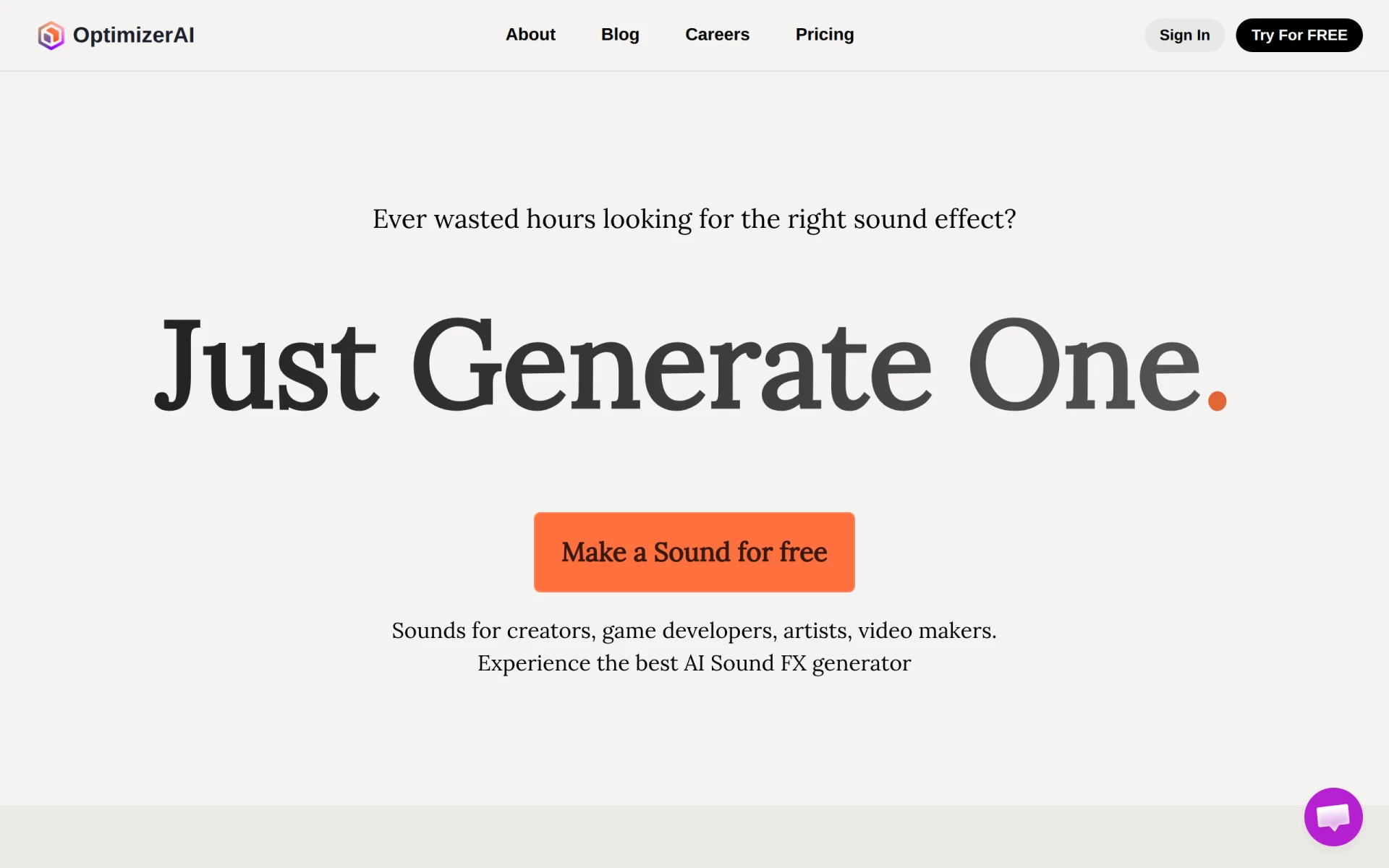
Optimizer AI is an innovative audio tool designed for sound generation using artificial intelligence. Its primary purpose is to enable users to create unique sound effects effortlessly, addressing the common challenge of finding suitable audio for creative projects. By leveraging advanced AI technology, Optimizer AI helps users generate high-quality sound effects tailored to their specific needs, reducing the time and effort typically required for audio selection and creation.
Key Features
- Unlimited sound generation: Create as many sound effects as needed without restrictions.
- High-quality audio output: Generate sounds in various formats, including MP3, WAV, and FLAC.
- User-friendly interface: Easily navigate the platform and produce sounds with minimal effort.
- Custom prompts: Input specific descriptions to generate tailored sound effects.
- Commercial use rights: Use generated sounds in commercial projects without additional fees.
- Multiple generations: Generate several sounds simultaneously to enhance productivity.
- File upload capability: Upload short audio clips (up to 10 seconds) to modify or expand upon.
- State-of-the-art AI technology: The platform is built on advanced AI research to ensure superior sound quality.
Benefits
Optimizer AI provides practical advantages for creators by allowing them to save time and resources. Users can generate unique sounds that align perfectly with their projects, whether for video production, gaming, or advertising. This capability not only enhances creativity but also improves the overall quality of content. By removing the need for extensive audio libraries or costly sound effect purchases, Optimizer AI offers a cost-effective solution for sound design.
Common Use Cases
- Video production: Filmmakers can create custom sound effects for movies or online videos, enhancing the viewer experience.
- Game development: Game developers can generate unique sound effects that are essential for gameplay immersion.
- Podcasting: Podcasters can create sound effects to improve storytelling and engage listeners.
- Advertising: Marketers can produce tailored soundscapes to accompany promotional content, making ads more memorable.
- Animation projects: Animators can generate sounds that are synchronized with their animations, making them more captivating.
Who Should Use It
Optimizer AI is ideal for content creators such as filmmakers, game developers, podcasters, and animators who need high-quality sound effects without the hassle of traditional sound design methods. However, it may not be the best fit for users who require extensive audio editing or advanced mixing capabilities, as the tool primarily focuses on sound generation.
Pricing Overview
Optimizer AI offers a subscription model with three pricing tiers: Starter at $5/month (billed yearly), Pro at $12/month (billed yearly), and Unlimited at $32/month (billed yearly). Each plan varies in the number of credits and sound download formats available.
Conclusion
In conclusion, Optimizer AI presents a valuable tool for anyone in need of custom sound generation. While it excels in providing high-quality audio outputs and user-friendly experiences, potential users should assess whether its features align with their specific audio needs. Overall, it stands as a strong option for various creative applications, particularly for those looking to enhance their projects with unique sound effects.