



Consile
Freemium
Consile is an all-in-one team operations platform that integrates tasks, attendance, leave, and HR functions in a secure workspace.
 O
O
Otter.ai is an AI-powered notetaking tool that transcribes meetings into searchable text, enhancing productivity and collaboration.
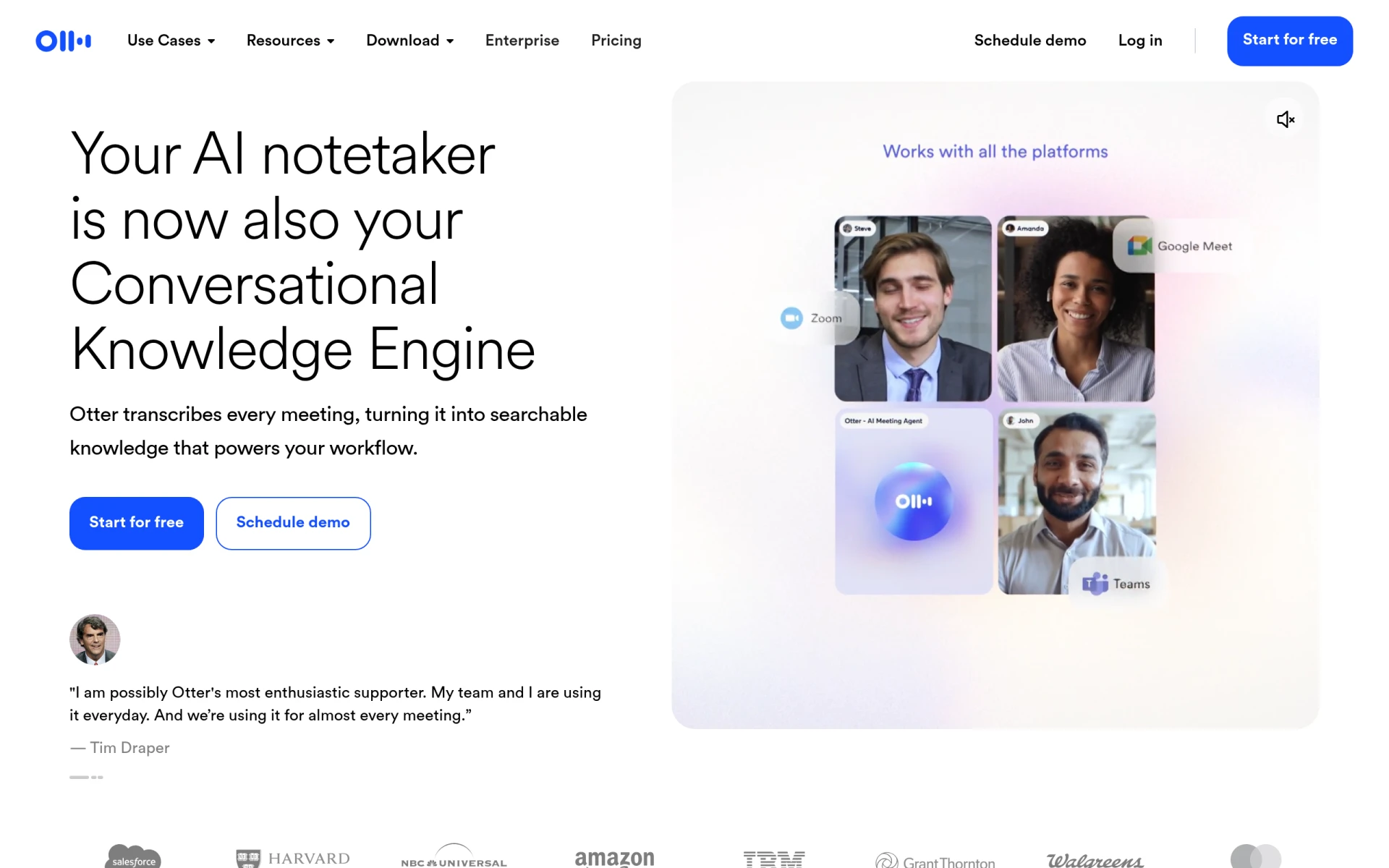
Otter.ai is an advanced AI notetaking software designed to transcribe meetings and conversations in real-time. Its primary purpose is to facilitate better documentation of discussions, which can often be challenging in fast-paced environments. By converting spoken language into written text, Otter.ai addresses common issues such as missed information, the need for accurate record-keeping, and the inefficiencies that arise from manual note-taking.
The software is particularly useful for professionals who attend numerous meetings, interviews, lectures, or any situation where capturing spoken content is essential. It transforms conversations into searchable knowledge, allowing users to retrieve information easily and maintain a structured record of their discussions.
Otter.ai provides several practical advantages for users seeking to enhance their productivity and collaboration. The ability to transcribe meetings in real-time means that users can focus on the discussion rather than worrying about taking notes. This can lead to improved engagement and participation, as team members can contribute more effectively without distraction.
Additionally, the searchable nature of transcriptions allows users to quickly locate key points and insights from past meetings, which can be invaluable for follow-up actions and decision-making. The software’s integration with major video conferencing platforms means that users can seamlessly incorporate it into their existing workflows without significant disruptions.
Otter.ai is well-suited for various scenarios, including:
Otter.ai is ideal for professionals in dynamic work environments, such as:
However, it may not be the best fit for individuals who prefer manual note-taking or those in highly confidential environments where automated transcription might raise privacy concerns.
Otter.ai offers a variety of pricing plans, including a free basic plan and a Pro version for individuals and small teams, priced at $16 per month. Users are encouraged to visit the official website for the most current pricing details and options.
Otter.ai stands out as a powerful tool for those needing reliable meeting documentation and transcriptions. While it offers significant benefits, such as real-time transcription and searchable notes, potential users should consider their specific needs and the software's limitations. Overall, Otter.ai is a valuable resource for enhancing productivity and collaboration in various professional settings.
Consile is an all-in-one team operations platform that integrates tasks, attendance, leave, and HR functions in a secure workspace.
A comprehensive guide to keyboard shortcuts for Windows, MacOS, and Linux, enhancing productivity and workflow efficiency.
Online Whiteboard is a free collaborative tool for brainstorming and visualizing ideas in real-time with teams.
Audioread converts text from articles, PDFs, and emails into natural-sounding audio for easy listening.
Ayfie is a personal assistant software that helps users manage tasks and improve productivity through intelligent automation.
AIApply is a job application tool that helps users create tailored resumes, cover letters, and auto-apply for jobs quickly.
Weekly roundup of new AI tools, launches, and trending software. No spam — unsubscribe anytime.
No credit card required · Cancel anytime
Weekly roundup of new AI tools, launches, and trending software. No spam — unsubscribe anytime.
No credit card required · Cancel anytime








