Overview
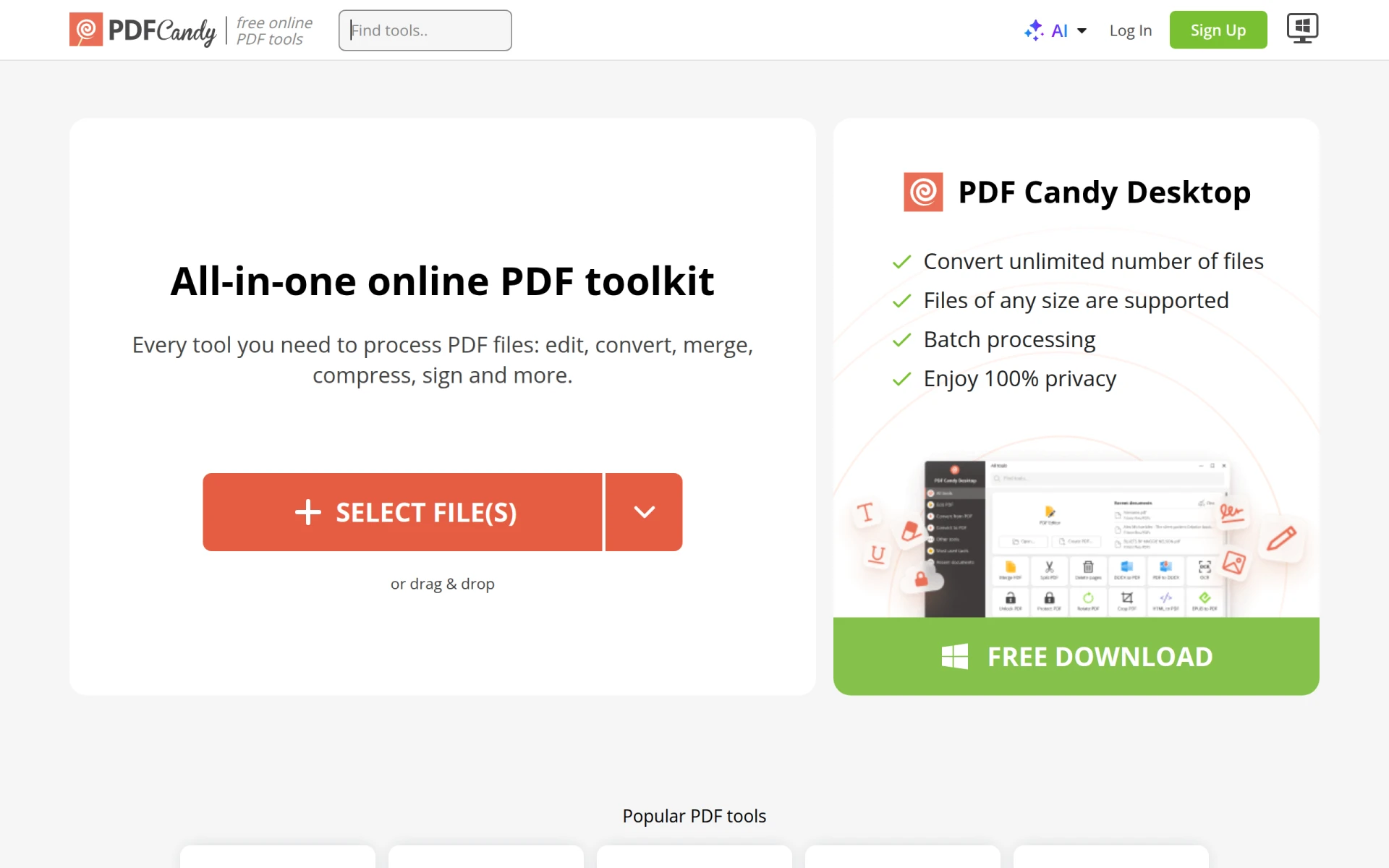
PDF Candy is a versatile online toolkit designed to facilitate the management and processing of PDF files. Its primary purpose is to provide users with a range of free tools that allow them to edit, convert, and manipulate PDF documents efficiently. The software addresses common challenges faced by individuals and businesses when dealing with PDF files, such as the need to convert formats, merge multiple documents, or extract specific content. By offering a user-friendly interface and a comprehensive set of functionalities, PDF Candy simplifies many tasks associated with PDF management.
Key Features
- PDF conversion: Convert files to and from PDF easily.
- PDF editing: Modify text and images within PDF documents.
- PDF merging: Combine multiple PDF files into a single document.
- PDF splitting: Divide a PDF into separate files based on user-defined criteria.
- PDF compression: Reduce the file size of PDFs for easier sharing.
- PDF unlocking: Remove password protection from PDF files when permitted.
- PDF protection: Add password protection to secure sensitive documents.
- PDF translation: Translate PDF content into various languages.
- PDF summarization: Generate concise summaries of PDF documents.
- PDF rearranging: Change the order of pages within a PDF file.
Benefits
PDF Candy offers several practical advantages for users looking to manage PDF documents. Firstly, its free access allows individuals and businesses to utilize powerful tools without incurring costs, making it suitable for budget-conscious users. Secondly, the ease of use and intuitive interface enable even non-technical users to navigate the functionalities without extensive training. Moreover, the variety of tools available in one platform reduces the need for multiple applications, streamlining the document management process. Additionally, the ability to work directly from a web browser eliminates the need for software installation, allowing for greater flexibility and accessibility.
Common Use Cases
PDF Candy is particularly useful in various scenarios. For example, freelance writers can quickly convert their drafts from Word to PDF for client submissions. Small business owners may find the merging feature beneficial for combining invoices and contracts into a single PDF for easier management. Students can utilize the editing tools to annotate lecture notes or combine research materials into one document. Additionally, marketing teams can extract relevant data from PDF reports to create presentations. Each of these use cases showcases how the tools offered by PDF Candy can solve everyday challenges.
Who Should Use It
PDF Candy is ideal for a wide range of users, including freelancers, educators, and small business owners who require straightforward PDF management solutions. Its user-friendly design makes it accessible for those without a technical background. However, it may not be the best fit for large enterprises with complex document management needs, as they might require more robust, enterprise-level solutions with additional features and integrations.
Pricing Overview
PDF Candy offers a free version of its services, but detailed pricing information for premium features or subscription options is not readily available on their website.
Conclusion
In summary, PDF Candy provides a solid set of tools for individuals and businesses looking to manage PDF documents efficiently. While it offers numerous features that cater to a variety of needs, potential users should consider their specific requirements, especially if they belong to larger organizations. Overall, PDF Candy stands out for its accessibility, ease of use, and the comprehensive range of functionalities available for free, making it a practical choice for many users dealing with PDF files.